Steam crashes on mesa/nouveau 18.0.5 and NV4B
Hello @alex19712207, does any 32 bit opengl application like glxinfo from mesa-utils:i386 work?
does any 32 bit opengl application like
glxinfofrommesa-utils:i386work?
Hello kisak-valve! thank you for your answer. All four applications work. I attach screenshots and a text document. Concerning the distro-provided steam package, it is installing but shuts down after initializing. I attach logs.
bootstrap_log.txt
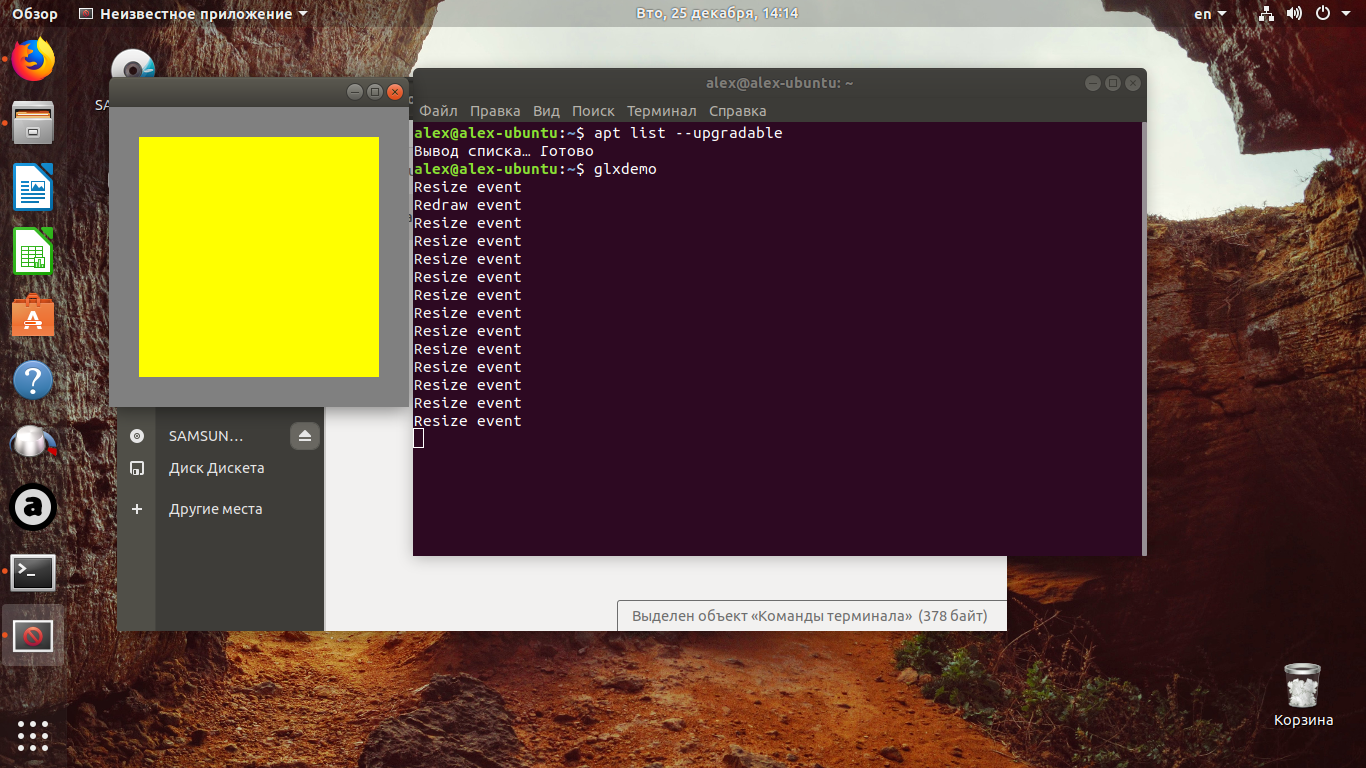
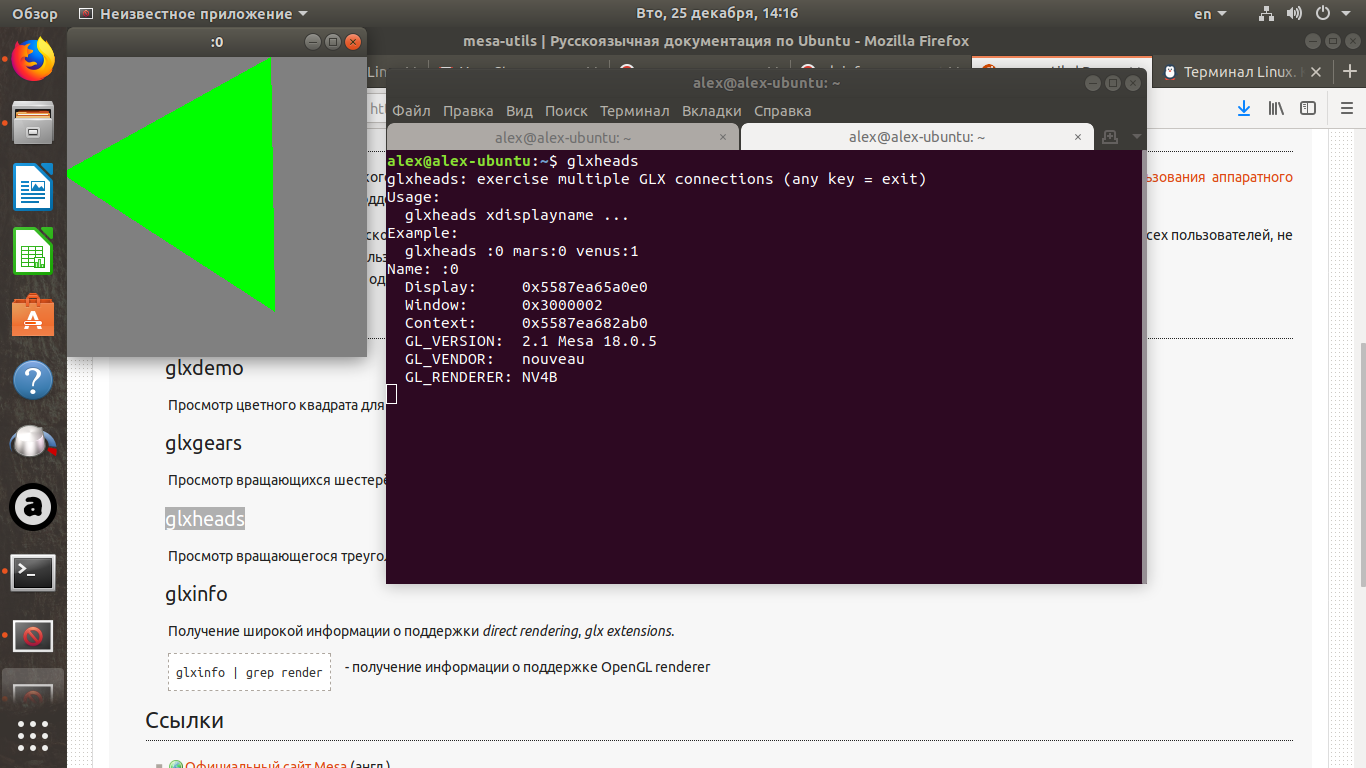
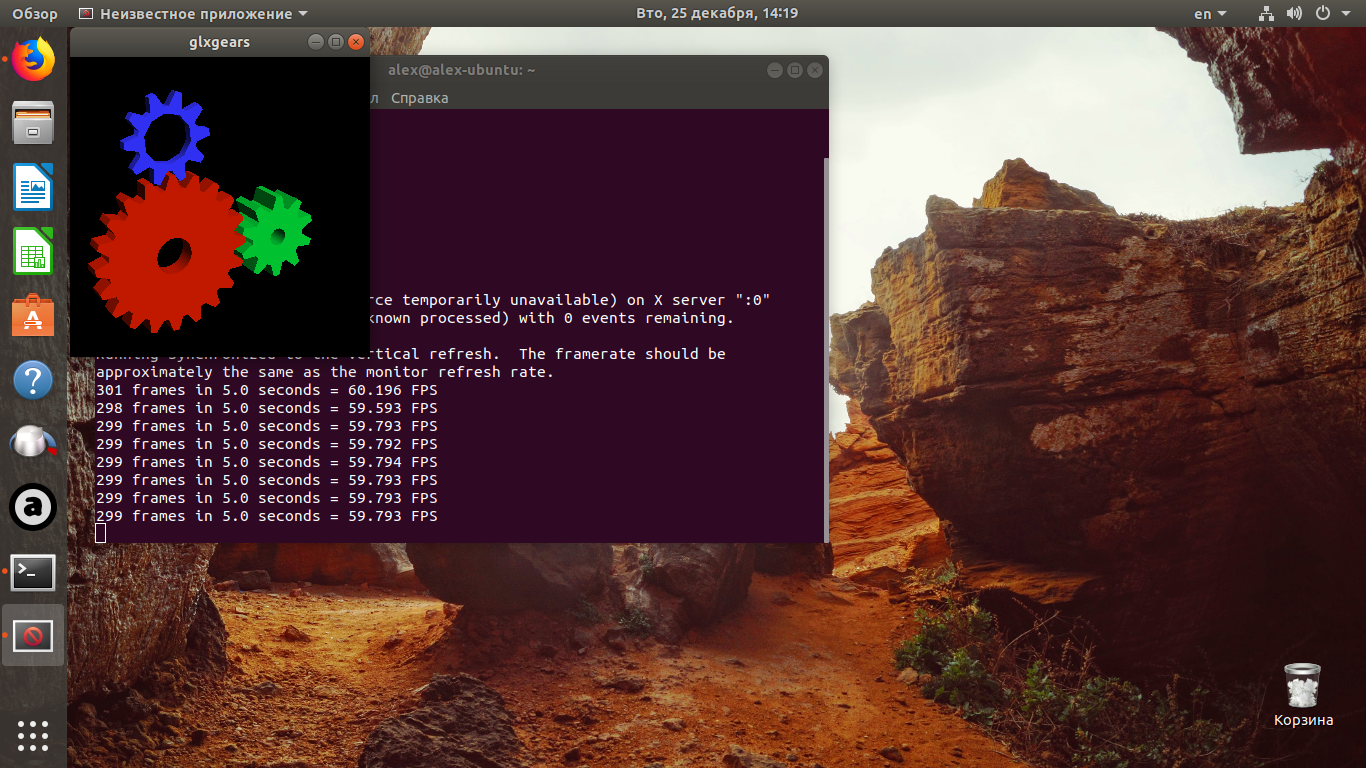
What model CPU do you have? Does it support SSE3 (issue #5164)? If you have a ~/.steam/error.log and a corresponding minidump in /tmp/dumps/, please throw them in an archive and drag and drop the archive into the comment box.
Hello, my model of CPU ATLON 5000+ 64bit. I attach the computer data in the file. I attach dump and other errors (logs) I have managed to find. Thanks in advance.
ALEX.txt
For reference, the attached minidump is a SIGSEGV in nouveau_dri.so (part of the video driver).
You may have better luck with the nvidia 304.xx video driver.
Thank you for your answer. Is it ok that it shuts down after login before the game initializing? There is no pointed driver in the repository Ubuntu 18.04. But I will try the alternative way of installing.Has the video driver got anything to the start of Steam client before game download? Long time ago I used Steam on the Linux Mint. They offered to install driver invidia already after start Steam client.
Steam is a basic 32 bit opengl application and needs about OpenGL 2.0 to run. In theory it should be
able to work on your system.
The nVidia 304.137 driver is the last of an EoL'd series, and was compatible with kernels up to 4.12. It's very possible that it also won't play nicely with Ubuntu 18.04's 4.15 kernel and was intentionally removed from Ubuntu.
Had a bit of discussion about this on #nouveau. Can you grab a newer version of mesa like from Padoka Stable PPA and give that a try? If the nvidia 304 series doesn't play nicely, then don't force it.
If Steam is still crashing on a current version of mesa, it would be a good idea to grab an apitrace and submit an issue report to mesa.
[nouveau developer here]
First off, try to get the NVIDIA proprietary driver to work -- it will be MUCH more reliable than nouveau on pre-G80 hardware. Especially for software designed after the cards' heyday.
kisak did bring up this issue in the IRC channel, and I was able to reproduce with a NV34 I had plugged in. This is the same issue as https://bugs.freedesktop.org/show_bug.cgi?id=102349, with the important difference that I was able to reproduce myself.
I have some candidate fixes for this and a handful of other issues I discovered when trying to test these fixes, which I will hopefully be able to push out in the next few days. At least in my setup, with the fixes, steam is able to make it into the main application with the NV34 (but all the graphics are missing due to lack of NPOT support -- NV4x would be able to work with those).
I've just pushed some code to mesa master which should make the steam client load now without any obvious issues. This was tested on a Quadro FX 3450 (NV42), which is relatively similar to the NV4B hardware. Not sure how you'd get that onto your system, perhaps there are some package providers that provide up-to-date builds.
Should show up in Mesa 19.0, but if I can get other people to test, I could recommend the patches for inclusion into 18.3.x.
The next build of mesa in oibaf PPA should be a good test case.
@alex19712207, Oibaf PPA should now have the fixes. Please retest with mesa from there.
Closing as fixed in the driver, thanks @imirkin.
Nothing extracted yet.
Your system information
Please describe your issue in as much detail as possible:
Describe what you expected should happen and what did happen. Please link any large code pastes as a
Steps for reproducing this issue:steam_client_ubuntu12
4 yes
5 logs - https://drive.google.com/file/d/1uB3u1Zw4txJrqmBPqtKA-LiqSMFjJ5yL/view?usp=sharing