Steam doesn't start correctly on Ubuntu MATE 18.04
Hello @NathSoM, does does ~/.steam/error.log have any hints? Does any 32 bit opengl application like glxinfo from mesa-utils:i386 work?
I can't find ~/.steam/error.log and glxinfo seems to work, I just ran it in the Teminal, but I don't know if it's the 32bit or 64bit version.
apt policy mesa-utils:i386 should tell you if you if glxinfo which is installed is the 32 bit variant.
What video card / driver version are you using?

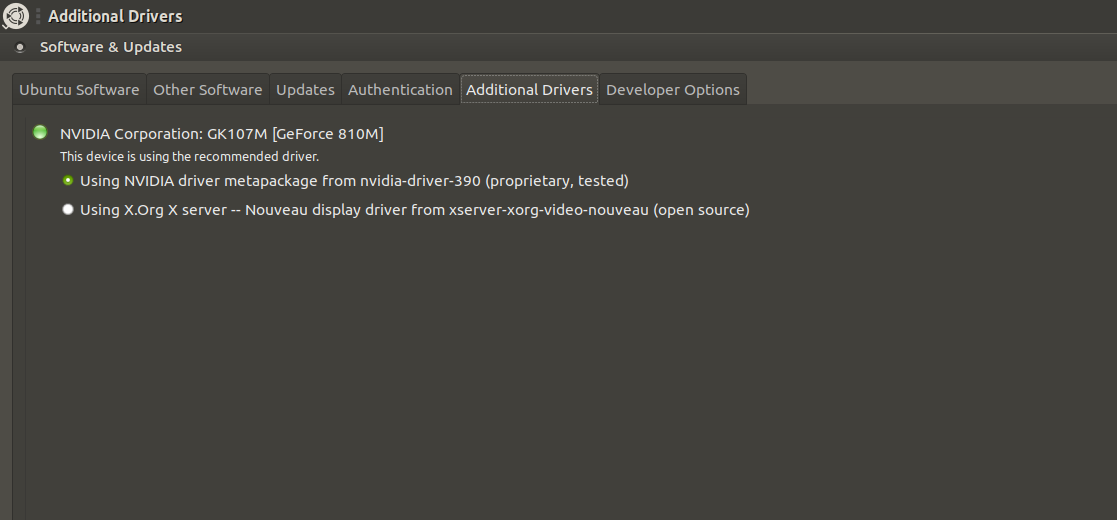
This is what I get when I run apt policy mesa-utils:i386. I'm using an Nvidia GeForce 810M, here's the driver info:
Installed: none, tells you that the 64 bit mesa-utils is installed, so it gave you misleading feedback earlier when we wanted to know if the 32 bit opengl stack was working.
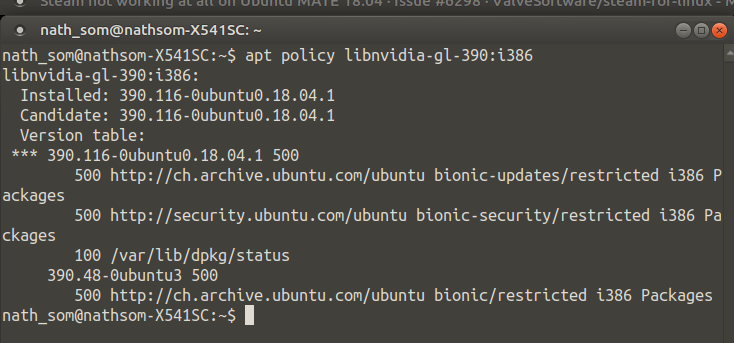
Check if you have libnvidia-gl-390:i386 with apt policy and install it with sudo apt install libnvidia-gl-390:i386 to get nvidia's 32 bit userspace support for that driver series. If apt wants to uninstall a bunch of packages, don't let it proceed.
It looks like I apparently have it:
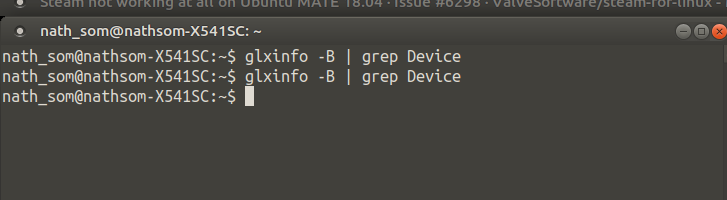
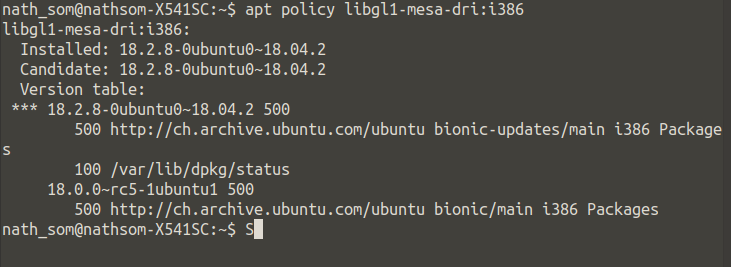
What does glxinfo -B | grep Device output? Can you also check if you have libgl1-mesa-dri:i386?
It doesn't output anything:
And I have lbgl1-mesa-dri:i386 :
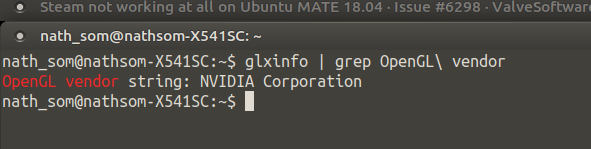
Thanks for checking mesa, maybe glxinfo | grep OpenGL\ vendor will tell us if the system is using the Intel or nVidia chipset. The distro-provided steam package can have a harder time setting up Steam on systems using mesa.
My current line of thought is that you're running on an Optimus laptop and the distro-provided Steam package is giving you trouble with the Steam runtime. Without a log, it's hard to tell, but Steam needs to successfully run once for it to setup the Steam runtime for it to continue to work as expected.
The Valve-provided Steam package has improved behavior around this compared to the distro-provided steam package. To use this you'd need to apt purge steam to remove the distro-provided variant, move/remove ~/.steam, then download and install the package from Valve's website. This will setup steam in ~/.local/share/Steam with some legacy and convenience paths in ~/.steam.
Alternatively, you can try some of the workarounds at #4768 to try to get Steam to run for the first time, if that's what the issue is, then the workaround will only be needed once.
I realized I forgot the tilde when running the command, here's the log:
bootstrap_log.txt
Here's the output to that other command you sent:
Nothing extracted yet.
Your system information
Please describe your issue in as much detail as possible:
Doesn't start on first launch, gives "Steam error- contact techincal support" message box on consequent launches.
Steps for reproducing this issue: