Hello @Occhioverde, you've encountered a packaging issue with the distro's steam package. Installing the steam-native package on Manjaro disables the Steam runtime and the distro's package maintainer(s) is responsible for providing all dependencies if the runtime is disabled. This is the Manjaro variant of https://bugs.archlinux.org/index.php?do=details&task_id=62095.
You can workaround this issue by completely closing Steam. then running STEAM_RUNTIME=1 steam in a terminal or removing the steam-native package.
Closing as not-our-bug.
Nothing extracted yet.
Your system information
Please describe your issue in as much detail as possible:
I downloaded Steam installation packages from my distribution's Pacman repos today:

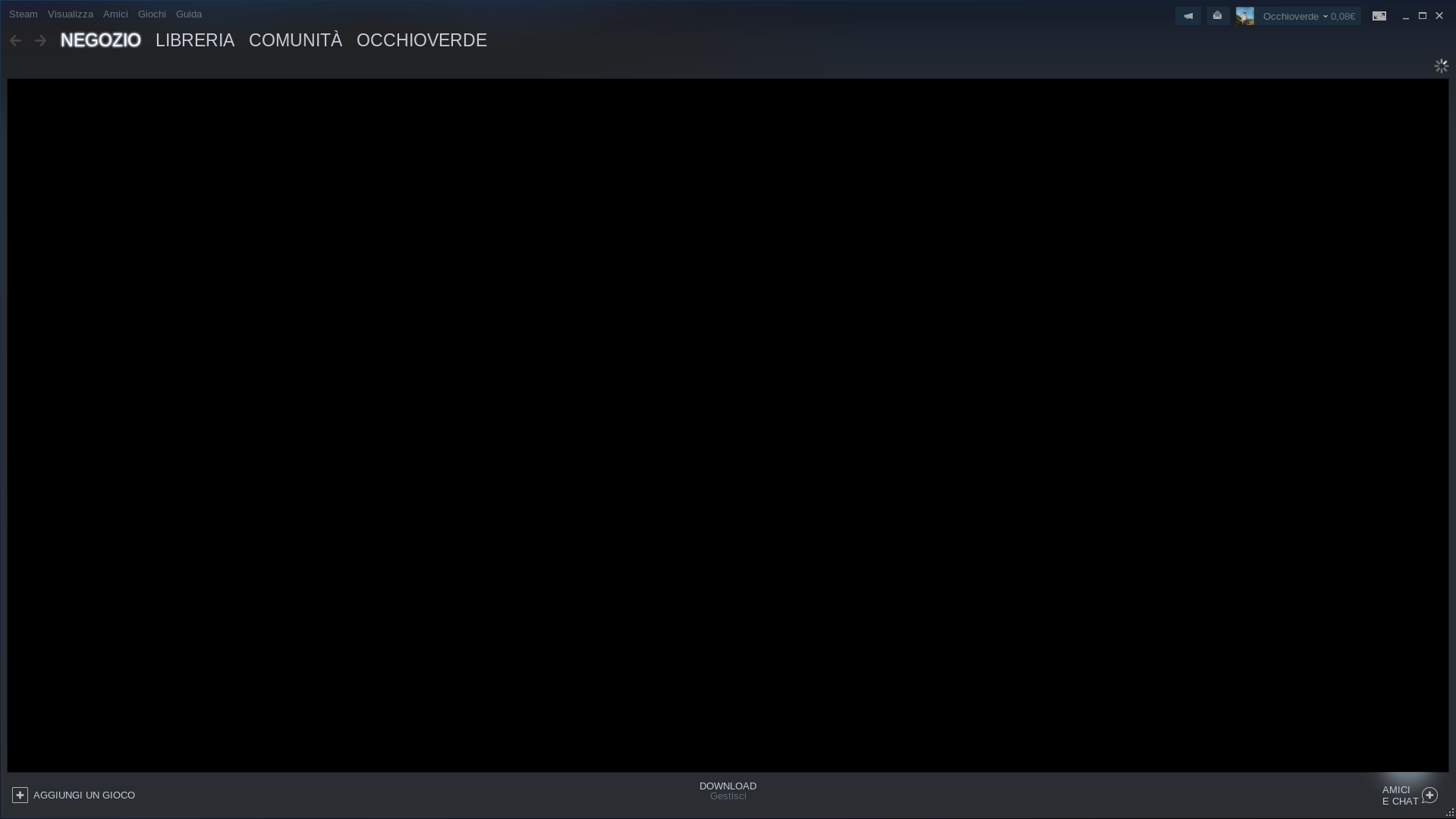
Once the client started, however, I realized that it is not possible to view the store page because, in its place, a completely black screen appears with the loading symbol perpetually displayed at the top right:
I have therefore updated to the beta version of the software, but the problem is not solved.
I therefore wonder if there is a way to display this screen anyway without having to use the browser.
Steps for reproducing this issue: