Keyboard
Hello @Root-Plasma, what does running locale -a in a terminal give you? In particular, I'm interested if the output includes en_US.utf8 or possibly C.utf8.
If it is missing, please add the locale to your system with something similar to #5589.
@kisak-valve
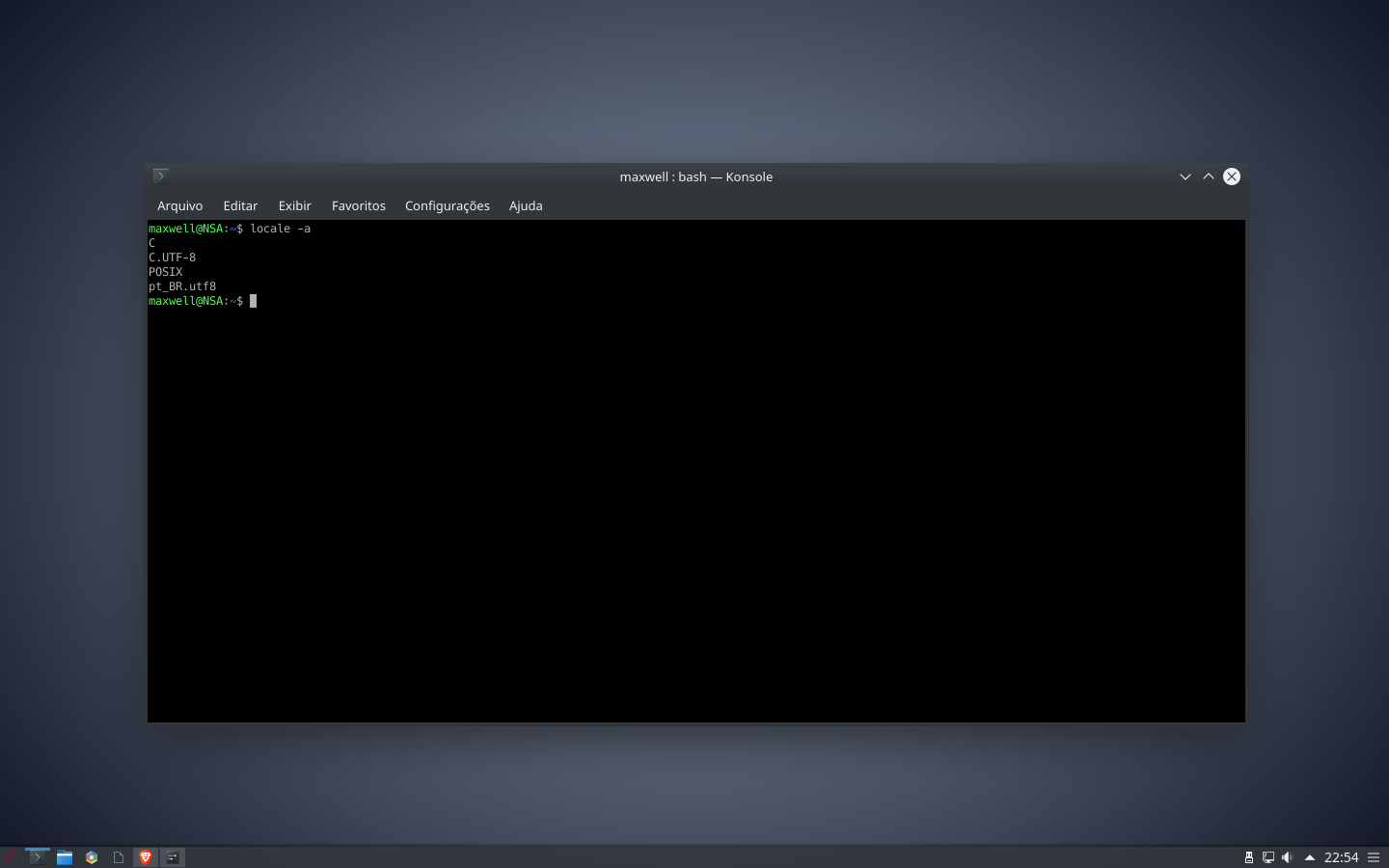
Thanks, as described in #5589, please add en_US.UTF-8 UTF-8 to /etc/locale.gen and run sudo locale-gen, then retest.
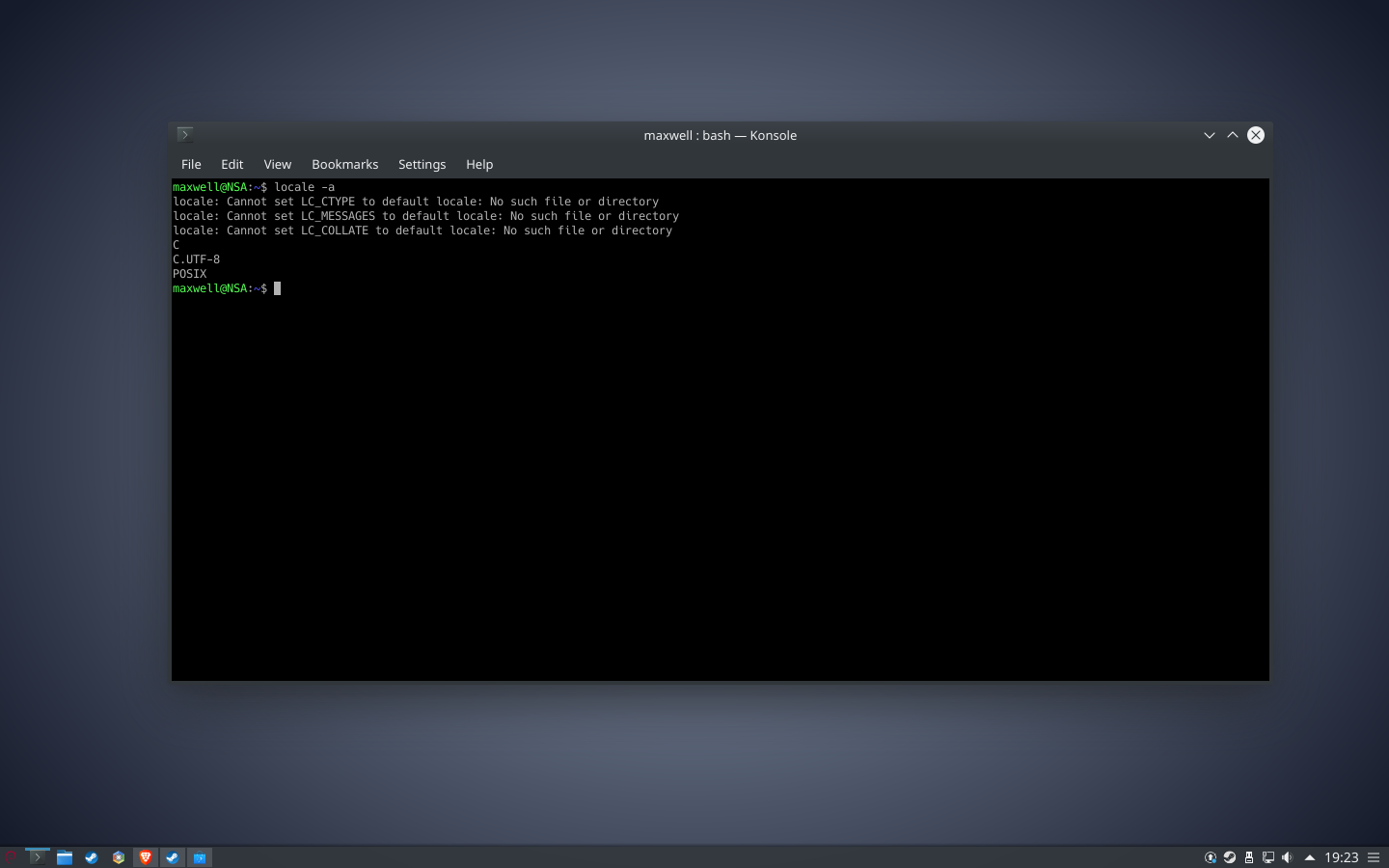
and now my debian is only in english, i´m pt-br
Adding another locale to the system shouldn't remove the existing locale like that. You should be able to change the config back to what it was before and re-run sudo locale-gen to get back to where you were before.
Just to double check, did you add en_US.UTF-8 UTF-8 on a separate line from pt_BR.UTF-8 UTF-8? Can you attach the config file to this issue report?
to .gen to .txt
locale.txt
i fixed the linguage
I would try uncommenting lines 163, 381, and 382 like locale.gen.txt and see if sudo locale-gen generates both locales.
There's a bit of a language barrier happening here, and I don't want to go around in circles, so if that doesn't work as expected, then you may have some luck asking around your distro's community on how to add locales to your system.
Well @kisak-valve thanks for your help, good job ;)
we can be friends :P?
Just to confirm, is the original text entry issue resolved by that config adjustment? If it is, then we can close this as a duplicate of #5589.
Danke...
EDIT: IT WORKS!!!!!!!!!!!! thanks @kisak-valve

Nothing extracted yet.
Your system information
the first time I installed steam on debian it had also appeared that the browser within steam is not supported
Keyboard accents do not work within steam and only in steam, per example:
All apps except steam
ã é í ó ú
Steam
a e i o u
Steps for reproducing this issue:
1 install steam from official steam site
2 switch to the keyboard that has accents
3. nothing works with the accent keyboard inside steam