Steam client downloads something for multiple different games upon launch
Hello @Lastique, you've described the expected behavior of Steam's shader pre-caching. As new shaders are discovered that go with the game, the shader pre-cache set is updated for everybody.
@kisak-valve I have seen shader pre-caching before, and it does not seem like it. First, Steam client would explicitly say "shader pre-caching" in the download tab previously, and now it doesn't. Second, shader downloads were not as frequent as the "updates" I'm seeing. Where previously shader downloads happened maybe once or twice a week, for one or two games, these downloads happen every day and for more games at once.
You should be able to watch the contents of ~/.local/share/Steam/logs/shader_log.txt and if I'm right about those downloads being part of Steam's shader cache, then they should show up in that log as those updates come in, otherwise, I think they should appear in [...]/logs/content_log.txt.
@kisak-valve I don't have the ~/.local/share/Steam/logs directory. Is there something that has to be done to enable logs?
Also, why is it no longer apparent in the UI that the downloaded content is shaders cache? It used to be visible.
For me the information about "Shader-pre-caching update" only shows up when both of the following conditions are met:
- the update is in the "Scheduled" list
- there is a "Game content" update accompanying the Shader-pre caching update
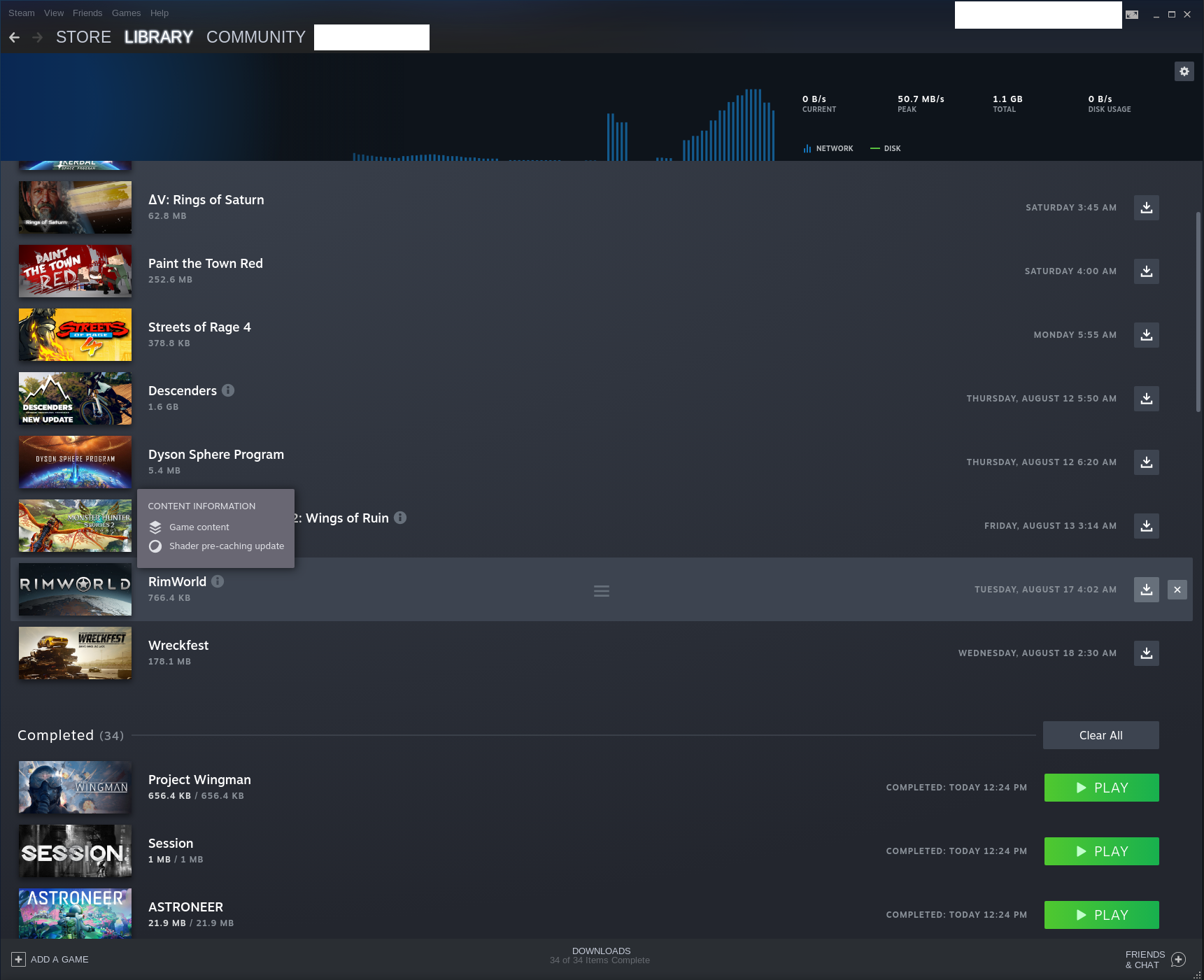
Games in "Up Next", the game currently being updated as well as games in "Completed" lose the "i" icon completely (even if they had one before).
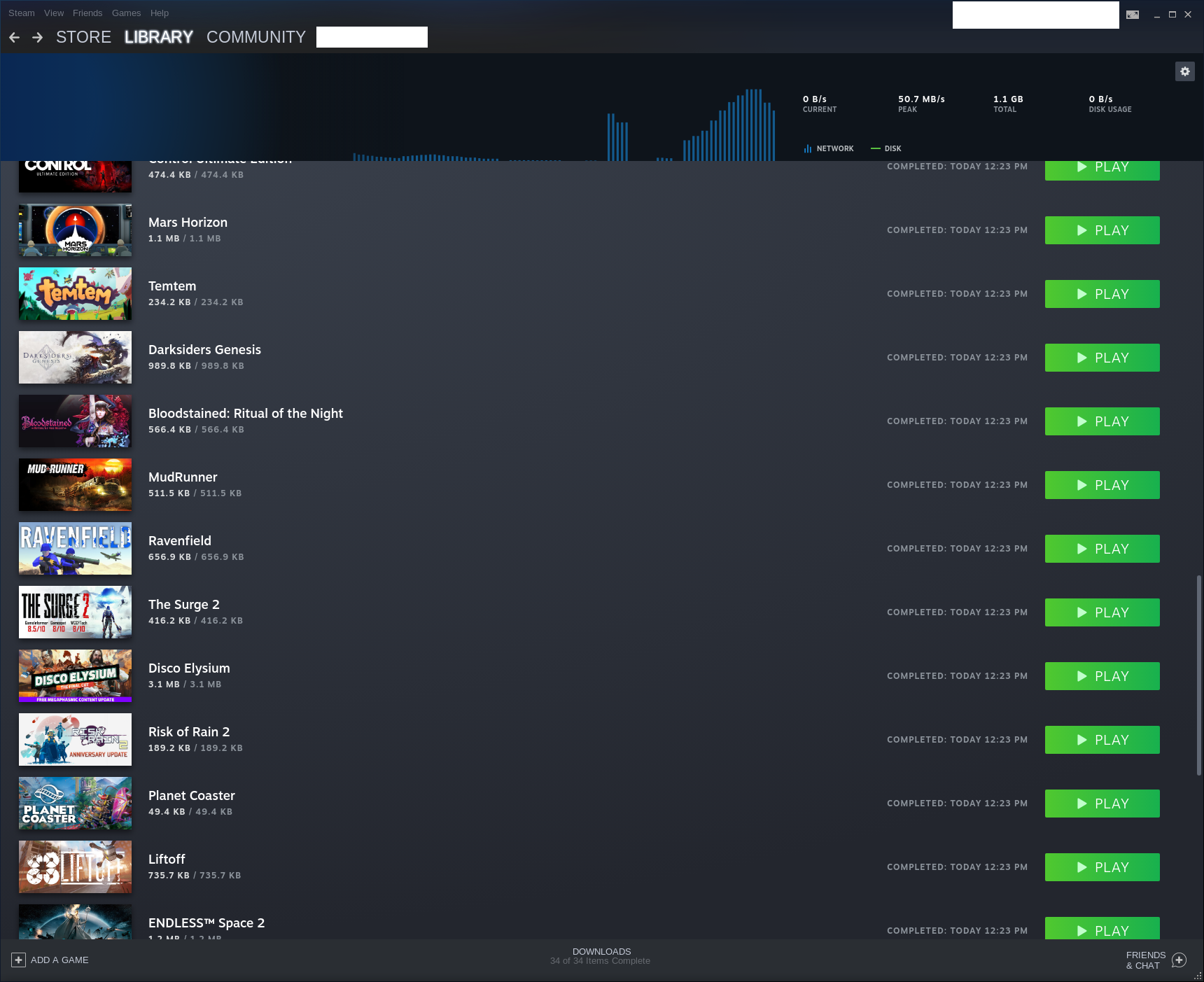
Perhaps the "i" icon indicator could be fixed first and then it may become a lot clearer why a lot of games receive seemingly small updates?
Nothing extracted yet.
Your system information
Please describe your issue in as much detail as possible:
Upon Steam client launch, it starts downloading something for multiple games, even if there are no notices of the updates on the game page in the library. Some of the games are fairly old, and I'm pretty sure they didn't get an update.
This happens at least once a day (that's roughly how often I launch the client), and if I quit and restart the client immediately it doesn't happen the second time. The games being "updated" can be different every time, but may also repeat. It looks like the client picks 8-10 random games among the installed ones and then runs the update on them. The amount of data downloaded varies and can be between dozens and hundreds of MiB. For example, by now I have seen Halo: The Master Chief Collection being updated multiple times, each time with about 230 MiB of data.
Steps for reproducing this issue:
You may be able to reproduce this once a day.