I have found that when I open my secondary drive containing my Library folder in the Explorer, my SSD is then recognized, and the Library activates automatically. Can't change anything, but it at least works a little.
Same issue here (running on Gentoo). My 2nd Library folder (where I keep all my games) keeps dissapearing from Steam every other update, so right now I am stuck with 0 games and no way to readd the library.
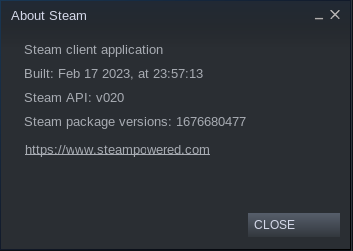
Just to clarify, my original issue is only about the settings page not working. My library otherwise is intact and have access to all games on both of my library. Also this is still an issue after the latest update: 1676836260
The latest update(1676935611) fixed it. Thank you!
Nothing extracted yet.
Your system information
Please describe your issue in as much detail as possible:
Going to Settings->Download then pressing the "Steam library folders" does nothing.
Steps for reproducing this issue: