Half Life does not respect -noborder
I don't think there has ever been a "-noborder" launch option on the HL1 Engine, so it isn't specific to Linux.
Oh, I was looking at https://developer.valvesoftware.com/wiki/Command_Line_Options#Command-line_parameters and it says command line options for source games. But after looking at it for longer it appears they are only talking about newer games. (All of the command lines are referring to hl2.exe).
I guess I am looking for a way to select which monitor it starts on then.
Everything except the Noborder should work correctly, try out a smaller res and try to move the window when alt-tabbing.
Half-Life 1 has no noborder option, so that would be the problem.
Is it just me or has support for this option been added?
Looks like it might have.
Cool!
Yup, I added -noborder support. Looking back at the comments here I didn't make that clear when I closed the bug.
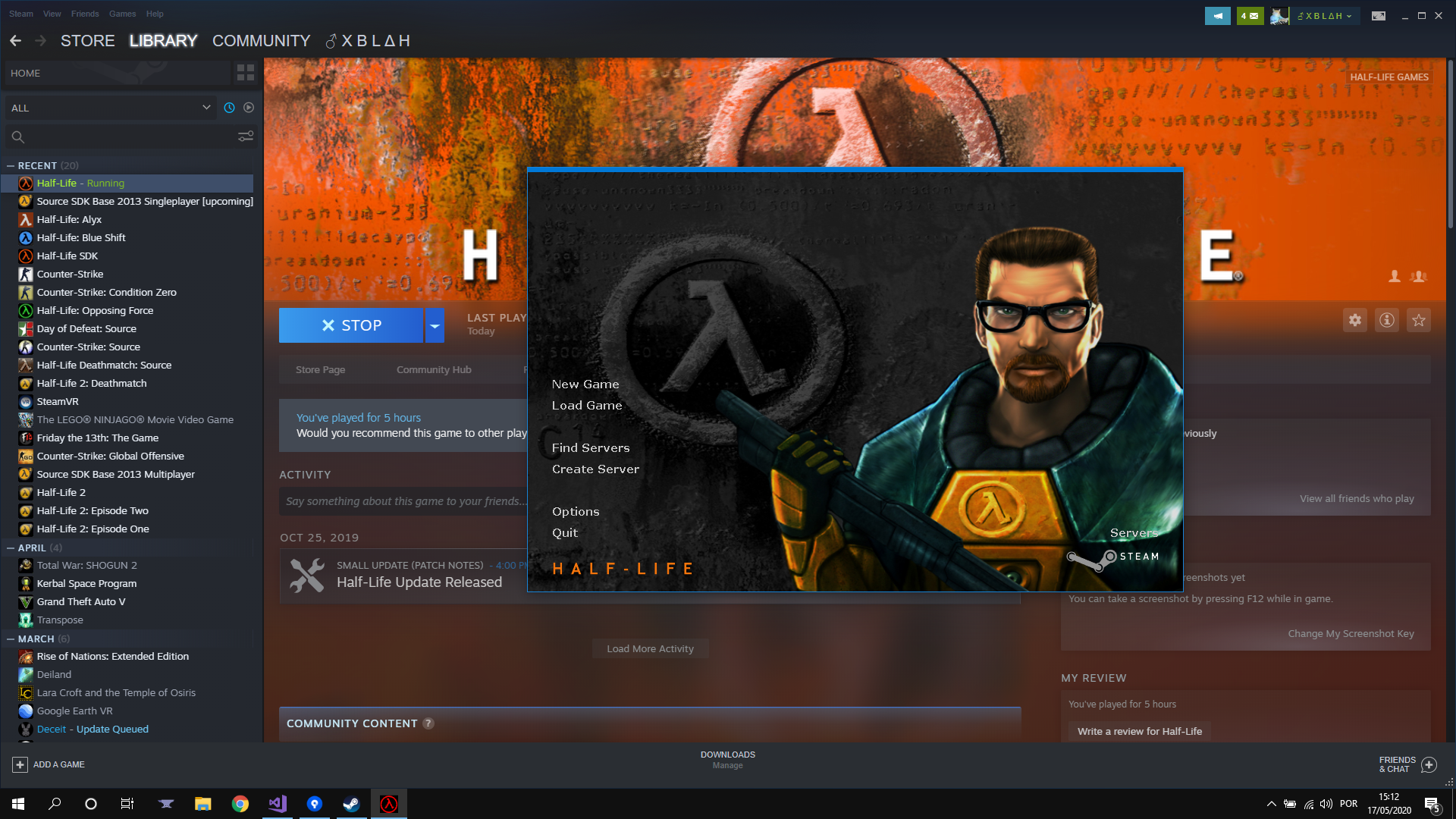
-noborder does not seem to work with Windows 10. Sure, it removes the Title bar, but it still displays a small border.

Nothing extracted yet.
When starting half-life with
-window -noborder -w $width -h $heightit still displays a border around the window.This is really annoying on my multi-monitor setup because in fullscreen mode it fullscreens on my secondary monitor. This means that I would have to play with my head turned the entire time which isn't very comfortable. If I could convince it to fullscreen on the proper monitor it would be a work-around but I would still prefer playing windowed with no border.