WRC 8 slow performance, fullscreen issue
I need more details.
- Are you CPU bound or GPU bound?
- Can you please post the full wine output?
- Does fullscreen work with wine's dxgi?
- Is performance better with wined3d?
Also, what exactly does this mean:
the video signal to the display is stopped and I have to restart to get a picture again
Does your display complain that there's no signal or something, or is it just a black screen?
Maybe it's trying to set an invalid display mode? While DXVK could be doing some nonsense there, this indicates an issue on the Linux side since it really just shouldn't go through.
Yes, my display complain that there's no signal :)
"Scanning for signal..."
"There's no DP signal from your device."
With Wine's dxgi fullscreen mode is working without problems.
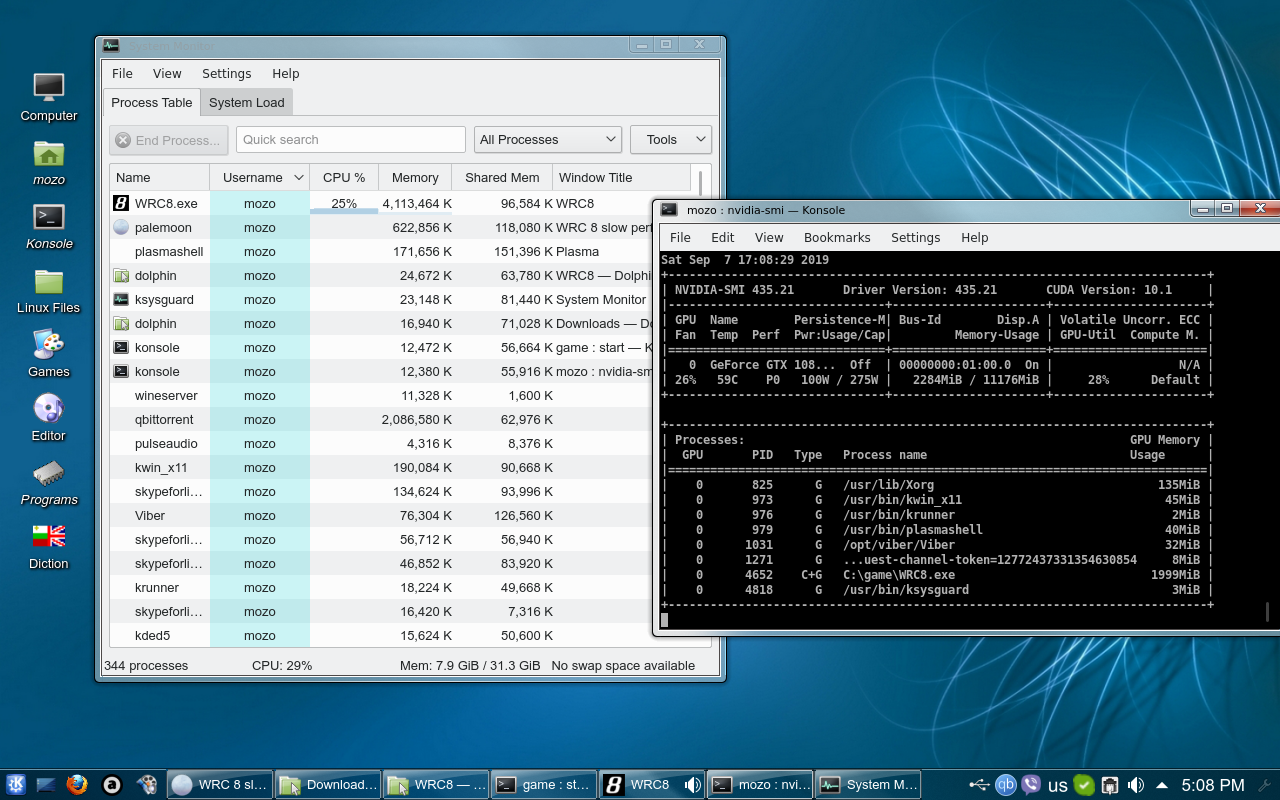
With Wine I get 172-200 FPS at the splash screen which is impossible with DXVK. DXVK gives 17 at the splash screen. In game Wine gives 17-30 FPS.
I don't know if I'm CPU or GPU bound, here you are the needed data:
Here you are the Wine log:
Hello doitsujin,
I'm sorry for the false positive but the culprit is KDE Plasma. I use Arch but I installed Mint Cinnamon and the game is working fine there. Then I installed MATE and Xfce on my Arch and the game again is working without any problems. Sorry and thank you :)
Weird. Does desktop effects on/off make a difference?
I've been using KDE as my main DE for over a decade at this point and never had performance issues in games with kwin effects disabled.
Yes I also use only KDE and it's my favorite DE and this is the very first game with such problem. Of course I tried to stop effects and the compositor, changing resolution, using d3d11.allowMapFlagNoWait, etc. to no avail.
hey @mozo78
did the issue happen like this on fullscreen: https://drive.google.com/file/d/1Axu70FvH92ZmSxQOLLJON8A3RcY3QNDs/view
Im having maybe similar problem with WRC 9. works fine in wine virtual window, but without it it performs like 15 FPS on borderless mode and fullscreen then it flickers like that.... im on MATE desktop though, no plasma
@mozo78 if you are still around can i get you to retest this issue? 🙂
WRC9 and 10 seem to work fine without any issues, but WRC8, for whatever reason opens up fine but the window will get minimized and when trying to bring it up it instantly minimizes again. game is running fine on the background, but cant bring the window up.
This probably is some window manager shenanigan? though i havent seen any other game do that.
how it looks: https://drive.google.com/file/d/1jeXS_neg0wGxM0Xw55WWvVaGMKV0sjSa/view?usp=sharing
edit: after rapidly clicking to bring up the game window it finally worked.. bizarre. And it performs without issues. so this issue can be closed i thin, but probably need to check whats the problem with the game window
edit2: yeah i can maximize the window easily now with just having to do multiple clicks on the minimized window. dxgi.log is also empty for whatever reason. but the original performance issue seems to be fixed.
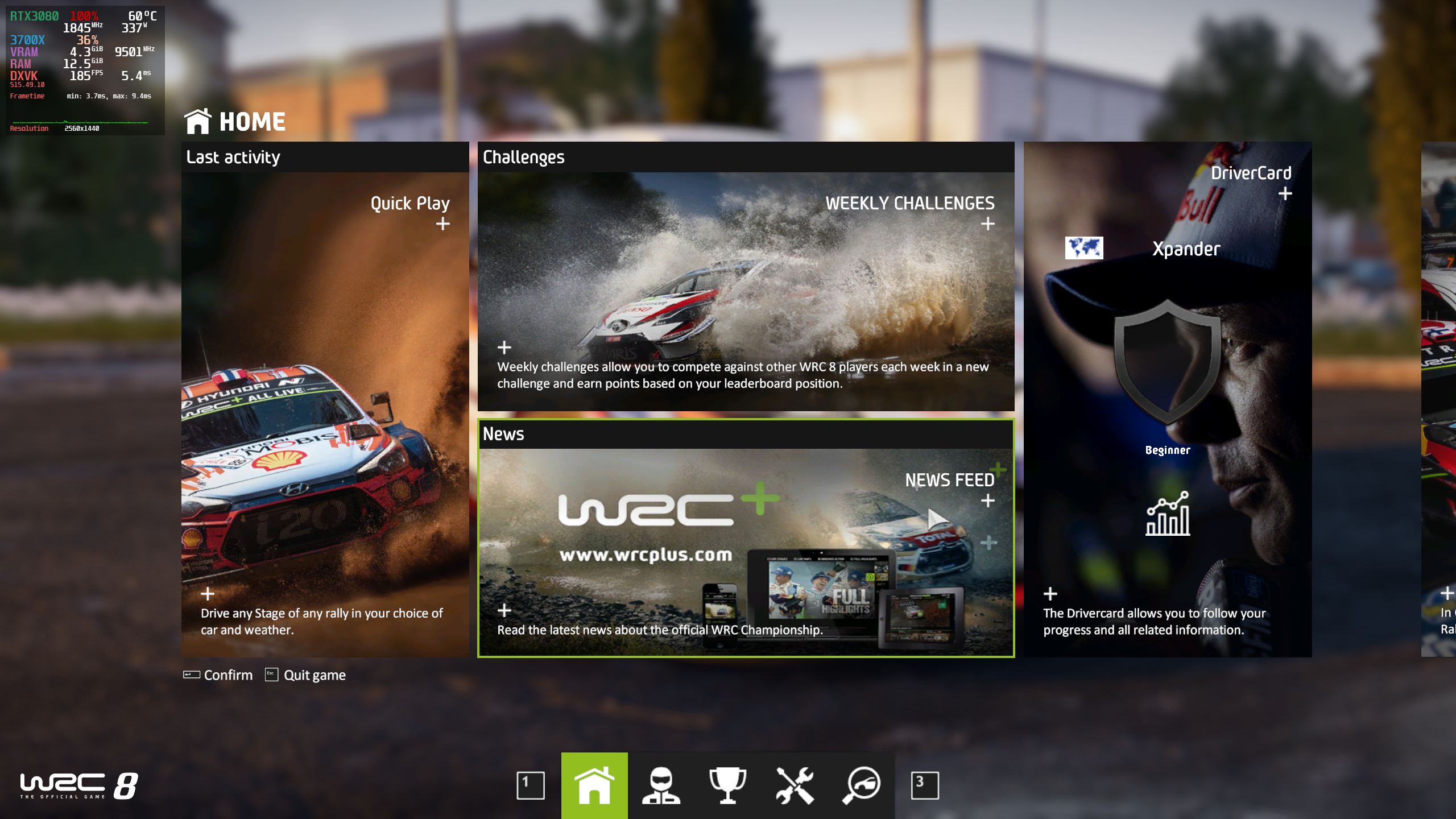
attaching logs but i guess this issue is not DXVK problem anyway:
steam-1004750.log
WRC8_d3d11.log
WRC8_dxgi.log
~I see the window issue on my system. When i launch it will keep blinking white and can be a bit uncomfortable to look at. Not good for people with epilepsy. This does not happen when i set dxgi to builtin override.
According to the logs it keeps setting the display mode over and over again.~
~WRC8_d3d11.log~
~WRC8_dxgi.log~
~Also made a trace with dxvk. Dunno if it's useful~
~https://mega.nz/file/Z8JhSZ4I#_EyCA2m53LziSXQGIUmvnpidKEERmCYh37TtKdMNNEg~
Edit: False alarm. I had two of the same vulkan icd's on my system and was picked up as two separate cards for my one card. The game didn't like that.
Game is working fine for me and i don't have the issue above. KDE Plasma
@xpander69 Could i get you to check your issue again? Latest dxvk and or proton experimental and all that jazz. 🙂
The Constant minimize bug seems to be related to my WM (Marco). Most likely same thing happens on Gnome WM? cause marco is a fork of it. Switching to xfwm4 fixed the issue. The original slow performance issue is also fixed long time ago it seems so this can be closed.
Proton versions
proton experimentalx1 2022-09
The game runs slow with 17-19 FPS no matter the settings (also tried AMD spoof disabled). When I try to set it to fullscreen, the video signal to the display is stopped and I have to restart to get a picture again. The game is not freezing, the sound continue to work but the monitor lose signal and after some time goes to sleep mode. I haven't seen such problem till now.
Software information
WRC 8 FIA World Rally Championship
System information
Apitrace file(s)
https://my.pcloud.com/publink/show?code=XZGgE5kZJXCn3jsOVom1mQIg47uhKLOx2vfV
Log files
d3d11.log:
WRC8_d3d11.log
dxgi.log:
WRC8_dxgi.log