Mods completely break A Hat in Time
Please make an apitrace so we can debug this.
How can I do it? I got myself the Trace thing, which is a d3d9.dll. But im using the d3d9.dll from DXVK for the game. So I cant have both installed. Because the Error only appears when I use the DXVK d3d9.dll
Use the Apitrace D3D9.dll. It doesn't matter if you see the error while making the apitrace.
The file is currently uploading. I have Mods installed and got past the point of crashing. I post the Google Drive link to the file once it finished uploading.
Hi, what mods are we talking about? Can you give me one as an example...
It happened with every mod so far. Level, Badges, Hats, doesnt matter. The ones im using right now are "Cooldown Cancel Hats", "Kirby Yarn Hat" and "Aura Badge"
You didn't even enter a level in your apitrace. When you make an apitrace you have to repeat the steps that would normally result in a crash.
I did. The Crash happens while loading Hat Kids Ship, so right after selecting the file.
Or, rather: The Game stopping to load appears when trying to load Hat Kids Ship. Since it doesnt crash, it just gets stuck, which doesnt happen without DXVK.
How long have you waited before killing the game? Might just take a while compiling a bunch of shaders.
Well, it took 2 minutes from starting for me to be able to choose my Save File.
After 5 minutes it finally loaded, but was INCREDIBLY unstable.
After around 7 minutes I was able to walk around, but it seems that every action I did (Jumping, Punching, Dashing, entering a new Area of the ship) froze my game for a few seconds.
After it loaded the first time I tried it a second time.
Took me roughly 2 minutes again before I was able to select my save file.
After around 5 minutes and 30 seconds it loaded into the ship, but repeated the same thing. Literally every action, even if its just turning the camera out stops the game for like 3 seconds.
With Mods and DXVK this problems happens
Without Mods and DXVK this problem doesnt happen
With Mods and without DXVK this problem doesnt happen
Just for comparison:
Without Mods and DXVK I can choose my Save File in 4 Seconds, the Ship is loaded in 20 and is instantly 60FPS Buttery smooth
Interesting. I just tested the "Cooldown Cancel Hats" Mod and my game loaded without a problem.
Adding the "Kirby Yarn Hat" gives me the problems again, and uninstalling it removes the problem again.
Adding the "Aura Badge" gives me the problem again, and uninstalling it removes the problem again.
And then I tried to use the "Aura Badge" alone without any other mod, which also made the problems appear again.
And, keep in mind: Having the game started and installing all 3 Mods works flawlessly. Just starting it afterwards produces the problems.
Works fine here:
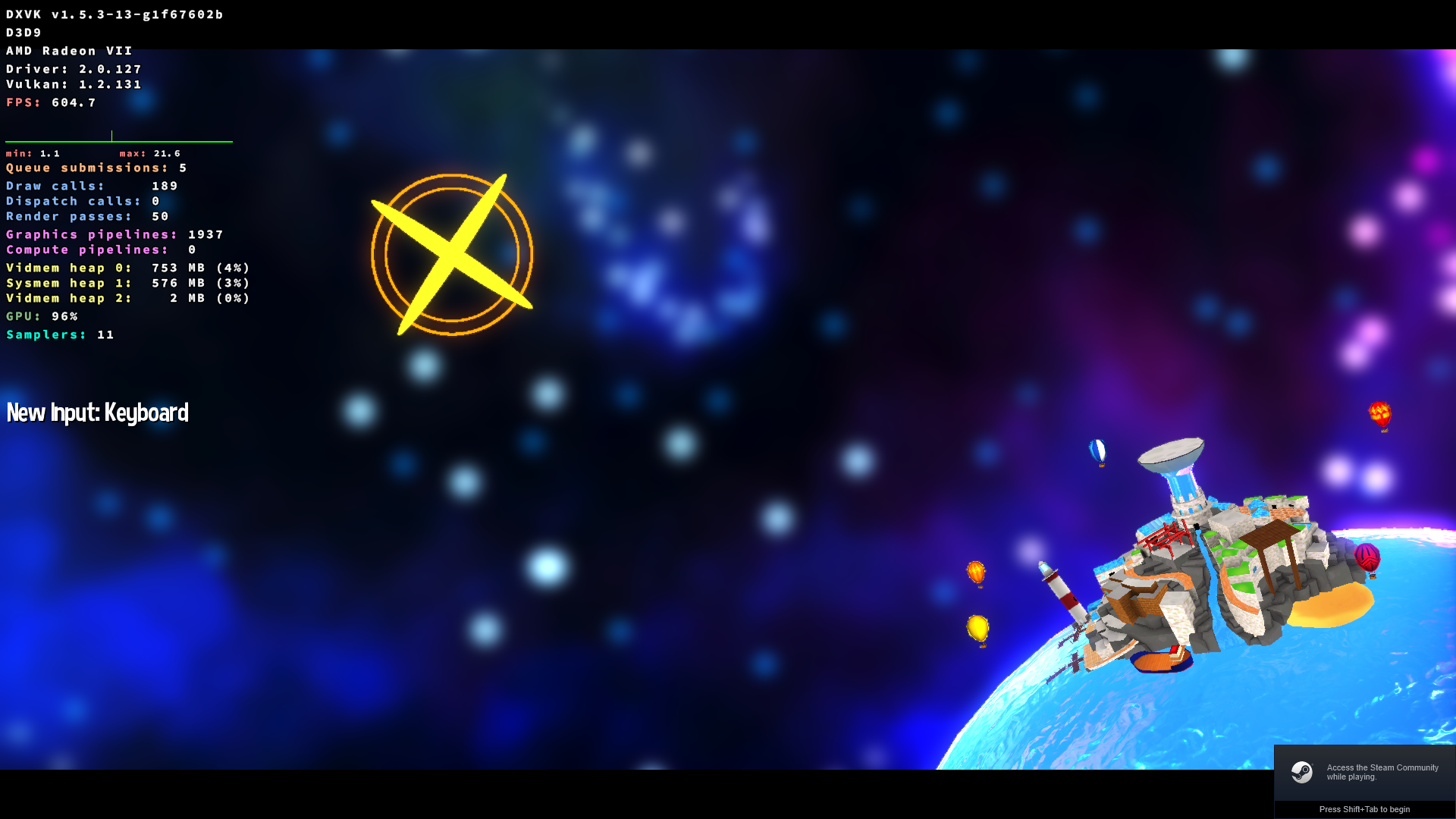
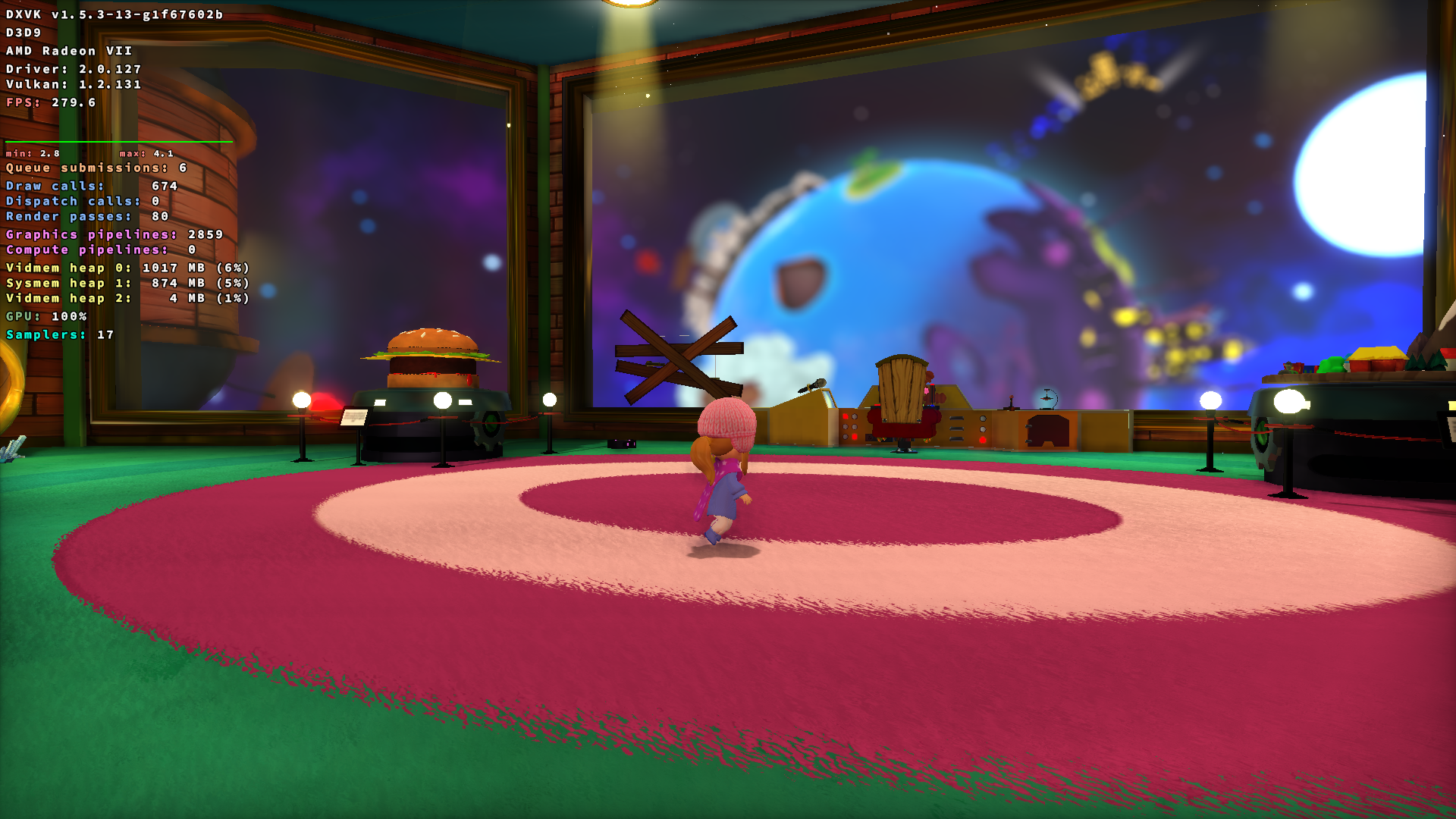
Yup. Works now on my end. Either some DXVK Update fixed it, the recent Hat in Time Update fixed it, or a combination of the both.
DLLs
d3d9.dllx2 2020-01
Every time I install a mod, no matter what kind of Mod it is, the game freezes on the loading screen and in general has really bad performance before being able to load the save file. Without DXVK it works without a problem. Having DXVK installed AND installing mods when the game already is started also works.
Software information
A Hat in Time, almost max graphic Settings
System information
Apitrace file(s)
Log files