[d3d9] TrackMania United Forever: dirt trail smoke of stadium tracks cars is not rendered properly
in fact, in order to see "this", you need to enable a very specific option from the compatibility category, which may already be not a good idea.
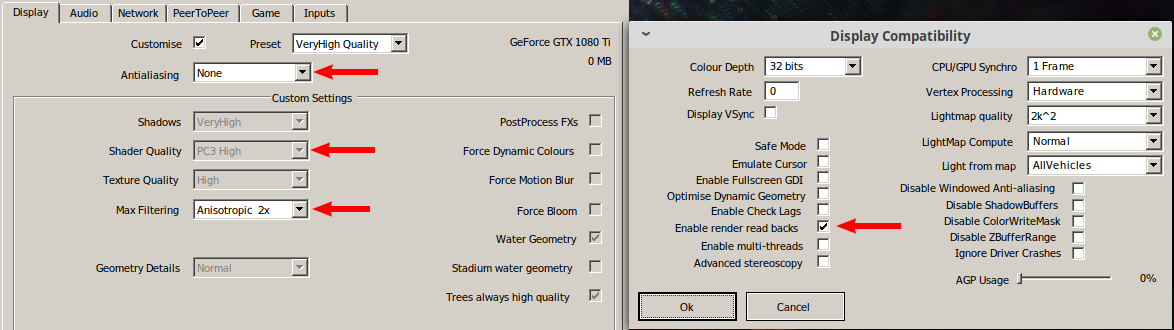
so I don't think that this is really a issue
I'll post one soon.
Any news on that?
Would be nice to have apitraces right away, right now there's not much we can do and if we don't get a trace within the next 2-3 days, we might as well close this.
@Iglu47 If it doesn't happen on native d3d9, this might still be a bug worth investigating (but again, we need a trace that shows the problem).
recorded ~15sec full race on dirt where "colored" smoke was drawn trace file - google drive
- Driver: NVIDIA propietary 440.48.2
- Wine version: Wine-TkG-5.0.r4
- DXVK version: dxvk-git-1.5.2.r10.gb1edf227
I'll post one soon.
Any news on that?
Sorry for the delayed response. I've been busy these days. Luckily @Iglu47 apitrace is fine :)
now after a while, with the current versions of video-driver, wine and kernel, this the "compability-option" just "instantly close the game" when trying to enter the race. so i can't resproduce it more even with dxvk 1.5.2
- nvidia proprietary driver: 440.59; gtx nvidia 1080ti
- arch linux, liquorix-5.4.17
- wine-tkg 5.1.r7
- dxvk 1.5.2
but the game continues to work perfectly if don't turn on it
Unfortunately I can't reproduce this on the trace, and I can't get the actual game to work for me on native or DXVK anymore (I feel like this game is super janky/broken in some way on Win 10.)
Could you record a trace with DXVK (of the smoke)?
@Joshua-Ashton
Reproducible with Nations Forever version from Steam, the game is free (demo?) and small, same engine.
Version from the official website starts crashing, when I trying to change settings, but Steam version is ok. With disabled antialiasing I can see the smoke, also with 4 samples AA still noticeable. With 8 samples AA everything looks normal.
TrackMania United Forever v2.11.25
- nvidia proprietary driver: 440.59; gtx nvidia 1080ti
- arch linux, liquorix-5.4.17
- Proton-5.1-GE-2
- dxvk 1.5.4.r37.g4405b551b
game settings (main is "Enable render read backs")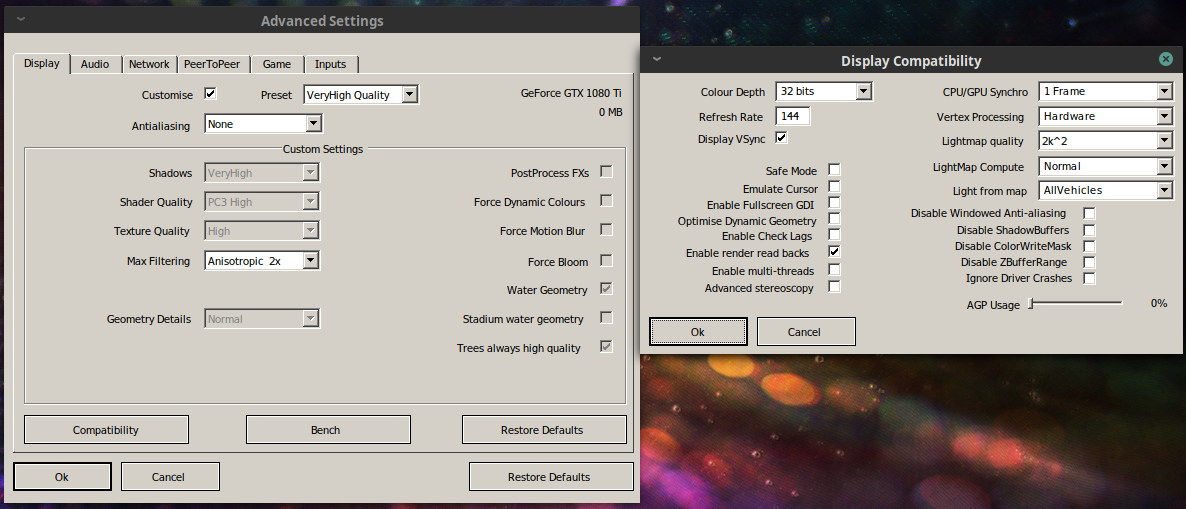
ingame screen with dxvk and apitrace dlls (idk why forced low texture, so usually i don't use steam)
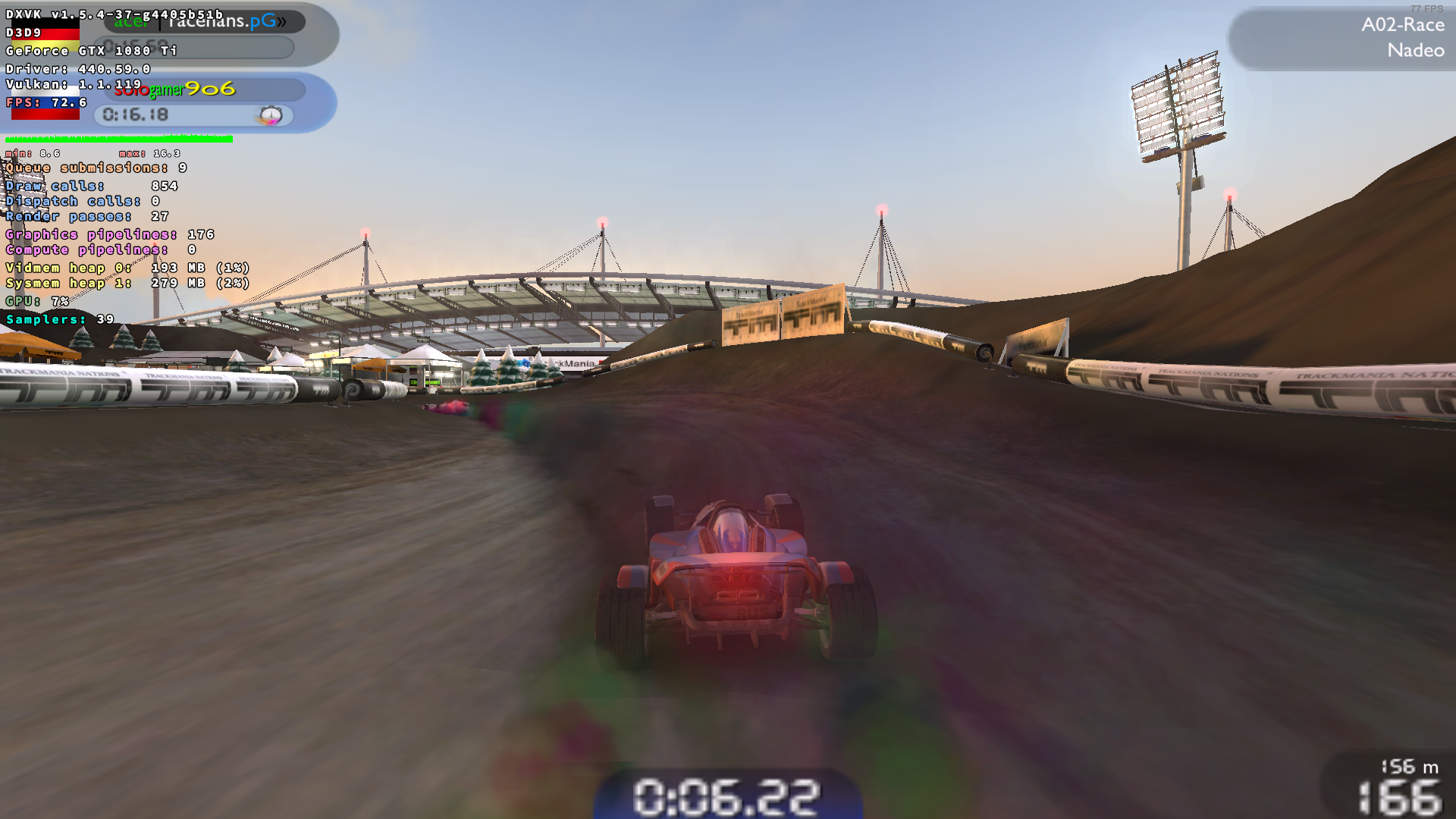
dxvk trace: https://drive.google.com/open?id=1QB3GujLiCp89eoEy5hd15E4zhdEOTHGn
and it's just "silent crash" with Proton-5.0-GE-1, Proton-5.2-GE-1, wine-staging 5.0.r4, 5.0.r14, 5.1.
also it reproduce on Proton-5.1-GE-2 with dxvk 1.5.4.r37.g4405b51b and 1.5.4.r38.g4cf3ef53, but not with 1.5.4.r42.g760a163f and 1.5.4.r53.g0e353895 ("silent crash")
ingame screen with dxvk and without apitrace dlls
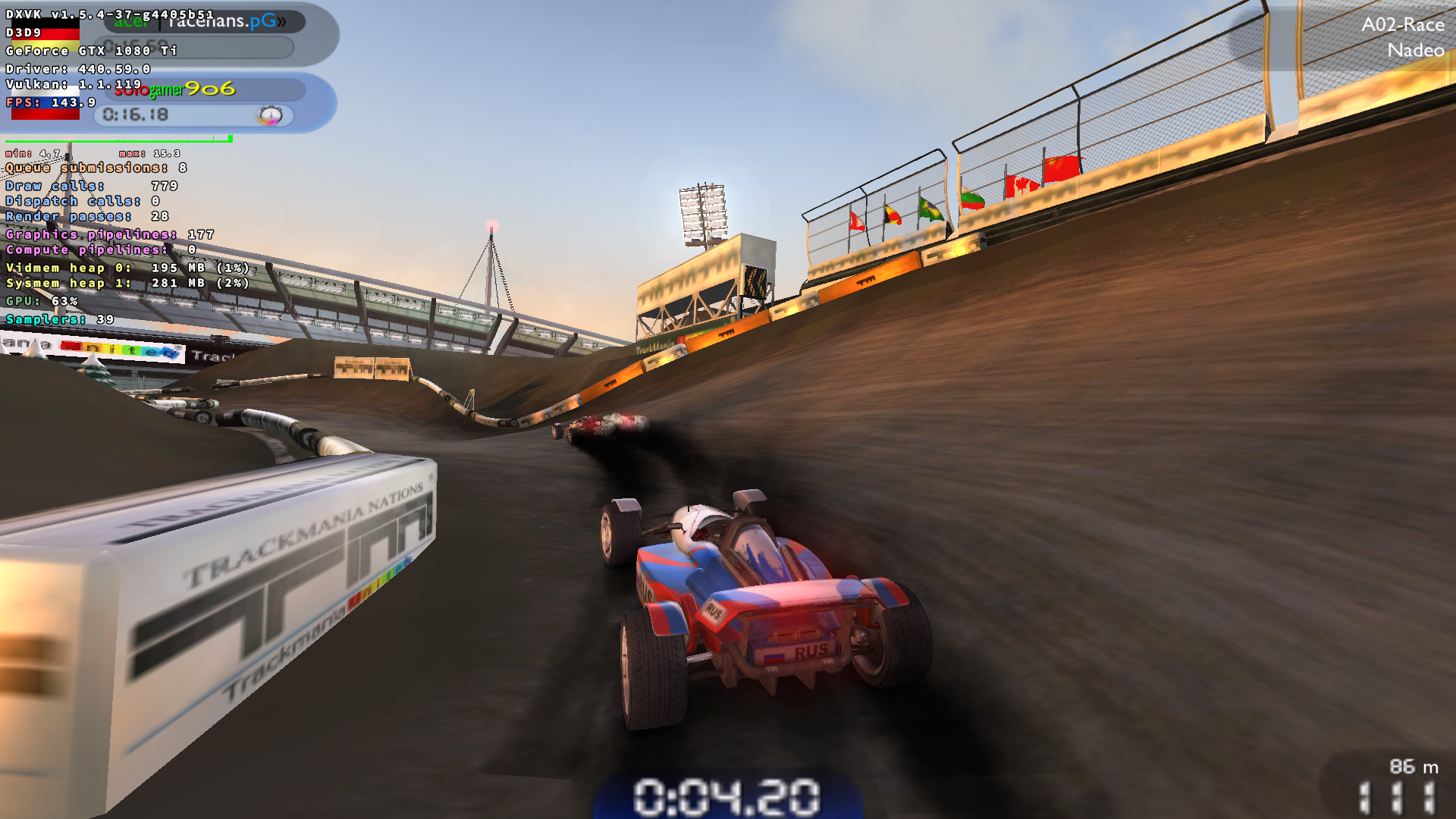
ok, there seems to be a problem around the render read backs
because dxvk crash on windows too
record native dx9 on windows with and without render read backs: https://drive.google.com/open?id=11Bsw3DhKUoY38YN6W5VSXtjCTaogfdWC
I checked,
trackmania nations foreveraka trackmania 1 demo have the same game engine and repeatable problem
game site - http://trackmaniaforever.com/nations/
and direct linkhttp://files.trackmaniaforever.com/tmnationsforever_setup.exe
I checked the dxvk master and many old versions (including those that did not work previously).
Seems now option render read backs works at least (probably) starting with nvidia 440.66.15
- nvidia proprietary driver: 440.66.15; gtx nvidia 1080ti
- arch linux, liquorix-5.6.15
- wine-staging 5.9.r11.g4e692b53 (with revert fd79929)
- dxvk 1.7.r37.gf92d6049 and earlier versions
but now I also use mingw-w64-binutils 2.34-20200521 with patch (pr25993)
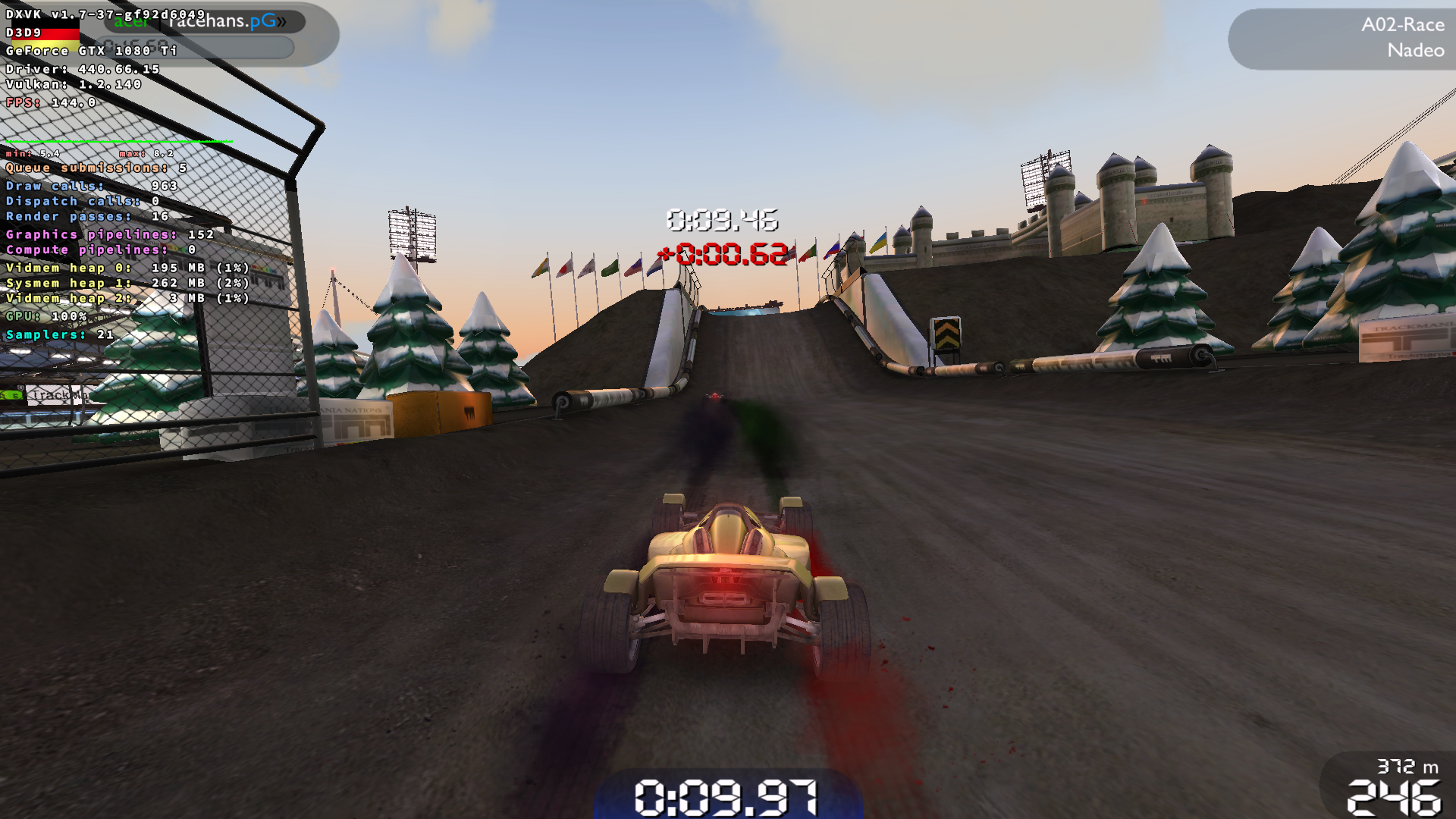
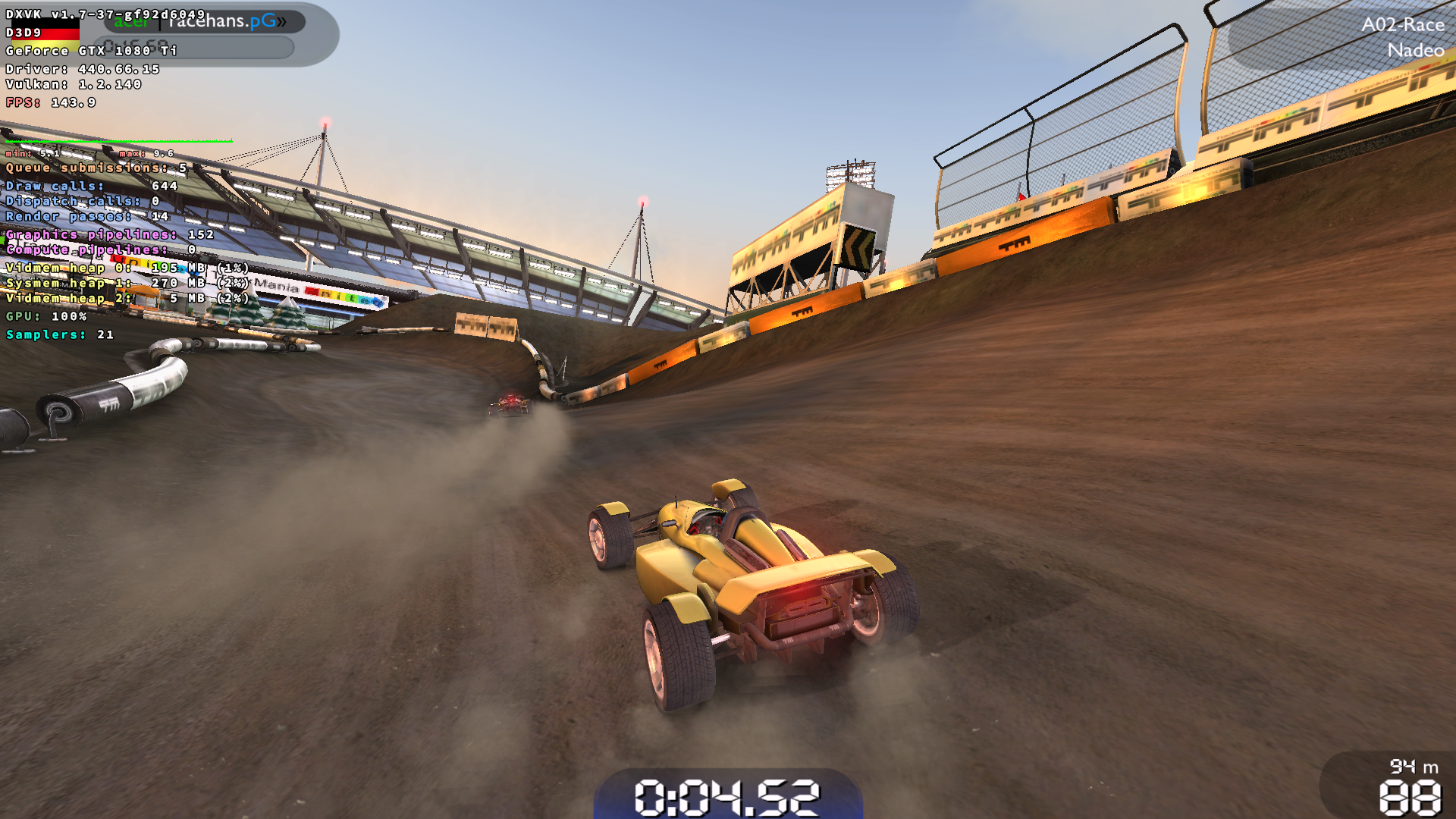
Can you please try with the latest froggi.es build?
Thanks!
I checked on master (dxvk-git-1.7.r40 5558460853f155550cf63b03bb682afce029630b)
now even with the option render read backs the smoke looks right
Proton versions
proton 5.0-ge-1x1 2020-02proton 5.1-ge-2x1 2020-02proton 5.2-ge-1x1 2020-02
Again, this is a issue originally reported in #1363 by @Iglu47 and me.
In my case, the smoke isn't even visible, so this issue might be driver dependent, or not related to DXVK.
Software information
TrackMania United Forever, maximum settings.
System information
@Iglu47 system specs:
My system specs:
Apitrace file(s)
Log files