Torchligh II GOG crashes during loading (DX9)
The game is known to run more or less fine with DXVK. Please make sure you have native d3dx9 and d3dcompiler libraries installed.
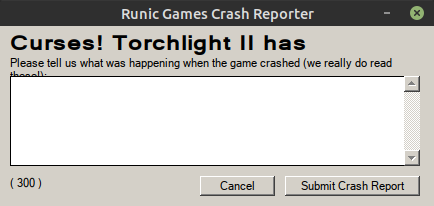
Also, what exactly do you mean by crash?`The terminal output you posted doesn't look like it crashed.
It gives this message, and I press cancel:
Does the game work with WineD3D?
Does the game work with WineD3D?
Yes.
Hm, the trace I have plays back fine with no errors, and I know this used to work
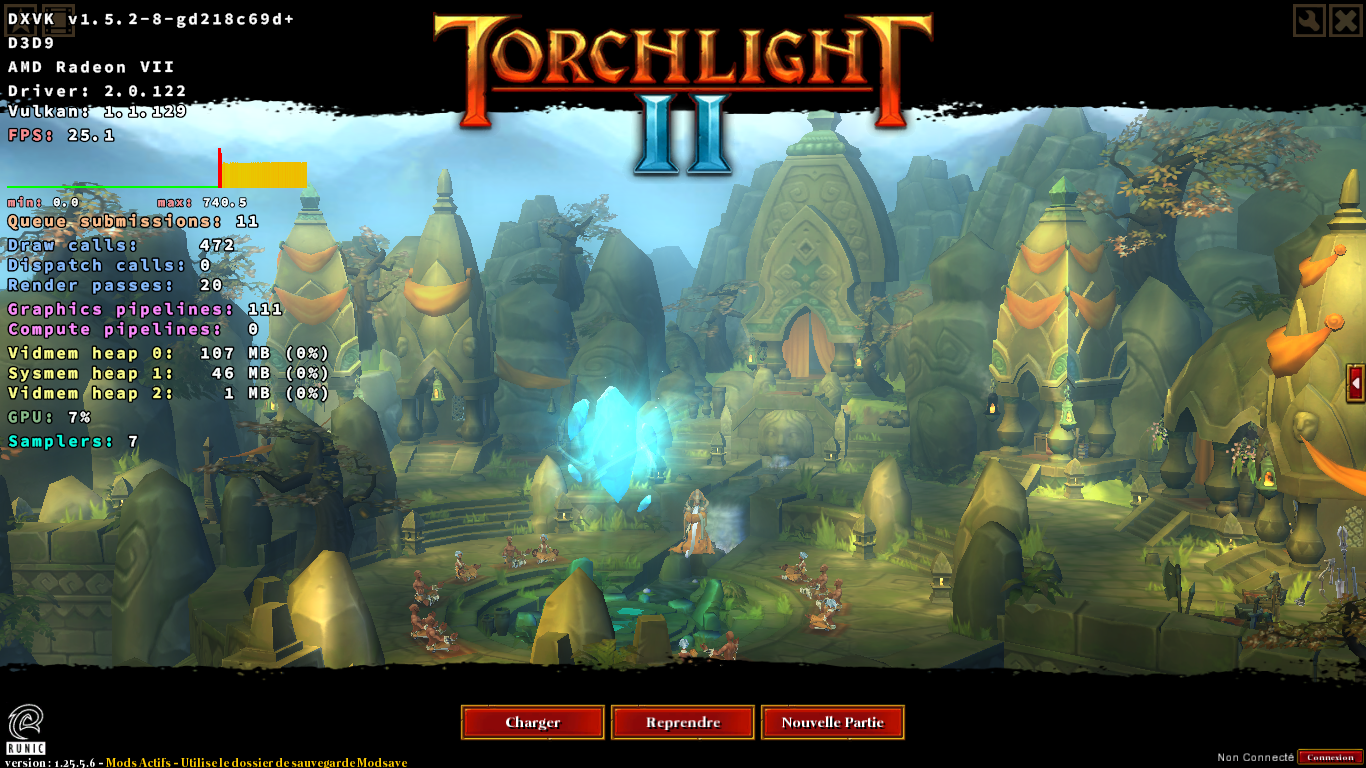
Did you install native d3dx9 and d3dcompiler? And if so, which versions
I have d3dx9_24.dll to d3dx9_41.dll, I have also, d3dcompiler_42.dll, d3dcompiler_43.dll, and d3dcompiler_47.dll, and all set to native.
I installed them using winetricks.
Using AMDVLK instead of RADV gives me a message about a required extension that is not supported
D3D9 : Direct3D9 Rendering Subsystem created.
info:  Game: Torchlight2.exe
info:  DXVK: v1.5.2
info:  Built-in extension providers:
info:    Win32 WSI
info:    OpenVR
warn:  OpenVR: Failed to locate module
info:  Required Vulkan extension VK_KHR_surface not supported
terminate called after throwing an instance of 'dxvk::DxvkError'

abnormal program termination
Looks like a setup issue if that isn't supported.
I don't get the same error with RADV. Anyway, I tried Padoka ppa instead of kisak-mesa ppa, and I got the same results.
Did you test other games with DXVK? Do they work properly?
The game crashes for me too on DXVK 1.5.2, but it works fine on the latest git build.
The game crashes for me too on DXVK 1.5.2, but it works fine on the latest git build.
Thanks for confirming the issue.
I can't build DXVK manually, because I have the same build issue as this one https://github.com/doitsujin/dxvk/issues/766
Could you upload the latest git build?
Thanks. The game works now, but the performance is much worse than wined3d. My GPU doesn't work well with d9vk, but I have to use it to be able to use vkBasalt.
@ahmed-elsayed2017 Hi, can you set d3d9.floatEmulation = False in dxvk.conf and see if that improves performance for you?
@ahmed-elsayed2017 Hi, can you set
d3d9.floatEmulation = Falsein dxvk.conf and see if that improves performance for you?
I copied dxvk.conf to the game folder next to the executable of the game, and added this option, and tried the game with it, and without it, and I didn't notice any difference unfortunately.
Can you send me logs of you with that option added?
Can you send me logs of you with that option added?
The issue with this game crashing is fixed, so I see no need to keep this issue opened.
Upstream links
- doitsujin/dxvk/issues/766x1 2020-01
- doitsujin/dxvk/issues/1378x1 2020-01
DLLs
d3dcompiler_42.dllx1 2020-01d3dcompiler_43.dllx1 2020-01d3dcompiler_47.dllx1 2020-01d3dx9_24.dllx1 2020-01d3dx9_41.dllx1 2020-01
Torchlight II crashes during loading using d9vk, but it runs fine using wined3d.
System information
Log files