[d3d9] Jade Empire rendering issue
dxvkclosed
435.21.0
Please update your drivers.
435.21.0
Please update your drivers.
Ok, I'm on 440.48.2 now and the issue is still there...
Looks fine for me on master although I did have some work in my tree that may affect it (I pushed that now)
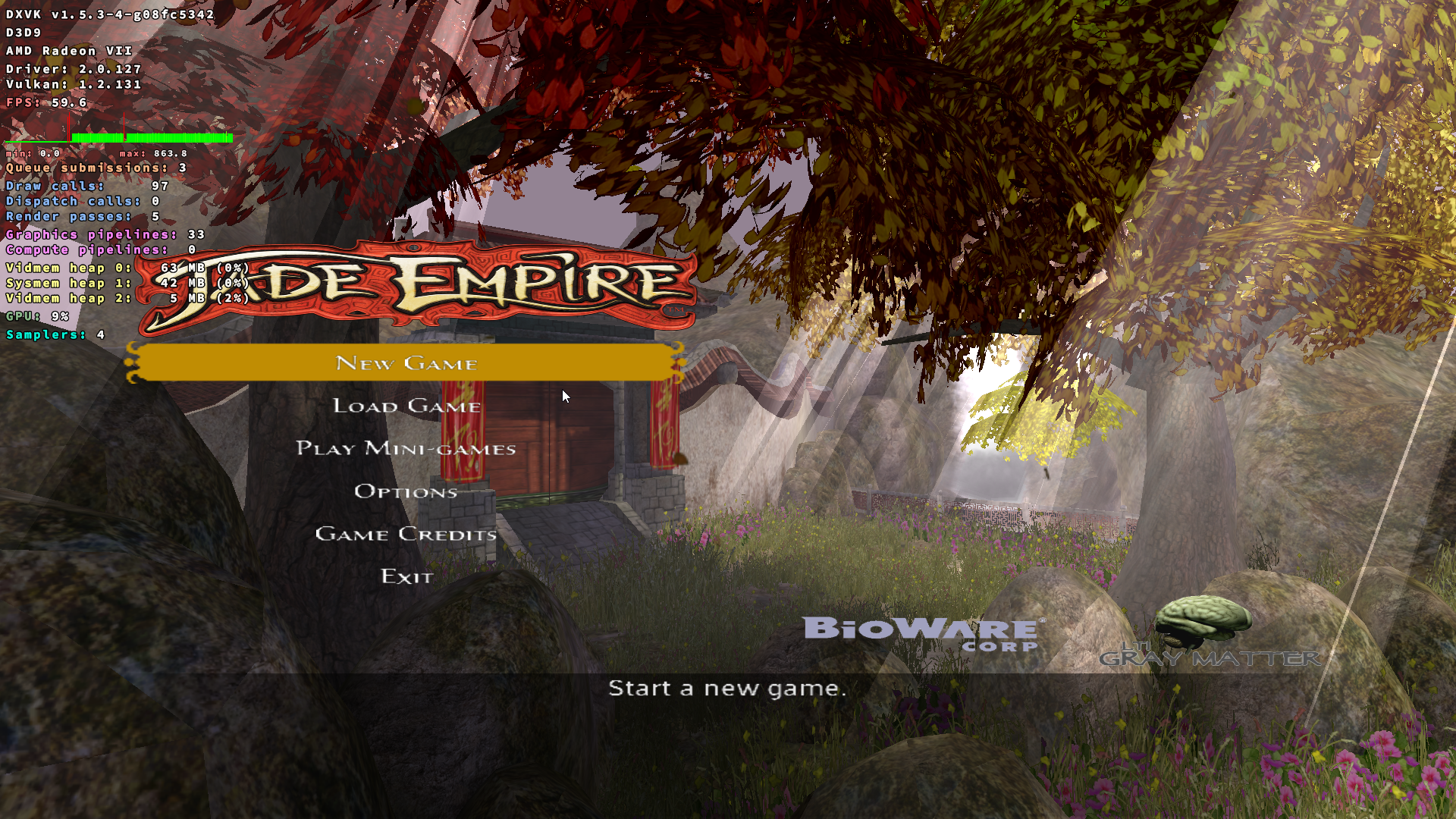
AMD:
NV:
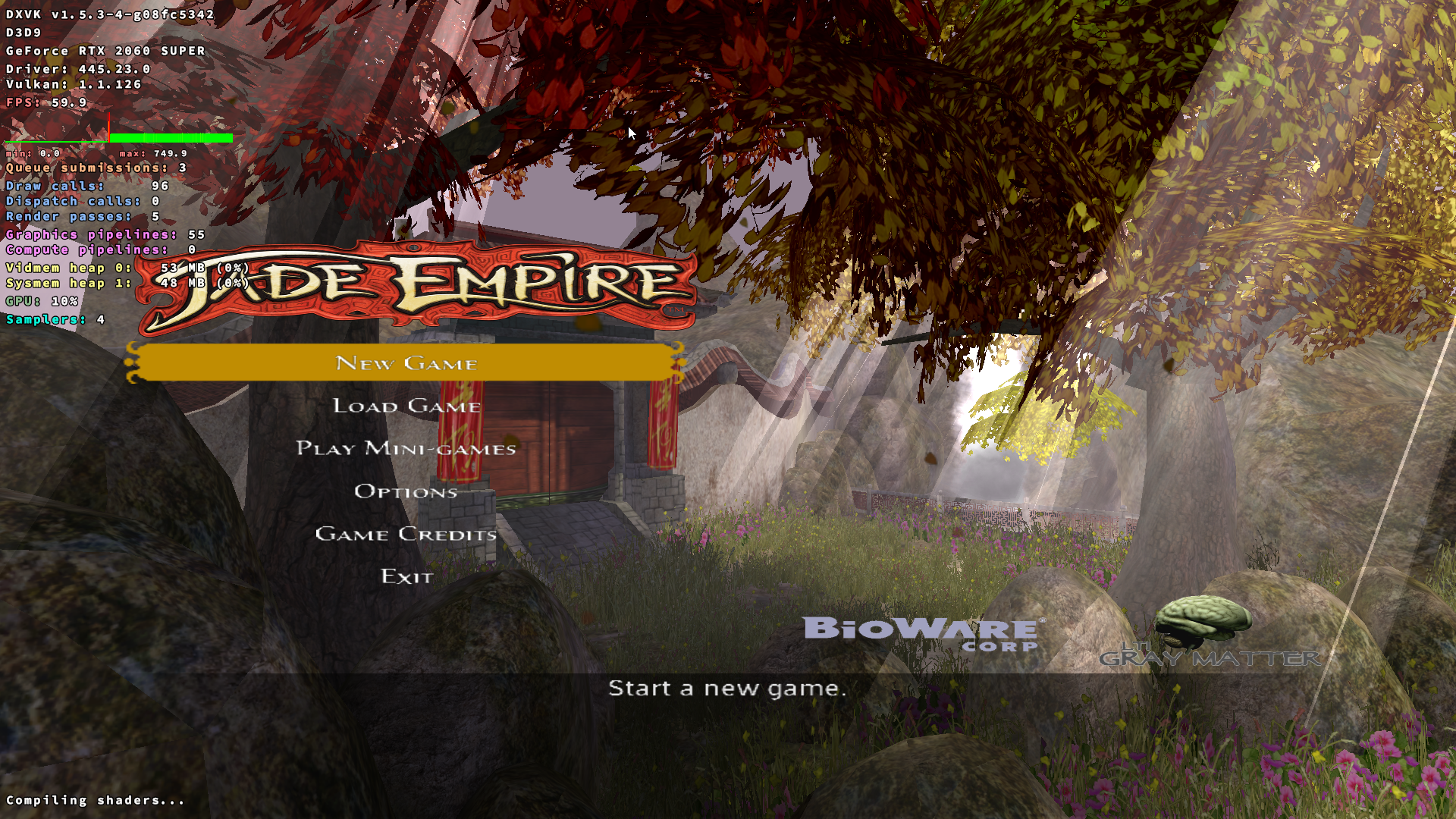
I don't see any validation errors that could be the cause of what you are seeing.
Can you try on master?: https://git.froggi.es/doitsujin/dxvk/-/jobs/1132
Thanks. Not sure what your latest changes were, but it's looking good for me too now. And I also tested The Witcher EE, and it looks good as well, the very similar noisy textures issue is gone. Next time I'll be more patient to wait for the next release, I guess :).
Nothing extracted yet.
I've recorded the issue in the game's main menu, but the same behaviour shows up during the actual game as well.
Jade Empire main menu with dxvk
Jade Empire main menu with WineD3D
The second video was recorded in the same Wine prefix, after uninstalling dxvk.
As a side note, I also get extremely similar artifacts in The Witcher EE (this time only in game, the main menu looks fine). Other Bioware Aurora engine titles may similarly be affected.
Both Jade Empire and The Witcher EE work fine in a clean Wine Staging prefix (with a slight CPU affinity issue affecting Jade Empire, but that's beside the point).
Software information
Jade Empire (GOG version, with the latest official patch).
System information
Apitrace file(s)
JadeEmpire.trace.tar.xz
Log files