[d3d9] Book of Demons: White Textures
I can confirm the bug is present with Nvidia hardware GTX1650 & 440.48.02 drivers as well, here are logs from Proton 4.11-12 (no bug) & Proton 5.0-1 (with bug)
https://gist.github.com/lucifertdark/584c14275612e8e3c4a8070d428d8a02
Proton 4.11-12.steam-449960.log
Proton 5.0-1.steam-449960.log
Game works well with:
Proton 4.11-12
Mesa 19.3.3 on AMD RX 580
This trace is garbage because you traced OpenGL + WineD3D which is not useful to me.
Please trace Direct3D 9 + WineD3D. There is a guide on the Wiki.
I can confirm the bug is present with Nvidia hardware GTX1650 & 440.48.02 drivers as well, here are logs from Proton 4.11-12 (no bug) & Proton 5.0-1 (with bug)
D9VK was not the Proton default until 5.0-1. You had to use the PROTON_USE_D9VK variable before. I was getting the same bug with 4.11-12 using D9VK.
Sorry, I forgot how I did this before with Proton because I didn't want to install the wine package for winecfg. I guess my last attempt was not the correct way. Anyways I remember now and the new apitrace is below
New apitrace
https://mega.nz/#!K1BEmAQT!0iYXnG2z80jUFD_vQEQ7DAESezUM5awLA1G8okSKatM
Thanks for the trace. Fixed! Enjoy :)
Looking good now. Still some visual errors with the UI, but I'll create another ticket for those
Hi guys, I just have the exact same problem :/
The game work out of the box with Proton 4.11-15, but not with Proton 5.0-1.
Hi guys, I just have the exact same problem :/
The game work out of the box with Proton 4.11-15, but not with Proton 5.0-1.
Commits have already been submitted to deal with this problem and others I reported. Either wait for the next DXVK point release & sequential Proton update, compile your own d3d9.dll from master & put it in the game directory, or use the PROTON_USE_WINED3D=1 command line option in Steam to go back to how Proton use to handle D3D9 before 5.0-1
Proton versions
proton 5.0-1x6 2020-02proton 4.11-15x2 2020-02proton 4.11-12x3 2020-02
Launch options
PROTON_USE_WINED3D=1x1 2020-02PROTON_USE_D9VKx1 2020-02
DLLs
d3d9.dllx1 2020-02
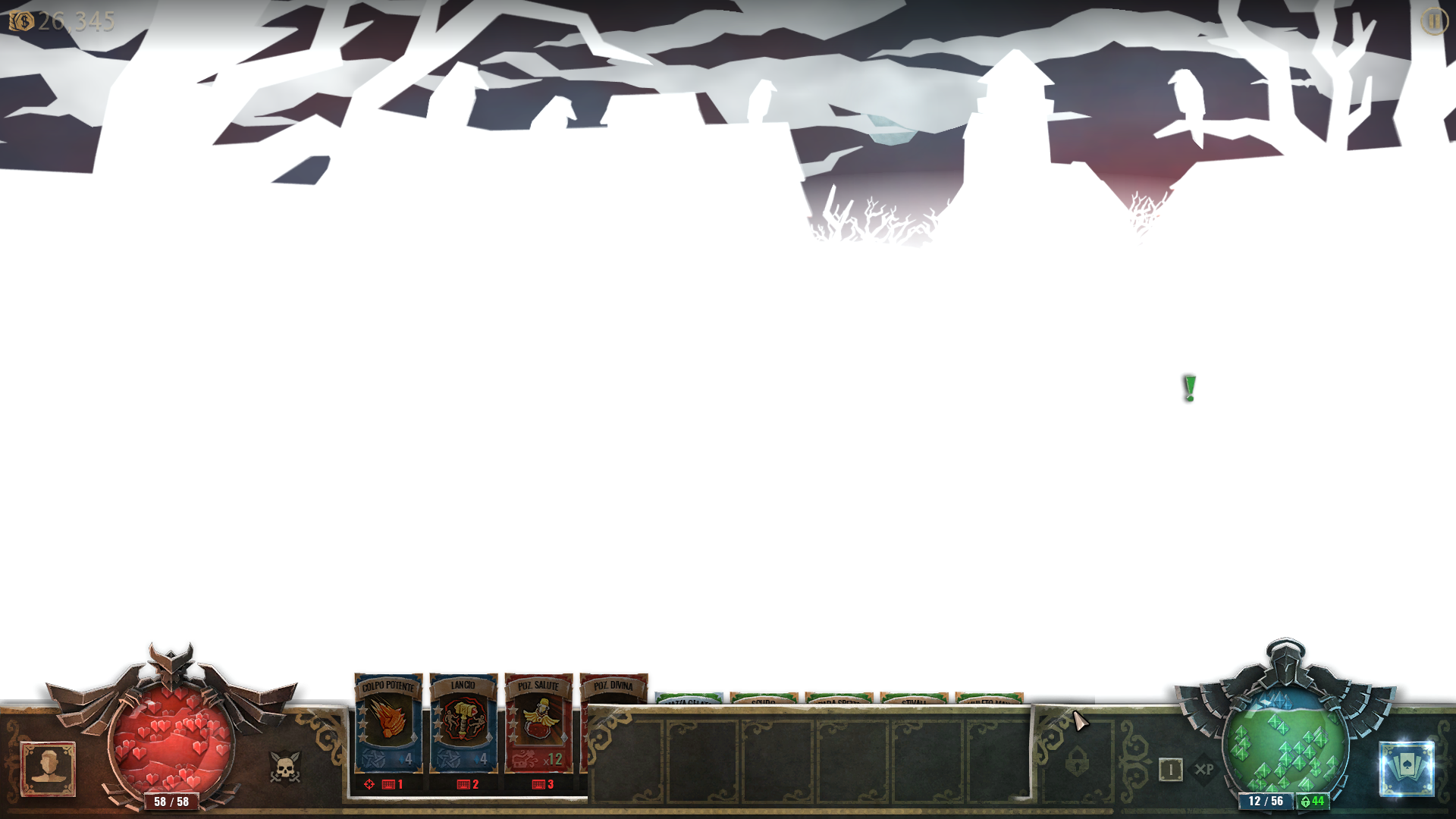
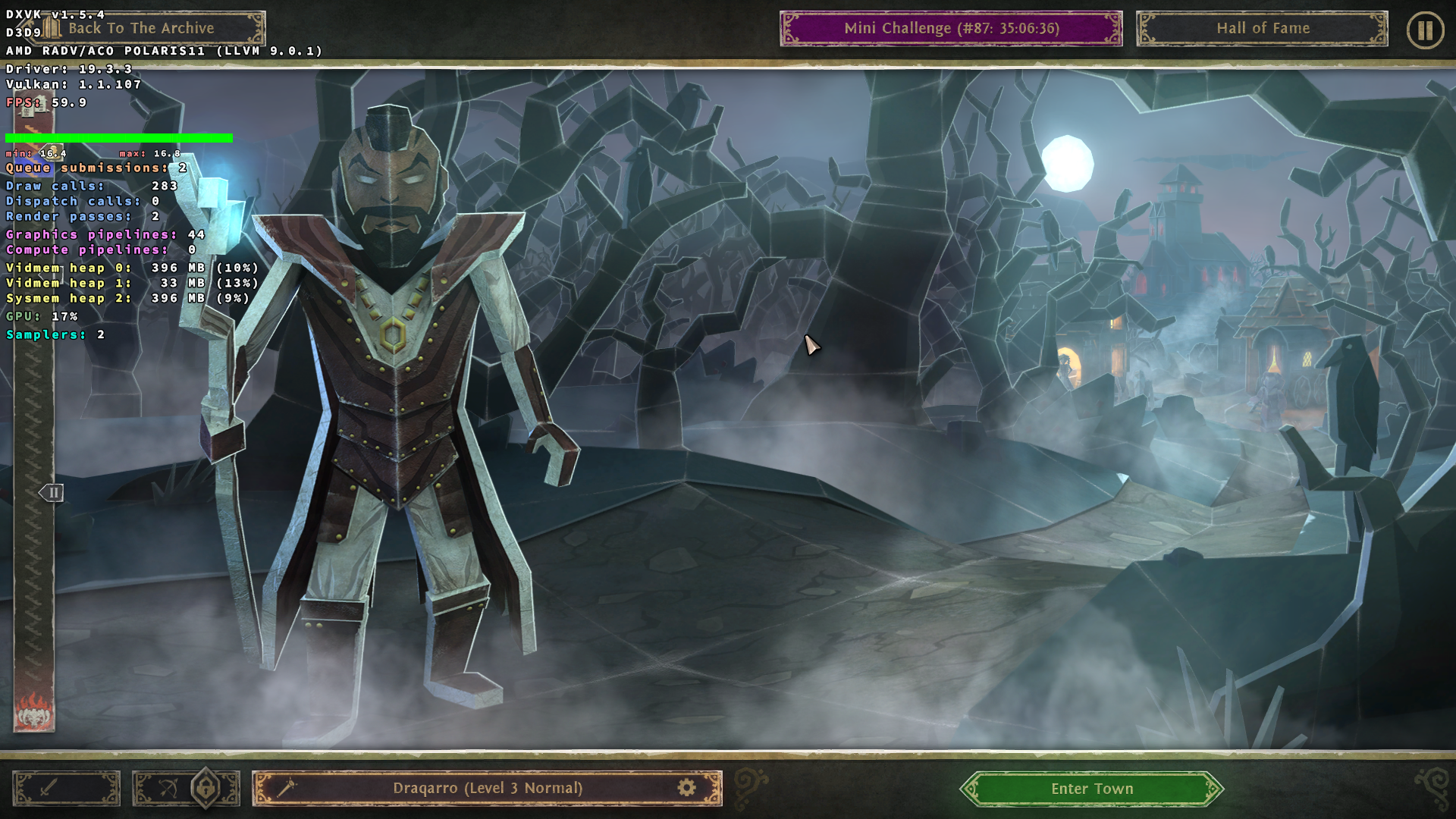
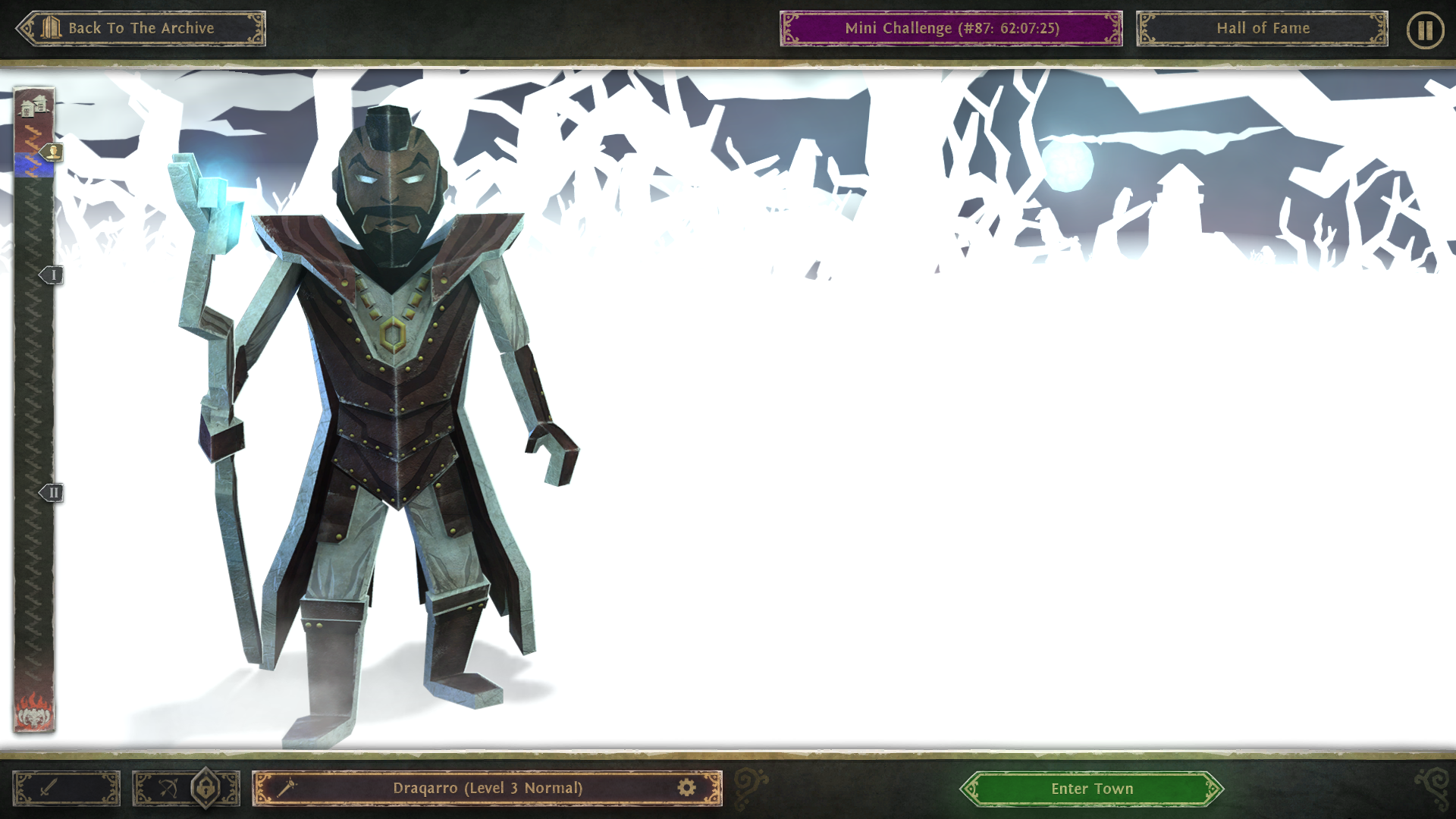
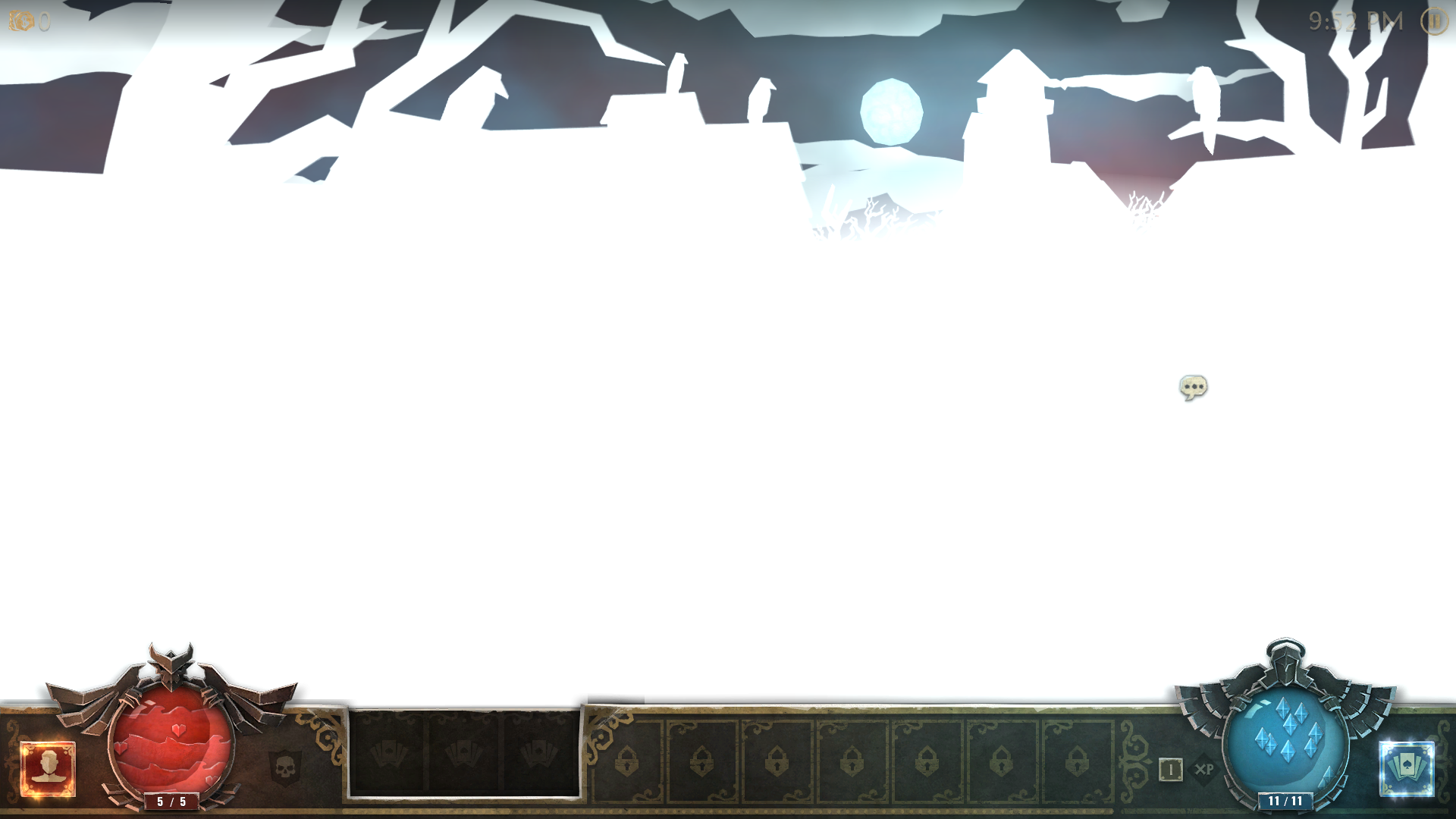
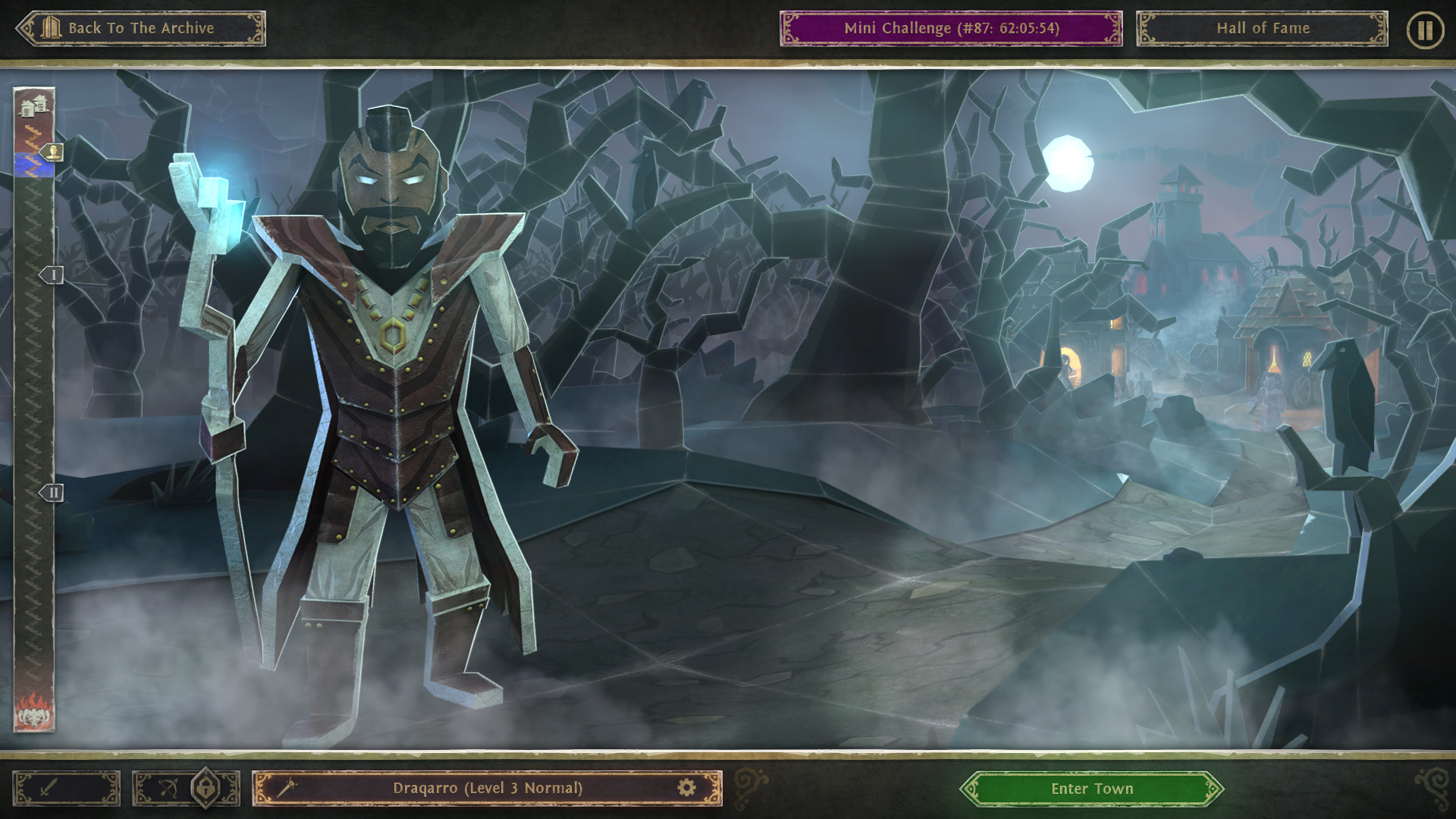
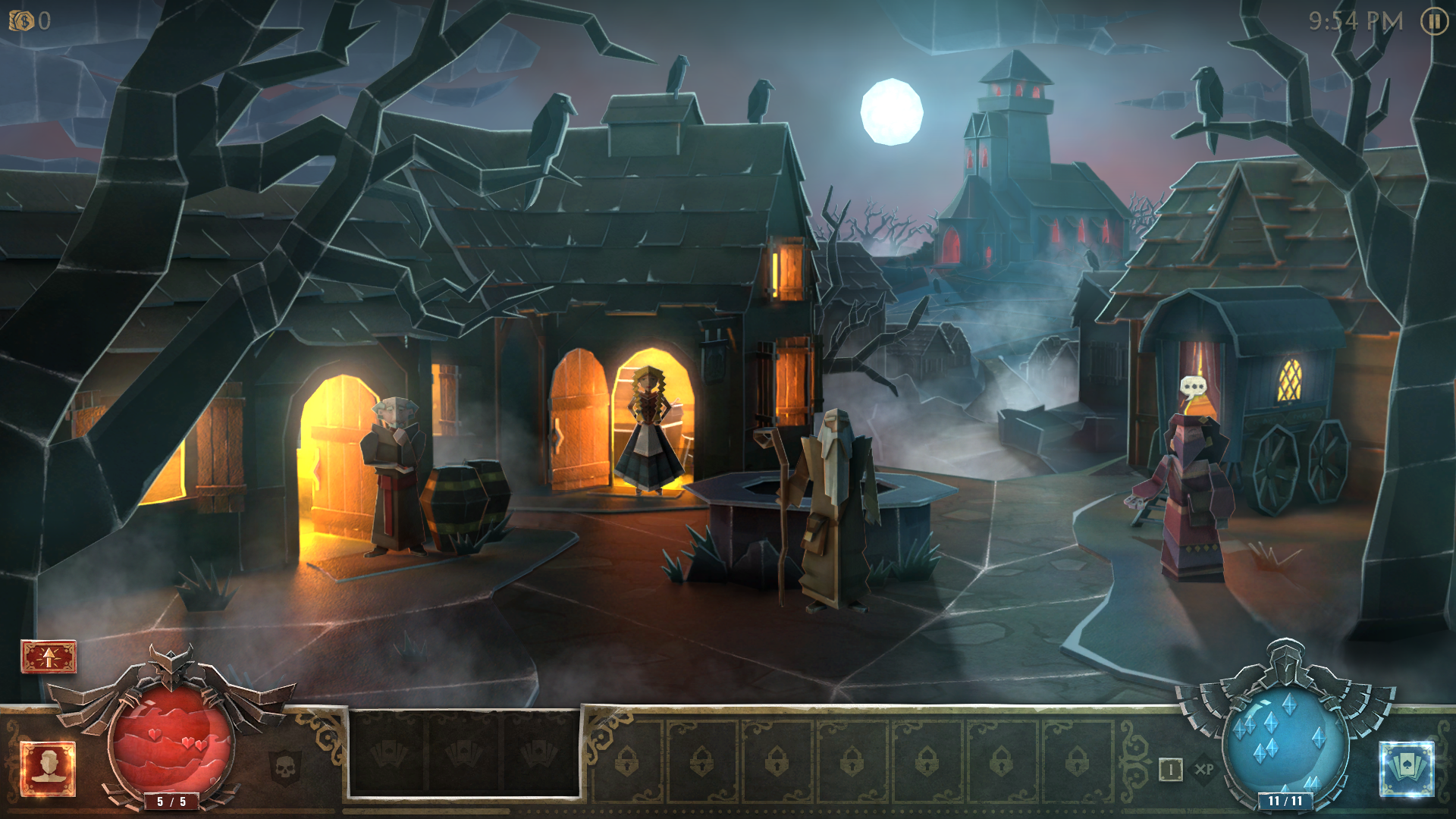
When you are in town or in the screen before entering town, almost all of the textures other than the character model and HUD is white
DXVK
WineD3D
Software information
Book of Demons on Arch Linux
System information
Apitrace file(s)
https://mega.nz/#!bw5USK7Z!dicxTVg15baoWeZMpo_tOlwcZY-ekw2-Bft5VMoOAnM
Log files
steam-449960.log