What exacly is it supposed to look like? It's a bit hard to see "flicker" on a static screenshot.
Ah, sorry about that. I'm not used to making GIFs (or videos). I'll be updating the main post with a video and a native screenshot when they're available. I guess to describe it...with native, the water is always transparent, with a brown color visible underneath. With DXVK, the water is gray most of the time, but sometimes flickers very quickly between the gray color and the brown color as you drive by it.
EDIT: The main post has been updated!
I'm not used to making GIFs (or videos).
If you're looking for something fairly simple and easy to use, try simplescreenrecorder.
All right, thanks @WinterSnowfall !
This should be fixed now! :)
Thank you!
Nothing extracted yet.
Please describe your issue as accurately as possible. If you run into a problem with a binary release, make sure to test with latest
masteras well.Important: When reporting an issue with a specific game or application, such as crashes or rendering issues, please include log files and a D3D11/D3D9 Apitrace (see https://github.com/apitrace/apitrace) so that the issue can be reproduced.
In order to create a trace for D3D11/D3D10: Run
wine apitrace.exe trace -a dxgi YOURGAME.exe.In order to create a trace for D3D9: Follow https://github.com/Joshua-Ashton/d9vk/wiki/Making-a-Trace.
DO NOT use DXVK together with apitrace!
Software information
Cross Racing Championship Extreme 2005, max settings
System information
Apitrace file(s)
https://drive.google.com/file/d/1zc4Flows4G1hFx1dVI6G_iYN5xZgm-Bv/view?usp=sharing
Log files
Hello! I'm reposting an older, unresolved issue: The water flickers sometimes as you drive by it. I think the default color of the water in DXVK may be different from native d3d9, as well.
Here's an image from DXVK:
And here's one from native d3d9:
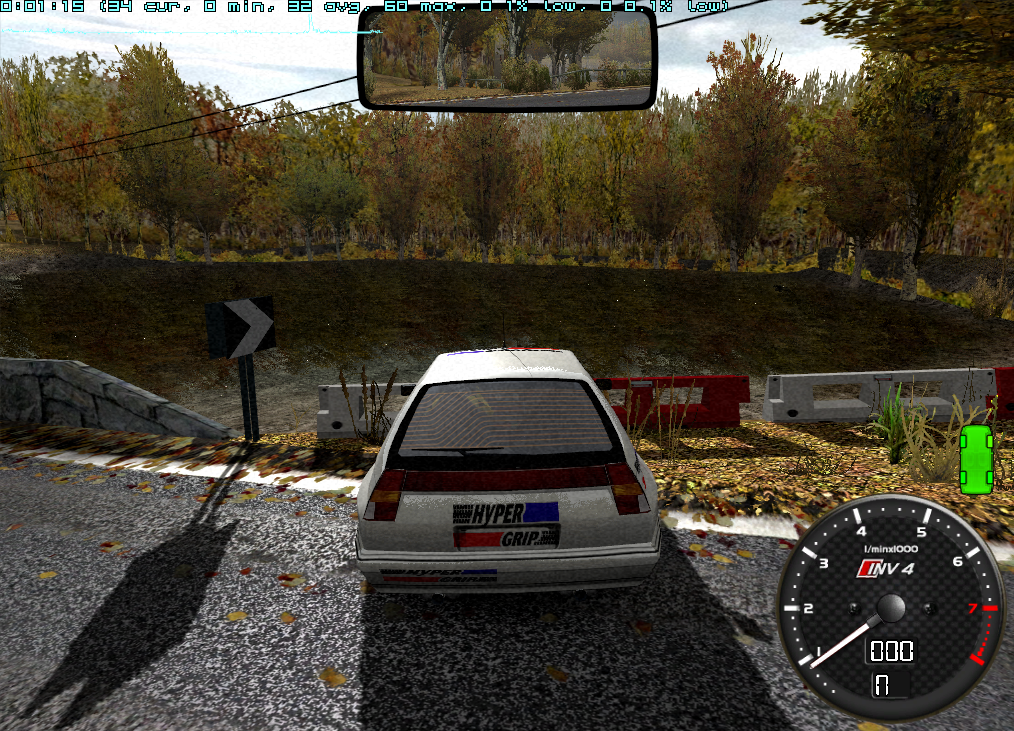
I also have a video of DXVK behavior here: https://drive.google.com/file/d/123Y2fUawvRe3ieLMH_zN1skRS7yJdq3t/view?usp=sharing
Thanks!