[d3d11] Rendering artifacts in Barn Finders
but trace file didn't appear in game folder.
Check the desktop folder inside your wine prefix. Please also try the game with Microsofts d3dcompiler and d3dx11 DLLs. You can install those using winetricks/protontricks.
I tried to run the demo but all I get is a black screen. How do I get around that?
Ok, got the game to run, works fine on my end (mesa-git, RX 480).
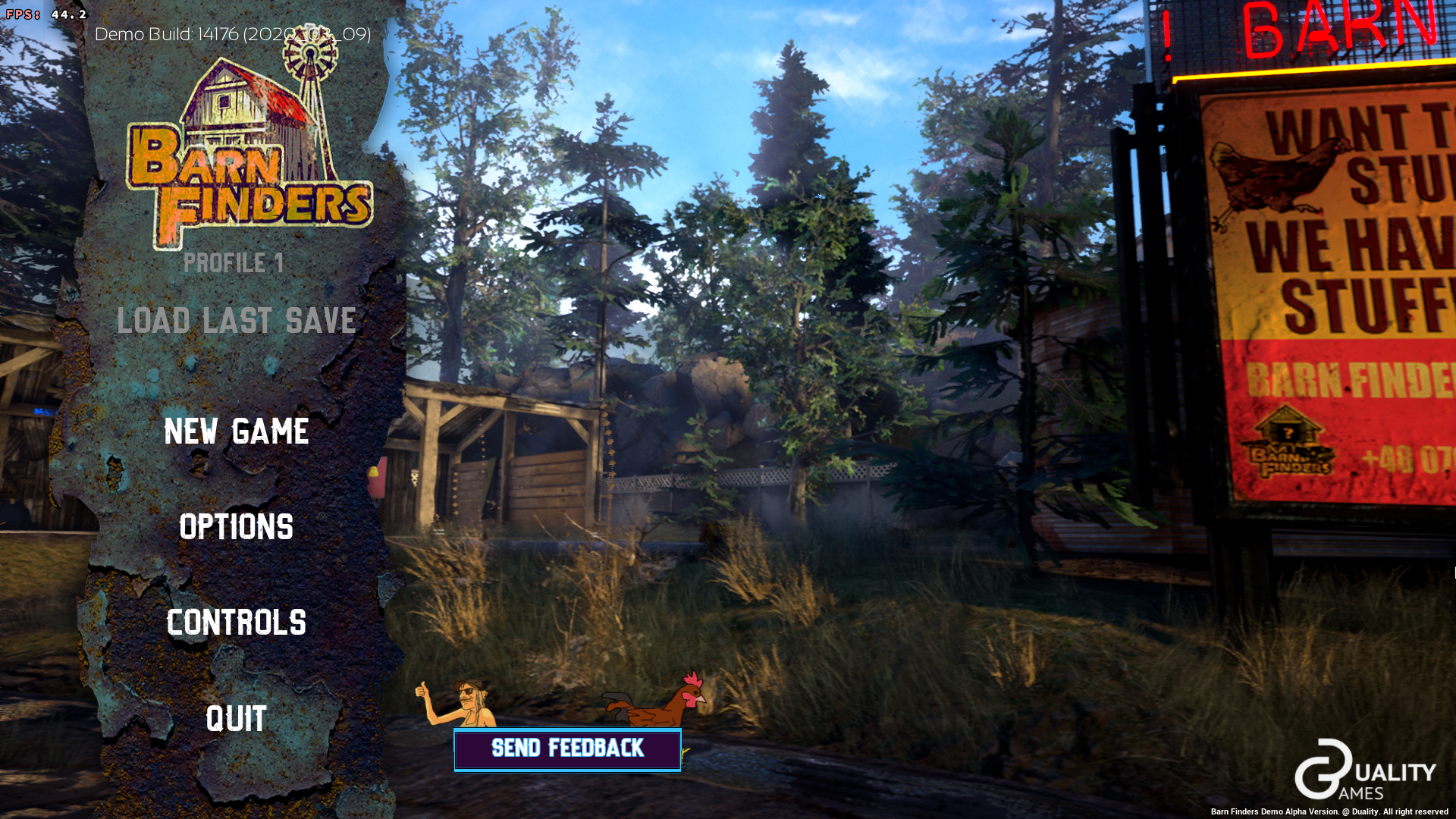
DXVK version: v1.7-63-gc4f37d39-async
Please don't use unofficial patched builds when reporting issues.
@doitsujin
works fine on my end (mesa-git, RX 480)
Tested with 20.2~git2007160730.081691 from Oibaf PPA, outcome is still the same:
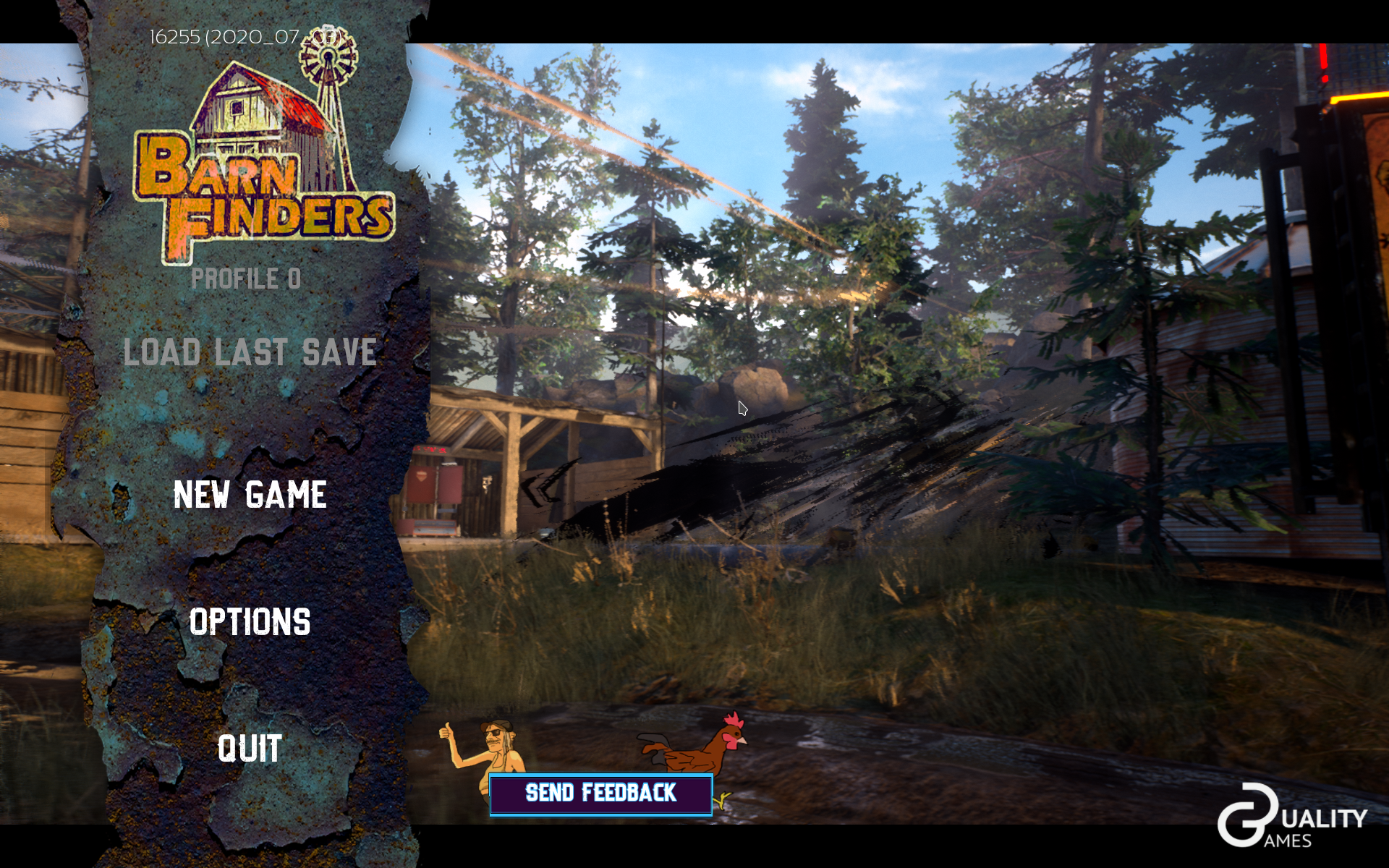
Anyway, if you can't reproduce this - driver bug then?
Please don't use unofficial patched builds when reporting issues.
I tried to install official DXVK build via protontricks before writing this bugreport, but after I did this game stopped working, so I had to re-create WINE prefix.
@K0bin
Check the desktop folder inside your wine prefix.
Empty here. (Checked Desktop folder in both user profiles created by Proton.)
Please also try the game with Microsofts d3dcompiler and d3dx11 DLLs.
Tried, unfortunately artifacts didn't go anywhere.
Anyway, if you can't reproduce this - driver bug then?
Yeah, might be a Vega-specific issue.
Yeah, might be a Vega-specific issue.
Registered issue at Mesa bugtracker: https://gitlab.freedesktop.org/mesa/mesa/-/issues/3311
Proton versions
proton 5.0-9x1 2020-07proton 5.11-ge-2x1 2020-07
Launch options
PROTON_USE_WINED3D=1)x1 2020-07
Upstream links
- ValveSoftware/Proton/issues/4067x1 2020-07
Screenshot:
It's looks like what supposed to be light that get through trees on the back (or it's supposed to be shadows of these trees? I not sure) is rendered as constantly flickering black triangles.
After starting new game issue is reproducible with other effects too, so it's not specific to game main menu.
How part from screenshot is supposed to looks like: https://youtu.be/QiA5MHeWtQM?t=587
Software information
Barn Finders, default settings (high textures, all effects enabled)
Select low textures and disabling all effects doesn't make any difference.
System information
Apitrace file(s)
I don't have Windows so I can not record apitrace there.
I tried to create apitrace on Linux by following this DXVK wiki article (tried to do so with PROTON_USE_WINED3D=1) but trace file didn't appear in game folder.
Log files