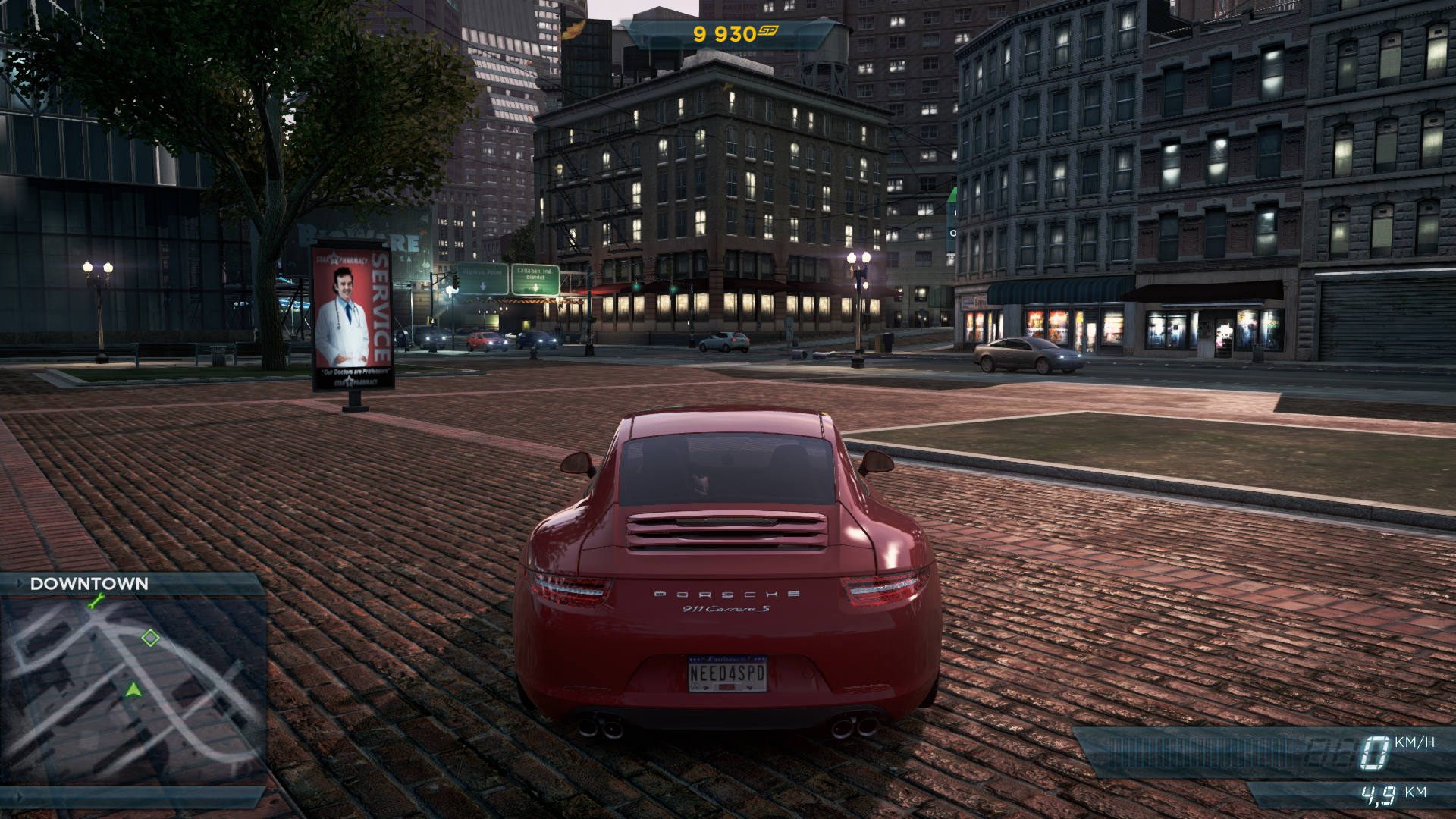
[d3d11] Need for Speed Most Wanted 2012 → missing shadows on cars? (I can't provide an apitrace, need help!)
I can't provide an apitrace, when I want to launch the game with the wrapper to do it, I have this error:
Did you copy all of the required files over? dxgitrace.dll, dxgi.dll and d3d11.dll
Yes, as usual.
Precision: it's the version on Steam. Maybe Origin check something before launching the game, I don't know...
I managed to get a trace but it looks identical to what I get with D3D11 on Windows.
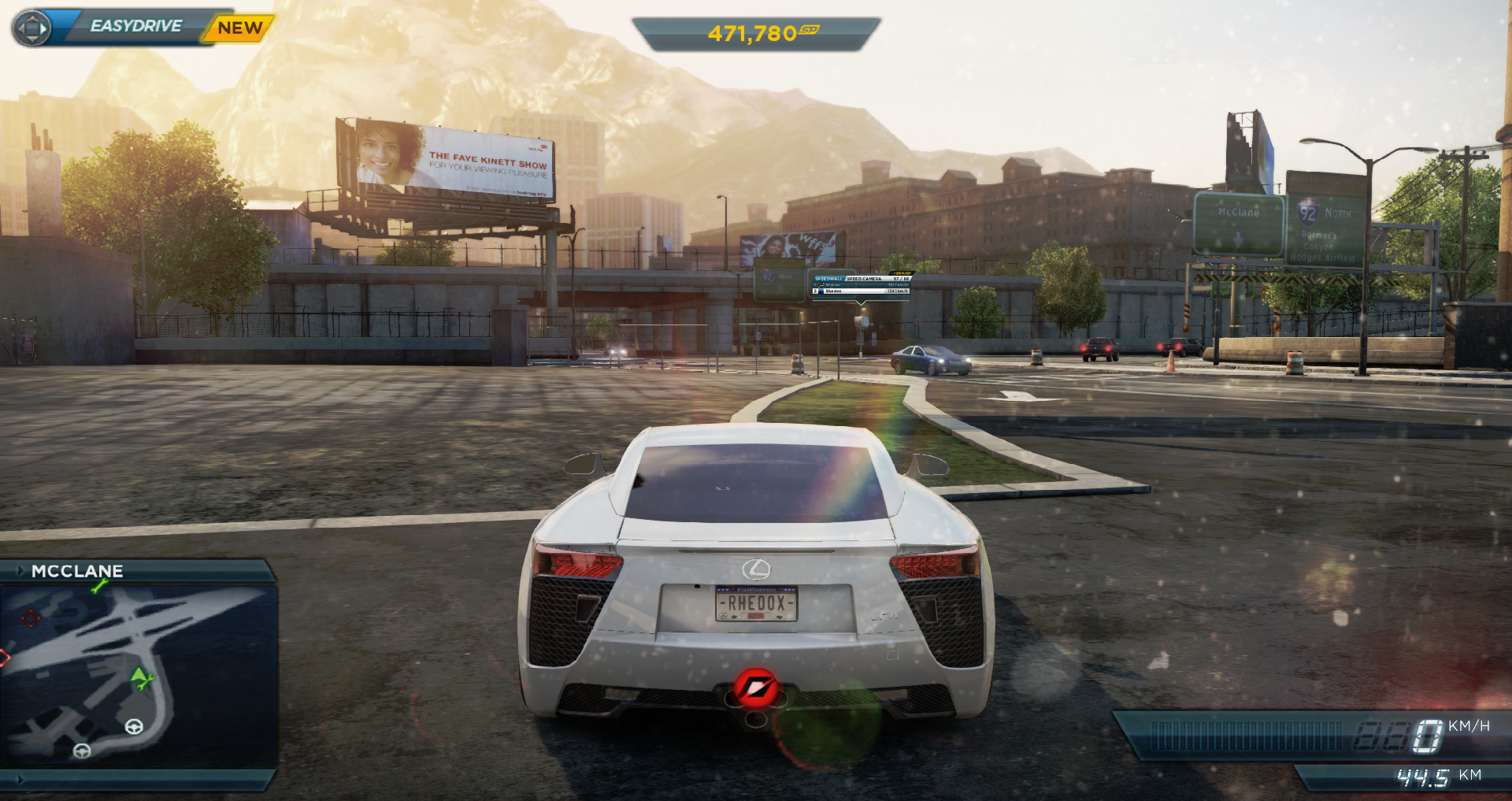
D3D11:
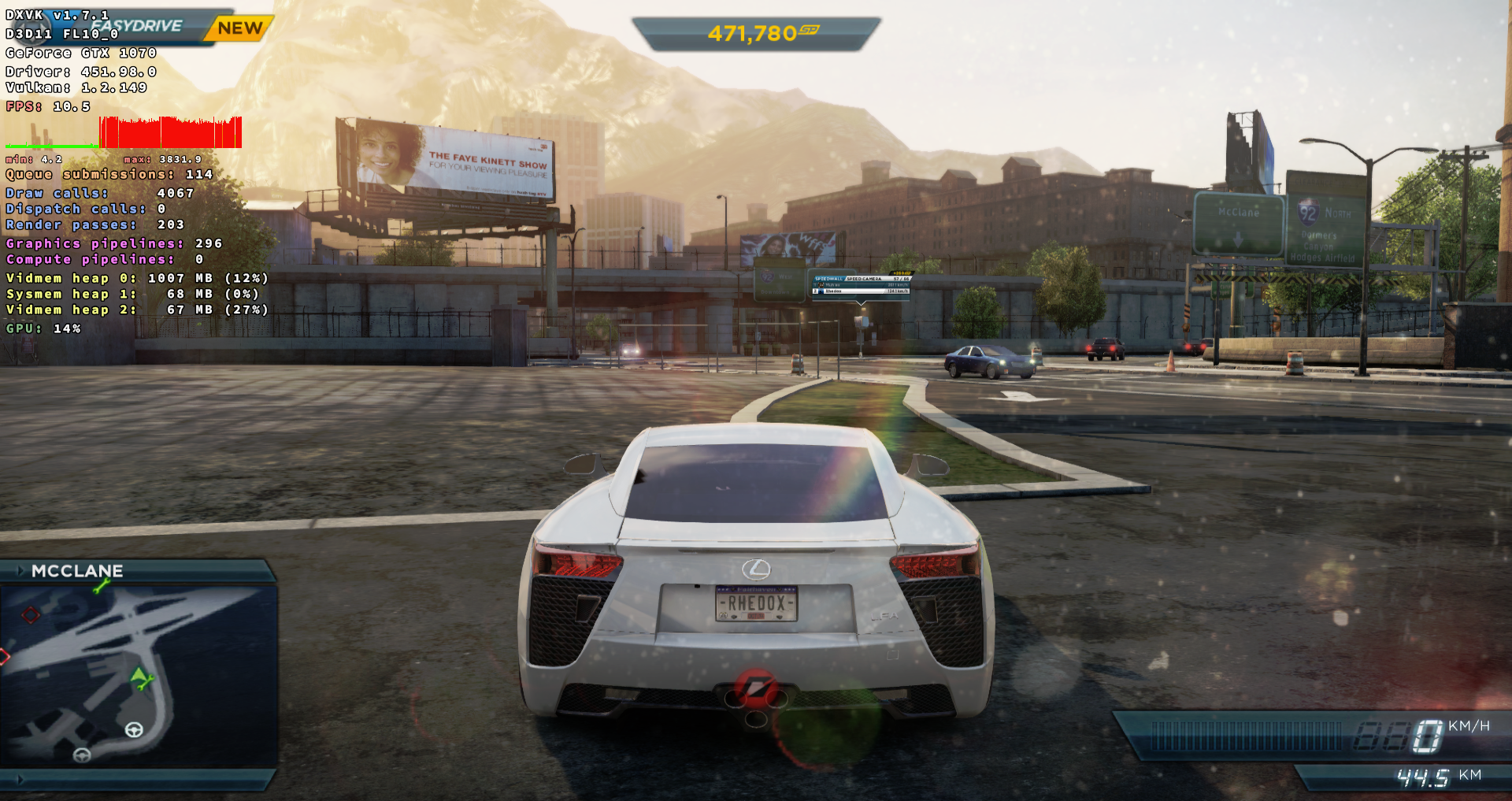
DXVK:
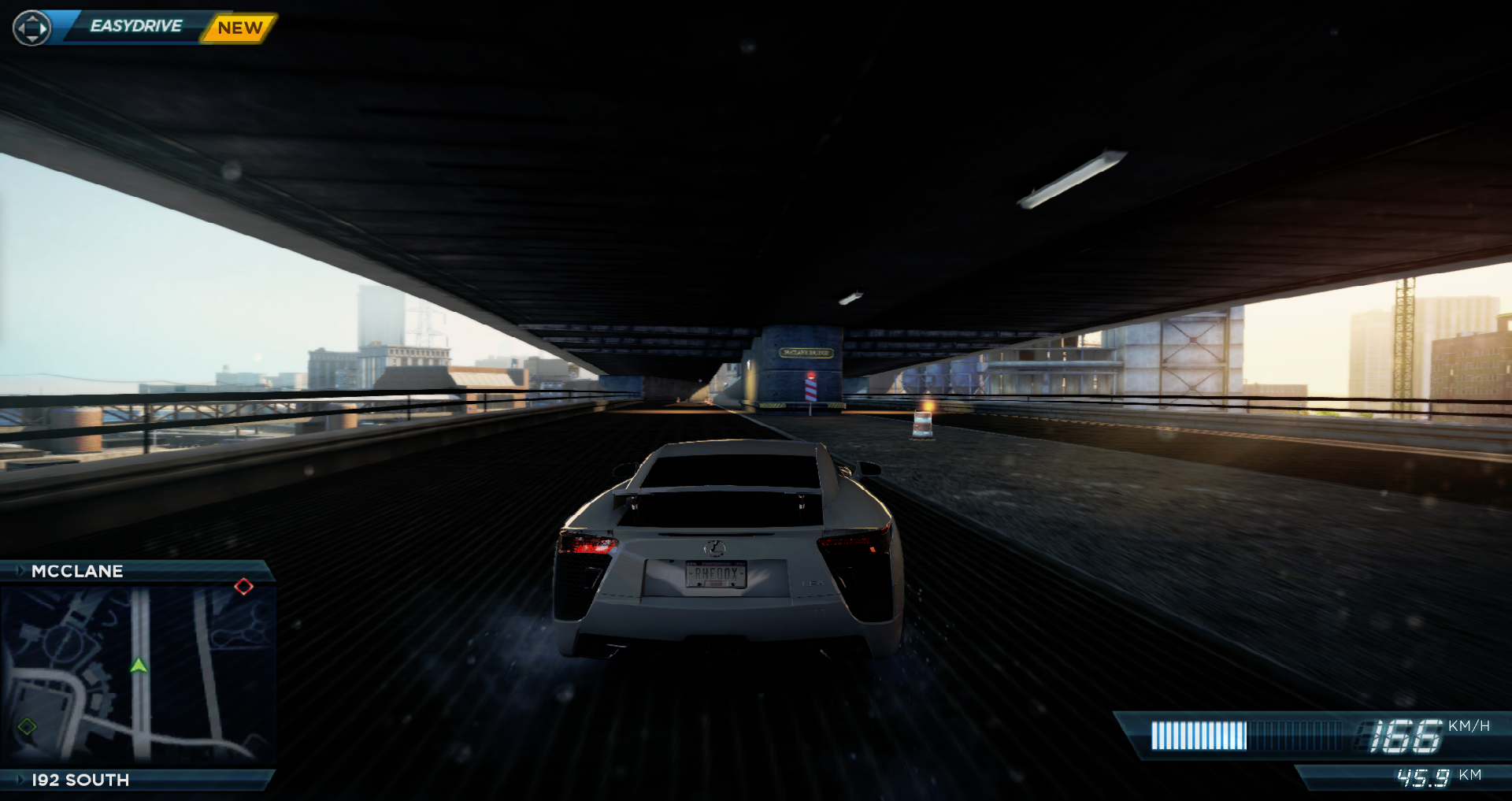
D3D11:
DXVK:
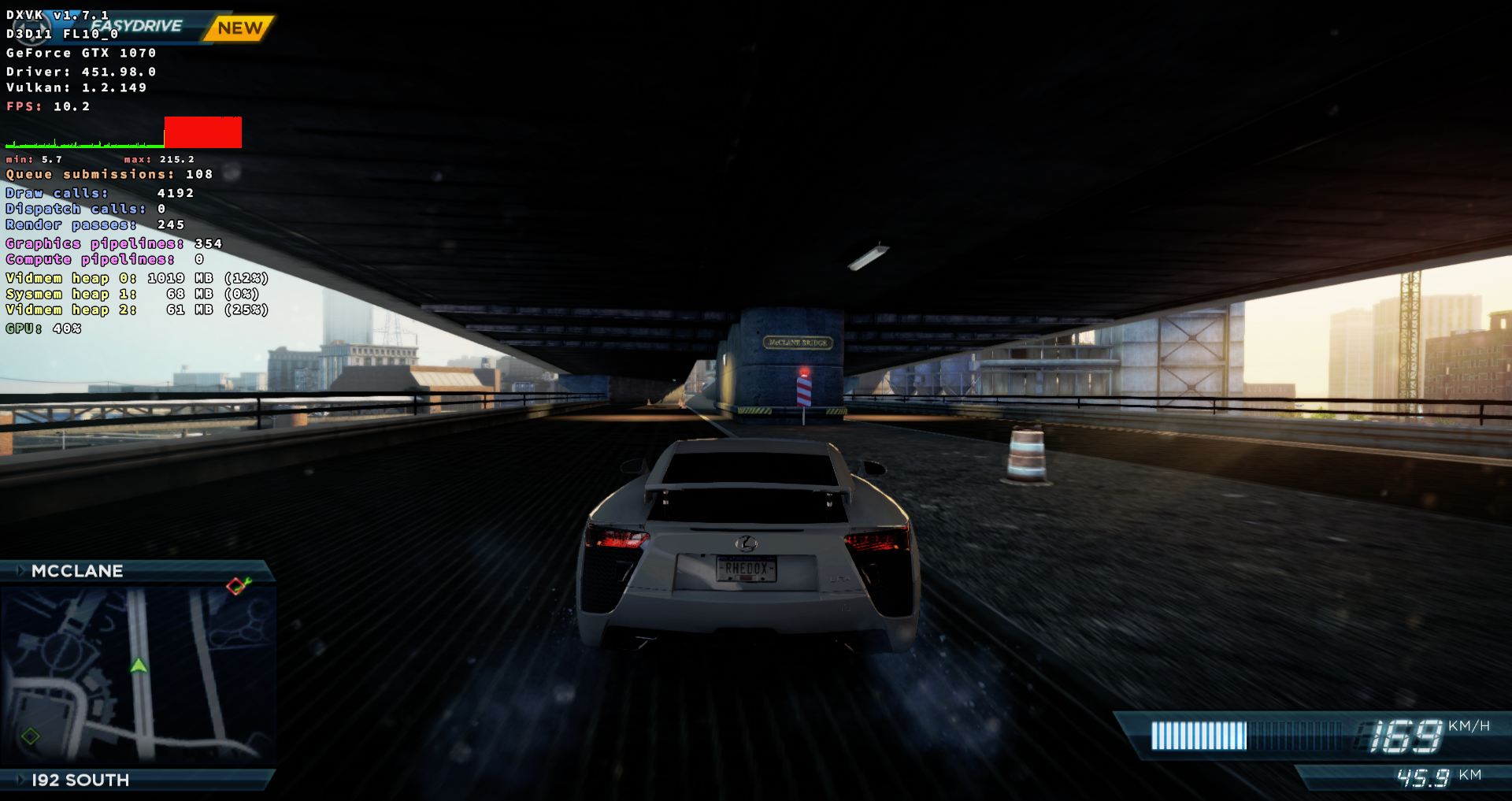
So this is either related to the ingame time of day and your position in the city (and maybe even car) or just a WineD3D bug instead. I'd go with the latter because it looks way too dark considering the rest of the scene. Also notice how bright my car still is under that bridge.
Yeah it's a WineD3D bug indeed.
Replaying the trace with WineD3D looks totally off.
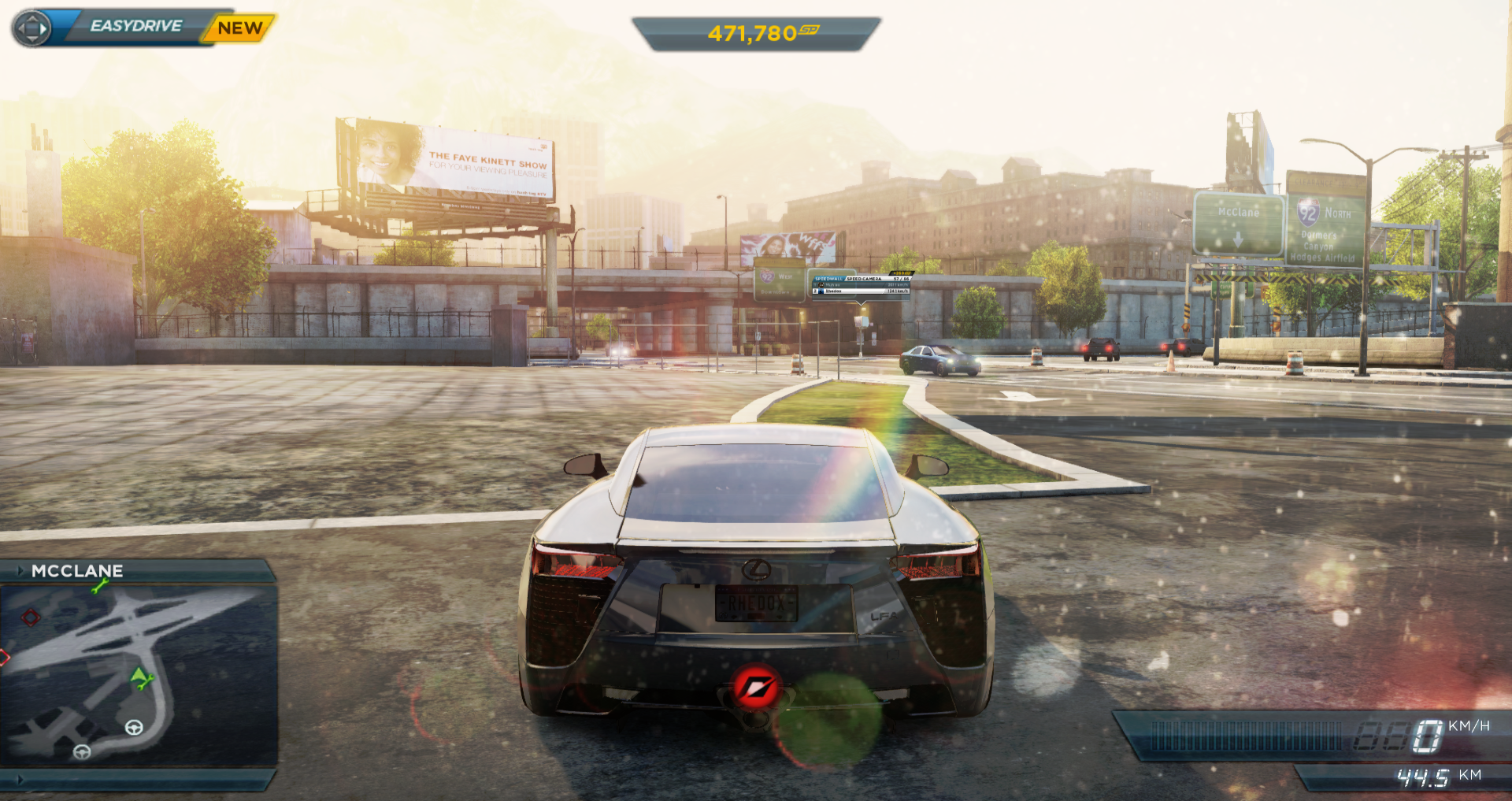
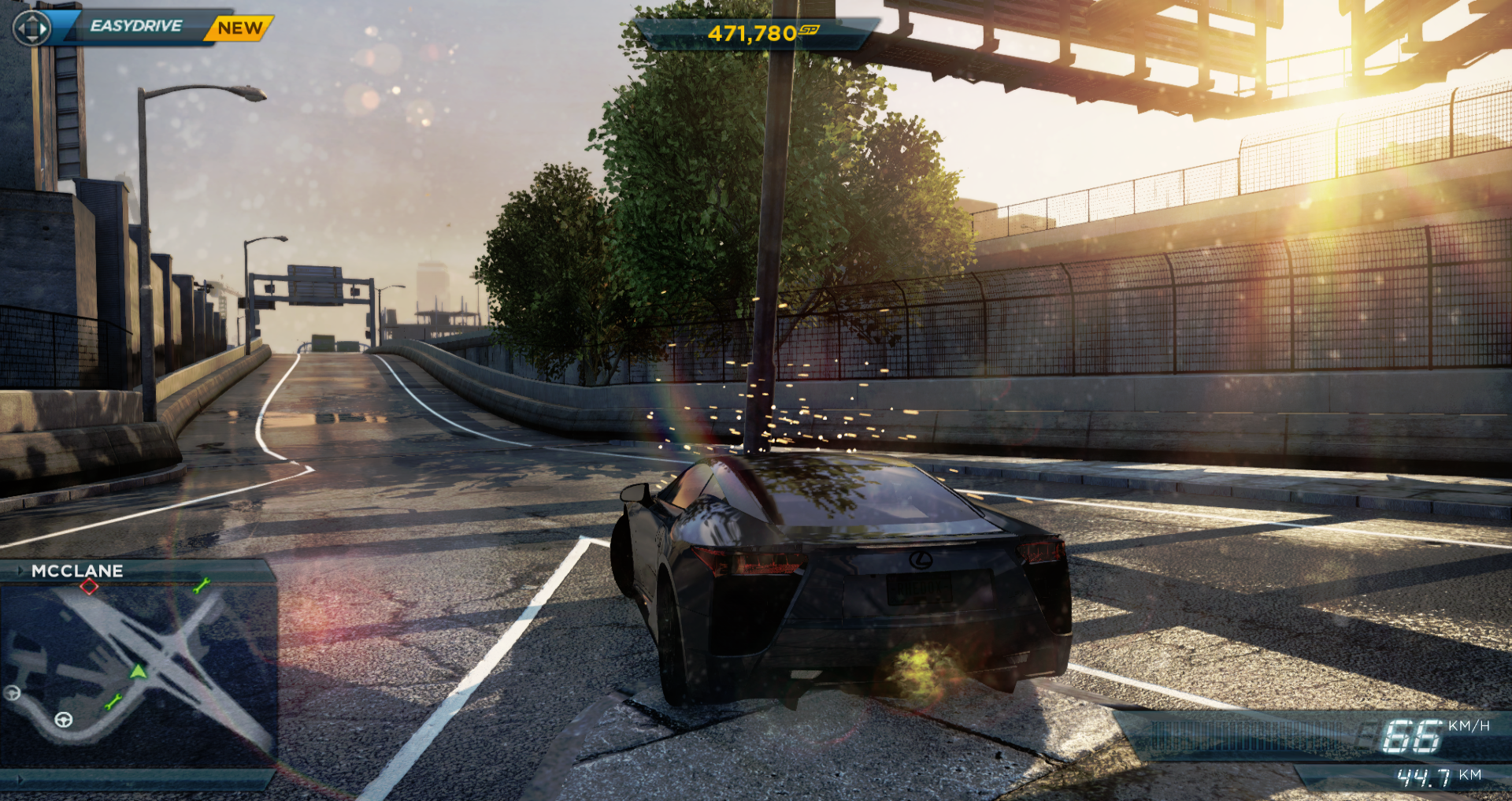
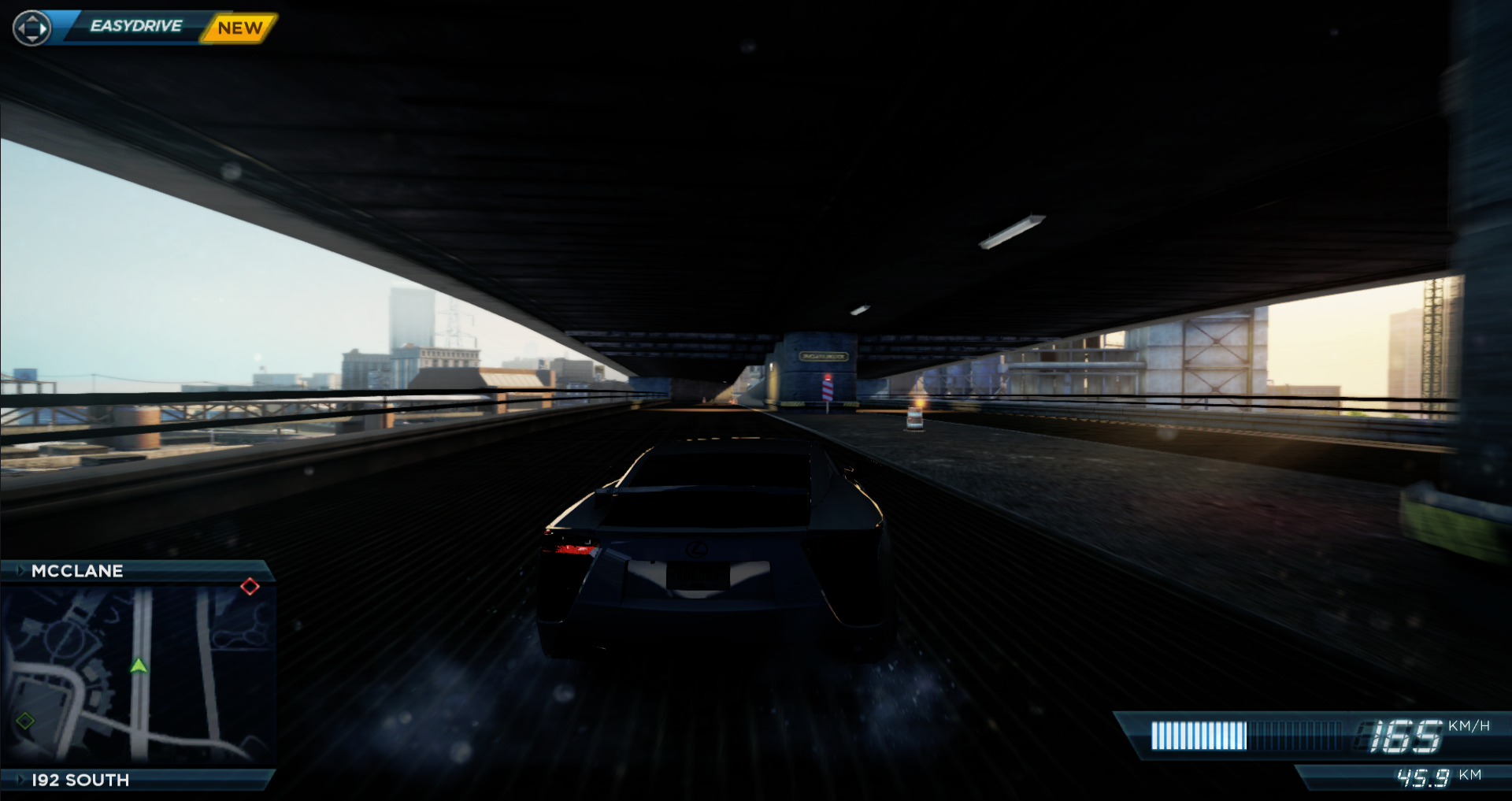
^ This is still the white car.
Thanks! :)
Proton versions
proton 5.0-9x1 2020-08
DLLs
d3d11.dllx1 2020-08dxgi.dllx1 2020-08dxgitrace.dllx1 2020-08
WineD3D:
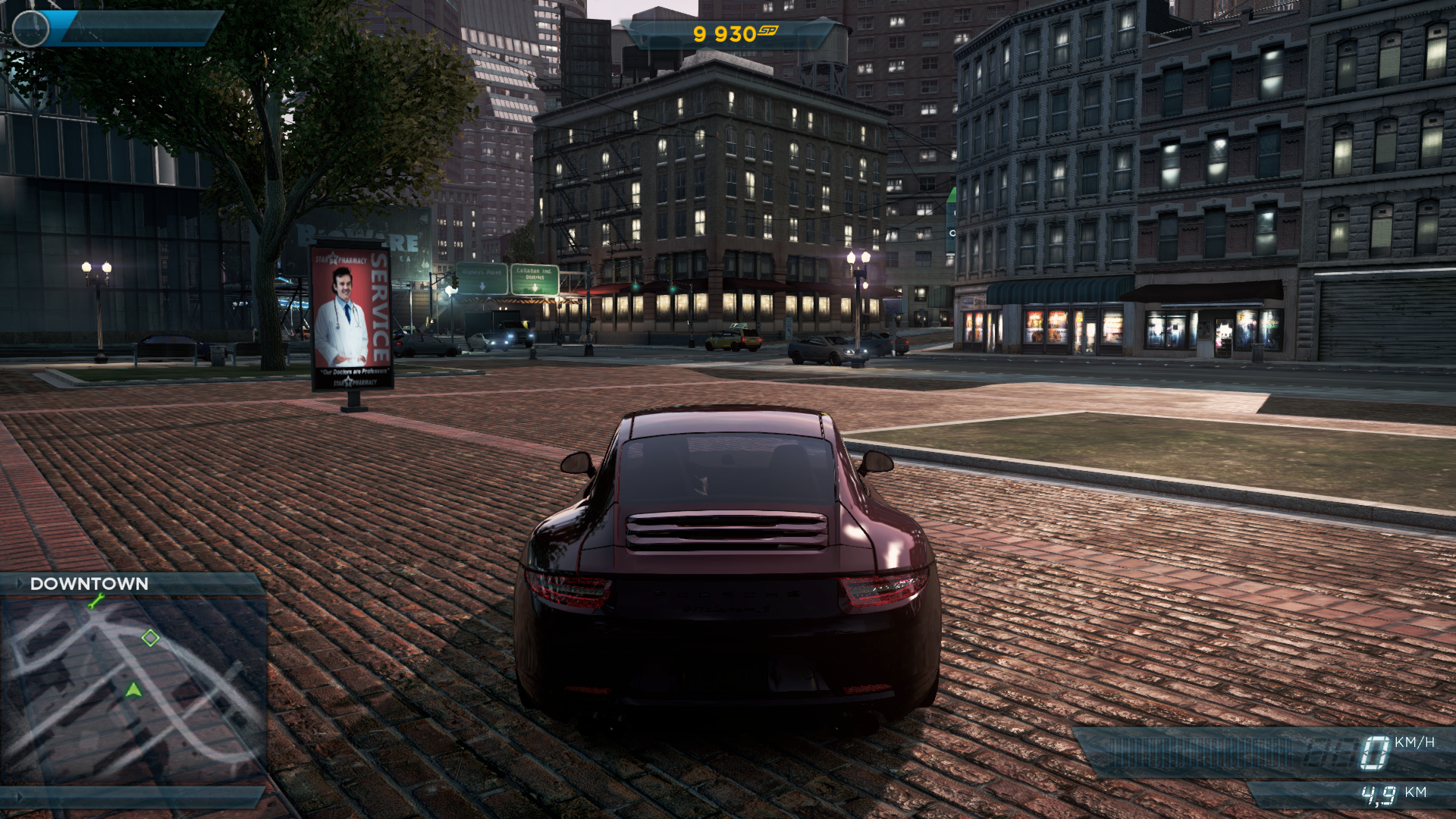
DXVK:
System information
Apitrace file(s)
I can't provide an apitrace, when I want to launch the game with the wrapper to do it, I have this error:
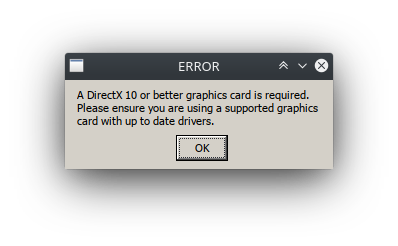
I have no idea how to bypass that, if someone knows...
Log files
steam-1262560-wined3d.tar.gz (115 Mo uncompressed)
steam-1262560-dxvk.log