Trackmania 2020 through Uplay launch crash
err: Failed to create surface
Sounds like a winevulkan issue or your driver is broken, this cannot be fixed on our end since a basic Vulkan feature isn't working.
Please post the full console output from wine though.
Since about two weeks ago
can you try on wine 5.16 or older?
I tried wine-5.16, 5.17, 5.18. game works/no crash on any version.
nvidia driver vulkan beta (I'm still on 455.22.4)
game version: 202010090924-202010091058
wine-5.18-console-output.log
Thanks for testing! Here's my wine log with 5.18. Seems like instead of the "Presenter" log lines that you get I get this "failed to create surface". I also tried with 455 nvidia drivers but same thing.
wine-5.18.log
I will test with older wine versions.
Alright, I figured it out.
When I first installed the game 2 months ago, Trackmania could not find my GPU so I had to manually set my GPU name in $prefix/drive_c/users/$username/My Documents/Trackmania/Config/Default.json, the lines "Adapter" : "", to "Adapter" : "Geforce RTX 2070",.
What happened was that when the game updated, the Trackmania GPU key names in the mapping changed so my GPU could not be found once again because the correct name changed from Geforce RTX 2070 to NVIDIA Geforce RTX 2070. After updating everything (Trackmania, wine, Nvidia driver) if I just leave it blank as "Adapter" : "", it is now able to find my GPU so I recommend leaving it blank.
If someone runs into similar issues with Trackmania with GPU not found you can find the list of GPU key names in $prefix/drive_c/users/$username/My Documents/Trackmania/Config/GfxDevicePerfs.txt.
Thanks for the help!
Oh, good. because I additionally tried 440.100 450.66 450.80.2 455.28 455.26.1 - and everything works fine
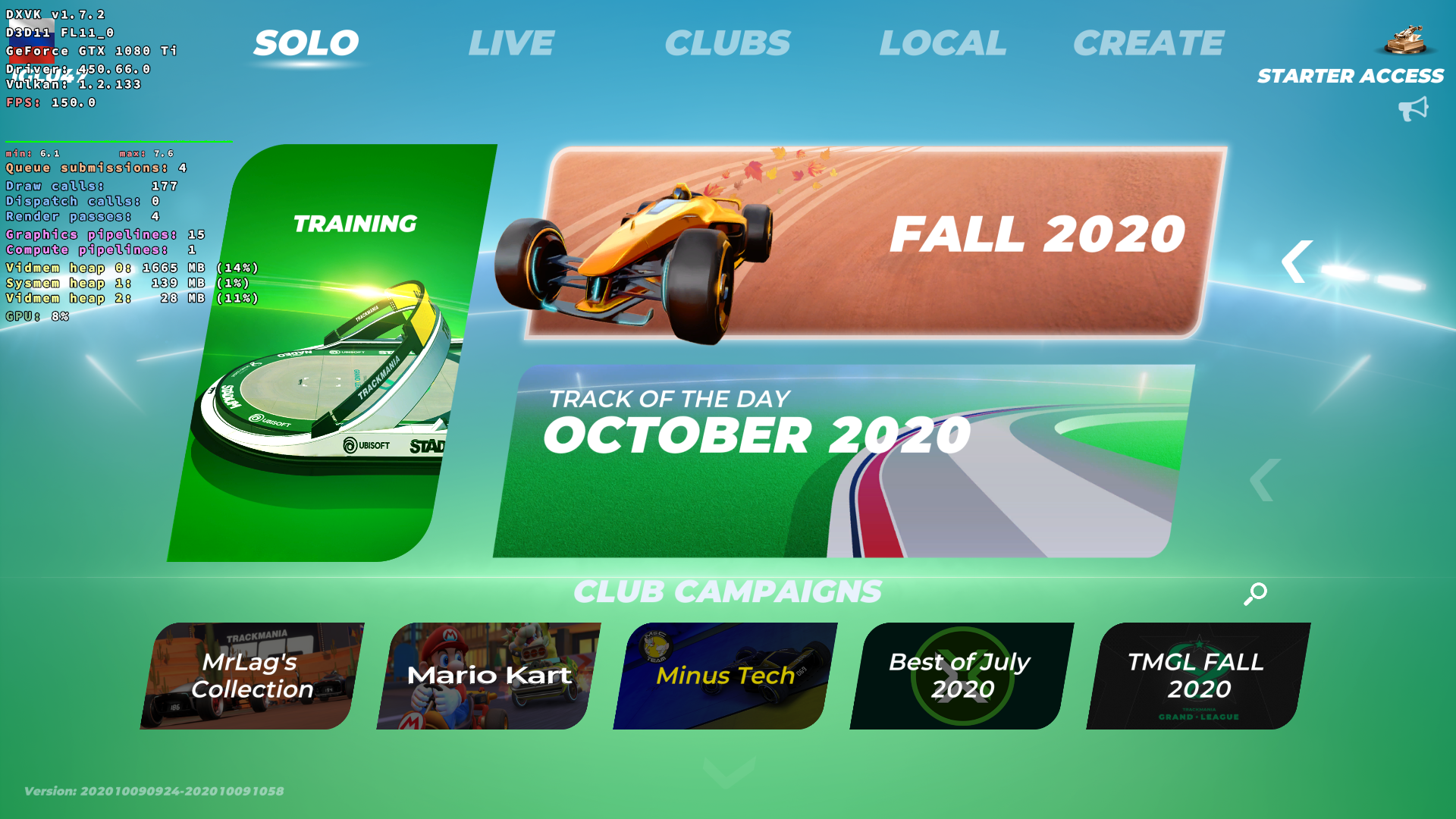
Leaving default.json blank or adding the appropriate string for my GPU doesn't seem to make a difference and neither let the game launch.
Nothing extracted yet.
Hi,
Since about two weeks ago, Trackmania 2020 stopped working. It used to work three weeks ago but my GPU drivers updated from 440 to 450 and Trackmania also had an update. The game runs fine if I disable DXVK.
The main error I see in the logs is
and the game won't launch from the Uplay portal.
If I add dxgi and d3d9 params to defer surface creation, the game runs but I get a black screen with the game music.
Not sure if it's relevant but if I don't specify vendorId and deviceId as dxgi parameters, I get
however I didn't specify them before the updates and the game ran fine. If I do specify them, these errors disappear but the surface creation error still makes it crash
Software information
Trackmania 2020 through the Uplay portal
System information
Log files