Myst Online Uru Live graphics broken, white all over.
Okay, so I've done some more testing and I have no idea whats going on anymore. I tried running the game using amdvlk and the bug seems to be gone, but instead this happens on any d3d9 game I run on amdvlk:
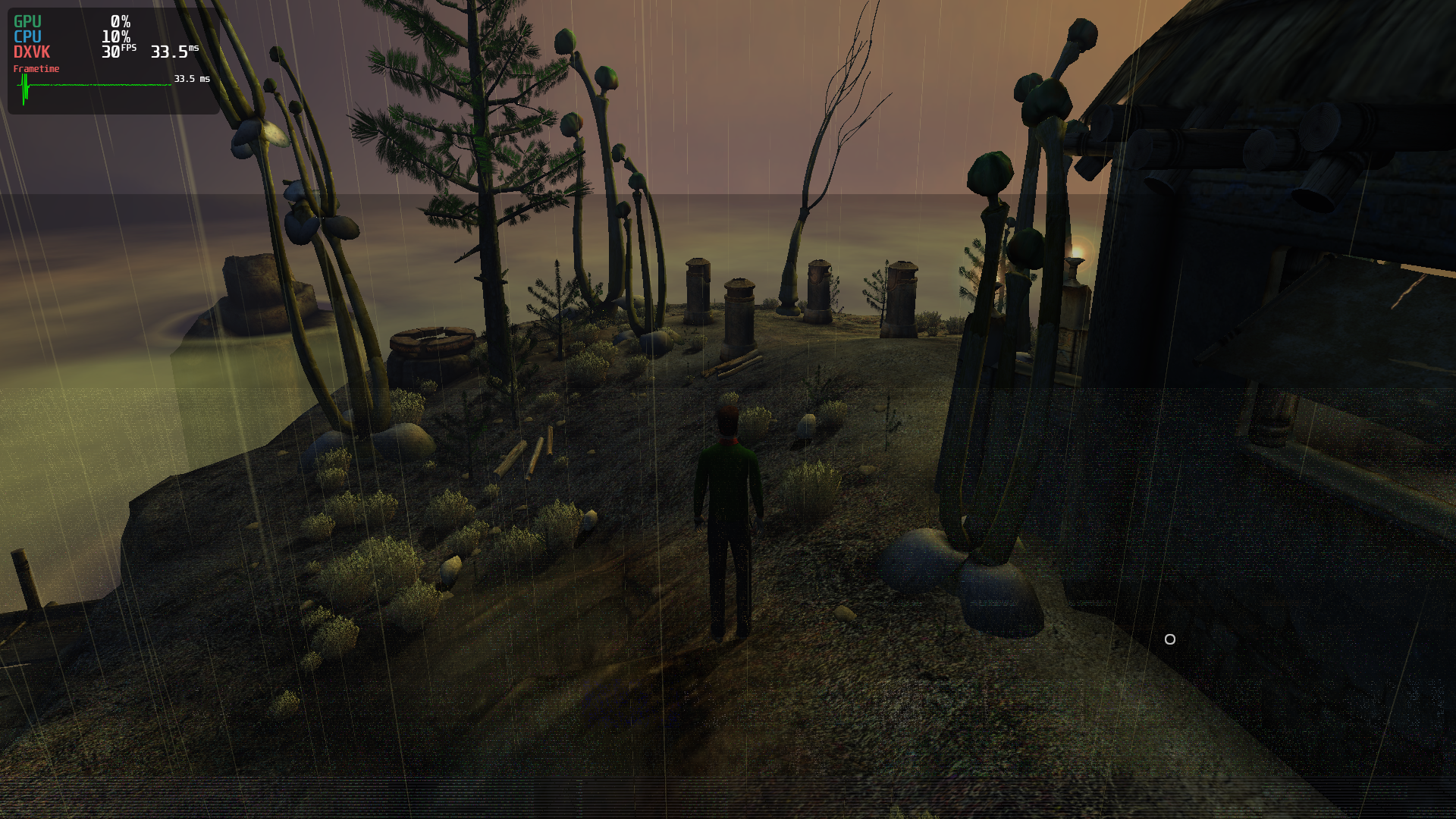
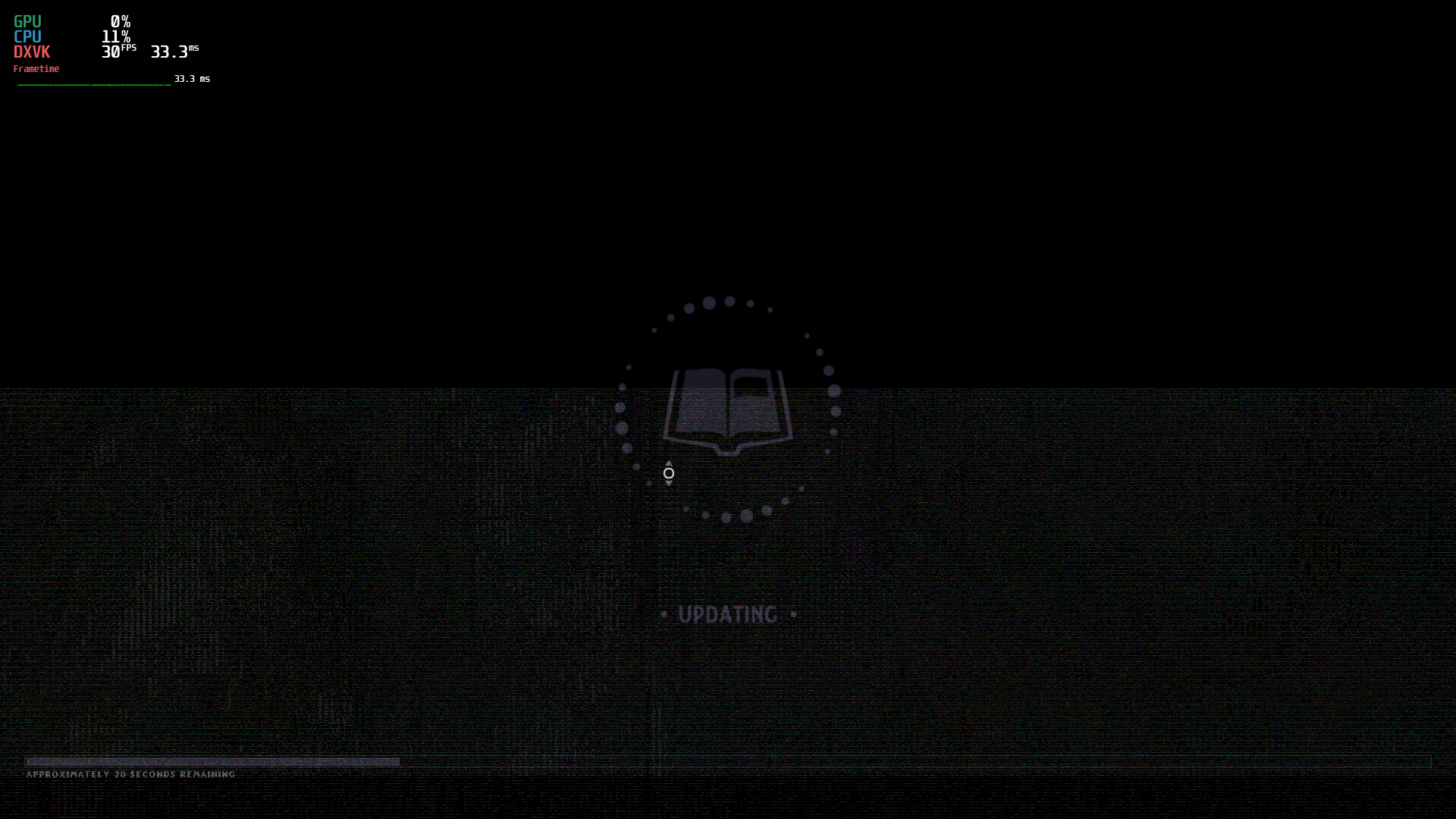
But then I replayed the trace I uploaded earlier and it's still just as broken, so I made a new trace, this time making sure to use wined3d while tracing: new trace.
But this new trace plays back fine using both wined3d and dxvk, on any driver.
So it seems that this glitch only happens when running actually running the game using dxvk under radv, but also gets recorded into the trace and plays back broken everywhere else, while a trace from wined3d always plays back fine. No idea how to proceed. Is this a radv bug or a dxvk one? Or am I doing something else wrong?
Alright, so I've worked out that the bug can be worked around on RADV with this configuration:
dxgi.customDeviceDesc = "AMD Radeon RX 5700 XT"
d3d9.customDeviceDesc = "AMD Radeon RX 5700 XT"
I guess the game doesn't like it when the GPU is called "AMD RADV NAVI10".
That explains why wined3d, gallium nine and even DXVK+AMDVLK didn't show the issue and why it didn't show up in a trace.
That other thing with the corruption on AMDVLK was a driver bug that's fixed by now AFAIK.
Should I close the issue now, or is it possible to fix this more permanently without this kinda workaround? I will try to report this to the game devs too.
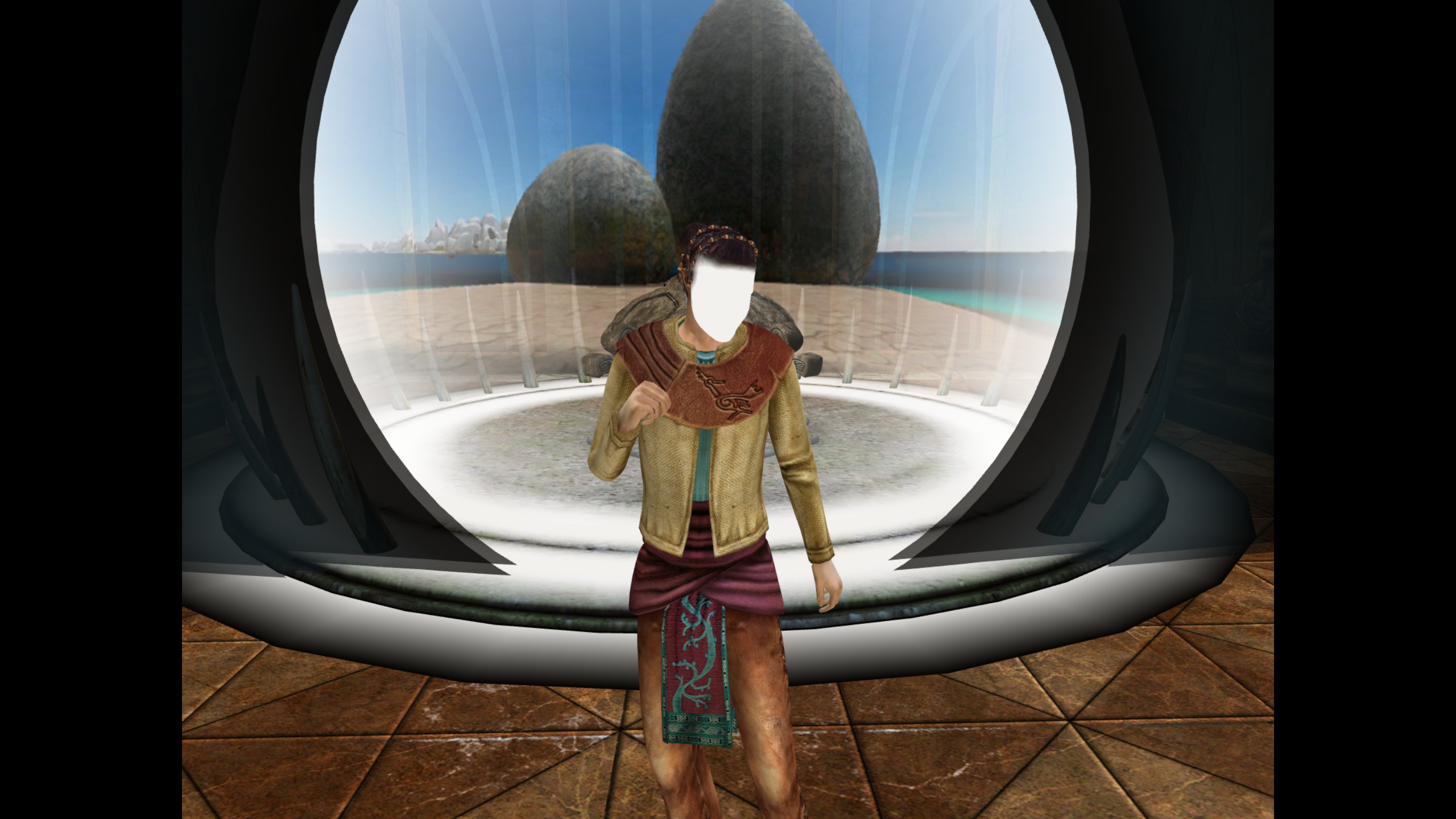
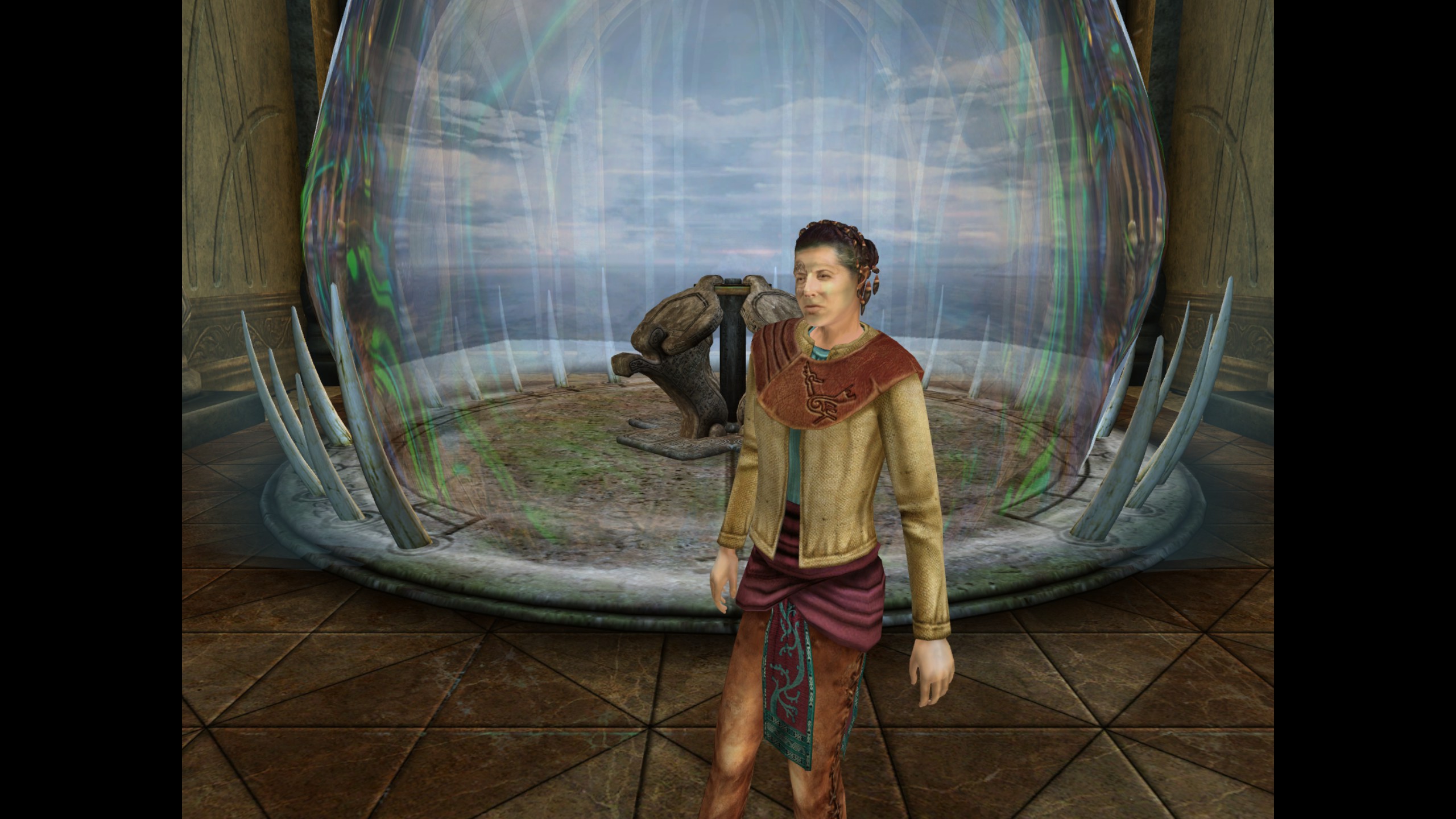
The same bug affects Myst V (both games probably use the same engine). Character faces and parts of the environment appear white or badly blended. @niobium93's fix works there too.
With DXVK:
With WineD3D:
Setup: Archlinux, RX6800, latest Proton experimental, RADV 21.3.5
Trace files:
With DXVK: https://f002.backblazeb2.com/file/RobinLange-Filesharing/myst_v_dxvk.trace.7z
Without DXVK: https://f002.backblazeb2.com/file/RobinLange-Filesharing/myst_v.trace.7z
Just like niobium mentioned, the bug doesn't appear when replaying the second trace with apitrace+DXVK.
Is this still an issue with the latest mesa driver and dxvk?
I have not been able to reproduce this in Myst Online Uru using either dxvk 1.10.1, 1.9.4 or 1.7.2 and radv 22.1 or 21.3.5. This is on a R9 380.
I also tried setting d3d9.customDeviceDesc to AMD RADV NAVI10
It's fixed now. I think the game engine upstream might have fixed it. They removed a bunch of code for really old GPUs, so I think maybe the broken code path is gone now.
Myst V isn't being updated anymore though AFAIK.
@Askannz can you test Myst V?
Just did a quick test on DXVK 1.10.1 + Mesa 22.1.0, still broken.
Roger. I will try to test Myst V.
Okay yes.
So this game was made before AMD had acquired ATI and along with it the Radeon brand.
So this will work when i sees the word "Radeon" in the device description, but does not recognize AMD as a gpu vendor.
It also works if you specify the vendor id as Nvidia "10de", Intel "8086" or ATI Technologies "0528". But it would not work with AMD vendor id "1002" and since it doesn't recognize it nor see the word Radeon in the gpu description when using the RADV driver it screws up for some reason.
If anyone comes across this with Uru: Complete Chronicles, the older Plasma engine version is D3D8 and doesn't use DXVK. A different workaround will be needed for the wined3d to radeonsi APU render path.
@Tele42 you should use d3d8to9 to run d3d8 games using DXVK. Wined3d has severe performance issues even with d3d8 games, even on modern powerful hardware. Same workaround for DXVK would apply there.
On mesa git at the moment (at least for the radv vulkan driver) they are now starting to report the full gpu name. As an example mine isn't just called something like RADV TONGA anymore but also include Radeon R9 380.
So this might be a issue that solves itself with newer drivers.
Tho just as i write this i remember the steam deck doesn't include the word Radeon in the description afaik. So keeping a fix around for those occasions is a good idea. 🤔
@Tele42 for wined3d i think it would be a good idea to open a issue on the wine tracker. They might be able to enable a similar workaround if it's an issue in the game you mentioned.
Proton versions
proton experimentalx1 2022-02
Most surfaces in this game are covered in whiteness:
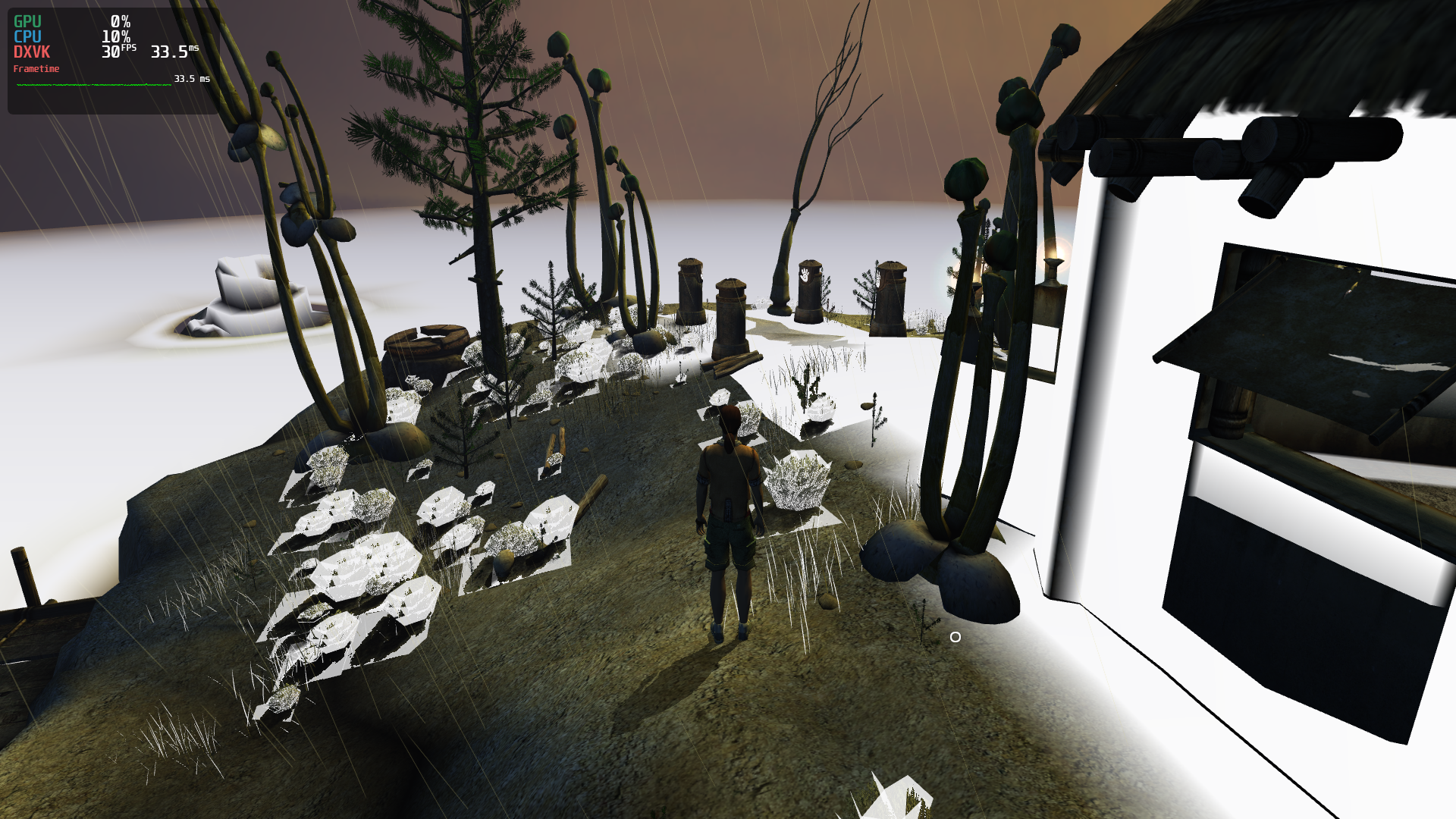
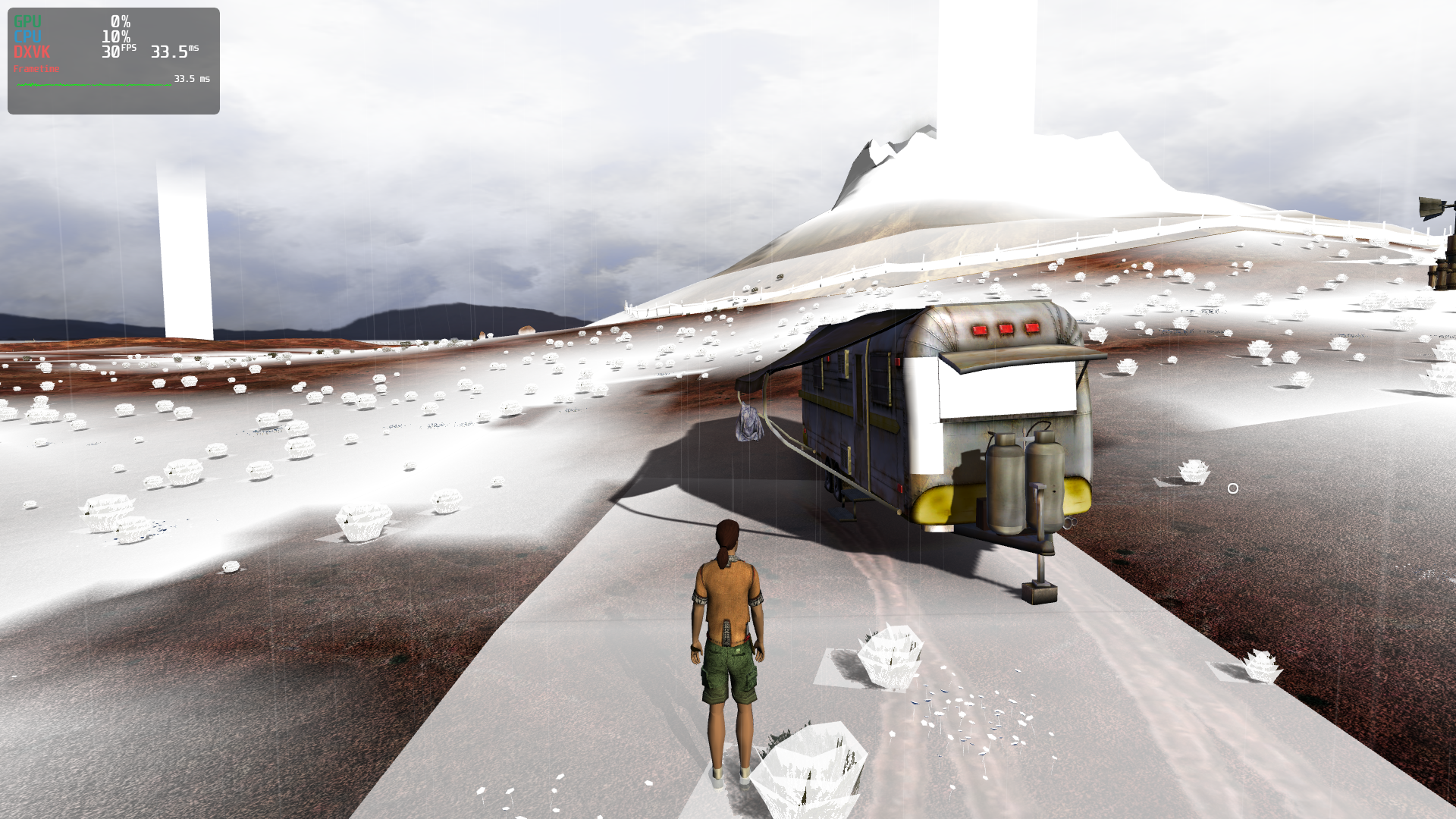
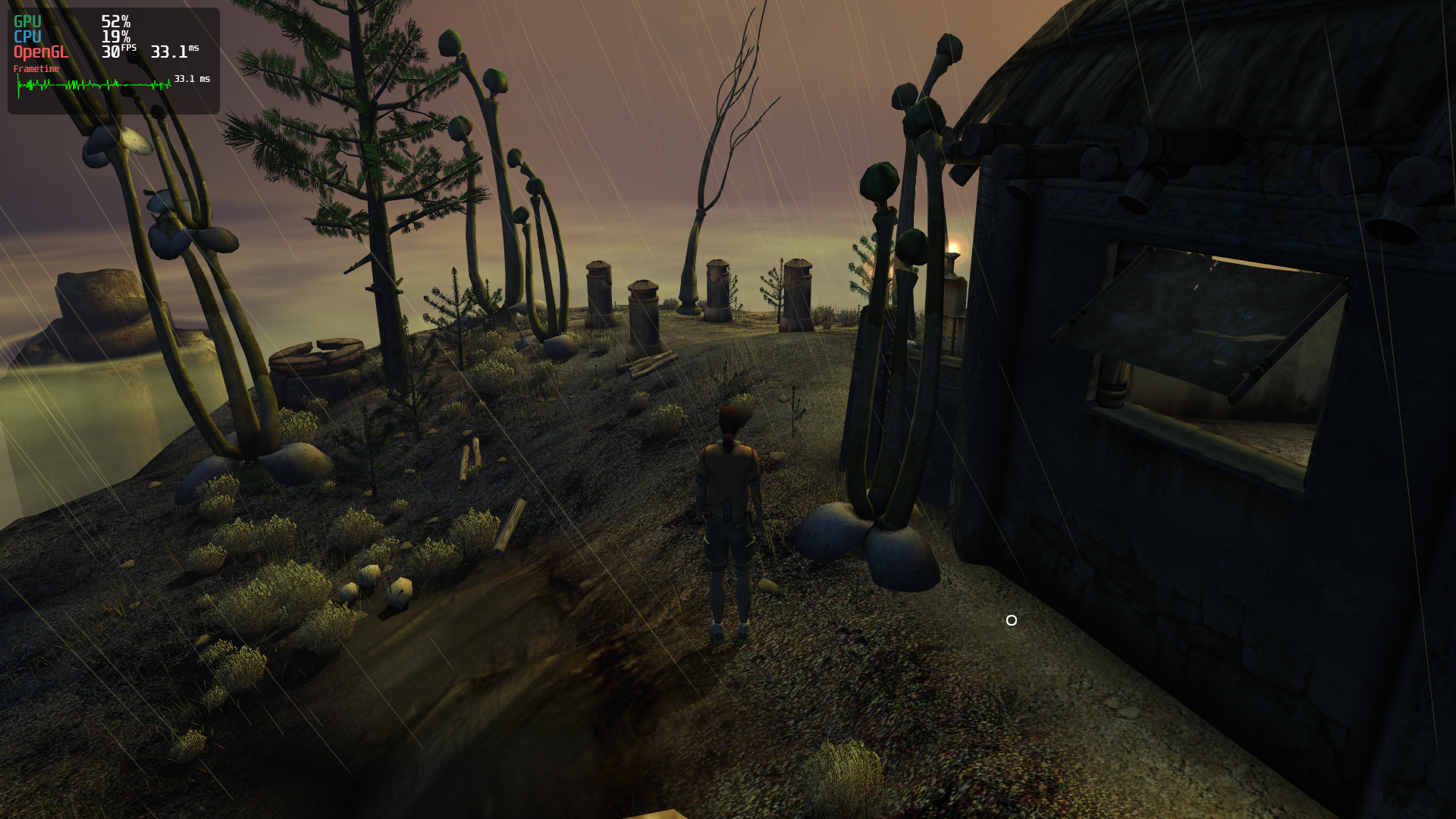
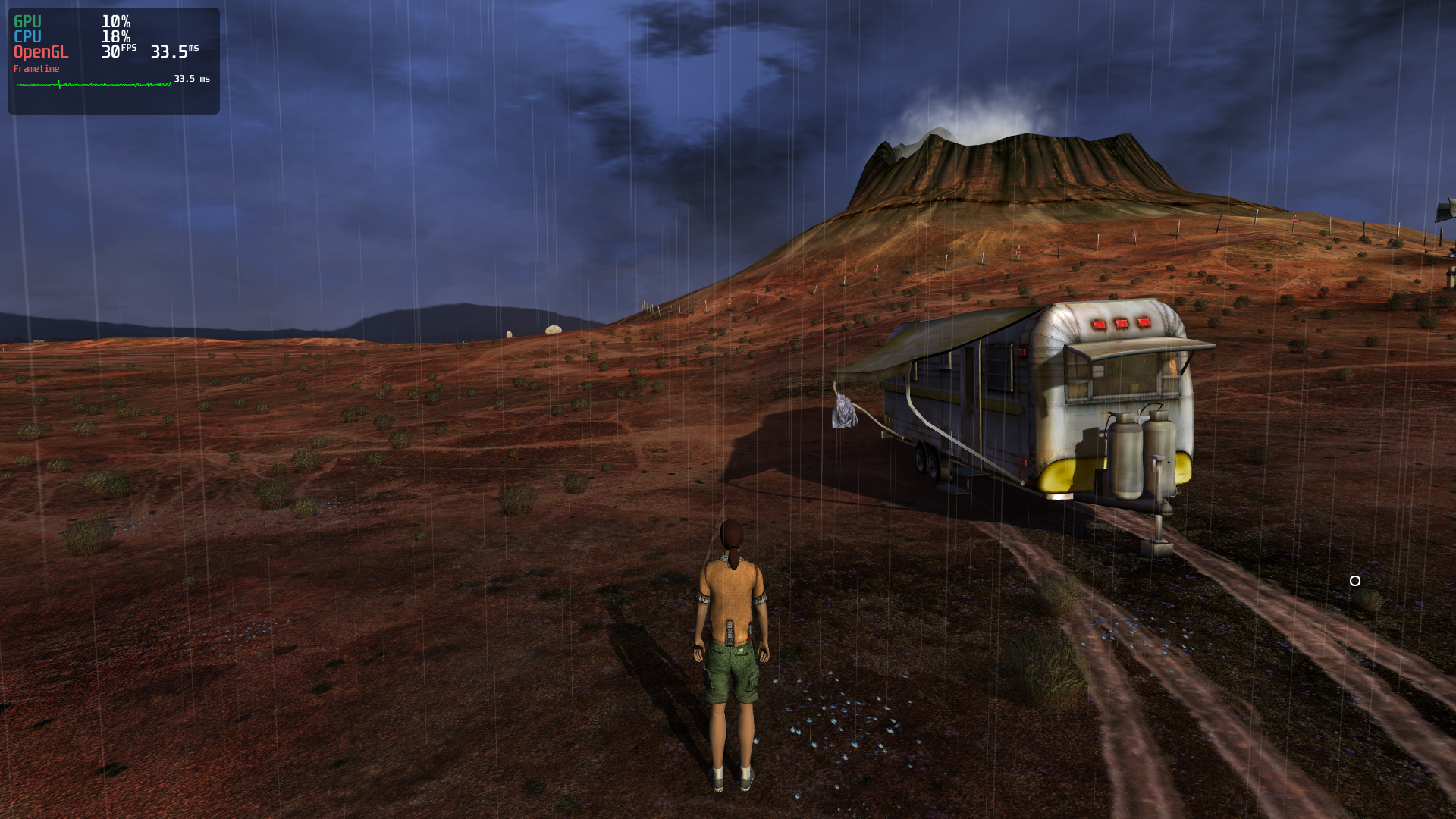
Using wined3d it looks fine:
Software information
Myst Online Uru Live, all settings max.
System information
Apitrace file(s)
Log files