dxvk 1.7.3. crashes
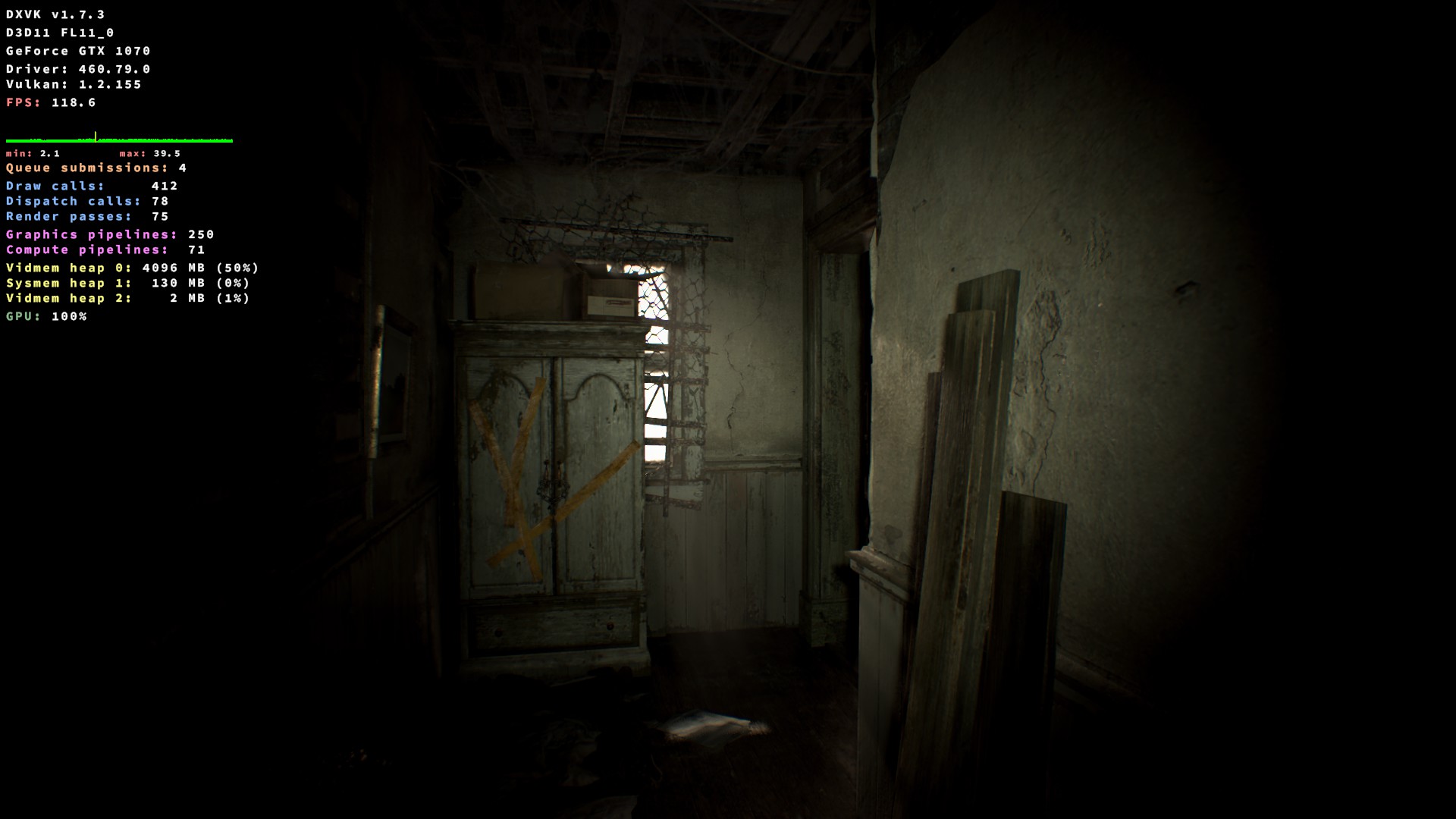
Can't reproduce.
Can you give us a bit more to work with? When does it crash? Logs, an apitrace, your hardware, OS, driver,...
@K0bin
Can't reproduce.
You running Windows. Your "can't reproduce" tag is wrong here.
According to Z:\home...\re7.exe from attached image they running non-Steam version in Wine.
So? By running it on Windows with DXVK I basically eliminate other factors and confirm that DXVK works fine.
This might be a Wine bug then, not a DXVK one.
FWIW he might even be running WineD3D, impossible to tell without logs or anything.
Log using Lutris 6 and dxvk 1.7.3
Running gamemoderun /home/cuysaurus/.local/share/lutris/runners/wine/lutris-6.0-rc1-x86_64/bin/wine /home/cuysaurus/Games/Resident Evil 7 - Biohazard/re7.exe
Initial process has started with pid 8391
Start monitoring process.
ERROR: ld.so: object '/usr/$LIB/libgamemodeauto.so.0' from LD_PRELOAD cannot be preloaded (cannot open shared object file): ignored.
ERROR: ld.so: object '/usr/$LIB/libgamemodeauto.so.0' from LD_PRELOAD cannot be preloaded (cannot open shared object file): ignored.
esync: up and running.
Setting breakpad minidump AppID = 418370
Steam_SetMinidumpSteamID:  Caching Steam ID:  76561197960267366 [API loaded no]
Monitored process exited.
All monitored processes have exited.
Monitored process didn't return an exit code.
Exit with returncode 0
Please post the DXVK log. It's a file called re7_d3d11.log and should be right next to the exe.
What's your hardware and driver?
Ok. I created a new prefix with Lutris 6, dxvk 1.7.3.
The hardware on this pc is: CPU = i3 540, GPU = Nvidia GTX 650.
I removed the old .log files. I wanted to created new ones with a new prefix. when I use Lutris 6, dxvk 1.7.3., the .log files are not even generated.
When I use lutris 5.21-2, dxvk 1.7.2. and a prefix created with them, re7_d3d11.log and re7_dxgi.log are generated within the game folder.
Also, notice that other games like RE3 worked fine --- no errors at all --- with lutris 5.21-2 and dxvk 1.7.2. on this hardware, but with lutris 6 and dxvk 1.7.3., the RE3 window remains black. RE3 is to directx 11.
Yes, both games RE3 and RE7 are non-steam version.
The error message on RE7 appears right when the game starts.
Heroes of newerth, a game that uses directx 9 (it includes dx9 runetime in its installer), works fine with Lutris 6, dxvk 1.7.3., tho.
Maxpayne 3, a game that uses directx 11, also works fine with Lutris 6, dxvk 1.7.3.
I guess RE7 and RE3 (non steam version) won't work with Lutris 6, dxvk 1.7.3.
@K0bin you actually got into the game. This mean that you could reproduce the very first cinematic when starting a new game.
When I use lutris 5.21-2 and 1.7.2., I can actually reach the game's main menu, but as soon as I start a new campaing, the game runs remains in a black window. What are you using, Proton, Lutris, did you instal media foundation? Is it a steam version of the game?
I'm using the Steam version on Windows.
Yes, both games RE3 and RE7 are non-steam version.
i.e. pirated, because both games are only available on Steam. We obviously cannot support this in any way.
(Not to mention that the issue template which you completely ignored exists for a reason and that the function that's failing hasn't changed at all since 1.7.2, so I call BS on this one).
Nothing extracted yet.
Have anyone else had issues when trying to use dxvk 1.7.3.? for example see the attached image.

dxvk 1.7.2. works fine.