GTR2 rendering issue d3d9
Thanks for bisecting this. Please do provide that apitrace so we can reproduce the issue and try to fix it.
api trace
https://mega.nz/file/DggmAYYL#1ZkpyN_aKuyA2jh00LwAPvFg3ZYkzNilhjEtXdtpsjA
I didn't get any incorrect rendering with this is that expected ?
Did you drive to a spot where the issue usually shows up? The trace is very short and the majority of time is spent in the menu so I cant really see anything. Can you make a longer one?
Yes I got as far as the end of the pit lane frame rate made the game uncontrollable. But there were black patches in the mid and far distance when I was running git latest. The issue is always in the mid to far distance.
alternate api trace using spectator cam. 2 laps on board with an ai car. Definitely shows black artefacts with affected dxvk versions.
https://mega.nz/file/rlgxFSwC#a1thLW43MuI1LjiRGNoL0jewS85x5HkjOaNfWqa6rR4
It's always on the kerbs and off to the sides never on track, don't know whether that helps at all.
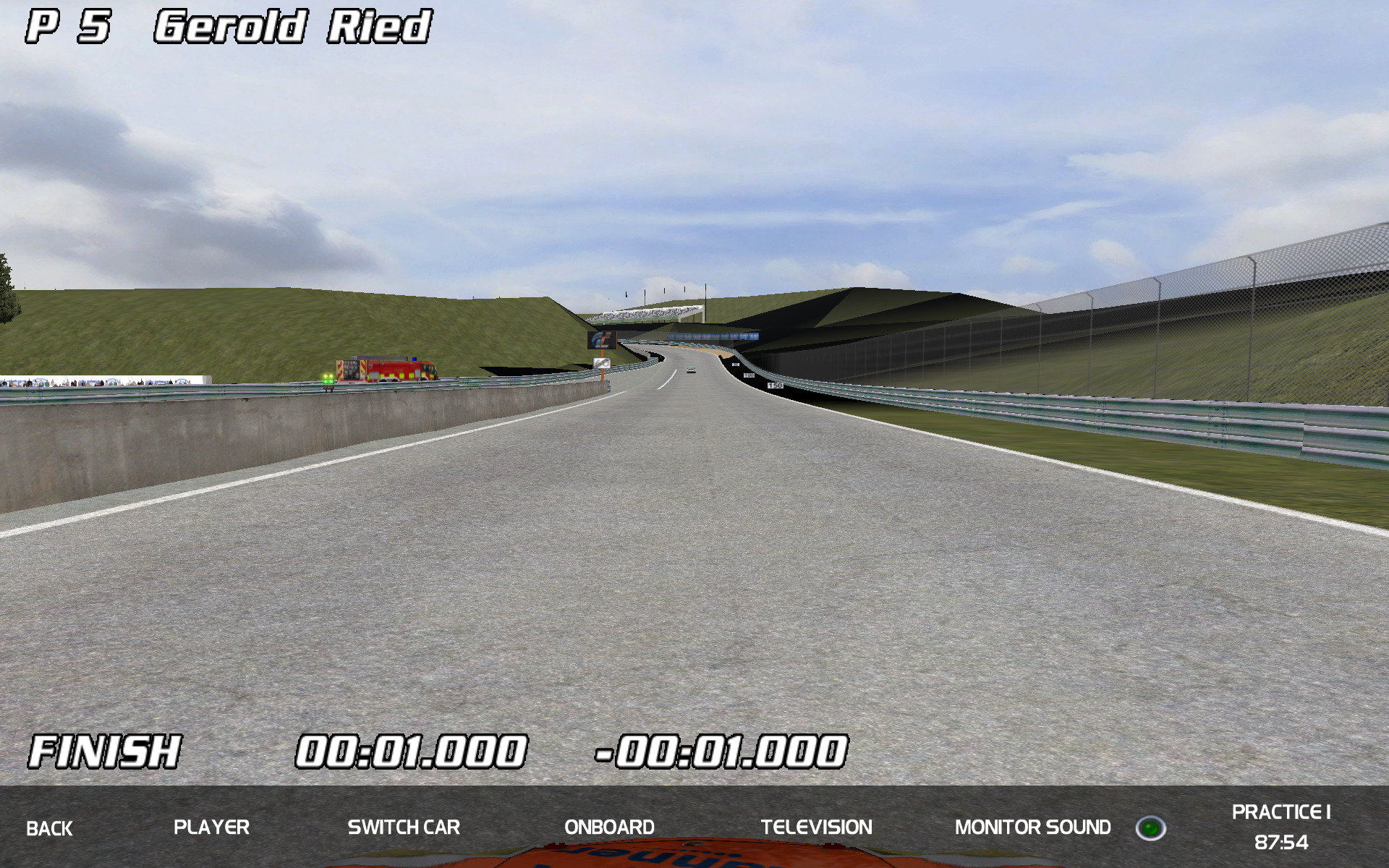
Fixed.
Big thank you to the all who work on dxvk
<3
Nothing extracted yet.
Please describe your issue as accurately as possible. If you run into a problem with a binary release, make sure to test with latest
masteras well.With d3d9 after commit 338f6dfb0efe6536c5954ae0d6fba60809952da8 I see rendering issues, black areas in first screen grab, the second one is there for comparison.
Software information
Name of the game, settings used etc.
GTR2 d3d9
System information
Apitrace file(s)
to follow if required
Log files
d3d9.log:
GTR2_d3d9.log
GTR2_d3d9-working.log
d3d11.log:
dxgi.log: