[Windows 10] [AMD] [D3D11] Yakuza 6: Certain white surfaces become yellow when inside buildings.
Does this happen on any other drivers?
I don't care about AMD Windows driver issues at this point, there's always something broken there and it's just not worth my time. There's a reason why Windows is not supported. These things are almost always driver problems at this point with no real way to work around them, so I want definite proof that this is a DXVK bug before further looking into it.
I could try setting up a Linux distro. Do you know of any distro that's "plug and play" in the sense that I can simply create a liveCD USB pen and boot the game with minimal configuration? I'll take a look.
If you record an apitrace we can play it back.
You just drop the dlls in the wrapper folder next to the game like you did with dxvk.
If you record an apitrace we can play it back.
You just drop the dlls in the wrapper folder next to the game like you did with dxvk.
You want me to run apitrace together with DXVK, right? If I put the wrapper files it just boots in D3D11. If I overwrite the files with DXVK's dll, it doesn't generate any trace.
Here's the massive trace: https://mega.nz/file/lswFEaQb#8QwW5Wy4I5yrFTWmn4elotneGJ-GjDC5RjIvPdEMHXE
And a video demonstrating the issue (because why not): https://mega.nz/file/J9p2Cb4I#vlzAjshRN4nUxPDhS7ebu1TJsq5VDcrnbX8aQHXw8tI
You want me to run apitrace together with DXVK, right?
No, that's not necessary unless there's a problem with the game executing some broken code path.
Anyway, the trace replays fine on my 6900XT (even with the proprietary AMD driver), can't really reproduce the problem here.
even with the proprietary AMD driver
You mean the propretary drivers under Linux? Then this is a Windows driver bug, huh? I wouldn't mind reporting this to AMD but I don't know how to explain the situation.
Could try against the latest Windows drivers with 21.3.2 and possibly 21.2.3 since the first March driver had the newest batch of changes for Vulkan merged in and might have been where some of this broke. :)
I usually combine it with the latest runtime/loader as well since AMD's driver included one is older but I doubt that's going to change anything for this bug here. Probably a Windows driver specific issue since it's a different team compared to Linux with it's own set of issues and what you'd also get on Windows in general.
(The performance and compatibility gains are nice but there are some issues that can happen and Windows is not directly supported.)
EDIT: Add to that also driver regressions for RDNA1 (Navi10) and various GCN generation cards. (Vega, Polaris) it's a bit messy even as AMD is working on fixing up some of this.
(Just a bit of a reminder really that the Windows driver situation isn't quite optimal.)
Could try against the latest Windows drivers with 21.3.2 and possibly 21.2.3
Just finished testing them and no change. Still the same bugs. Such is the life of an AMD owner.
Nothing extracted yet.
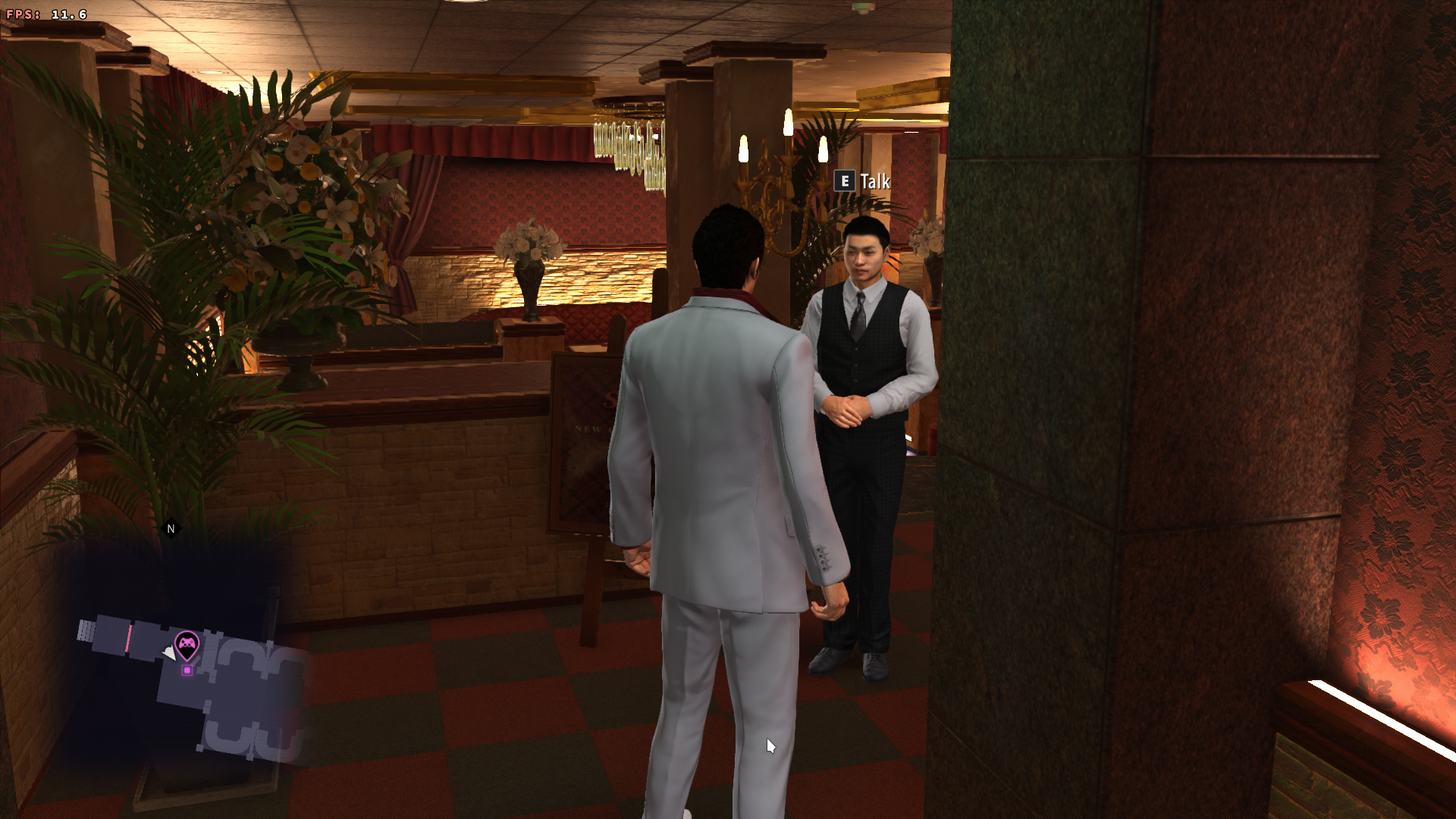
By surfaces I mean people's clothing and even the eyes. This only seems to happen when inside buildings or, in the case of these photos, in the sewers.
How it should be:
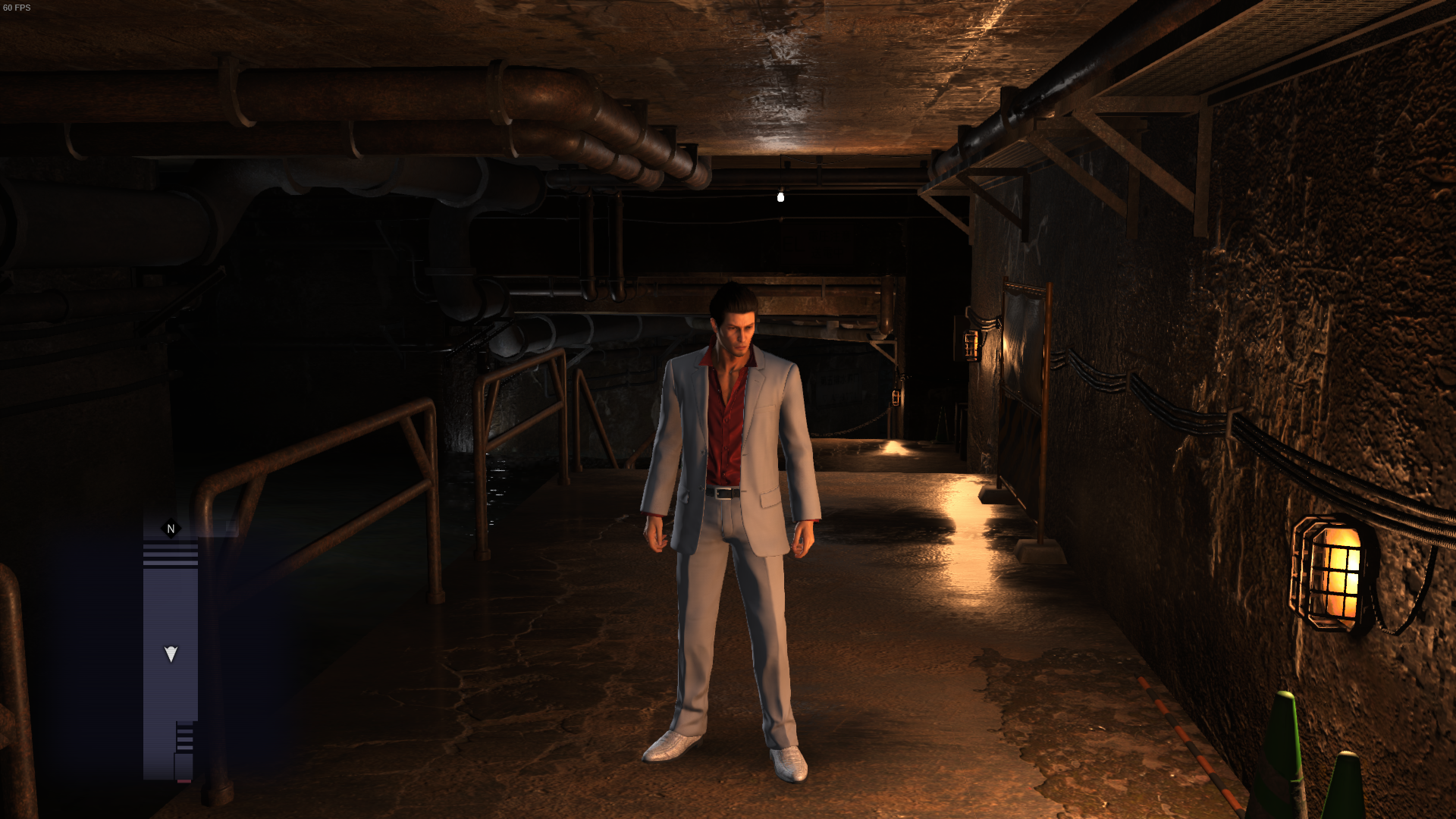
How it looks like under DXVK:
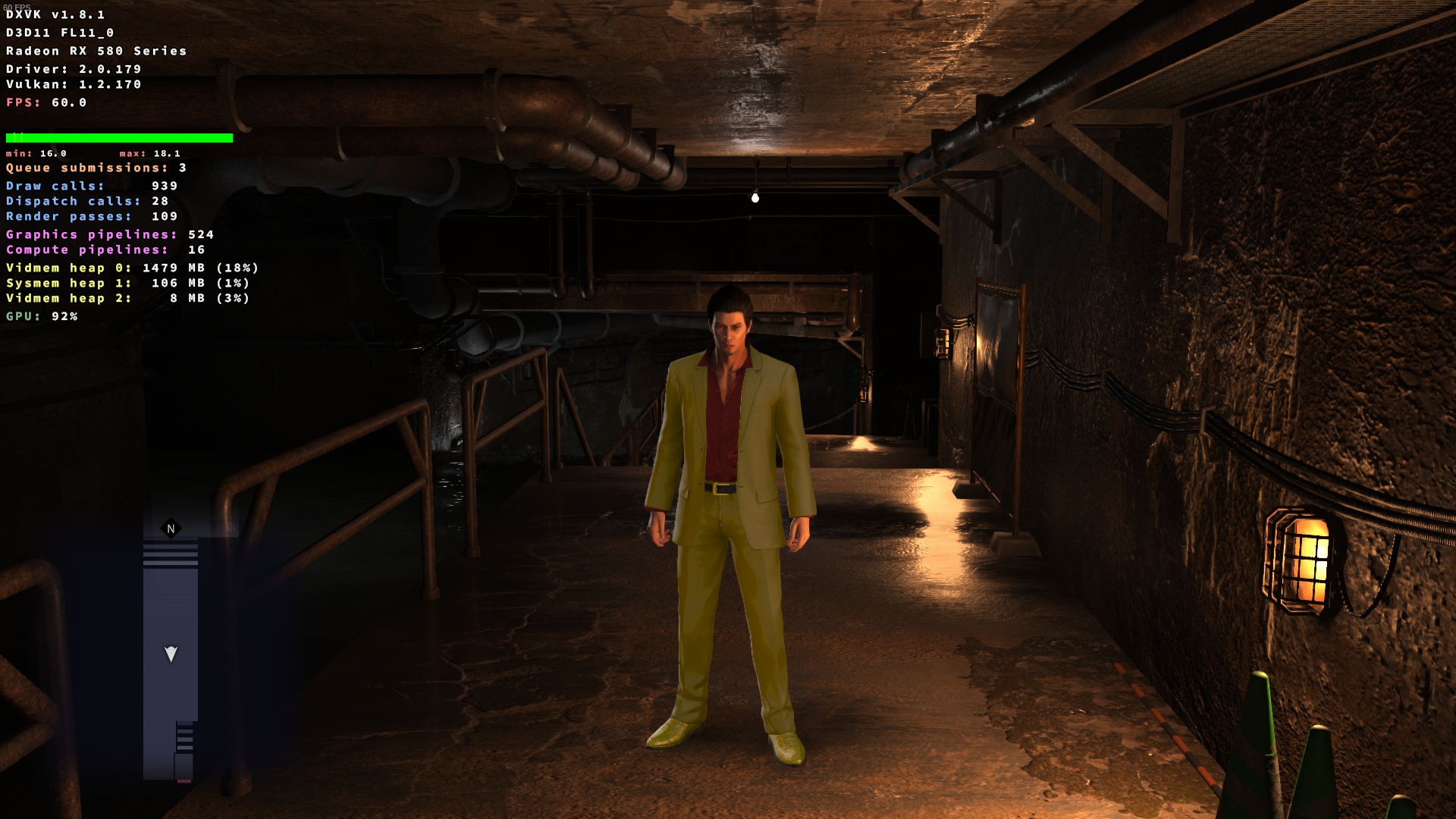
And the freaky eyes;
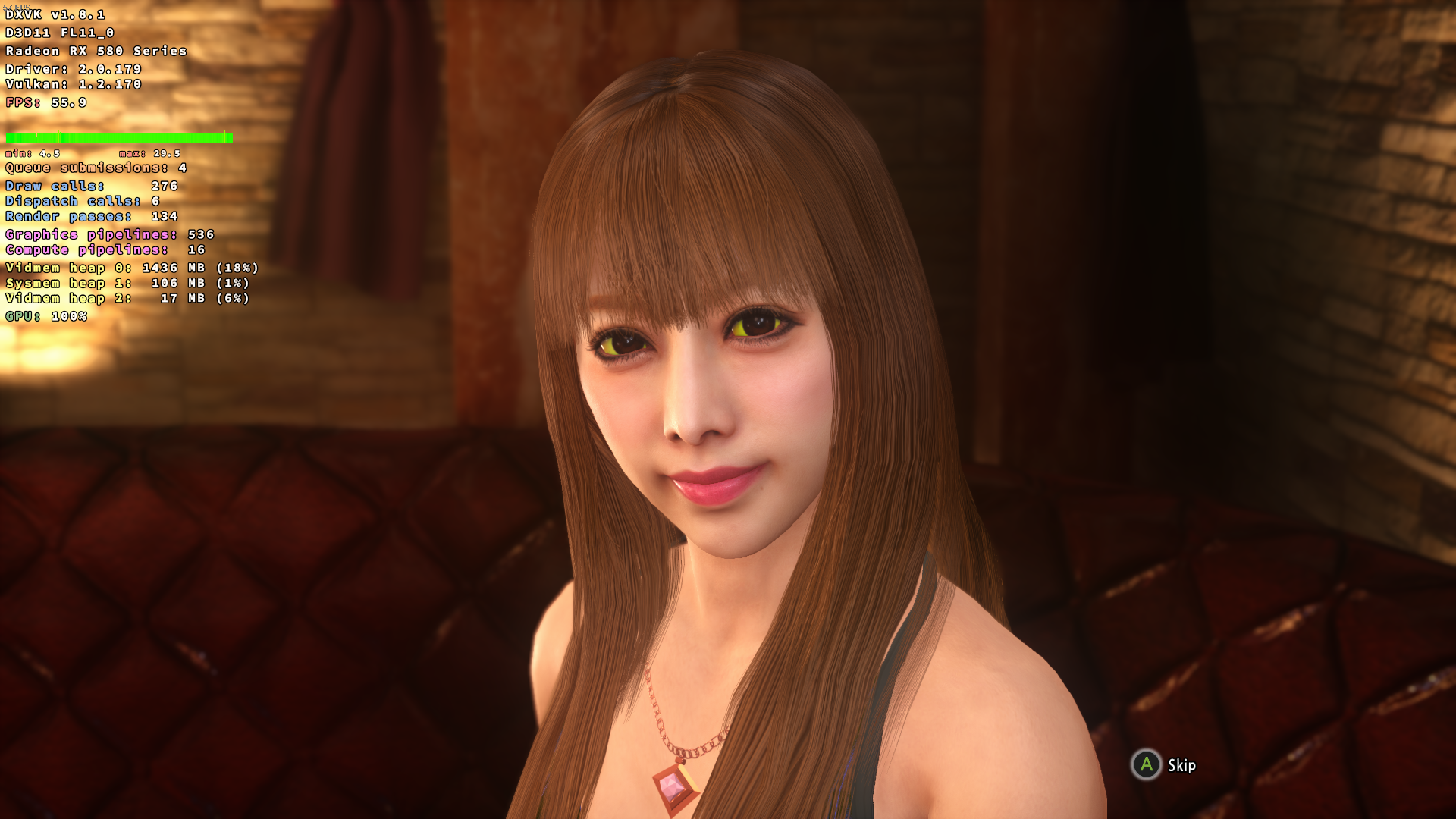
Also notice how his red shirt under his jacket is a bit buggy too. The lighting isn't right.
Software information
High preset with medium shadows and SMAA. Even though it's a "new" release, Yakuza 6 uses the first iteration of the Dragon Engine used in Kiwami 2 and Like a Dragon.
System information
Apitrace file(s)
I tried running "apitrace.exe trace -a dxgi path_to_game\Yakuza6.exe" but no trace file was created. The game boot fine but I can't find any new file containing any traces.
Log files
dxgi.log: Yakuza6_dxgi.log
d3d11.log: Yakuza6_d3d11.log