err: D3D11DXGIResource::GetSharedHandle: Stub
I think that means, it's trying to use shared resources.
If that's the case, I recommend disabling DXVK specifically for the launcher, as that's unlikely to work anytime soon.
It is impossible to support shared resources at the moment.
err: D3D11DXGIResource::GetSharedHandle: Stub
I think that means, it's trying to use shared resources.
If that's the case, I recommend disabling DXVK specifically for the launcher, as that's unlikely to work anytime soon.
How to disable DXVK only for the launcher?
Nothing extracted yet.
After installing DXVK, RiotClientUxRender.exe crashes and RiotClientUx.exe starts up in black. If d3d11 is removed in winecfg, then the login launcher becomes normal, but the login to the main launcher gets errors.
I also tried to install d9vk separately, the same problems are found.
Software information
League of Legends
System information
Apitrace file(s)
trace.zip
Log files
LeagueClient_d3d9.log
LeagueClient_dxgi.log
RiotClientUxRender_d3d11.log
RiotClientUxRender_dxgi.log
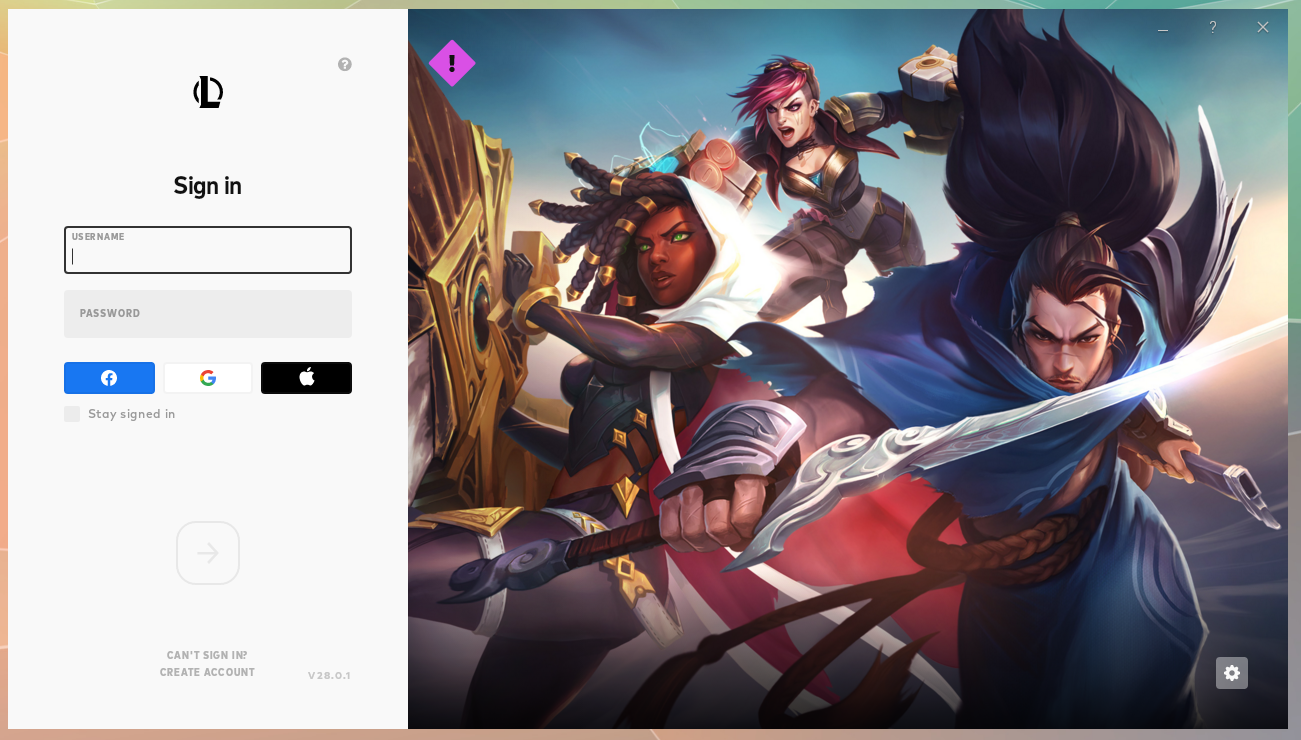
without dxvk:
with dxvk: