Nvidia doesn't support MAILBOX, so it's expected that tearFree won't work.
Nvidia doesn't support MAILBOX, so it's expected that tearFree won't work.
This "MAILBOX" it's only present in The Witcher 3? Because tearfree works in every other game
This option should not cap the frame rate by design, so everything seems to be working as intended. Use dxgi.syncInterval = 1 in order to force regular Vsync.
This option should not cap the frame rate by design, so everything seems to be working as intended. Use
dxgi.syncInterval = 1in order to force regular Vsync.
In every game tearFree also cap my framerate to 120fps, but it saves the latency cost of normal vsync... that is weird based on what you said months ago
Nothing extracted yet.
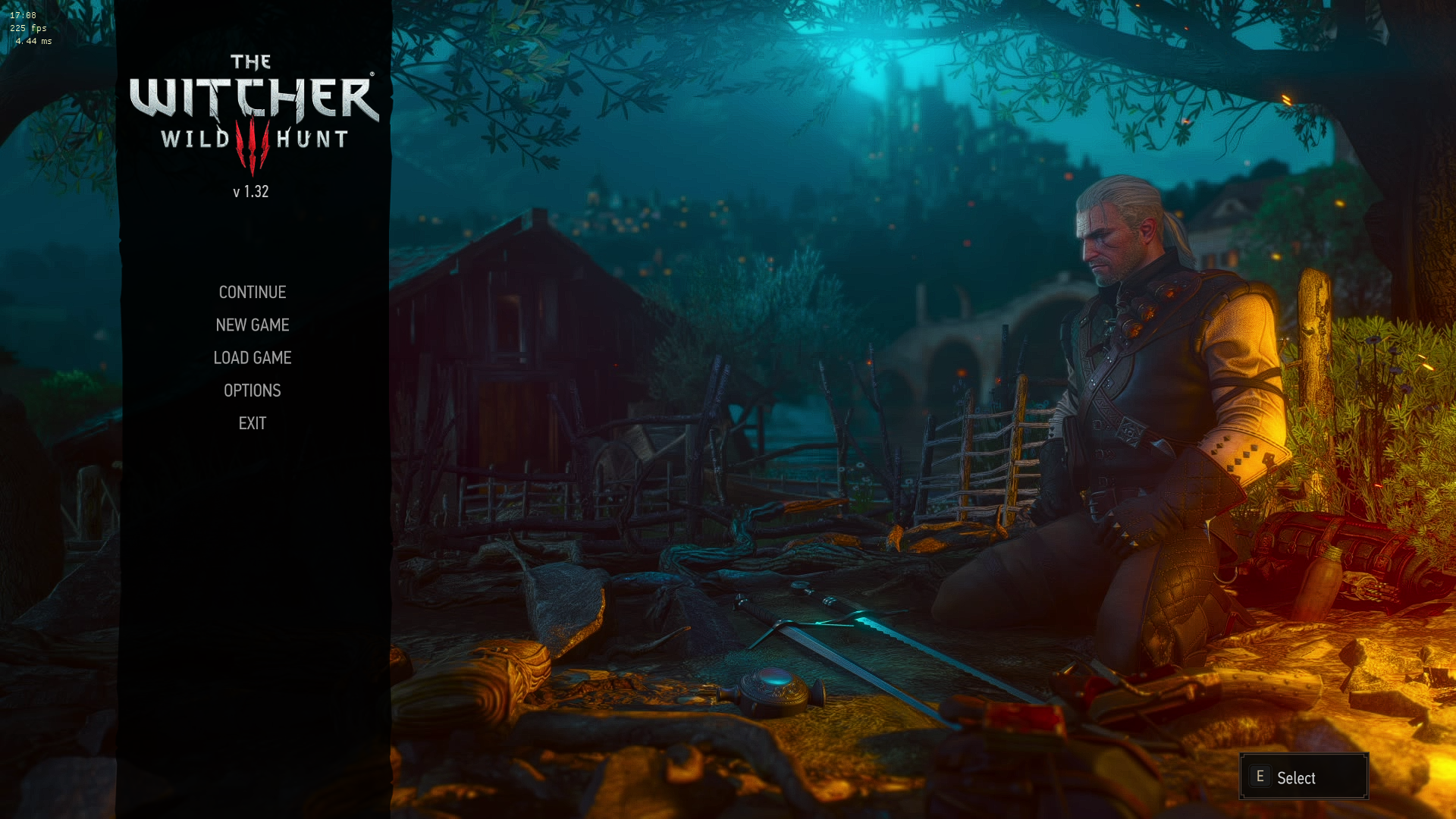
That option should cap the framerate at 120fps (120hz screen) while adding lower input lag, I use it in every game, it's the best vsync in my opinion, but this is the only game which that option has no effect.
The location of dxvk.conf is correct, I'm certain, because the .log shows that the options are active, I also enabled the anisotropic filtering, and that does work.
fps in the top-left corner
System information
Log files