Frame latency rework worsens frame time variance on at least Nvidia
This is known, and I don't know how to work around this issue. Only seems to happen on NV (see #2210).
There is no real difference in behaviour between the DXVK versions, the only thing that really changed is the thread where we acquire the image, so in theory this really shouldn't be happening.
Thanks. The workaround mentioned in that ticket to revert e64a8ee61a0669b317043bb211f1c519bd4c47af unfortunately doesn't do the trick , as it seems to effectively limit GPU load at ~70% (no CPU prerender at all?). :(
Does this branch improve things? It's just a hack to acquire on the main app thread again (rather than one of our workers), but I'm not really sure where else the problem would come from.
The issue unfortunately remains unchanged with this branch.
Not sure what to do then other than asking people who have this issue to stay on 1.8.1 for the time being.
I cannot reliably reproduce this on my Nvidia laptop, so debugging this is pretty much impossible, and AMD drivers have no issues with this to begin with.
Probably not the end of the world to endure with 1.8.1 in most cases. :)
Hopefully Nvidia devs can investigate why their driver doesn't produce an optimal result in this case.
Unfortunately still unchanged with latest git-master and Nvidia driver 511.79 (includes the Vulkan 1.3 changes):
Very ugly and unpopular notion: Perhaps it would make sense now to additionally re-implement the old presentation path without the latency optimizations and automatically switch to that when an Nvidia GPU is detected (+config option)? * takes cover *
I don't want to maintain multiple paths for this, and so far there has not been any evidence that this is a widespread problem even on Nvidia hardware, no one else has complained about degraded frame times yet.
I pushed something here which does something similar to our old path, please check if that helps. Edit: I just realized it's the same thing I already suggested last time.
So yeah, nothing we can really do here, bringing back the old path isn't really viable especially given that the number of people with this problem is - to my knowledge - exactly 1.
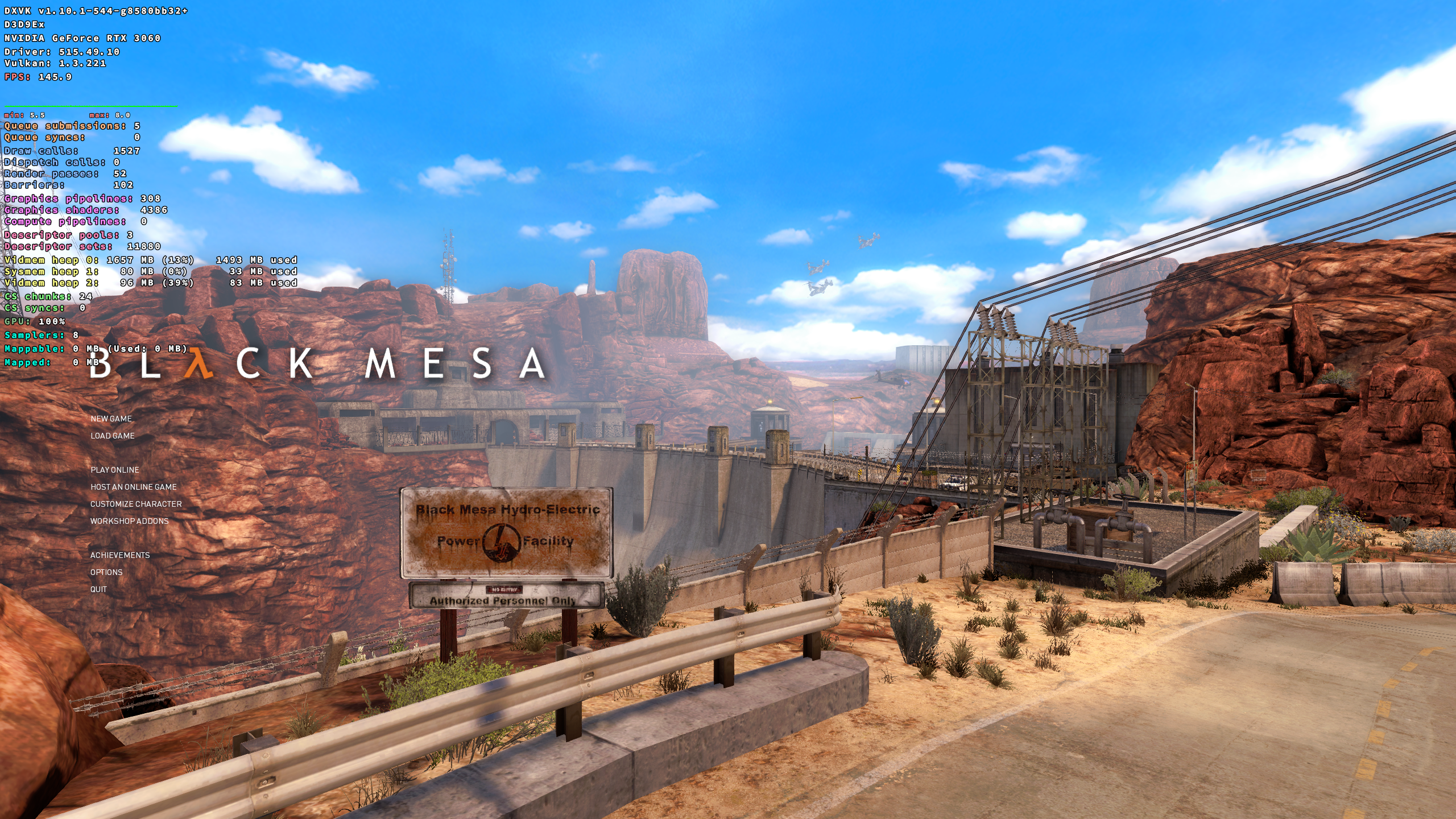
I'd expect this to occur on any system with that driver (but not any game), it's just hard to notice without VRR (and lots of games tend to have a bit of microstutter anyway without forcing maxFrameLatency 1). I probably also encountered it in Black Mesa, but it seems we're at a point where more testing doesn't make any more sense and can just call it a day then.
I played a bit of Black Mesa recently and I'm pretty sure I did not have this problem. I even play with the DXVK frame time graph enabled, so I would've definitely noticed.
I just have to load the game's menu to reproduce (1.10 and 1.8.1, not caused by background shader compiling etc., also d3d9.maxFrameLatency doesn't matter):
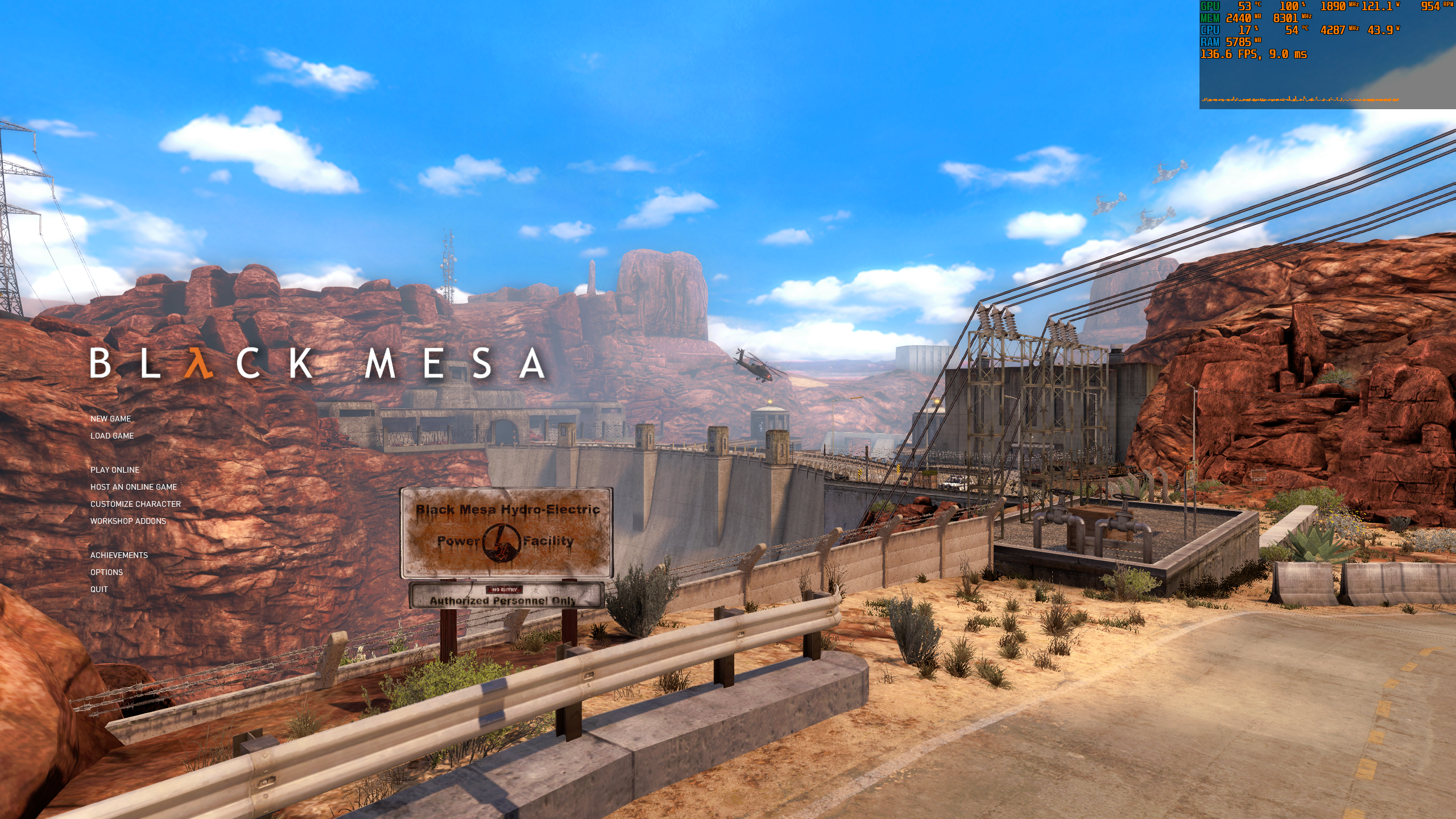
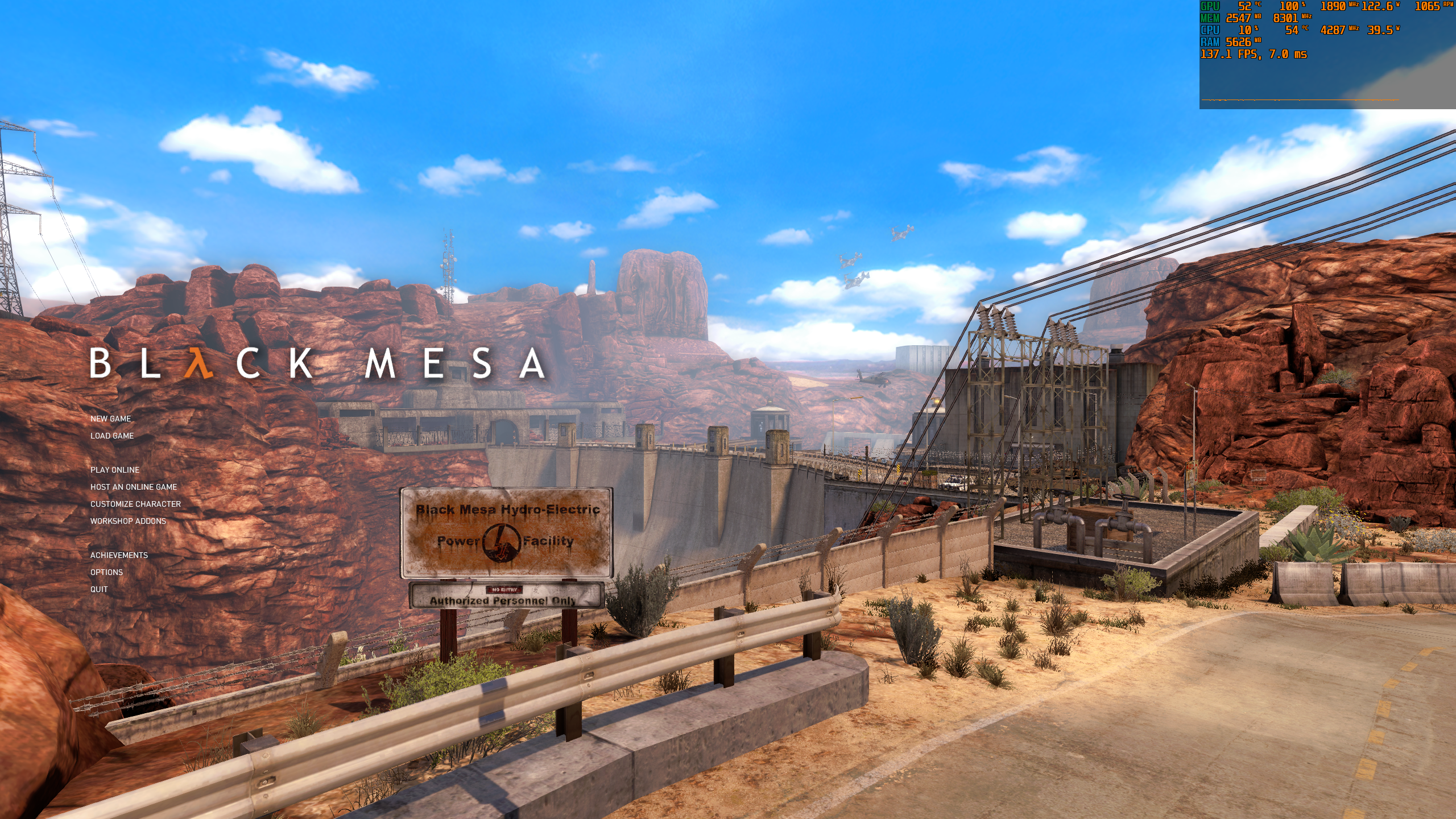
Both DXVK's and MangoHud's frame time graph by default are a bit too insensitive, so it's easy to miss (it's RTSS own graph in the screenshots, which by default is also more sensitive than Afterburner's). And as I said earlier, the generally higher variance is not that problematic for a lot of the time, but it can sum up enough in some situations to be noticeable. It's just harder to reproduce and to capture it isolated in a screenshot. Also no difference Linux vs. Windows. Really doubt some Nvidia users would be affected while others are not when I can bisect it to those specific commits.
Guess I'll just stick with 1.8.1 when it's a "won't fix".
I just don't see a way to figure out the root cause without anyone being able to reproduce it, and I don't see anything wrong with our code either. Just reverting code that should be working just fine (and does, for most people) isn't really an option when we don't understand the underlying problem at all.
Would also be nice to know what RTSS actually measures. DXVK and Mangohud show the Vulkan-side present->present timing on the CPU, the only thing more relevant would be GPU present timings but we can't really query that. I also don't see what the actual variance in your screenshot is (like yeah, some spikes, but I don't know if they are like 1ms or 10ms).
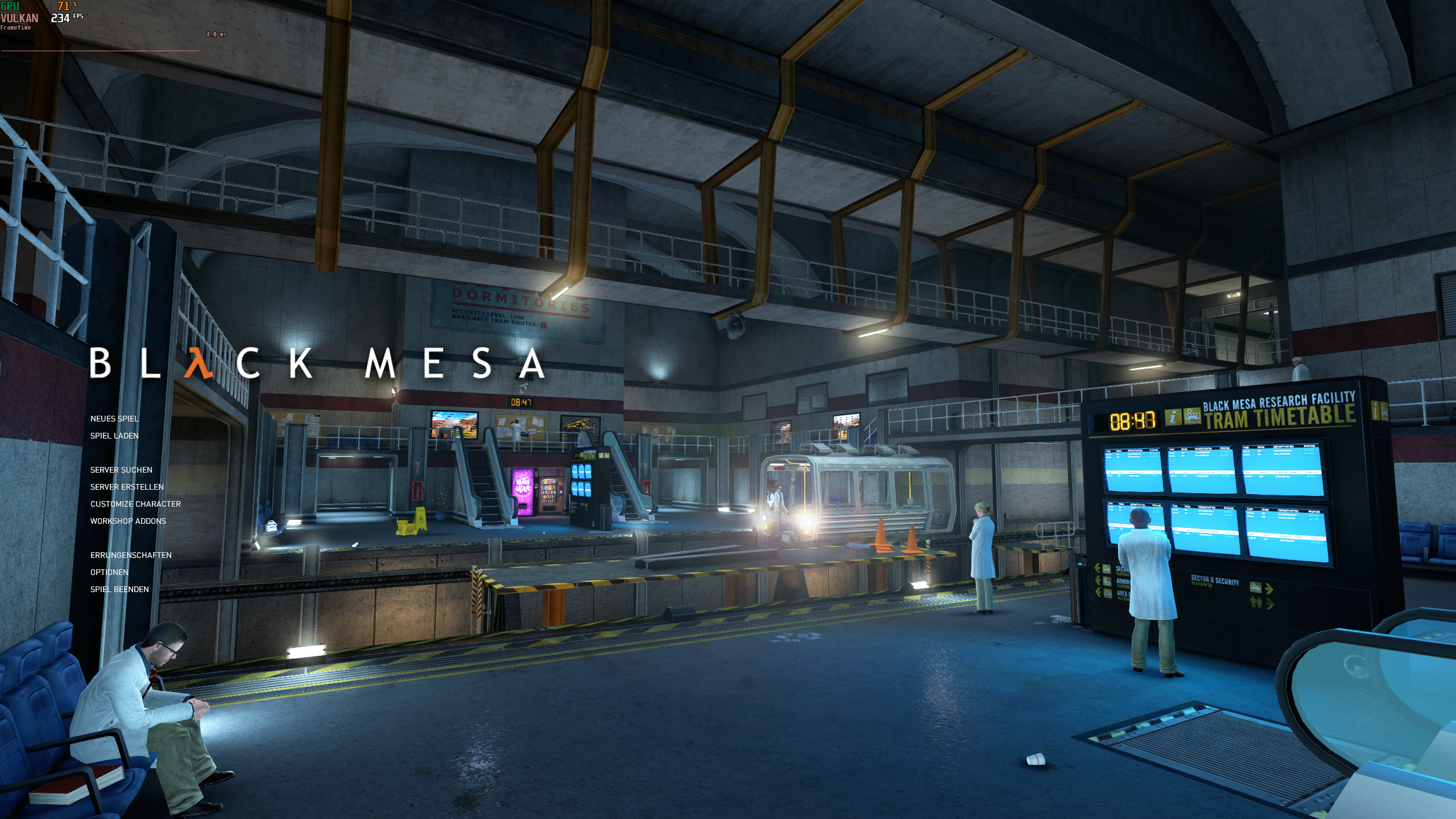
FWIW, Black Mesa on Windows + DXVK 1.10 + RTSS looks like this here:
Thanks for checking!
Though it seems you're CPU bound in that scene, at least according to the GPU usage stats. When I decrease resolution to get CPU bound, there also is no difference for me in frame time variance with 1.8.1 vs. 1.10:
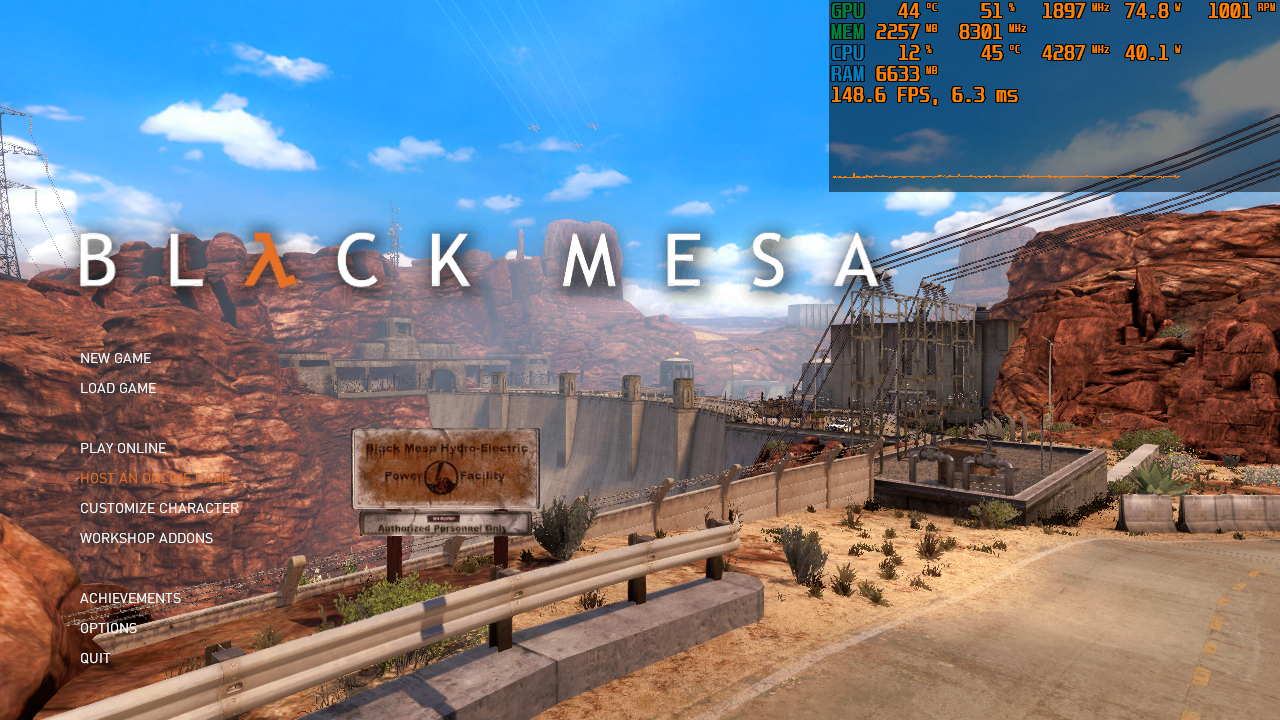
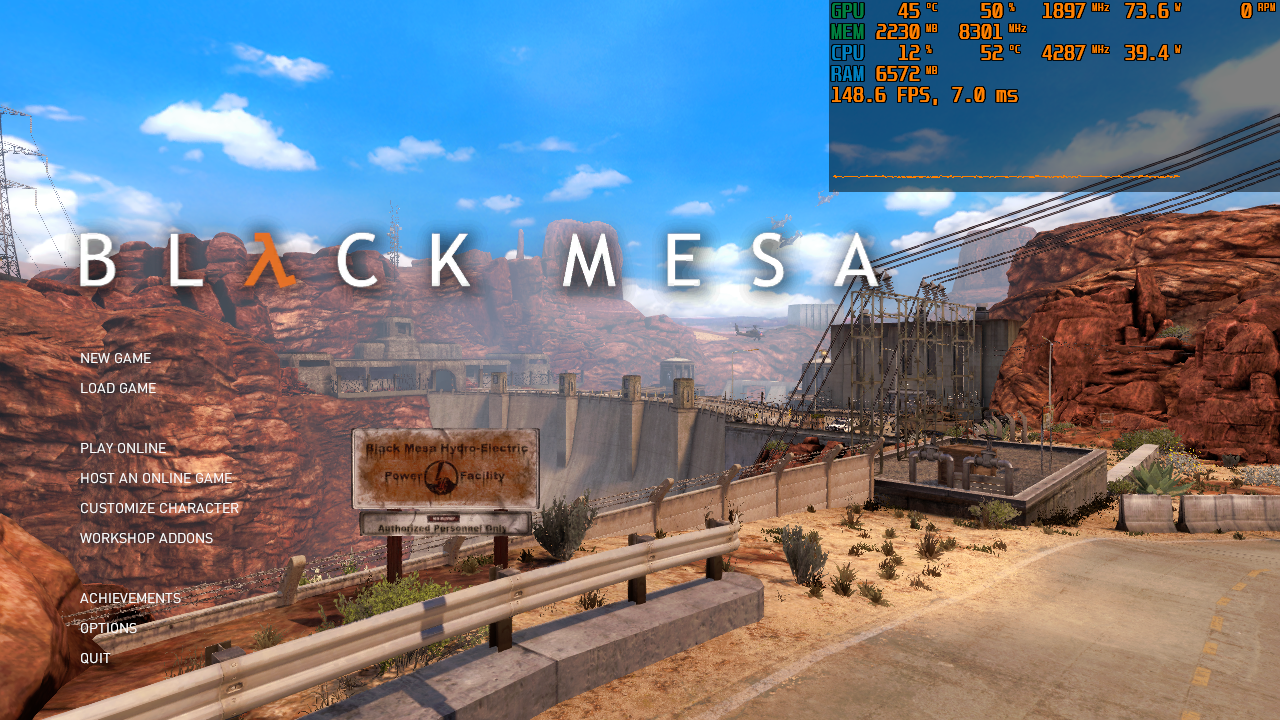
When GPU bound for the issue to occur, it's also visible in DXVK's graph, though it looks far less dramatic:
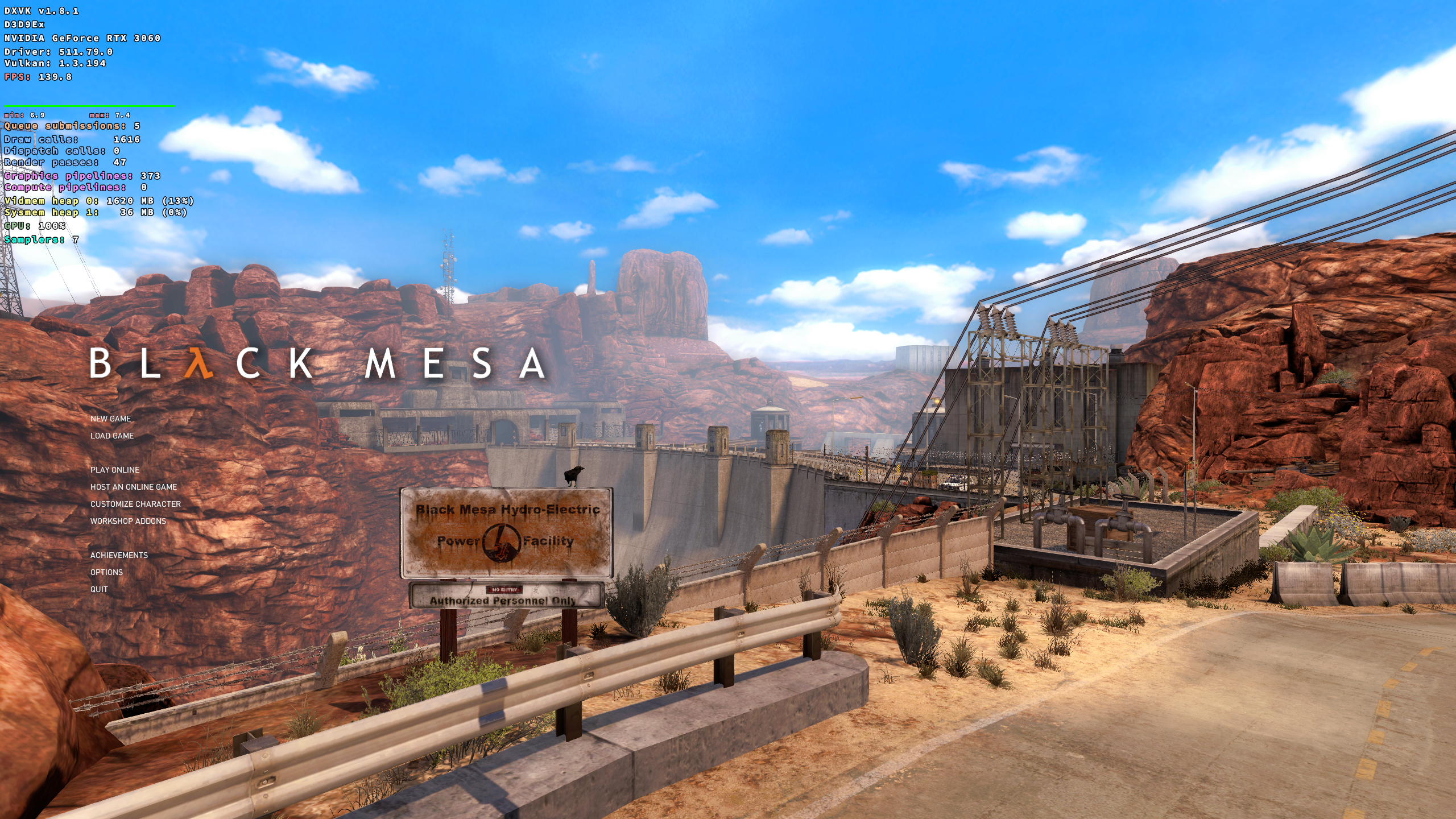
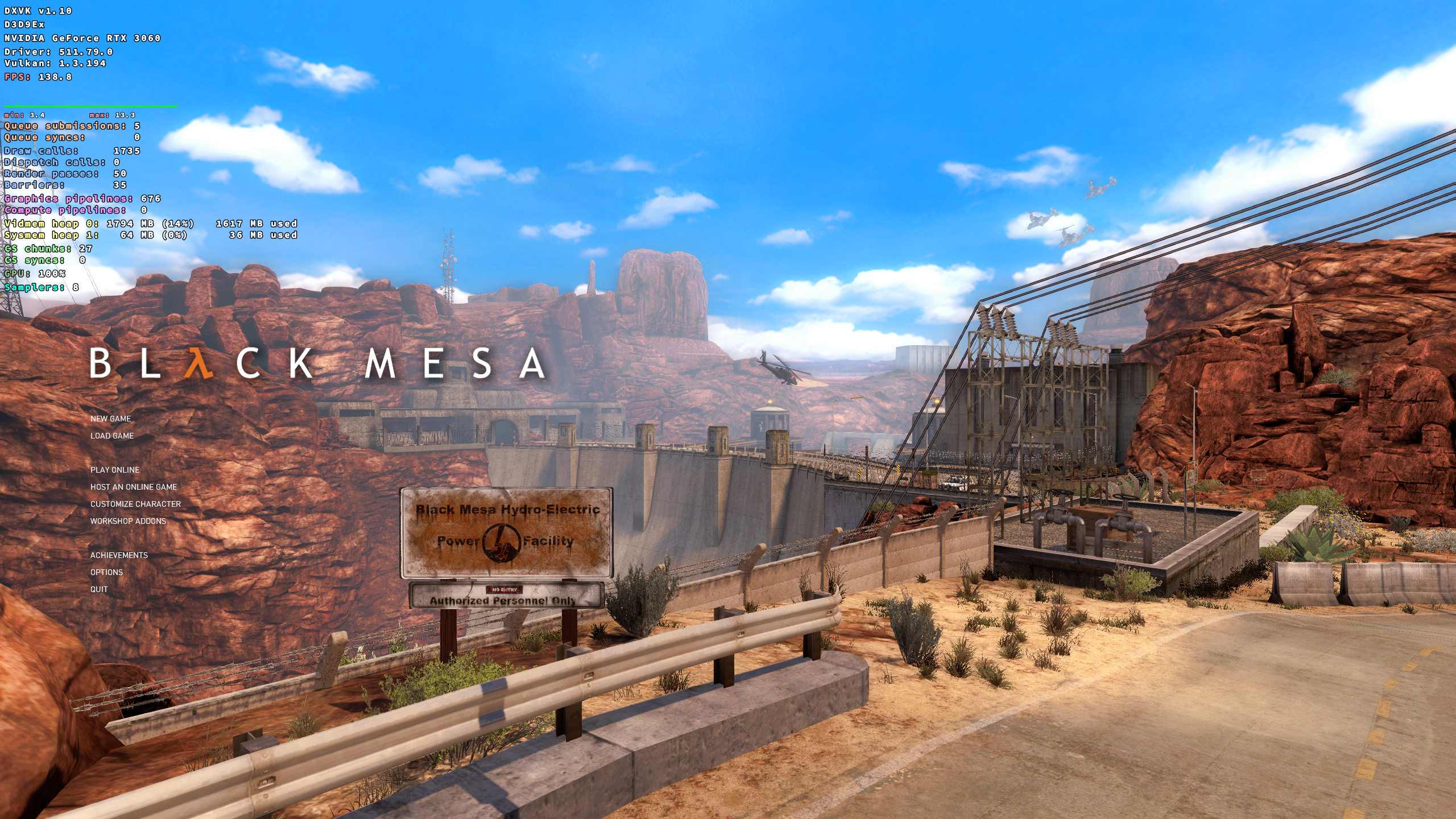
So it seems it's not like DXVK's stats wouldn't catch it, it's just the scale of the graph.
Btw. If you try to get GPU bound by forcing higher resolution via VSR on Windows: That might not work out too well, even with native D3D9 the 32 bit game doesn't seem to be able to run in 5k resolution without running out of address space (main menu might still work though).
I can't judge how much effort it would require, but would it be possible to provide an unofficial patch that reverts the latency optimizations for the time being? I tried reverting the commits myself, but that didn't work out.
That's exactly why I don't want to do it, it's a pain in the arse and overall the patches seem beneficial (and are required for Gamescope's frame rate limiter to work properly without introducing ludicrous amounts of latency).
Looks like something's mitigated it, DXVK's graph is a bit smoother now:
I think we can close this and if someone's found a game where this is more dramatic, open a new issue for it.
It's also interesting that on Windows with RTSS, changing its statistics setting to either frame start or frame presentation can give vastly different results, especially with native D3D11/9 and Nvidia driver ultra low latency ultra setting. So I guess if we wanted to be super exact, we would need to apply FCAT after display scan-out with a dedicated capture system in between, as apparently software overlays aren't 100% trustworthy.
Nothing extracted yet.
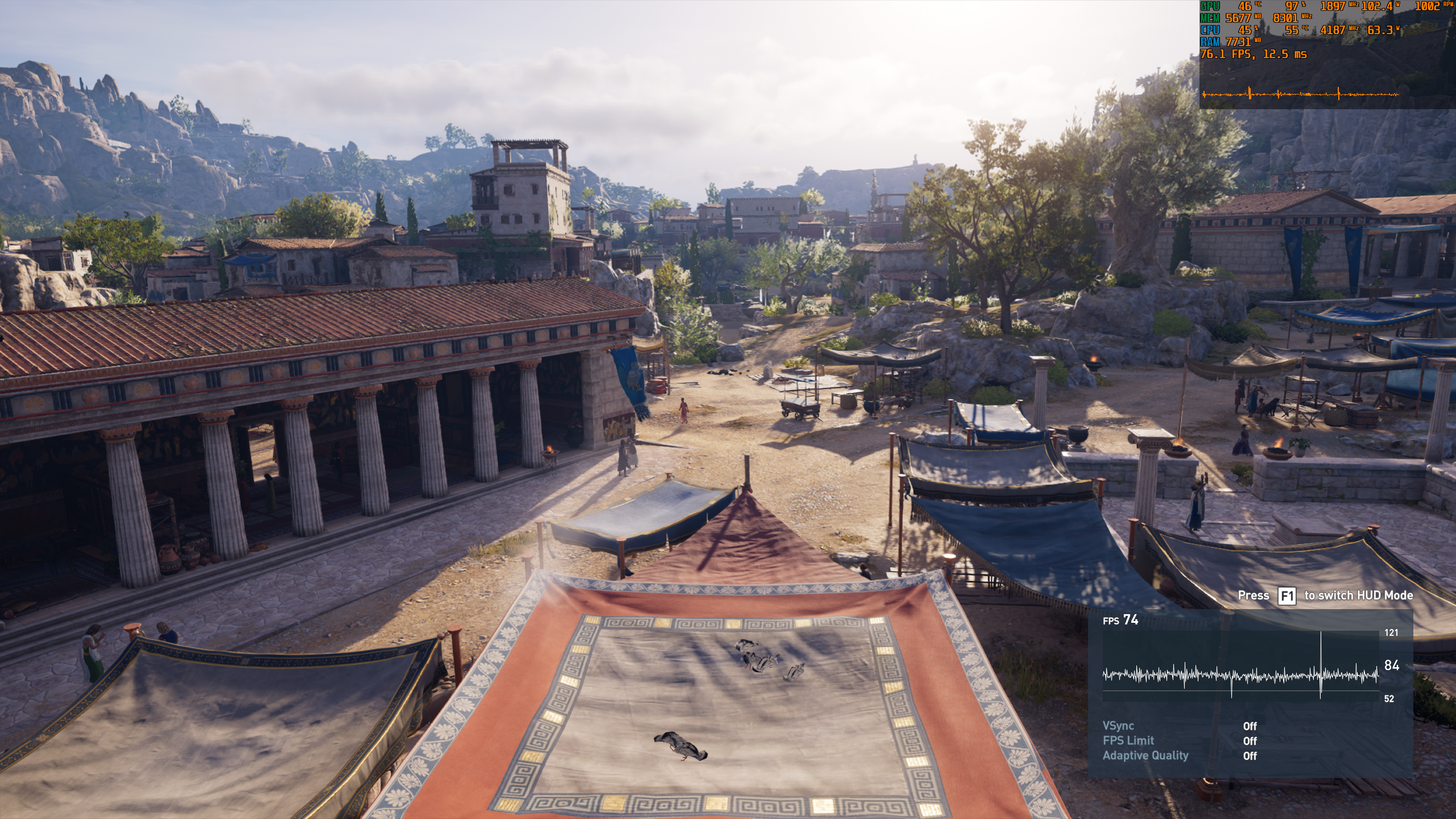
With 0fe8f2e40cf4e7a9aec744ce00c502bb1d1a3100 , frame time graph in e.g. Assassin's Creed Odyssey (it seems to affect every game) is mostly flat (ignore the game's own crazy graph):

With 747834e9b02288f9ab7a2514fdffd85ad78db6ab , it is way bumpier and should be noticeably worse (not much, but it seems to sum up with the game's own slight stutter):

It doesn't help to set
dxgi.maxFrameLatencyto different values. E.g. before the rework,1produced better frame times than2after the rework. With the Nvidia D3D11 driver, ULL set to on (equals1) looks exactly as smooth as with DXVK before the rework. So only after the rework frame time variance is worse than with native D3D11 (AMD D3D11 produces only crap results here btw.).Software information
I tested Odyssey and Hitman 2. I think you need to be GPU bound, so e.g. use SSAA resolution scale option in Hitman 2. This is all with vsync off.
System information
Log files
hitman2_dxgi.log
hitman2_d3d11.log
It might be that AMDVLK/RADV didn't show this issue, but I can't really recall.