NecroVision and NecroVision: Lost Company does not work with DXVK
Can you please post actual DXVK logs and an apitrace of sorts?
NecroVision:
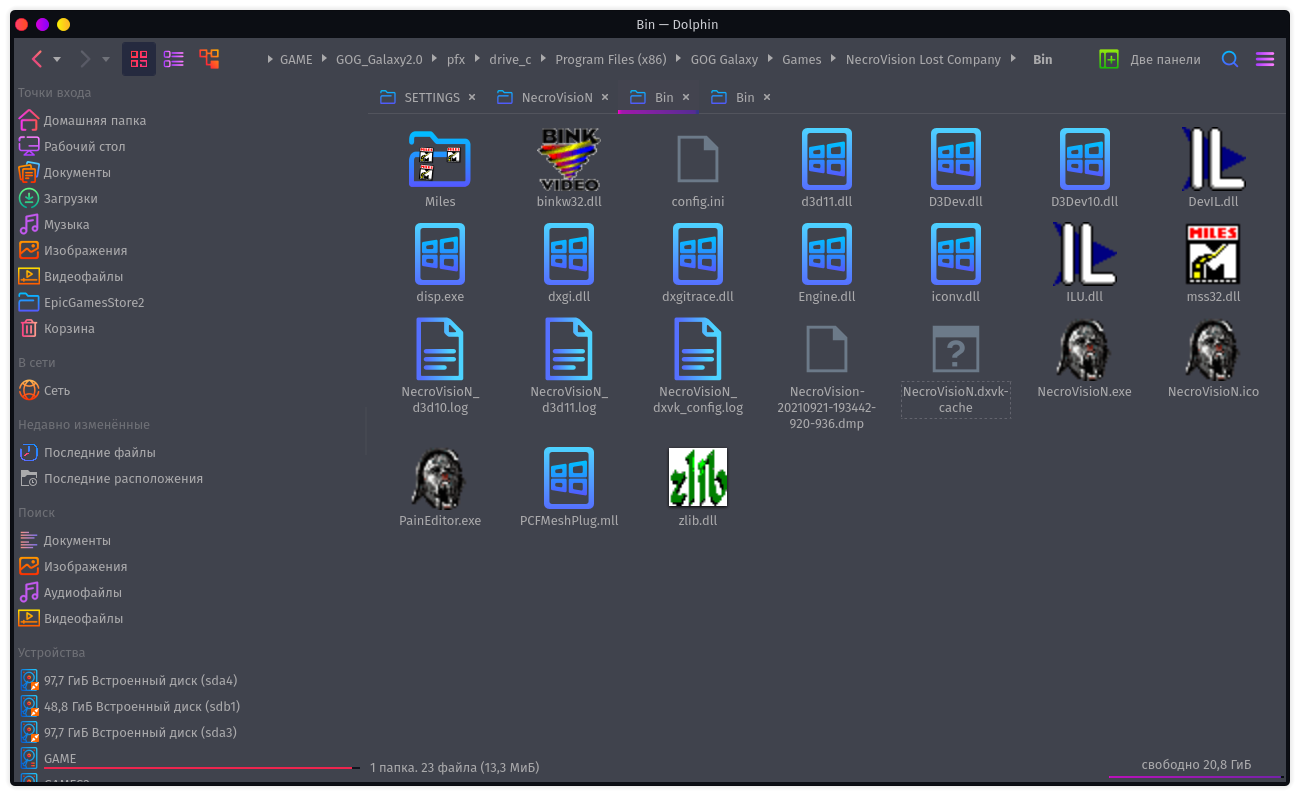
NecroVisioN_d3d10.log
NecroVisioN_d3d11.log
NecroVision Lost Company:
NecroVisioN_d3d10.log
NecroVisioN_d3d11.log
That's the logs. We also need apitraces.
Either I'm doing something wrong or they're not being created.
This is running the game without dxvk.

This is running the game without dxvk.
That's to be expected. The apitrace file should be in the desktop folder of your Wine prefix now.
Looks like the game requires the D3D10 effects framework, which we don't implement. Does WINEDLLOVERRIDES=d3d10=b fix this?
This is running the game without dxvk.
That's to be expected. The apitrace file should be in the desktop folder of your Wine prefix now.
After many different attempts at launching, it was possible to create one.
https://disk.yandex.ru/d/FeB4N0fjrsqwPw
Looks like the game requires the D3D10 effects framework, which we don't implement.
WINEDLLOVERRIDES=d3d10=bDoes fix this?
This parameter does not fix
ok, I tried this now and cannot get the game to work with Proton at all, even with wined3d. I managed to record an apitrace on Windows though which replays perfectly fine, so the problem is likely with some D3D10 utlity library (such as the effects framework). When trying to use DXVK on Windows, the game errors out with a message that it cannot create a D3D10 device for whatever reason, which is not what happens on Linux.
TL;DR no fucking clue what the game is doing or how to further debug this.
ok, I tried this now and cannot get the game to work with Proton at all, even with wined3d. I managed to record an apitrace on Windows though which replays perfectly fine, so the problem is likely with some D3D10 utlity library (such as the effects framework). When trying to use DXVK on Windows, the game errors out with a message that it cannot create a D3D10 device for whatever reason, which is not what happens on Linux.
TL;DR no fucking clue what the game is doing or how to further debug this.
Tested on Mint 20.2 with Wine 6.17, OpenSUSE Tumbleweed with proton 6.17 of its build, Garuda with Wine 6.16, all works with wined3d, and with dxvk crashes either immediately or a bit later.
Not sure if the case is relevant here but this game is 32bit and is known to run out of virtual address space.
Make sure to either patch the game's exe to support large address aware or a Wine/ Proton version that enables it.
Been a while since I played this game but I can take a look tomorrow and report back.
Edit: The game's protondb entry suggests DX10 mode has issues but you can force DX9 mode through an ini config - https://www.protondb.com/app/7860
Needs d3dx10 to launch with dxvk in d3d10 mode.
Can be installed with winetricks
winetricks d3dx10
If you use lutris they are already included in their d3d extras v2
If any of you still have issues then just comment here again.
Proton versions
proton 6.17x1 2021-09
Launch options
WINEDLLOVERRIDES=d3d10=b`Doesx1 2021-09WINEDLLOVERRIDES=d3d10=b`x1 2021-09
These games from GOG will quit on startup with DXVK but will work with wined3d, tested with DXVK 1.9.1 and 1.9.2.
System info:
GPU: RX 560 4gb
wine: 6.16 and 6.17
Mesa: 21.2.1
P.S. Read ProtonDB, that the game does not work with DX10 and need in config.ini file, line Cfg.RenderDevice = 2 replace 2 to 1, after these actions, the game started.
necrovisiondxvk.log