Dark Souls 3 missing shaders
DXVK version: dxvk-git 20180327.873deed-1 AUR package
This AUR package always compiles only the newest version of dxvk-git after every recompilation of it.
Please make sure to use the latest revision of DXVK and run the game with
DXVK_SHADER_DUMP_PATH=/some/path
DXVK_LOG_LEVEL=debug
and attach the shaders (in /some/path) that are being compiled right before the error message appears.
This seems to be an Nvidia-specific issue, all these effects render fine on my RX 480.
Here is a copy of the shader dump.
Just a simple execution of the game, brief character movement, destruction of a few breakable objects which don't render shaders, and then teleportation to a new area and quit.
Edit:
Whoops. Realized I left out the logs. Might not be of much use without them.
New link: https://drive.google.com/open?id=1Ir8uLYA7RZV4uC8r1gfRhMnErseN4Mmw
Here is an addition package .. includes shaders + logfiles .. if you need them:
https://www.dropbox.com/s/bk65k5vkn8s68ts/DS3_Logs.zip?dl=0
Thanks. There's an issue with the tessellation shaders, apparently it is possible for D3D11 Hull shaders to have more invocations than output control points, which does not work in Vulkan. Will try to fix soon.
Doesn't explain why Nvidia's driver goes into derp mode, but let's see what happens when that issue is fixed.
Can you try running Unigine Heaven with tessellation enabled and see if it works with the current code?
@Glog78 @SpookySkeletons please test with eb85f61084e5c65848400d07d67a456c23cc4b54. If it still doesn't work (and if Unigine Heaven does), please post updated logs.
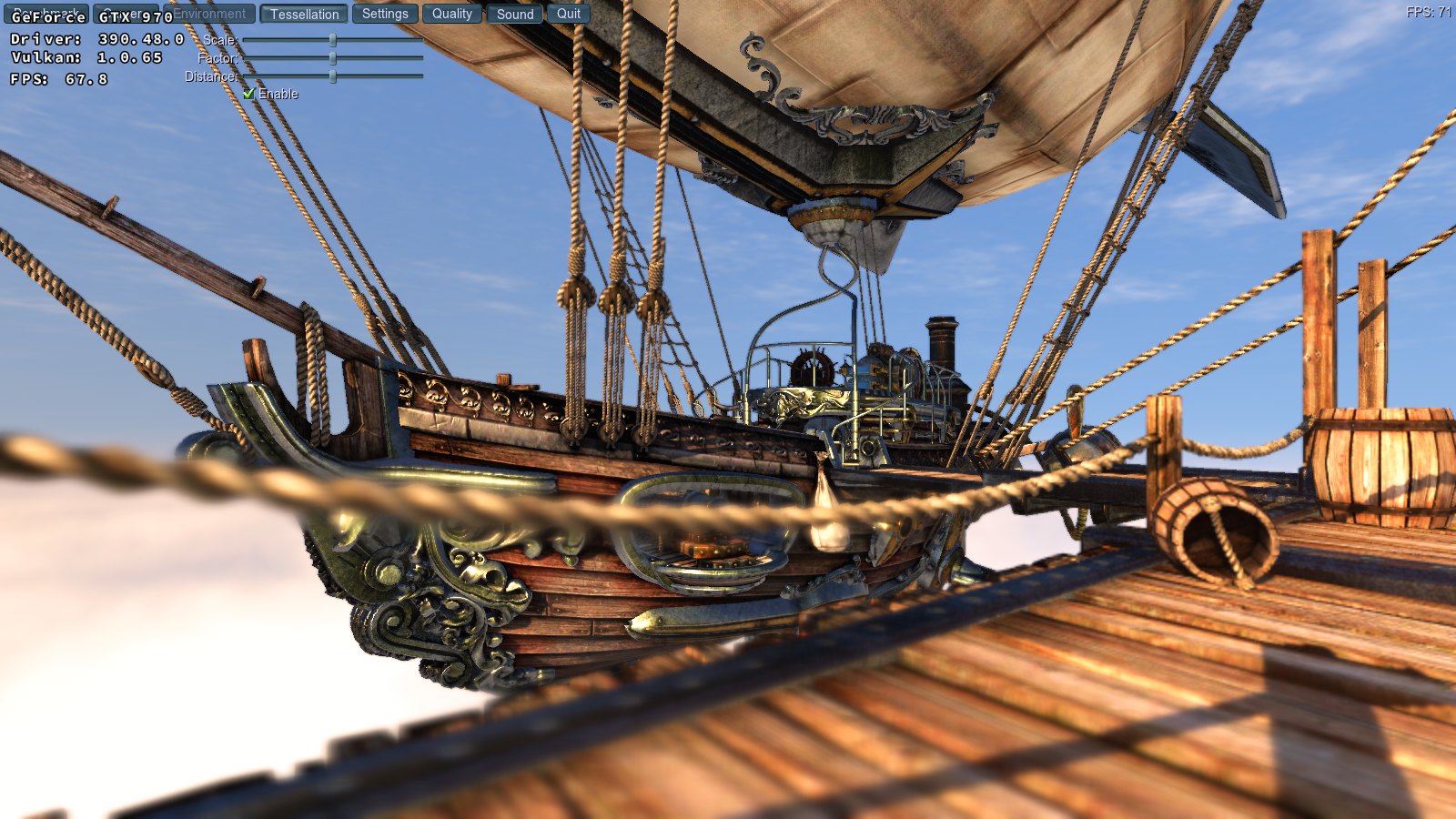
Heaven works. Next i will recompile dxvk with the new logger and give you a new set of DS3 logs. Give me a few minutes
Here we go
https://www.dropbox.com/s/4b49j3ijhnydjol/DS3_Logs_new.zip?dl=0
thanks for the hard work for us nvidia users.
Alright and here they are.
https://drive.google.com/open?id=1-yXu4S40EXpbJ_1Ejyg-bjOO-nav9v7c
Where is logs stored? Same trouble here with nvidia card. And game freezes whole system if i try to open first door(after boss), only sound is playing, and thats all.
Same issue, OS hangs after i open first door in the game. I've managed to close the game after alt-tabbing. Tested this on the latest commit bd17be472d4d2de48b8c9ec2e7ad8ec01a4713bc.
Logs are filled with:
err: DxvkDevice: Command buffer submission failed: VK_ERROR_DEVICE_LOST
DarkSoulsIII_dxgi.log
DarkSoulsIII_d3d11.log
Everything else seems to work fine in the first location, except some effects. Looks like those glowing white clouds around items are missing, which makes it harder to spot an item.
I loaded an old save further on in the game (Ringed City), it loaded and ran fine, need more testing.
Anyone got a save after Gundyr?
I could find one on the net, I think it would help with testing if we all use the same save, to take out the any variation.
if needed my specs: i7-6700k, 16gb ram, 1080gtx, driver 390.48
logs here
darksoulsiii_d3d11.log
darksoulsiii_dxgi.log
save file at gundyr location
ds3.tar.gz
I tried DS3 again on the latest commit d68d62f837fe9c6898565bbfd5eafa7172173398
This time i did a proper shader dump with debug logs.
DarkSoulsIII_d3d11.log
DarkSoulsIII_dxgi.log
Full shader dump got pretty big, so i've selected only those shaders that resulted in
err: DxvkGraphicsPipeline: Failed to compile pipeline
and sorted them by corresponding failure.
failed_shaders.zip
I can upload full dump if that would help.
Looks like that latest nvidia driver (396.18) solved this issue, but performance is much worse now. Effects around items and flames are rendered properly. Also i've noticed some glitches with green triangles suddenly appearing on the screen.

DarkSoulsIII_d3d11.log
DarkSoulsIII_dxgi.log
See #267. Since the shaders work with the new driver I consider the original issue to be resolved, but keep in mind that the current Nvidia beta driver is still a bit immature.
@doitsujin i agree with you. Lets hope nvidia gets the performance fixed fast because i won't change till it is back. In Path of Exile Frames can make the difference between loosing much playtime (Hardcore) and surviving a situation.
Is there any serious downside to __GL_NextGenCompiler=0 if it prevents not only the artifacting but framerate issues?
Does it bring back the graphical errors?
I've loaded my save after that door with __GL_NextGenCompiler=0 and the game did not crash or hang. Some shaders failed to compile and those effects around items are missing, but the game works fine. I'm not sure if there is a performance boost with old compiler, but either way the game is playable on low settings.
The old compiler seems to be significantly faster in a lot of games than the new one - again, see #267.
I should add that driver: 396.18.0 with __GL_NextGenCompiler=0 will NOT be able to progress past the first boss door. You need to progress through it with this set to 1 or unset.
Hello I have also problem with Dark Souls 3. Game runs fine but crashes when I fight first opponent at the beginning of the game.
I run in terminal and have that error:
00d8:err:ntdll:RtlpWaitForCriticalSection section 0x7f871134bf20 "../../../wine-staging/dlls/wined3d/wined3d_main.c: wined3d_cs" wait timed out in thread 00d8, blocked by 00d4, retrying (60 sec) 00da:err:ntdll:RtlpWaitForCriticalSection section 0x7f871134bf20 "../../../wine-staging/dlls/wined3d/wined3d_main.c: wined3d_cs" wait timed out in thread 00da, blocked by 00d4, retrying (60 sec) 00d9:err:ntdll:RtlpWaitForCriticalSection section 0x7f871134bf20 "../../../wine-staging/dlls/wined3d/wined3d_main.c: wined3d_cs" wait timed out in thread 00d9, blocked by 00d4, retrying (60 sec) 00ab:err:ntdll:RtlpWaitForCriticalSection section 0x7f871134bf20 "../../../wine-staging/dlls/wined3d/wined3d_main.c: wined3d_cs" wait timed out in thread 00ab, blocked by 00d4, retrying (60 sec)
I use Manjaro Deepin with wine-staging 3.11-1. dxvk-bin ver. 0.61-1 from AUR. I have Dell Inspiron 7577 with GTX 1050 and lastest drivers 396.24-11.
Can anyone help with that?
You're not using DXVK, and your driver version wouldn't run it anyway.
@doitsujin Hi, thanks for fast reply. Can You tell me how to use DXVK to run that game? And why my nvidia driver is bad?
Read the How to use section in the README perhaps.
https://github.com/doitsujin/dxvk
As for the driver version I am not aware why it wouldn't work, pretty sure I used the same one to run DS3.
@C0rn3j Hello, I watch Your YT video about DS3. In my case game works even better but sometimes when I fight it crashes. I can kill few opponents but some of them make game crash. Thanks for link, I will try to run with that.
@C0rn3j I read README but I don't understand how to use it to run that game or wine-steam.
cd /your/dxvk/directory/bin
WINEPREFIX=/your/wineprefix bash setup_dxvk.sh
What do you not understand about these two lines? Afaik that's all you need to do.
It's even the pinned comment of the AUR package you used - https://aur.archlinux.org/packages/dxvk-bin/
I don't understand what "/your/wineprefix" means. I have DS3 installed in ~/.wine/.../steam/steamapps/common/Dark Souls III/
@PrzemekSkw
WINEPREFIX is ~/.wine path
It looks like you have a default path to the prefix. So, you can to run script setup_dxvk.sh anywhere.
Just run it:
./setup_dxvk.sh
@MrChebik thanks, I did that. But now I have error and game want launch..
The game doesn't launch because your driver doesn't support a required Vulkan extension, see #435.
@PrzemekSkw
You can use DXVK from Google Drive, without required VK_EXT_vertex_attribute_divisor extension.
Just copy windows folder to ~/wine/drive_c
@MrChebik what file because there're 4?
@doitsujin I try to install nvidia-vulkan 396.24.2 from AUR but there's error with building that. I also have errors when I try to build dxvk-git and dxvk-legacy-git. Do You know how to install 396.24.2 driver in manjaro?
@PrzemekSkw
Try 0.61-63af141.tar.xz
@MrChebik Which one? :)
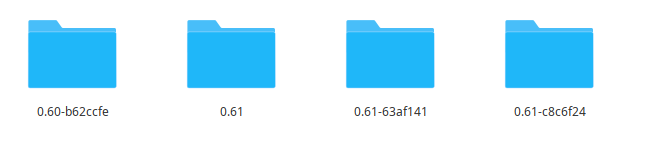
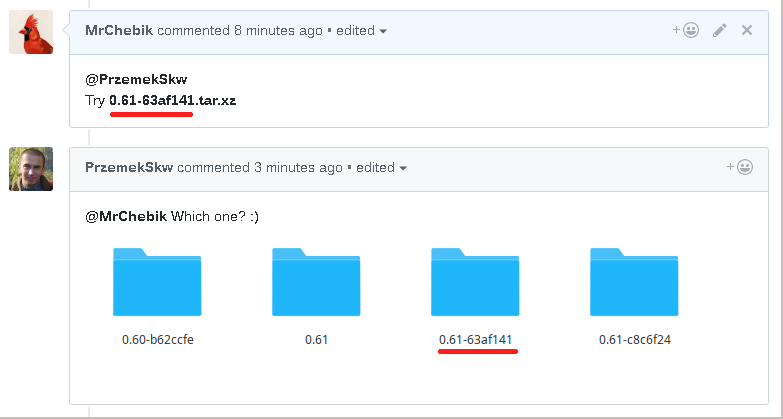
@MrChebik Thanks, DS3 works perfect now!!!! Thank You very much. :D
@MrChebik Hi, have You got also some fix for terrain black spots and blinking in Witcher 3? :) I install it in lutris and have that problem with dxvk 0.54 and 0.61.
@PrzemekSkw
Hi, I also have black spots of the terrain. But the flashing of the terrain was not observed. So I do not have this game anymore.
@MrChebik I read that nvidia driver 396.24.2 may help but don't know how to install it on manjaro. Maybe You know?
@MrChebik Thanks but Manjaro is Archbased distro.
@PrzemekSkw
Well, this should help. Otherwise, it is better to find the users of this distribution / Arch.
@MrChebik Thanks, it says that I have the lastest drivers. I will install beta drivers then.
Launch options
WINEPREFIXx1 2018-07WINEPREFIX=/your/wineprefixx1 2018-07__GL_Nx3 2018-04DXVK_LOG_LEVEL=debugx1 2018-04DXVK_SHADER_DUMP_PATH=/some/pathx1 2018-04
Software information
Dark Souls III, High settings.
System information
The game operates beautifully but is missing some essential shaders that correspond to bloodstains, magic, weapon impact effects, and fog walls.
The wine terminal spits:
err: DxvkGraphicsPipeline: Failed to compile pipeline
err: DxvkGraphicsPipeline: Failed to compile pipeline
err: DxvkGraphicsPipeline: Failed to compile pipeline
As the game tries to render new shaders and nothing appears on screen where the effects should be present.
First post. Please forgive me if I'm missing anything important and let me know if I should append anything here that is necessary.