[d3d9] LEGO Harry Potter: Years 1-4
How about you go a bit more into detail? Screenshots of the problem would also be nice.
As far as I'm concerned, the game works without any issues. (Proton Experimental)
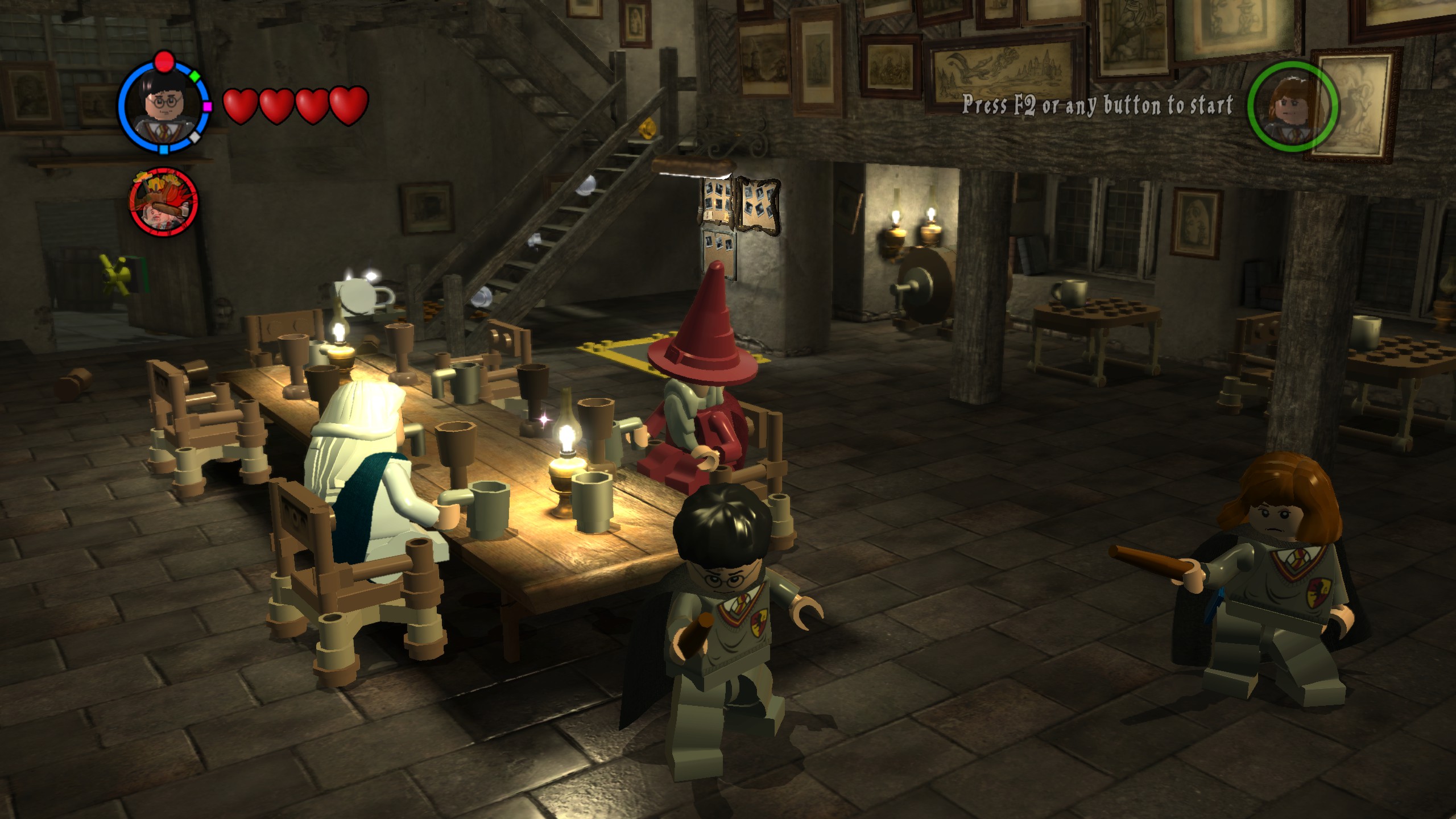
I attach a short video. Video from the phone quickly, before the work, I did not have time to set up the OBS.
Game run on on Proton Experimental.
Do other games work on your system? This might be a hardware defect.
I have the exact same GPU and the game works just fine with the same DXVK version.
Currently all other games (native and proton) are working great,
https://steamcommunity.com/profiles/76561198349055922/games/?tab=all
I'll try to generate an Apitrace when I come home from work.
I found a solution, the game works with newer versions of Proton (DXVK) - solution is deleting the contents of the directory:
......../steamapps/compatdata/21130/pfx/drive_c/users/steamuser/Application\ Data/WB\ Games/LEGO®\ Harry\ Potter™/CachedShaders/
Proton versions
proton experimentalx2 2021-11proton 4.11-13x1 2021-11
Launch options
PROTON_USE_WINED3Dx1 2021-11
Lego games using directx 9 have a texture problem.
The game starts correctly on Proton 4.11-13, on higher versions of Proton it played correctly with PROTON_USE_WINED3D = 1.
The problem is reported on the protondb portal by other players.
Software information
LEGO Harry Potter: Years 1-4
System information
Log files
steam-21130.log