Broken texture quality - METAL GEAR SOLID V: GROUND ZEROES
Probably just the game doing some broken shit to query available VRAM and getting an incorrect value for some reason, this is probably not our bug. I can try this on my system in a bit.
You should be able to get an apitrace by dropping dxgi.dll, d3d11.dll and dxgitrace.dll from the apitrace/lib/wrappers directory next to the game's executable. I don't know if the game is 32-bit or 64-bit, you'll need to use the appropriate ones. The resulting trace file will be in the destop directory of your wine prefix (probably $HOME/Desktop since you're not using Proton).
Thanks, managed to get it to create something but the game did not launch still.
EDIT - Removed empty trace
I noticed the trace uploaded was empty. This one has some content, but the came still crashes while launching.
MgsGroundZeroes.trace.zip
This issue has also been created over at the Mesa repo.
https://gitlab.freedesktop.org/mesa/mesa/-/issues/5554
@AlfredoRodda Friendly ping. Could i get you to check if this is still an issue with latest dxvk and driver?
Hi @Blisto91, I went back and tested this out and the issue is present still with the following setup:
Wine 7.14
DXVK 1.10.3
Mesa 22.1.4
Thanks for checking 👍
I also have the game now so will try to reproduce when i have time
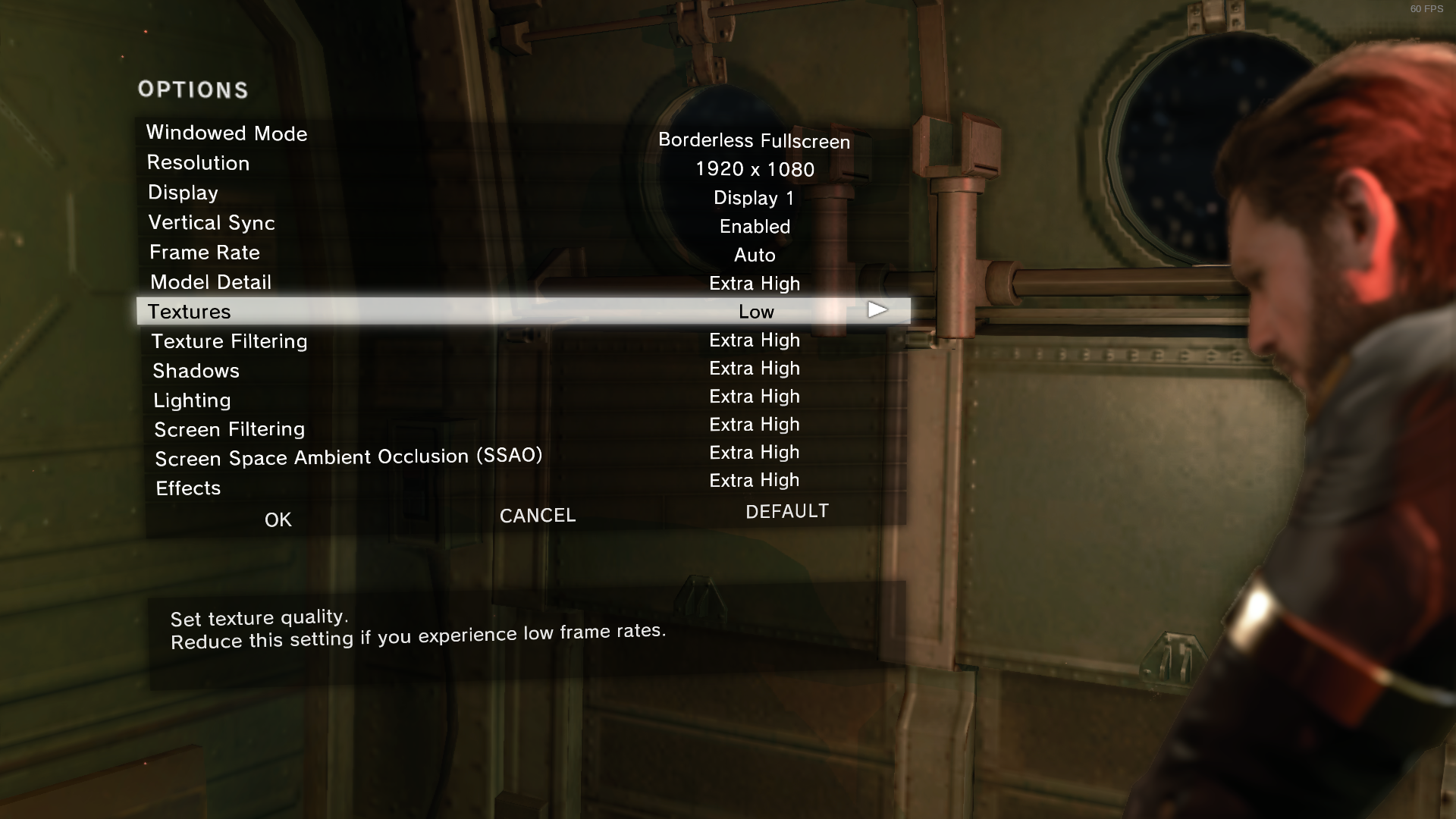
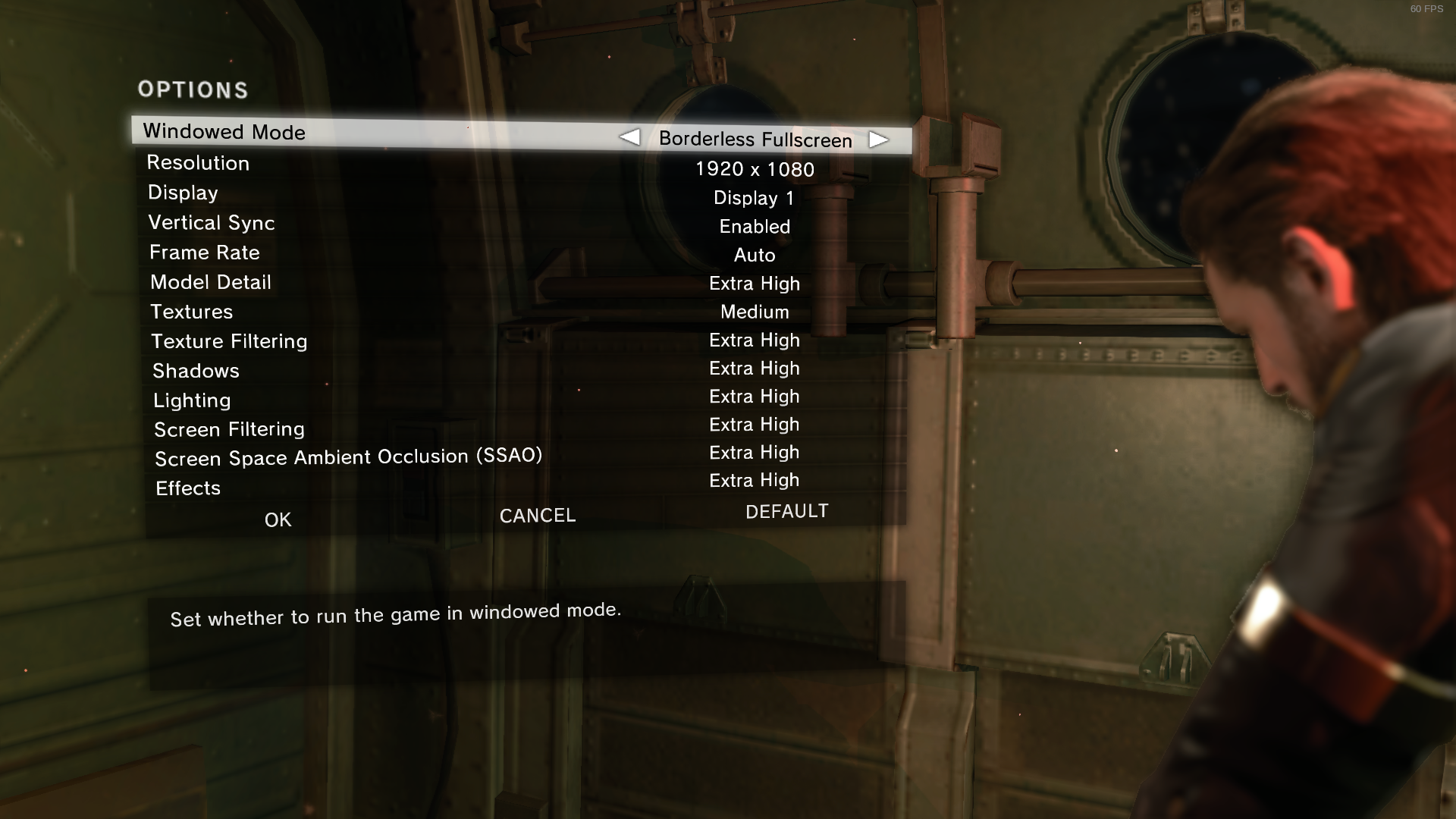
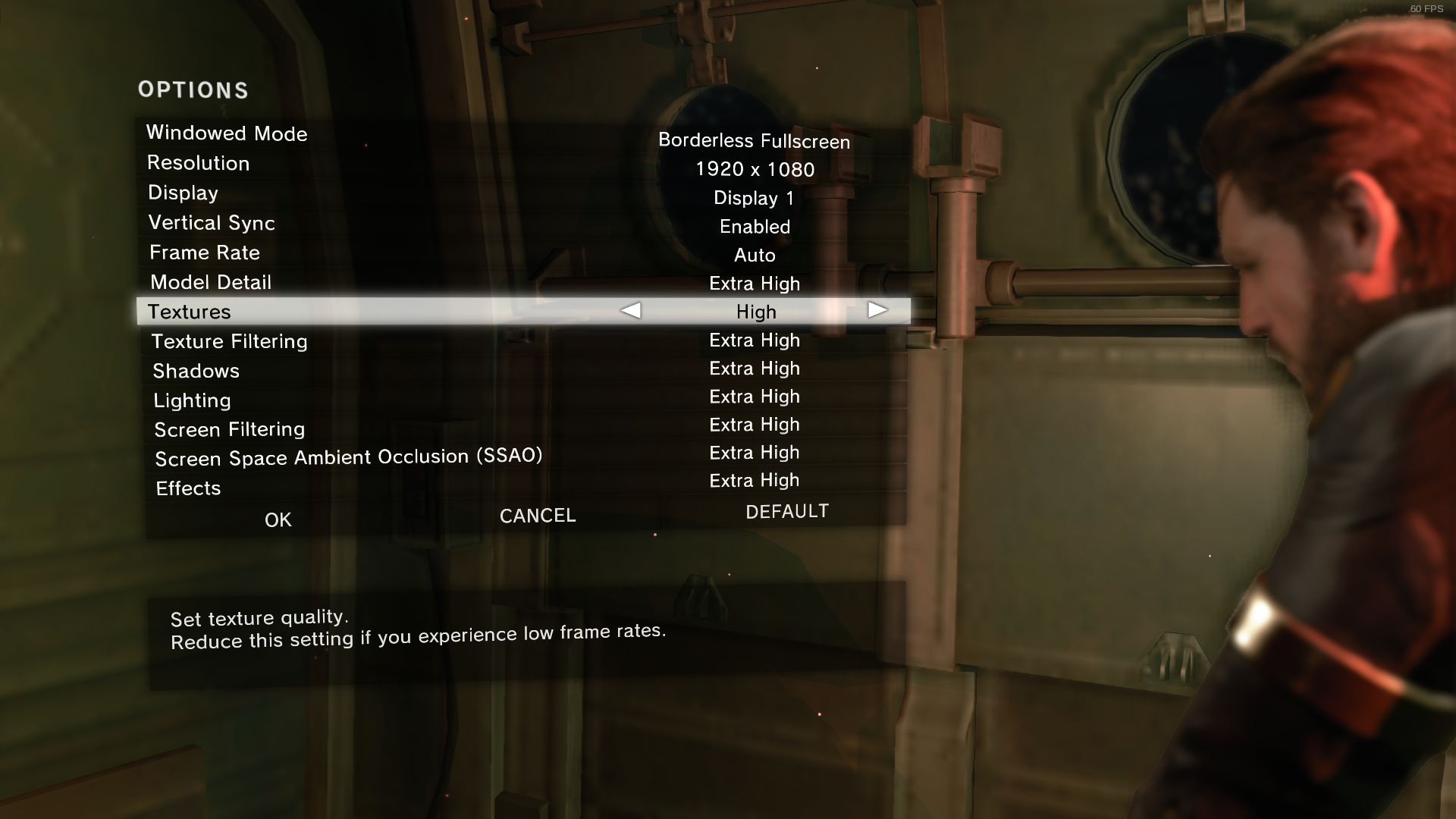
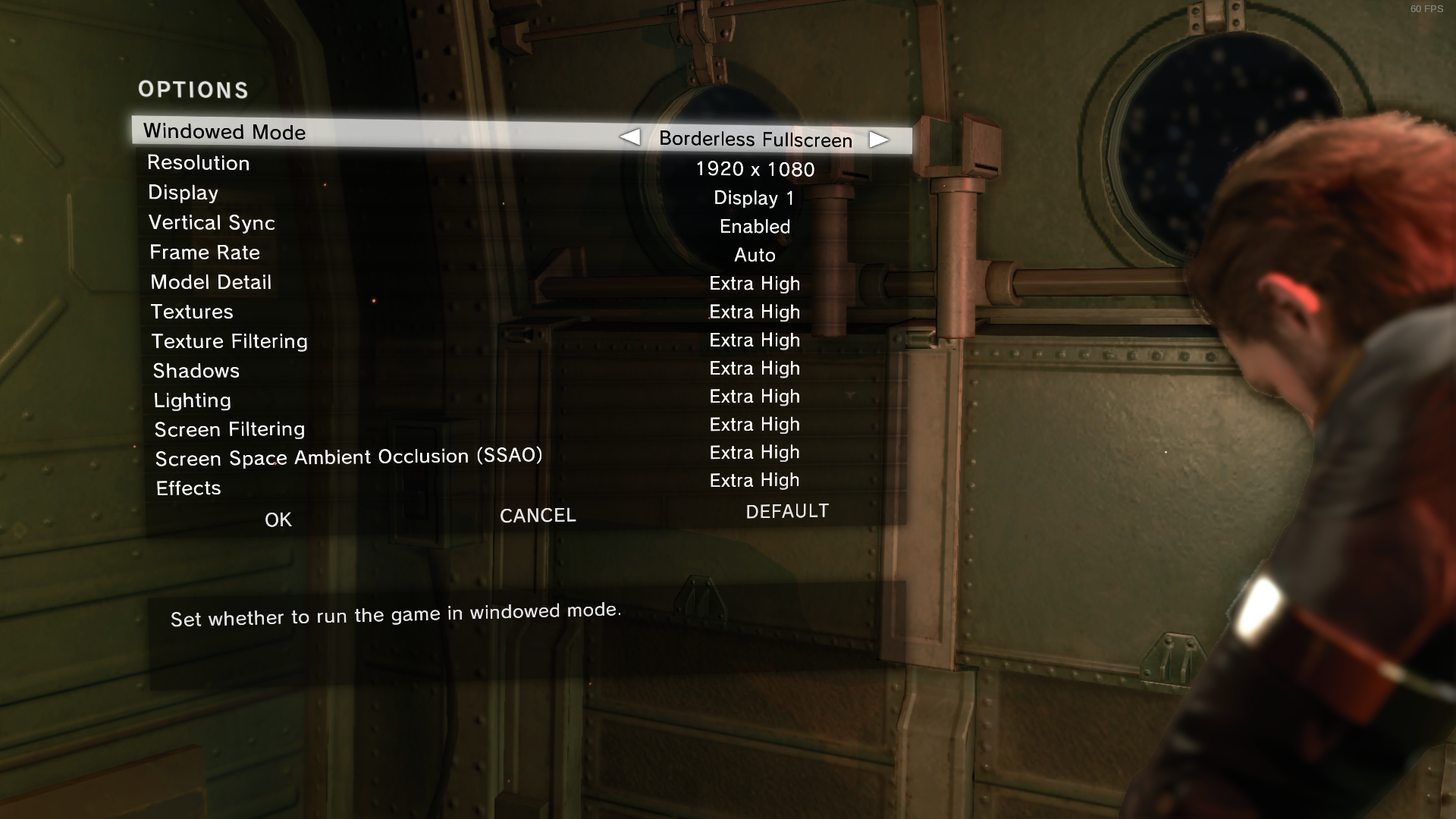
So i am seeing some weirdness where the texture quality seems to go back and forth in quality depending on setting. But i see similar with wined3d.
Here are some screenshots with wined3d (without dxvk) where you'll notice the high setting takes a dip in quality.
Textures low
Textures medium
Textures high
Textures extra high
Actually with some more testing we found that it breaks when it sees a vram value of 4096 or above. Probably a integer overflow in some internal game logic.
So we are going to work around it by capping our maximum reported vram at 4095. dxgi.maxDeviceMemory = 4095
You can check with latest master build. It should be working now.
You can grab it here https://github.com/doitsujin/dxvk/actions/runs/2931047801
I can confirm that this issue is resolved, Thank you @Blisto91.
Proton versions
proton 6.3-7x1 2021-11
DLLs
d3d11.dllx1 2021-11dxgi.dllx1 2021-11dxgitrace.dllx1 2021-11
Description
If the texture preset setting is set to anything above Medium, for example "High & Extra High", the quality actually drops to the Low preset.
Screenshots
Medium

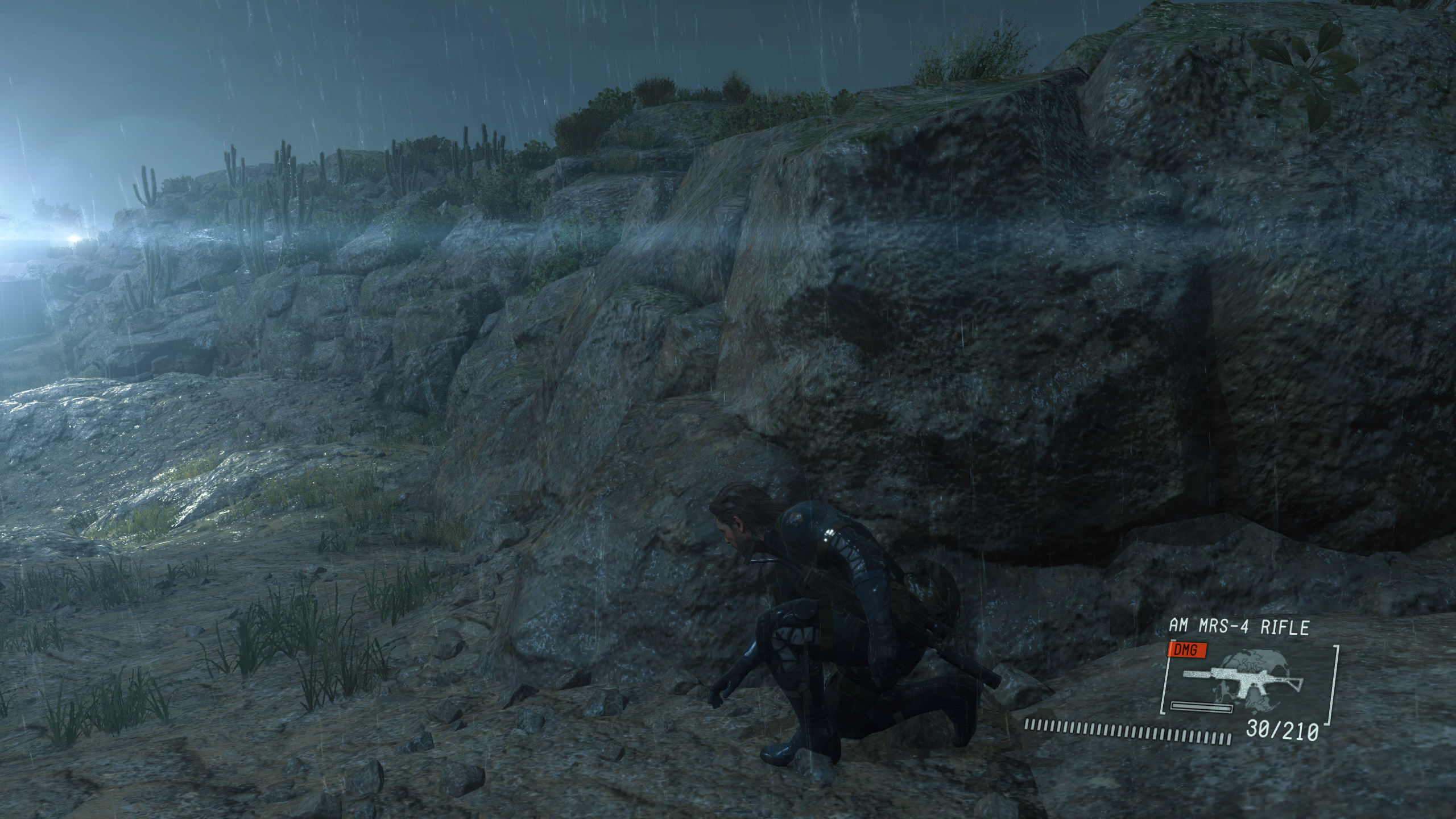
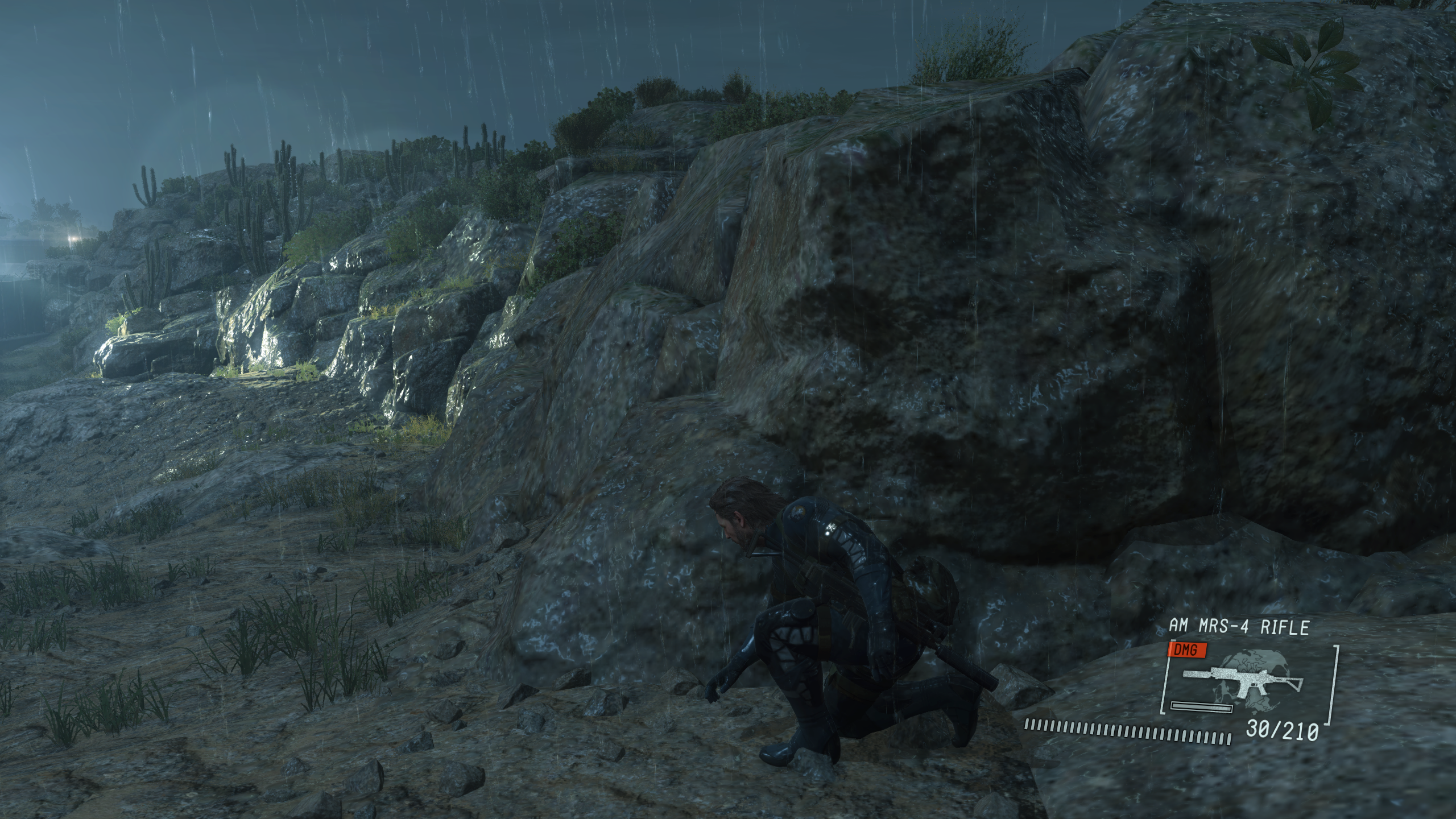
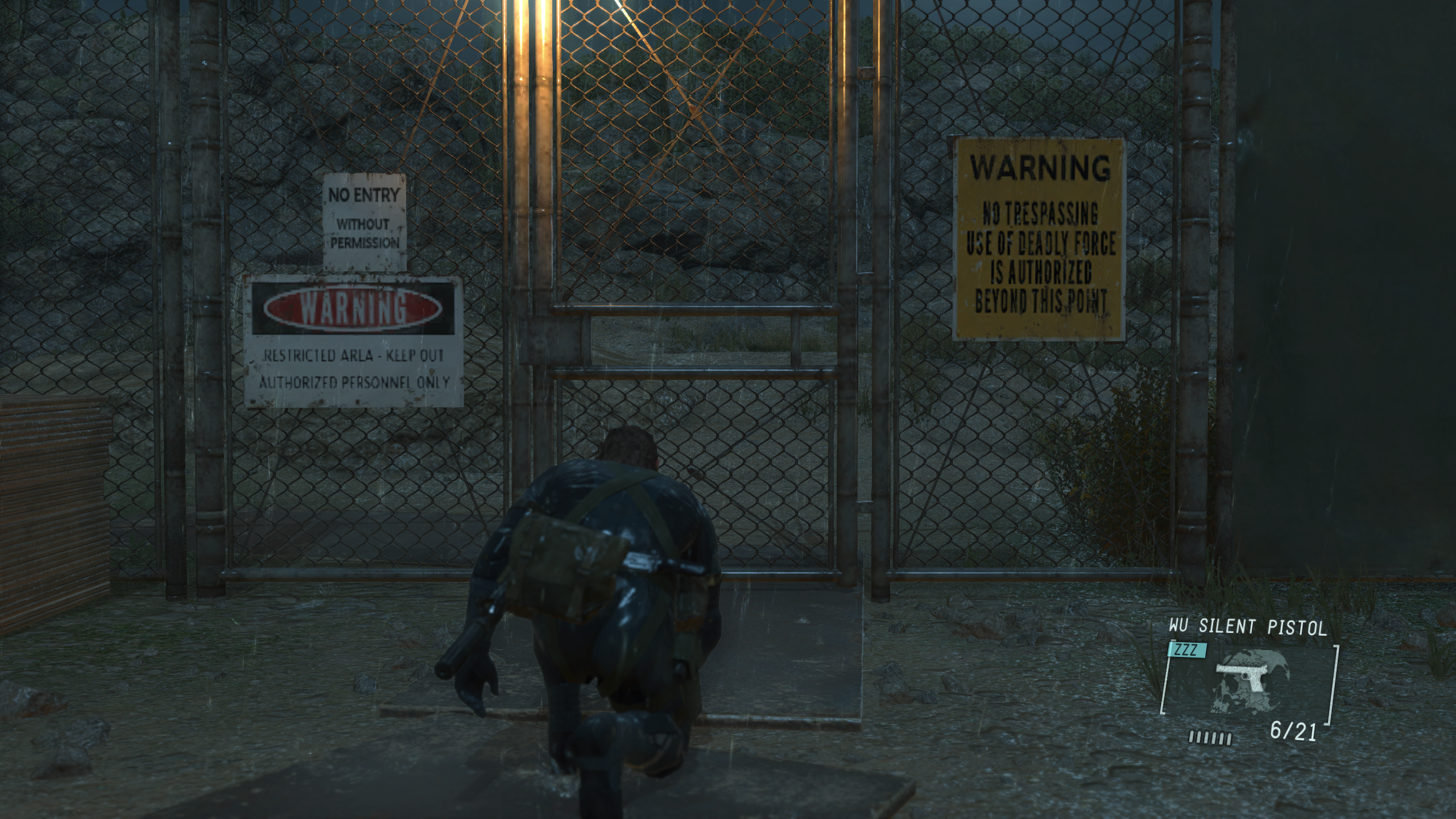
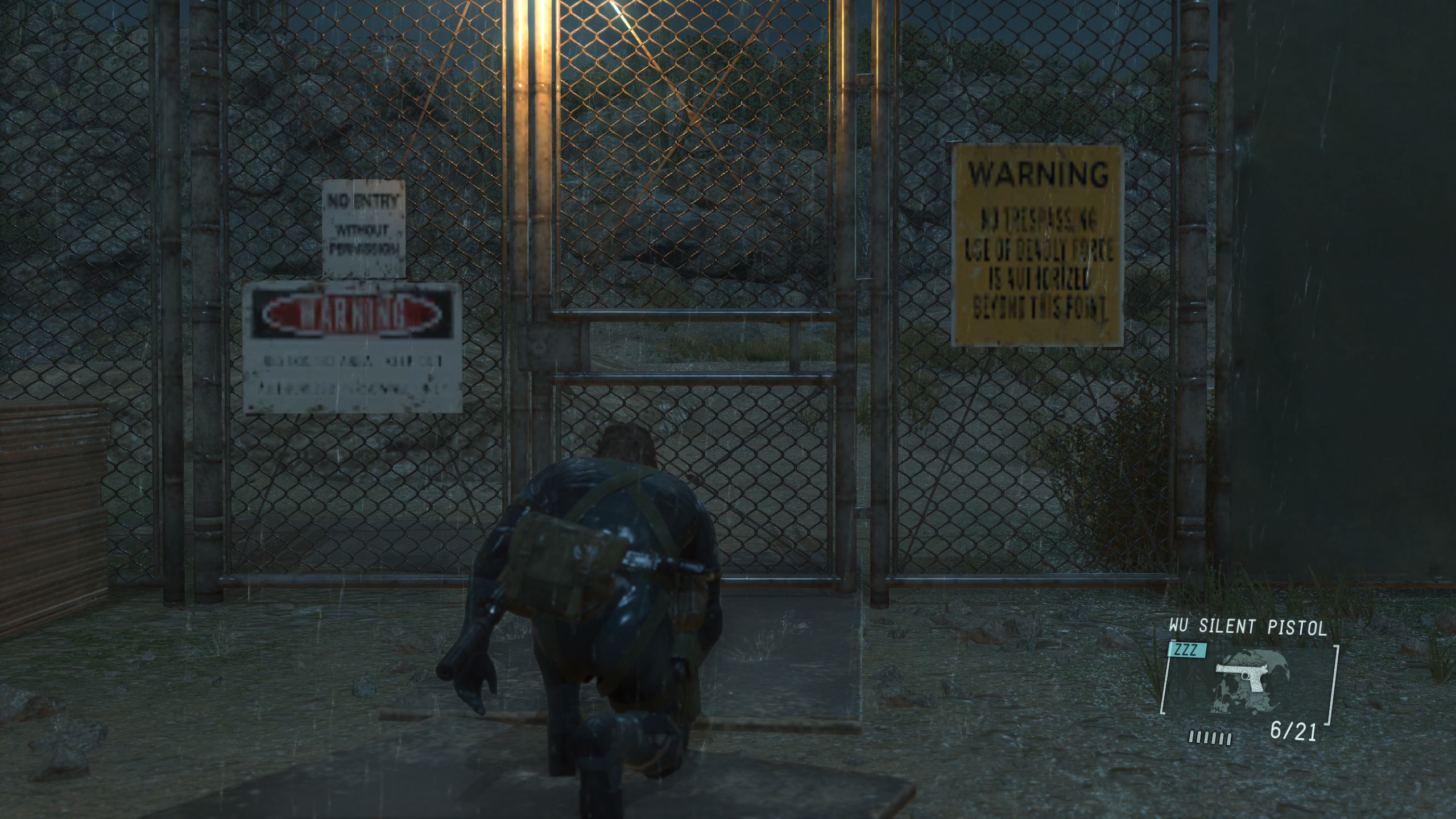
Extra High
Medium
Extra High
Medium
Extra High
Software information
METAL GEAR SOLID V: GROUND ZEROES (1.005)
Steps to reproduce
System information
Apitrace file(s)
Log files