black windows in dotnet applications
Need more info, especially log files. The issue template asks for those for a reason....
This is probably some partial present bullshit though which we don't support.
ReShade_Setup_5.0.2_d3d9.log
this is the dxvk log, dosen't seem like anything special is in there
this bug is also easily reproduceable, so you can go download reshade and get extra info if needed
Similar issue with Warhammer Online Return of Reckoning Launcher. dotnet40
works with wined3d, but doesn't with DXVK.
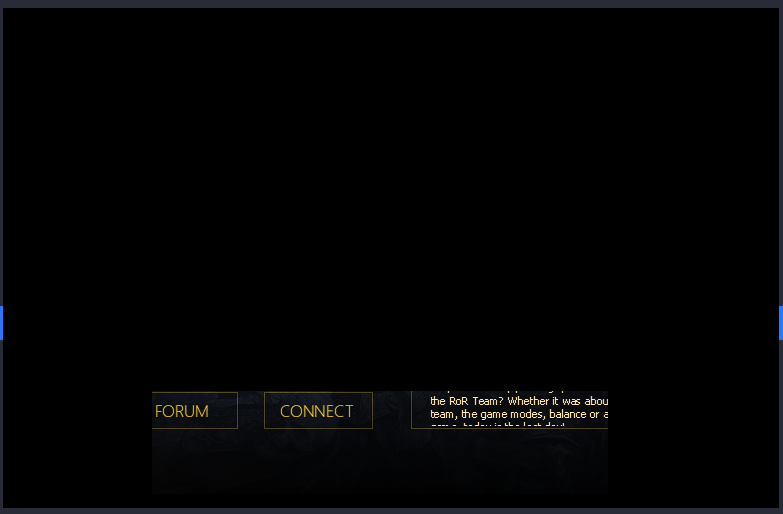
log: RoRLauncher_d3d9.log
Launcher can be downloaded from here: http://launcher.returnofreckoning.com/RoRLauncher.exe
no account needed, but it will start to download files, be aware
It seems to be the exact case of #2278 as indeed it seems to be a partial present.
For Tarkov the workaround was to force wined3d for DX9 since it's what launcher uses and the actual game uses DX11.
VRCX also seems to suffer from partial present issue.
Not a massive handicap, but what makes partial so stubborn to address?
You could try this: https://github.com/doitsujin/dxvk/issues/2568#issuecomment-1085832406
Works with Warhammer: Return of Reckoning launcher. Might work with other dotnet launchers as well
can confirm that this fix works, unfortunately things slow down a LOT when you do this
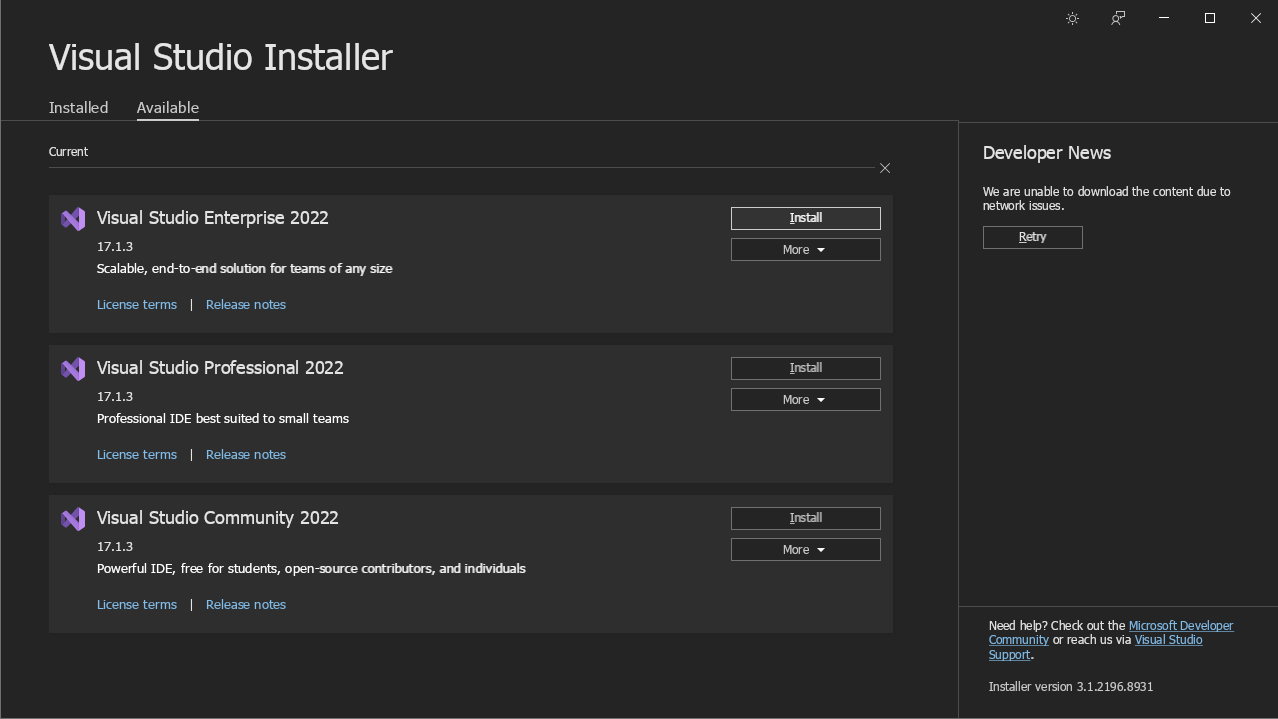
that looks a bit better
Why are you running the Visual Studio installer with DXVK?
Why are you running the Visual Studio installer with DXVK?
because i have it installed in my main wine prefix... (~/.wine)
Upstream links
- doitsujin/dxvk/issues/2568x1 2022-04
try using the visual studio installer (or the reshade installer) with wine 7.4, it renders fine with wined3d and it doesn't render fine with dxvk, with dxvk, the window is black unless you move you mouse in which case the portion of ui element you are hovering over reveals itself and turns the rest of the window black.

the easy solution to this would be add some env variable that disables dxvk or the tougher one, which is patching dxvk