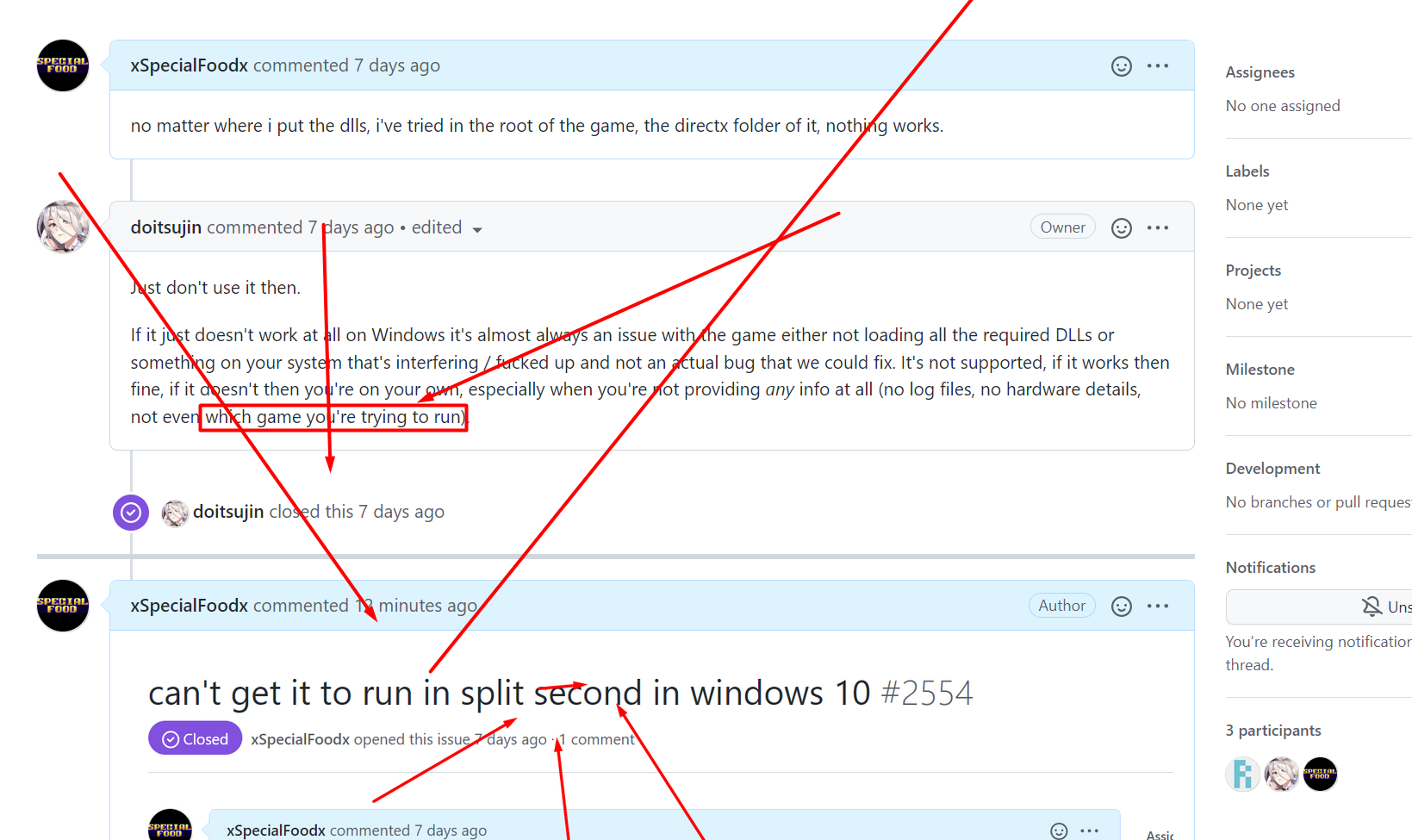
can't get it to run in split second in windows 10
Just don't use it then.
If it just doesn't work at all on Windows it's almost always an issue with the game either not loading all the required DLLs or something on your system that's interfering / fucked up and not an actual bug that we could fix. It's not supported, if it works then fine, if it doesn't then you're on your own, especially when you're not providing any info at all (no log files, no hardware details, not even which game you're trying to run).

What are you trying to tell us with that?
Okay so you did name the game. Congratulations. That means you've only left out the rest of the basic stuff that the issue template asked you to provide.
That means you guys dont read.
Probably we are talking about this game: https://store.steampowered.com/app/297860/ https://www.protondb.com/app/297860/
This is the 32-bit game (flag Large Address Aware is not set in exe file). Also seems the game directly depends only on d3d9.dll and d3dx9_41.dll and there are no renderer options - it's the dx9 game.
Since the bug on Windows has not yet been discribed (not even the text of the error window or screenshot), it looks like the best advice is to make sure x32/d3d9.dll from dxvk is being used.
It looks like the game on Proton has no problem starting with dxvk at least (I tried proton-5.0 with manually updated dxvk).
screenshot on Proton
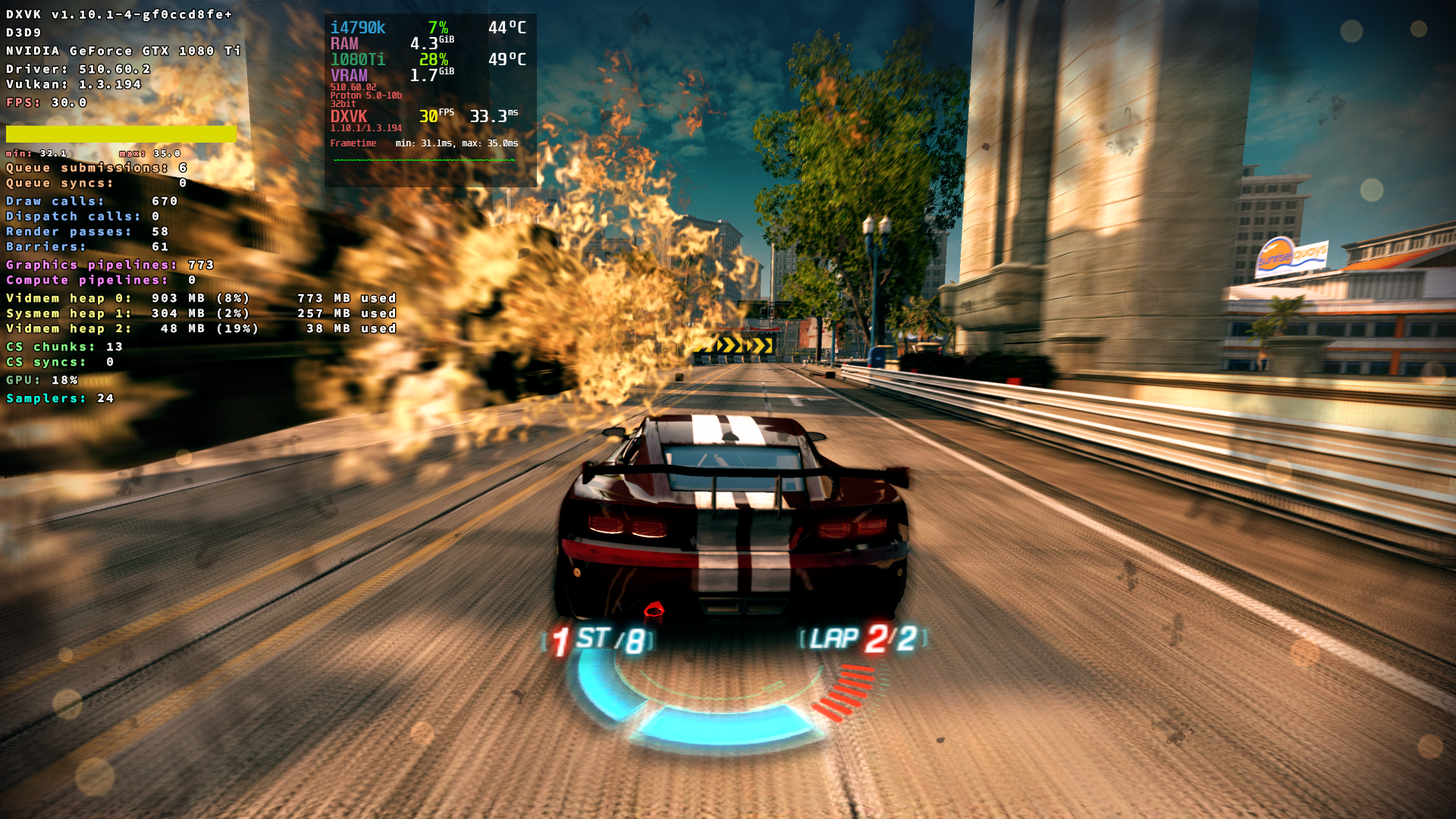
offtopic: also the game has a developer/engine limit of 30 fps - could there be any practical reason to use dxvk on windows?
Probably we are talking about this game: https://store.steampowered.com/app/297860/ https://www.protondb.com/app/297860/ This is the 32-bit game (flag Large Address Aware is not set in exe file). Also seems the game directly depends only on
d3d9.dllandd3dx9_41.dlland there are no renderer options - it's the dx9 game.Since the bug on Windows has not yet been discribed (not even the text of the error window or screenshot), it looks like the best advice is to make sure
x32/d3d9.dllfrom dxvk is being used.It looks like the game on Proton has no problem starting with dxvk at least (I tried proton-5.0 with manually updated dxvk).
screenshot on Protonofftopic: also the game has a developer/engine limit of 30 fps - could there be any practical reason to use dxvk on windows?
vulkan is more reliable than directx, i managed to run it with dxvk eventually, was a stupid bug i had.
Related threads
- Rocksmith 2014 (Remastered) Unlaunchableprotonopen same error
- The Secret of Monkey Island: Special Editionprotonopen same error
- LEGO® The Lord of the Ringsprotonopen same error
- Torchligh II GOG crashes during loading (DX9)dxvkclosed same error
- GTR 2 FIA GT Racing Gameprotonopen same error
no matter where i put the dlls, i've tried in the root of the game, the directx folder of it, nothing works.