Performance regression in Prey with dxvk 1.10
I tested the Prey demo with 1.10 before tagging the release and did not see any performance issues.
err: D3D11: CopyImage: Incompatible texel size
This is a game bug, should be harmless since the call in question does nothing on native D3D11 either.
One thing you could try is DXVK_HUD=memory and see if the HVV heap (Vivmem heap 2 or something in the HUD) is close to full. Nvidia has some serious problems with that and we added a workaround as a config file option (dxvk.shrinkNvidiaHvvHeap = True).
Using both 1.10 and 1.9.4 yields nearly the same results with regards to heap 2; it fills up to ~86% right away regardless of using that config option you mentioned.
I can confirm the frametimes in 1.9.4 are significantly more stable on my end, whereas 1.10 produces larger spikes. I'll edit this post with some screenshots if you'd like.
Edit:
With dxvk 1.9.4
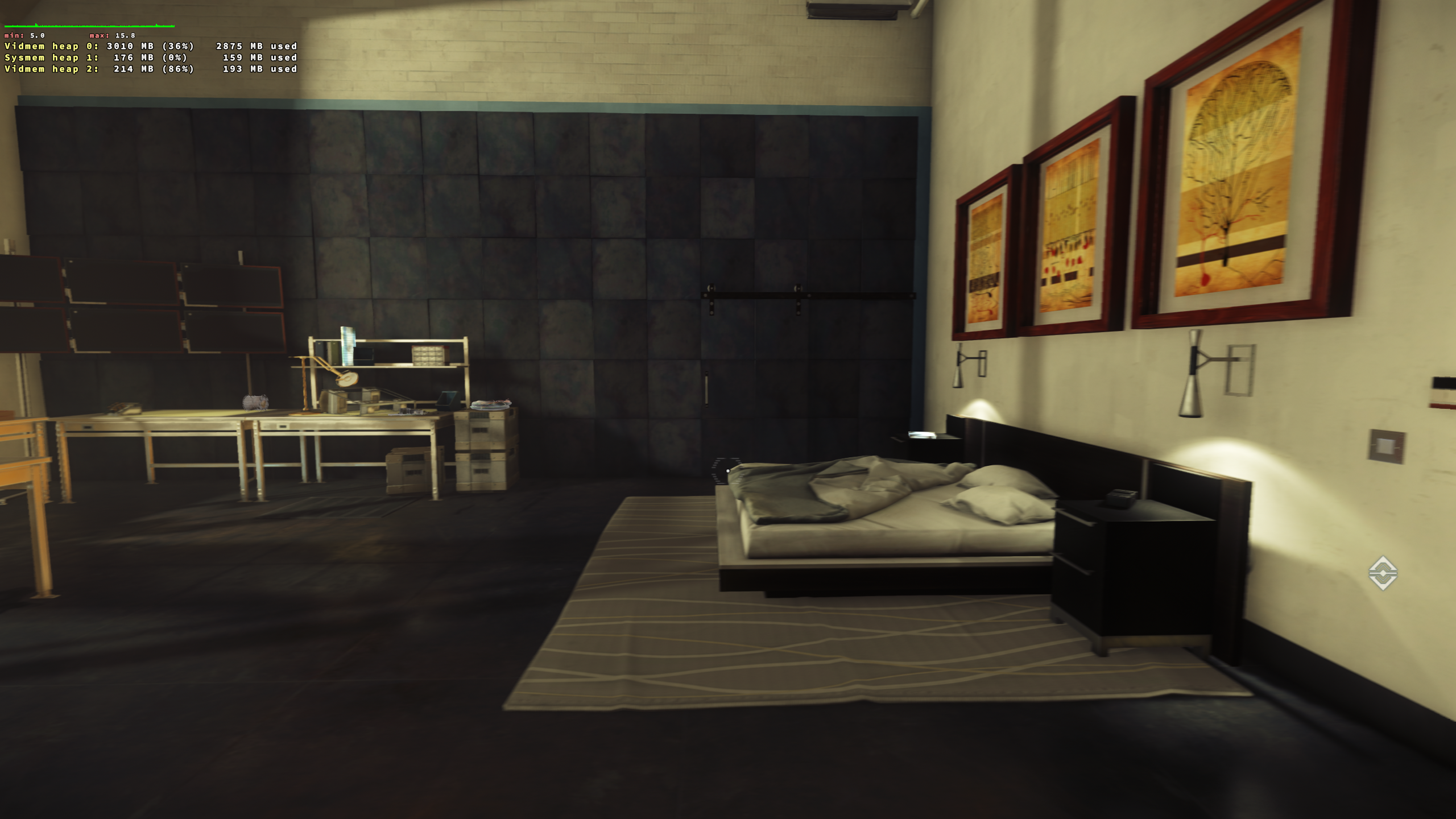
With dxvk 1.10
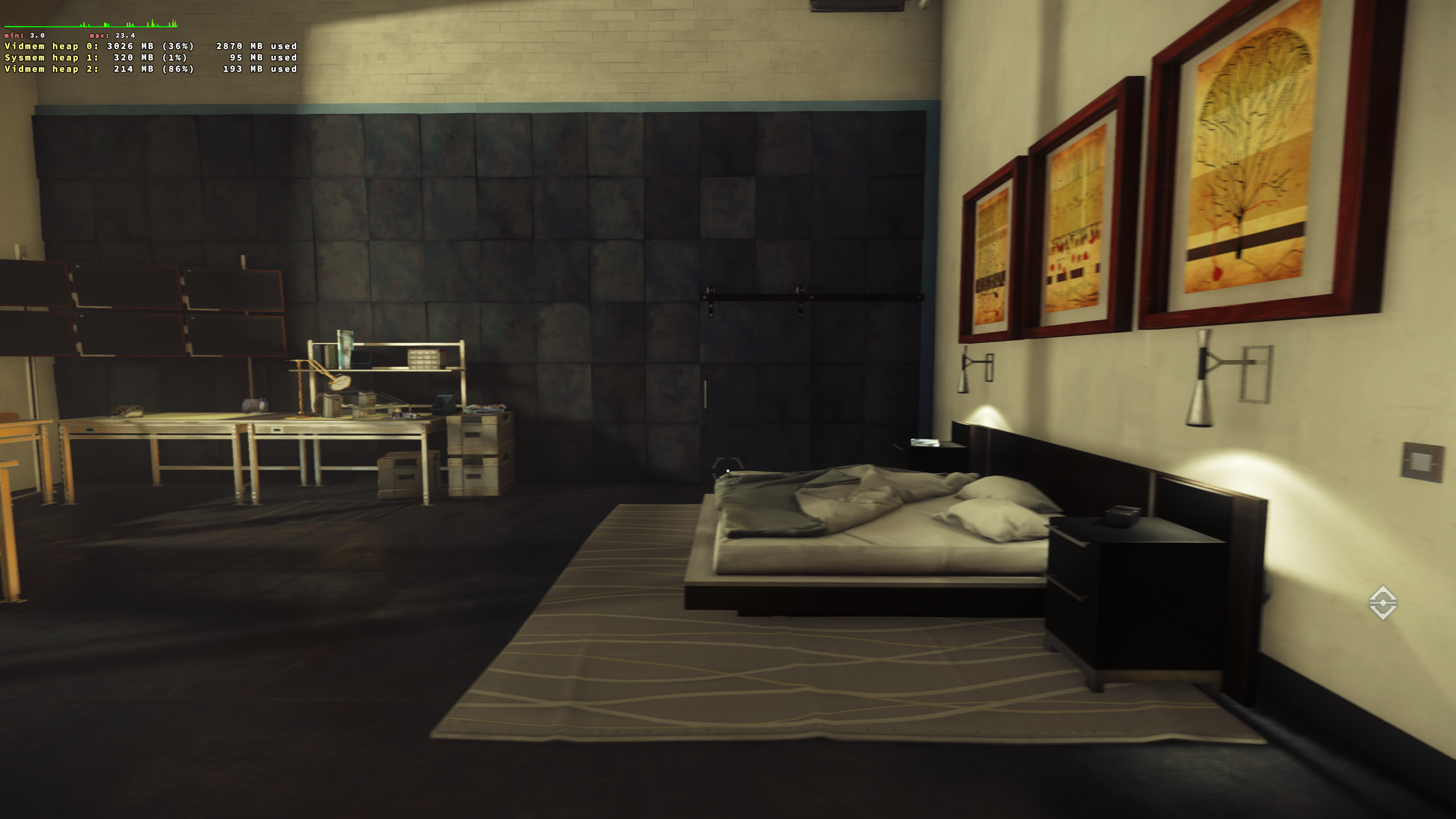
These frametime spikes only occur while moving around, but are otherwise stable. Perhaps the issue I'm experiencing comes down to input?
I tried again but can't reliably reproduce this. If anything, the game is partially I/O bound here but that's a problem with 1.9.4 as well.
We don't handle input in DXVK.
Curious why this issue is exposed with the latest release on my end. I'm not entirely sure where else to troubleshoot. Are you using an Nvidia GPU as well?
Any other suggestions on where to look with regards to the game being I/O bound? USB polling rate perhaps?
Either way my situation improves using an older dxvk version so I suppose if that's my solution then so be it.
@vide0hanz Can you for the funs, if you aren't already, try to launch the game with gamemode. I noticed something similar on my setup when i was testing another game when going from 1.9.4 to 1.10. Using gamemode in 1.10 seemed to solve it which wasn't needed before. Tho that game is dx9 and it might not be related at all.
@Blisto91 I already am - good suggestion though, as the behavior I'm getting definitely feels like it could be related to CPU governance and/or IO priority, as @doitsujin mentioned earlier. I've had very similar issues on older Unreal Engine games which gamemode cleared up.
Once i get my hands on prey i will try to test on both my amd and nvidia setup's to see if i can reproduce.
FWIW DXVK 1.94 did busy-wait for resources while 1.10 uses a condition variable to save power, so CPU power management might have an impact here.
I have tested this om my amd R9 380 mesa-git with 1.9.4, 1.10.0 & 1.10.1 and i have not noticed this behavior when playing in the apartment scene.
Will test on the nvidia system when i have time and if the game plays somewhat decently with only 2GB vram.
I tried again on a Nvidia 960 with 510 driver and didn't notice any change either when switching between the versions.
Is it still a issue with 1.10.1 or latest master?
I am observing a similiar issue with Anno 1800 and an AMD RX6800.
With dxvk 1.9.4 the frame graph is completely smooth whereas with dxvk 1.10 the scrolling is stuttery and I see spikes in the graph. This is not cause by shader compilation. The overall performance is similar and the CPU governor is switched to performance.
PS: I am playing on 4k at 60 fps with vsync enabled.
I am also seeing a performance regression in frame rate smoothness between 1.9.4 and 1.10.x.
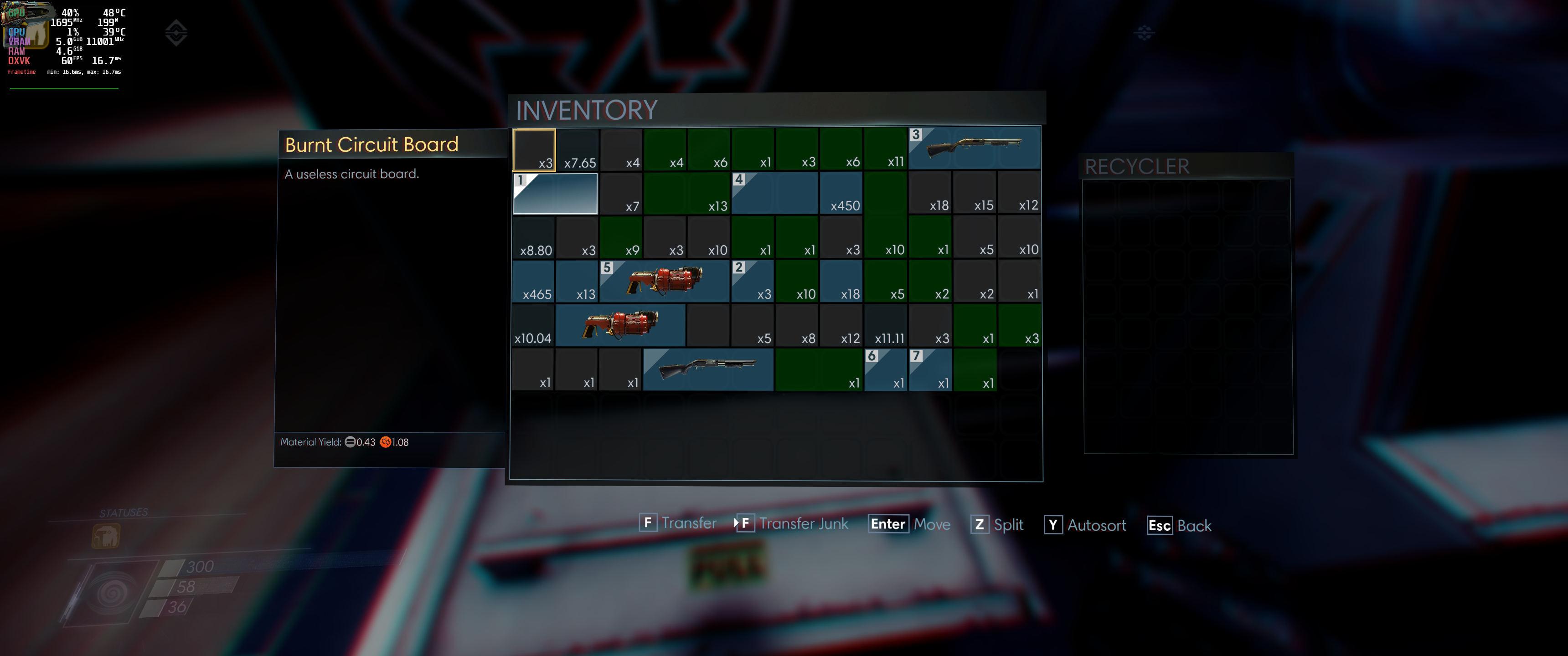
However, I also have another graphical issue between the 2 versions of DXVK in this game - see attached.
dxvk-1.10.2:
dxvk-1.9.4:
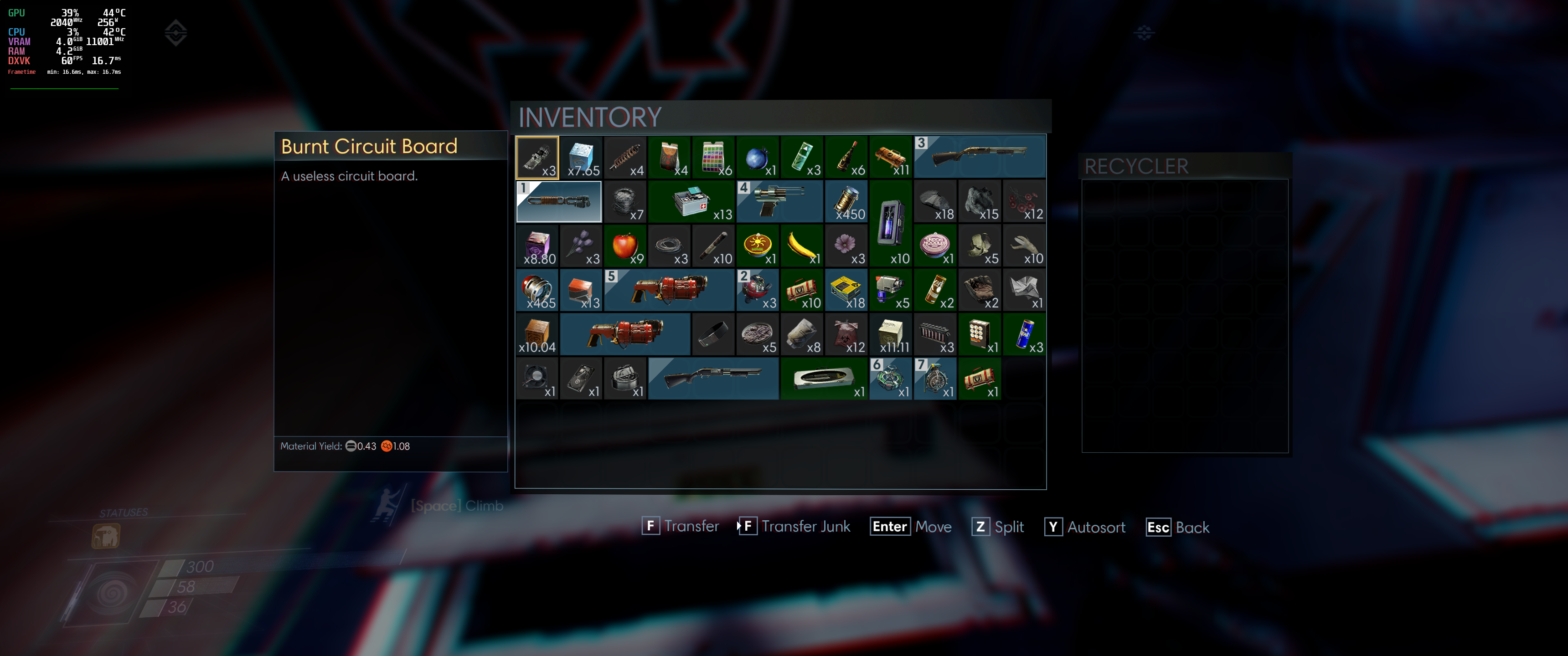
Many items in the in-game inventory are not rendering with 1.10.x, where with 1.9.4 I've never seen this issue.
Apologies if this should really be a separate bug, but given it's the same game, and the same dxvk versions we're talking about, I've not open a new bug - but happy to if someone advises.
Other info:
linux mint 20.3 - ubuntu 20.04 base
gpu: nvidia 3090, drivers: 515.48.07, vulkan: 1.3.205
wine-6.22-staging: using dxvk dxgi, mangohud
@agoodusername12123 Would you be able to make a apitrace?
https://github.com/doitsujin/dxvk/wiki/Making-a-Trace
I gave it a shot, but when doing the apitrace, there were no graphics glitches.... is this right, am I profiling a 'good' or a 'bad' run?
Also, I noticed in my screenshots above that the items are in fact rendering, but are stuck in the top left corner under the mangohud display!!!
Ye it's normal that it doesn't show up when doing apitraces even if running the game along with dxvk sometimes. It just records every dx api call and then the devs can replay it later with or without dxvk to try and figure out the issue. So you usually just record it to a situation where it normally reproduces and then close the game.
Lol. Does it happen without mangohud?
I have the demo installed and can reproduce the rendering issue.
For future reference, please open a new bug next time since this isn't the same issue (and I still cannot confirm any performance issues).
@Blisto91 & @doitsujin - thank you both. I'm new to github, apitrace, and filing bugs - I'll report a new bug next time when the symptoms are different from the bug I'm posting against.
Rendering issue
The rendering issue is not 100% of the time on 1.10.2 - while switching from 1.9.4 back to 1.10.2 it seemed to take ~5 minutes before the rendering issue occurred. It never occurred for me on 1.9.4. Please let me know if you'd still like me to try an apitrace, or if you want me to test anything, etc. I can also confirm the rendering issue does sometimes occur for me on 1.10.1. I've not tried 1.10.0. I have only used downloads from the releases page, I've never compiled DXVK.
Performance issue
I don't have concrete evidence of a performance regression, just a perception playing the game and watching mangohud graphs. Any advice on how I can gather evidence, rather than just my perception?
I'm not interested in evidence, I cannot reproduce the problem anyway so there's nothing we can do. Also it's likely caused by an otherwise useful change rather than an actual bug.
No apitrace needed, I can reproduce it reliably on master with the demo.
Fixed the rendering bug. Closing the issue since we can't really do much about the supposed perf regression anyway.
so uh i got refereed here by the heroic discord there's a problem with the fabricator screen not rendering would include a screenshot but it doesn't work
@idiotcommander Please open a new issue describing the problem including logs.
Fill out as much of the issue form details as possible.
If it's the same as the above issue then it should be fixed in this build https://github.com/doitsujin/dxvk/actions/runs/2669737640
I did a couple of tests and didn't find any significant performace differences between 1.9.4 and https://github.com/doitsujin/dxvk/commit/57445227acc3e24632abfc210587ff415cea2006 (ah, it was actually upstream with the nvidia-dev driver)
there seems to be meeting some problem with both versions of dxvk, and in both cases it's probably not related to dxvk.
screenshots
dxvk-1.10.1.r238.g57445227 with esync
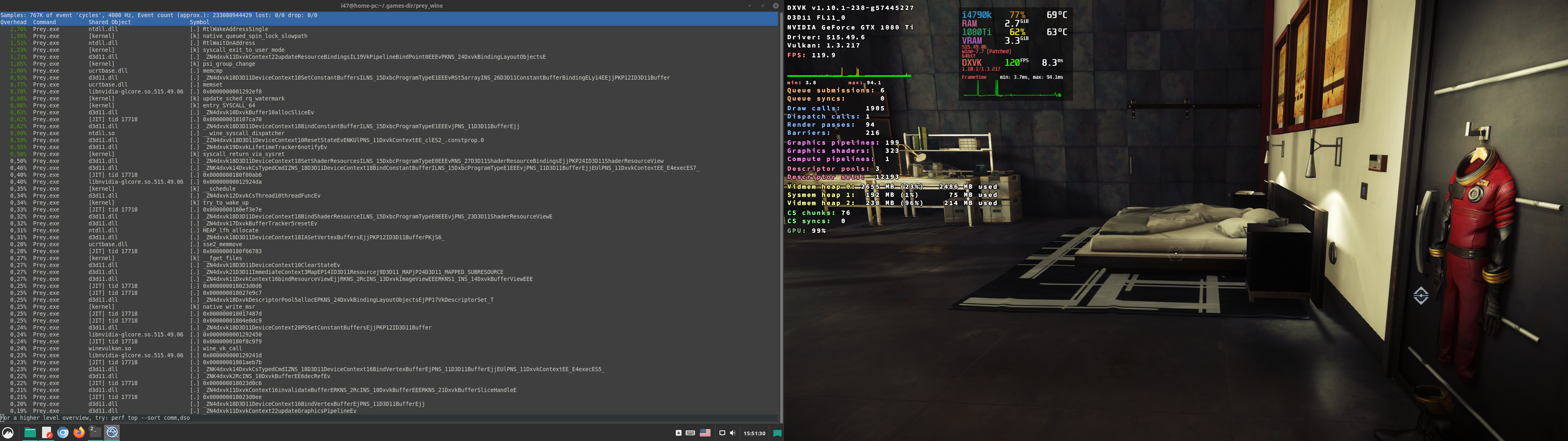
dxvk-1.10.1.r238.g57445227 with fsync
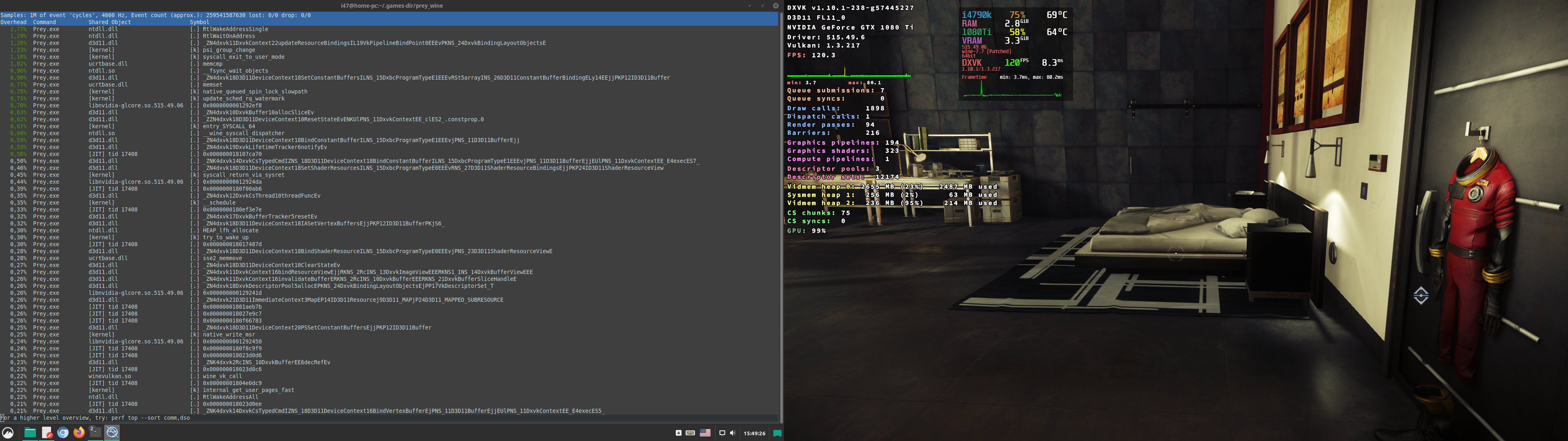
dxvk-1.10.1.r238.g57445227 with ntsync
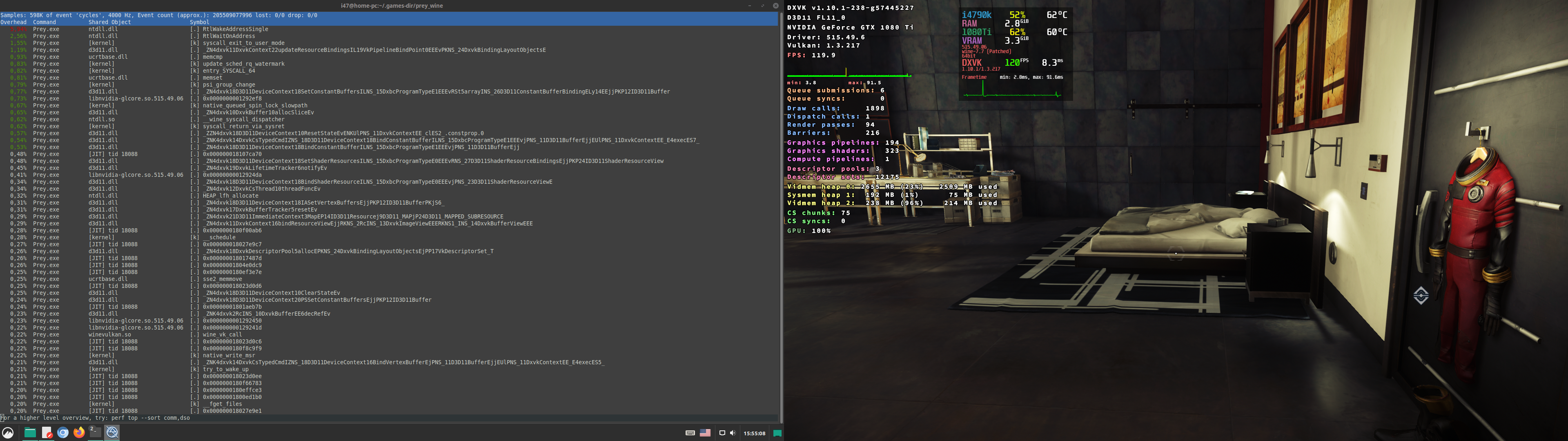
1.9.4 (without the perf utility as a background process)
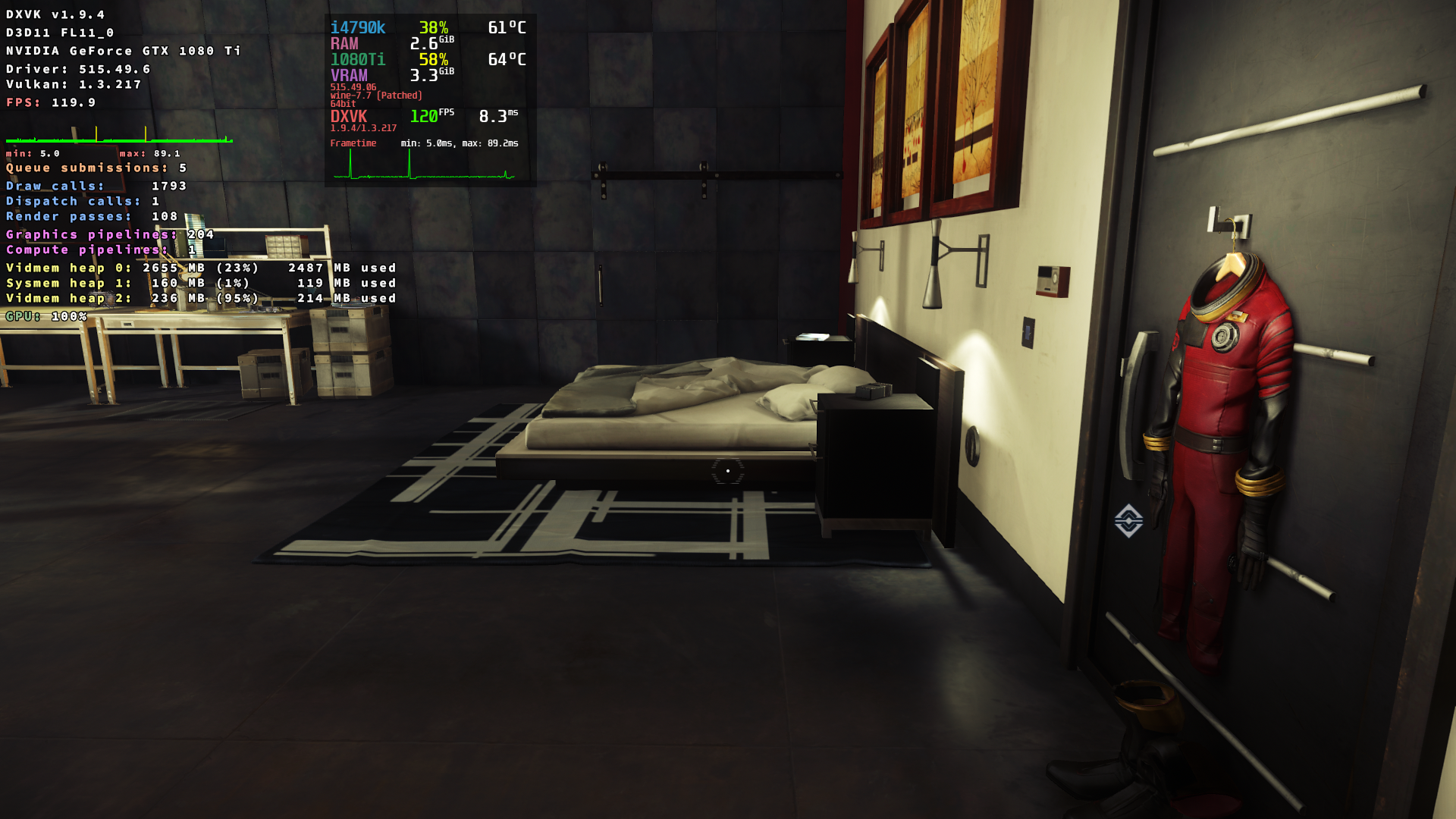
(ah, it was actually upstream with the nvidia-dev driver)
no difference on nvidia 515 branch with 1.10.x and 1.9.4 too
screenshots
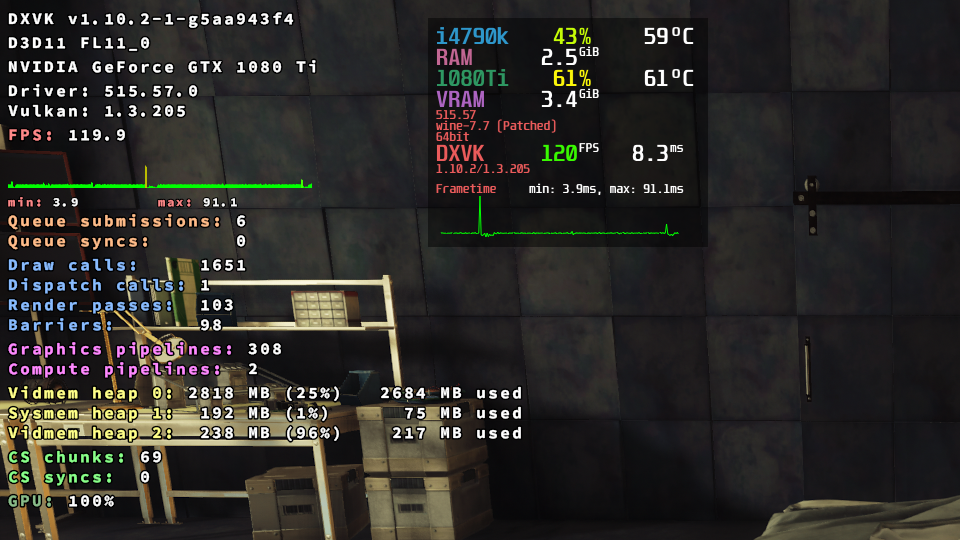
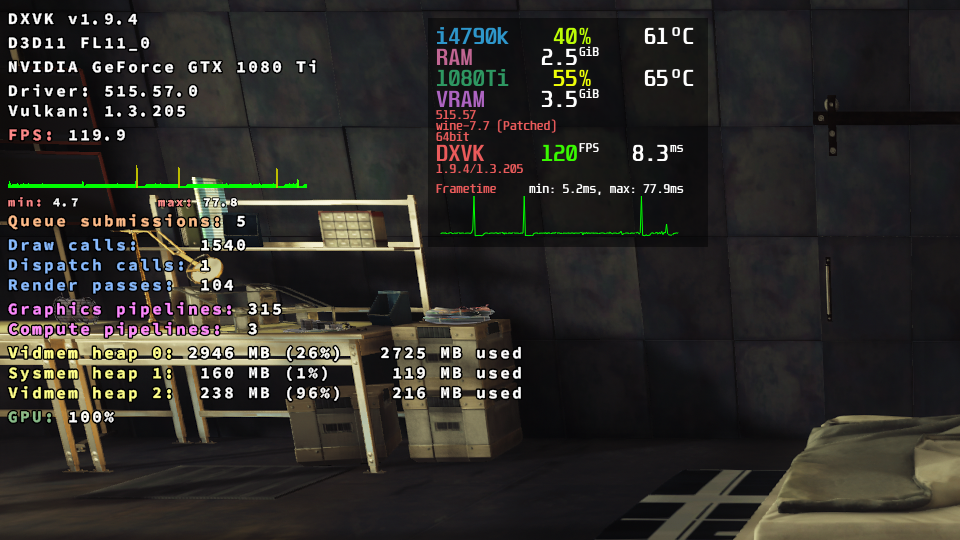
I know this issue is closed, but I decided to revisit this earlier today with dxvk 2.0 and noticed that when I set the textures to "High" or "Very High" I get wild frametime spikes and stuttering, whereas setting the textures to "Medium" resolves the stuttering.
However, with dxvk 1.9.4 I can max everything out and the game runs just fine.
CPU: i7 7700k
GPU: RTX 2080 Super
RAM: 32GB DDR 4
My system is more than capable of chewing through this game :)
Is it possible that some of the changes made since 1.9.4 exposed an issue with texture loading/LOD that were present back when the game first released?
https://steamcommunity.com/app/480490/discussions/0/1334600128973311323/
Check VRAM usage.
Check VRAM usage.
Testing done with dxvk 2.0:
Checked with nvtop while game is running, 4.76/8.00 GB. CPU use fluctuates between 155% - 165% usage, not sure if that is significant?
The Vidmem heap 2 goes between 94% - 96% according to DXVK_HUD=memory
These numbers do not appear to change whatsoever when trying different in-game texture settings (Medium - Very High).
I have tried setting dxvk.shrinkNvidiaHvvHeap = True in a dxvk.conf file next to the game's exe, doesn't appear to have any effect.
Again, the simple solution in my case would be to revert to dxvk 1.9.4 for the game's prefix, I'm just genuinely curious why the newer releases result in poor performance and I'm trying to provide as much information as I can to hopefully reveal any insight.
This game aside, everything else I've tested since the 2.0 release performs almost flawlessly. I'm really loving the results of the recent changes to shader compilation.
Proton versions
proton experimentalx1 2022-03
Launch options
DXVK_HUD=memoryx2 2022-12DXVK_HUD=frametimesx1 2022-03
Upstream links
- doitsujin/dxvk/issues/1965x1 2022-03
Prey (480490)
2560x1440 - Fullscreen
Preset: Very High (max settings)
VSync ON
System information
Unable to generate an apitrace.
Log files
d3d11.log
Prey_d3d11.log
dxgi.log:
Prey_dxgi.log
I've been noticing a performance regression in builds of Wine/Proton which use
dxvk 1.10(Proton Experimental, GE-Proton). I've managed to isolate it to dxvk 1.10 being the culprit. Also tested in a standard WINE prefix.While using dxvk 1.10, the game Prey has noticeable stuttering present throughout gameplay, and not the standard shader compile stuttering. I can only describe it as a "rubber band" effect while panning around the room. It is most noticable during the intro level by facing the wall with a tile texture and panning left and right.
Reverting to dxvk 1.9.4 resolves this stuttering. I've tested this in multiple prefixes by manually replacing the relevant d3d*.dll files with the ones packaged with version 1.9.4.
Perhaps the relevant line in the log is:
err: D3D11: CopyImage: Incompatible texel size?Please let me know if there is anything else I can provide. Sorry if this report isn't very helpful, its difficult to convey in a matter that is likely to be useful with regards to debugging. Unfortunately the example given to generate an apitrace did not work on my end.
EDIT: enabling
DXVK_HUD=frametimesclearly shows a lot of spikes with dxvk 1.10.