Battle.net won't launch while DXVK is installed
Is that a 32-bit or 64-bit prefix? In a 64-bit prefix, you have to put the 64-bit DLLs in system32, and the 32-bit DLLs into syswow64. (Microsoft logic :)
Battle.Net is a 32bit application. You need to install 32bit version of DXVK and 32bit version of Vulkan drivers.
Cleaned up my wine folder (which I apparently had messed up) it still doesn't want to launch Battle.net
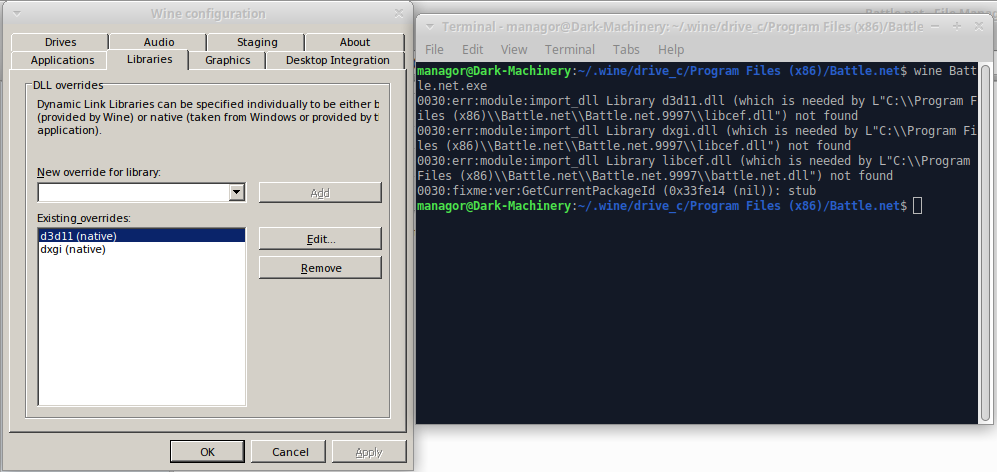
$ wine Battle.net.exe
0030:err:module:import_dll Library d3d11.dll (which is needed by L"C:\\Program Files (x86)\\Battle.net\\Battle.net.9997\\libcef.dll") not found
0030:err:module:import_dll Library dxgi.dll (which is needed by L"C:\\Program Files (x86)\\Battle.net\\Battle.net.9997\\libcef.dll") not found
0030:err:module:import_dll Library libcef.dll (which is needed by L"C:\\Program Files (x86)\\Battle.net\\Battle.net.9997\\battle.net.dll") not found
0030:fixme:ver:GetCurrentPackageId (0x33fe14 (nil)): stub
This is not a DXVK bug. It's only you have the wrong WINEPREFIX settings.
Battle.Net works with DXVK for me.
Delete and reinstall the WINEPREFIX and both x32 and x64 versions of dxvk_setup.sh
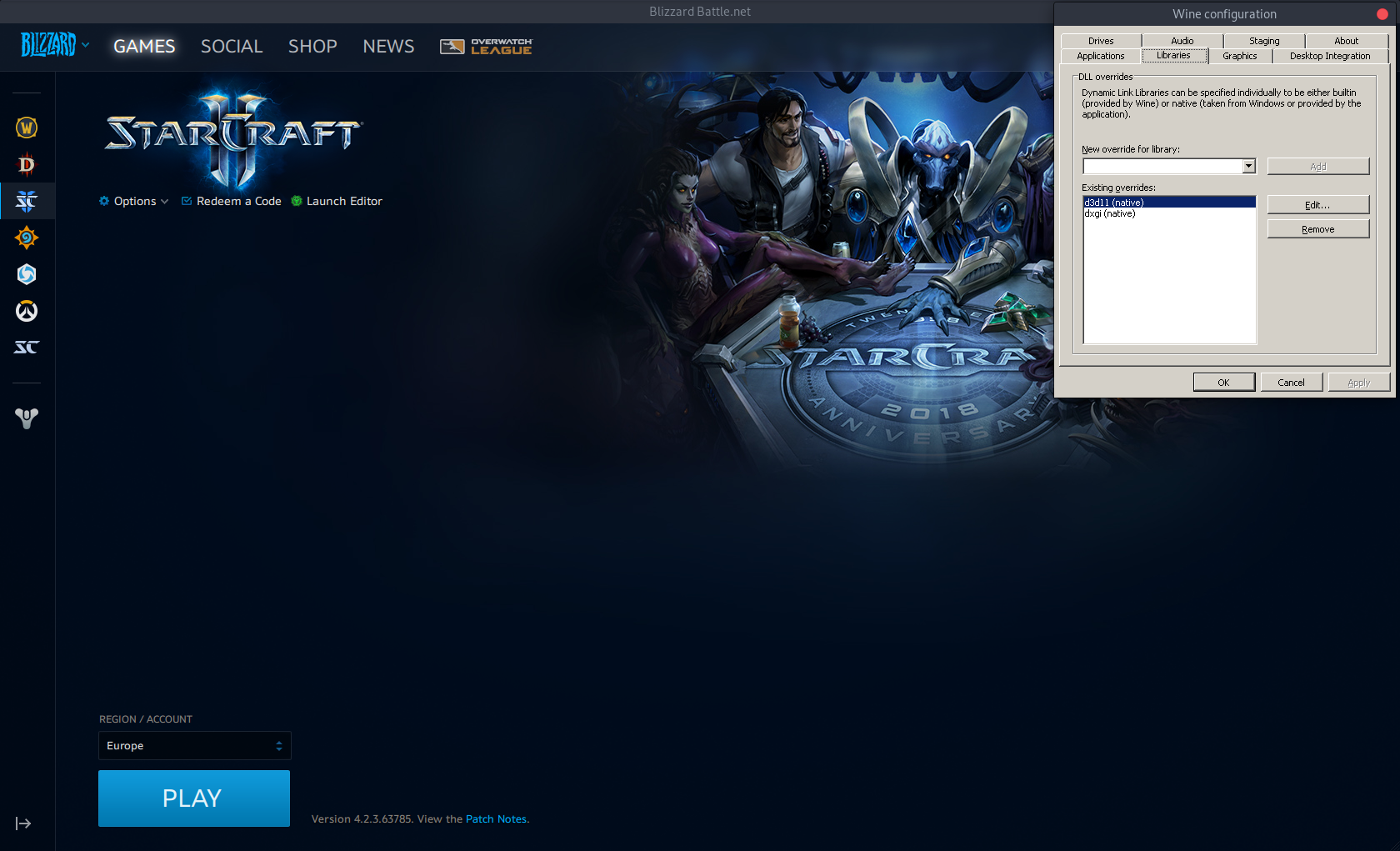
Yep, worked fine here also the last time i tried.
@Kerrung Doing the "Delete and reinstall the WINEPREFIX" is the "solve all.. with a gun" solution for any windows problem tho.. "Just reinstall" :)
It is probably very easy to fix, so i would be careful putting out "just delete and reinstall WINEPREFIX", cos in a quick moment not thinking, you might risk "ooops.. just deleted 50GB of downloaded battle.net games" :)
That said, i have not used the setup_dxvk.sh script myself, but i would assume you need to remember to run it with like: WINEPREFIX=your_wine_prefix setup_dxvk.sh to get it to do the right stuff in the right spot? (and do it for both 32 and 64 bit) :)
@Managor
I'm trying to run Battle.net with d3d11 and dxgi set to native globally (as the install script does)
Kinda leads me to believe you do this manually.. and if so, you must be aware that the d3d11.dll and dxgi.dll files will not work if just placed in the .exe folder for some reason... you have to put them in their respective /windows/system32 (64 bit) and /windows/syswow64 (32 bit).
The script (i think) creates a symlink to the d3d11.dll and dxgi.dll files from the system32/syswow64 folder to the dxvk_release folder (and its 32/64 bit dll version). You can do this just as easy manually by symlinking if you dont want to run the script.
If you decide to remove dxvk, just delete d3d11.dll and dxgi.dll (from both system32/syswow64), and WINEPREFIX=your_wine_prefix wineboot -u should fix them... And dont forget to remove the "native dll-override" aswell :)
Yep. Got the thing to work once I got the precompiled binaries for 32bit from a friend.
Launch options
WINEPREFIX=your_wine_prefixx2 2018-04WINEPREFIXx2 2018-04
DLLs
d3d11.dllx3 2018-04dxgi.dllx3 2018-04libcef.dllx2 2018-04net.dllx2 2018-04
Software information
Software: Battle.net
I'm trying to run Battle.net with d3d11 and dxgi set to native globally (as the install script does)
System information
Terminal output: