game pixels look bad. "SetRenderState: Unhandled render state"
What do you mean by look bad. You mean the sharpening effect or what it is in the dxvk screenshot?
Also which version of dxvk, your system specs, gpu driver, proton/wine/windows version?
Also if any of these files are present next to the games exe then upload them. d3d9.log, d3d11.log, dxgi.log. They include the exe name in their file name
Those log lines are pretty useless.
I need an apitrace, full logs and information about your system.
Does this game even use dx9 on it's own? I can only get dxvk to attatch to the little anti cheat thing that pops up before it starts. The game itself runs through WINED3D. I think it might be dx8? Unsure
These images look identical
@Blisto91 Windows10 and AMD graphic card r590 nitro+
Yes Game is Directx9.
and I install WINED3D OpenGL;
CPU: %8
GPU: %41
Image
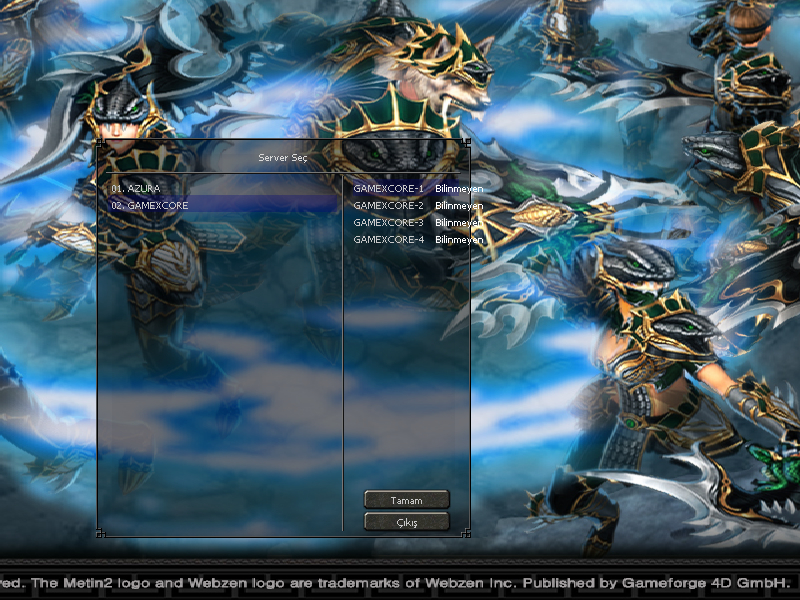
just, vulkan(dxvk) have graphic problem.
Link Syslog
but cpu and gpu problem is present in all of them. (WINED3D and DXVK)
Still need the apitrace.
I can't find that the game have built in support for dx9 (i'm using the steam version). But i can see a wrapper to translate dx8 to dx9 have a thread on the forum and if i use that i can get dxvk working.
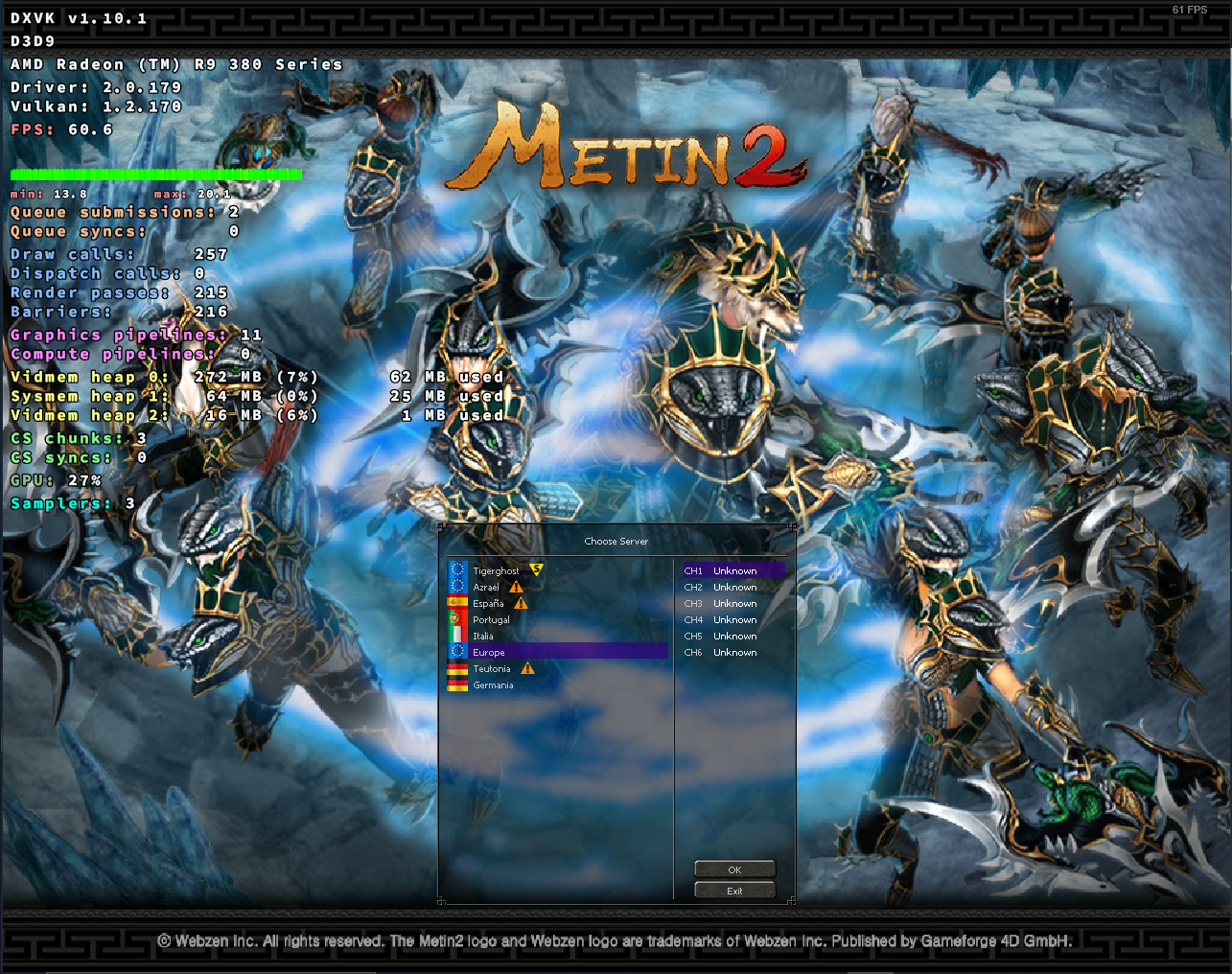
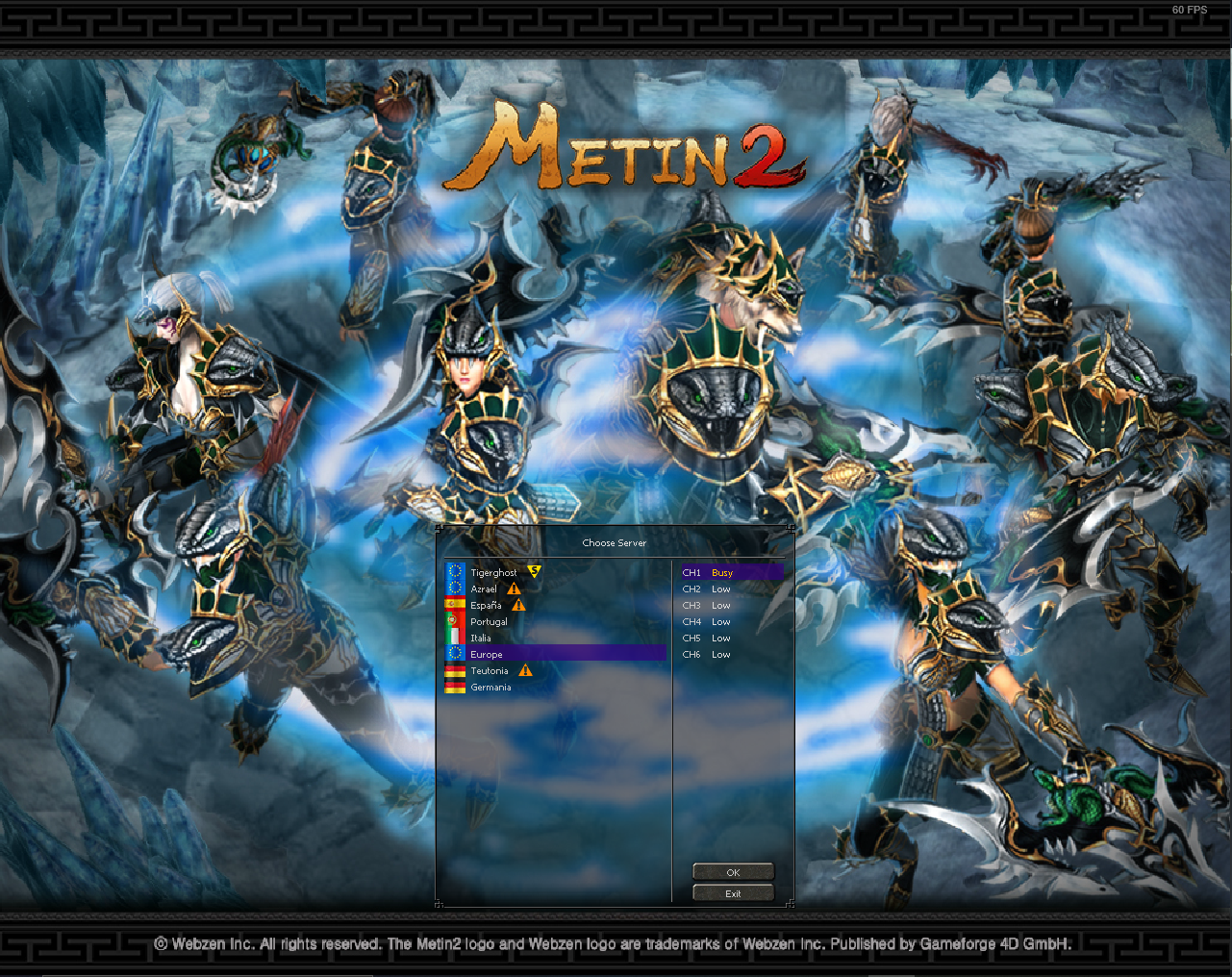
But i cannot reproduce a difference in the images with or without dxvk either on Windows or Linux. Even when i set the resolution to 16 bit.
With dx9 wrapper + dxvk

With dx9 wrapper

@lordsas Friendly ping
Nothing extracted yet.
I try Metin2 play.
warn: D3D9DeviceEx::SetRenderState: Unhandled render state D3DRS_LASTPIXEL
warn: D3D9DeviceEx::SetRenderState: Unhandled render state D3DRS_MULTISAMPLEANTIALIAS
warn: D3D9DeviceEx::SetRenderState: Unhandled render state D3DRS_DITHERENABLE
and not work function.
and the state of the game:
Directx9 Game
Image
CPU: %1
GPU: %5
DXVK Vulkan Game
Image
CPU: %5
GPU: %47