None. Issue resolves when using Apitrace d3d9.dll instead of DXVK d3d9.dll
That's normal. I still need you to make an apitrace of that scene. I'll be able to replay that apitrace with DXVK and hopefully see the issue and investigate what's going on.
Ok. I'll compress it and try to upload it. My trash internet might not be able to so I might have to do it from my phone at work later lol
I don't have the permission to access that file. You need to change it so everyone who has the link is allowed to access it.
Oh shoot I'm sorry! Should be fixed now. Thank you for taking the time to help!
err: DXVK: Stencil export not supported by device, skipping stencil resolve
That's definitely interesting.
Would it help if I made a new trace?
Would it help if I made a new trace?
Only if it's made on Linux or with DXVK. To do that you can set the environment variable APITRACE_FORCE_MODULE_PATH to a folder where you put the 32bit d3d9.dll and then create the apitrace just like you did before.
I tried looking into this and found the problematic draw call. The resources it uses are all identical and so are the constants. So this is probably a shader bug. Unfortunately I have no idea how to further debug this. I cannot compare it to what D3D9 does because of the very limited D3D9 debugging tools.
Also so it doesnt get lost: another apitrace by @Blisto91 https://mega.nz/file/p15iSYDK#Nhgc3wMAMg8rlP4s5rDd8-904VUpQBByDgOR9vklMys
Thanks for taking the time to troubleshoot this. I really appreciate what you guys!
d3d9.dllx3 2022-06
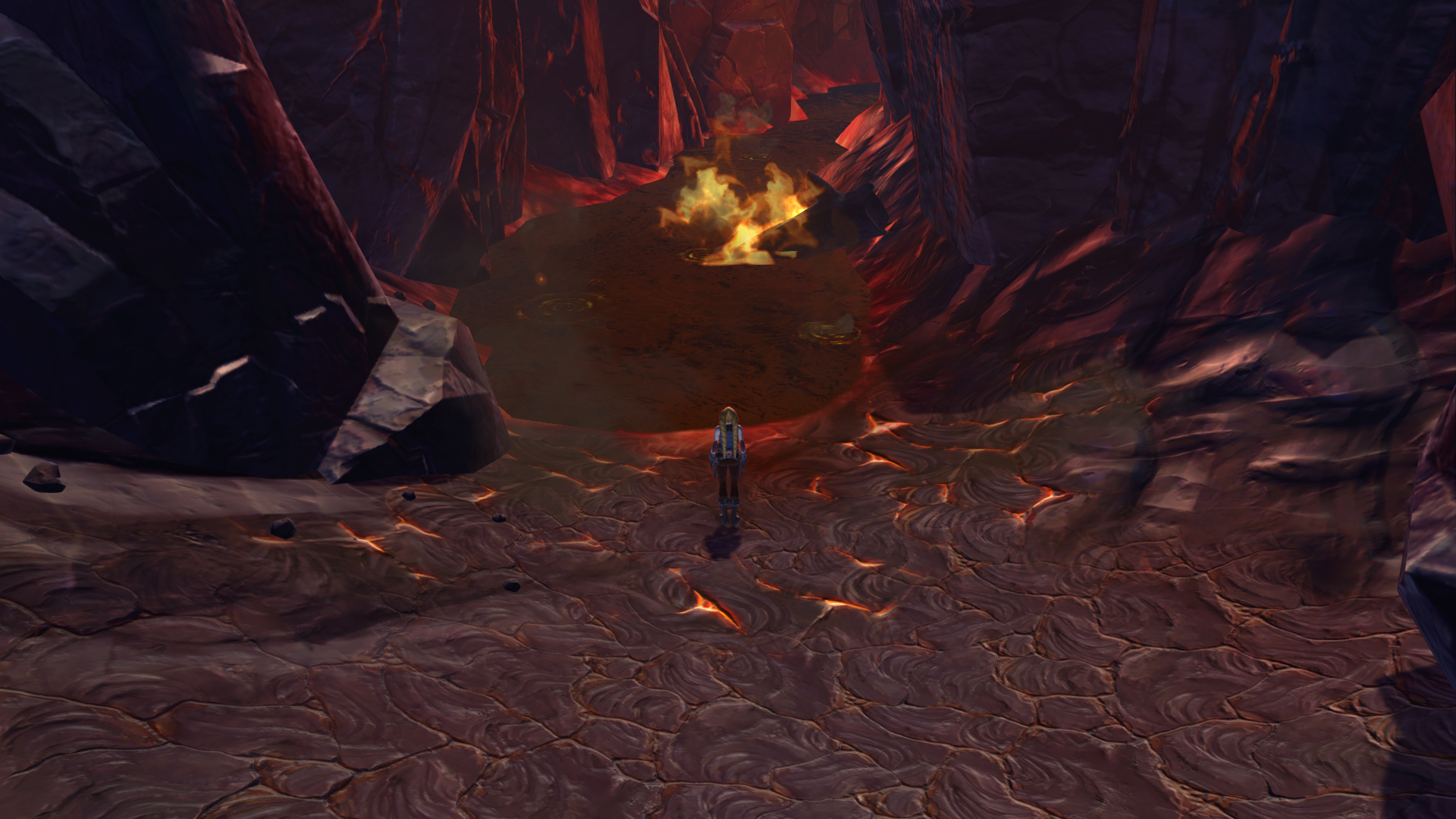
Star Wars: The Old Republic - Lava loses color when using DXVK. Have also tried the d3d10 and dxgi dlls. I believe the issue also affects water, I think they're the same shader.
I would like to do an api-trace, but when I replace the dxvk d3d9.dll with the api-trace dlls, the issue is resolved, the lava works properly again. Therefore I am unable to reproduce the issue without DXVK.
Software information
Star Wars: The Old Republic
32-bit
d3d9 game
Game runs two swtor.exe processes simultaneously to get around RAM limitations.
System information
Apitrace file(s)
Log files
swtor_d3d9.log
Images of issue
Before:
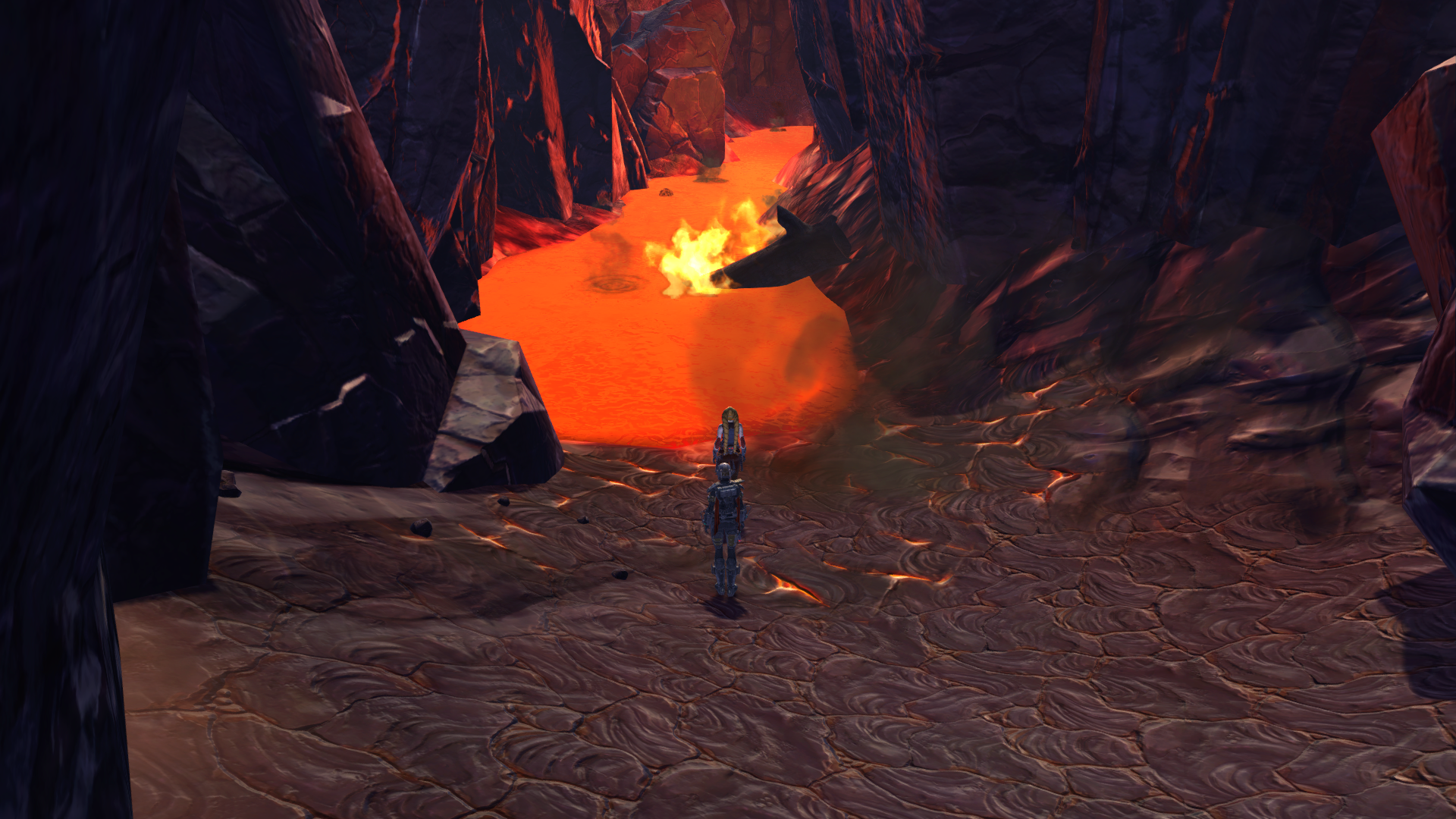
After: