1.10.2 not working on Fallout New Vegas
Async patched builds are not supported on this issue tracker. So you should avoid using these builds for reporting here. Could you try this build instead? https://github.com/doitsujin/dxvk/actions/runs/2741467764
Since this is a 32-bit application, apparently it will be good to know if a "4gb patch" was used and if the game works without "105 plugins" (and for example, I have no idea where I should get them for testing)
Could you also describe in more detail what "not working" means - the game crashes at the start without any message boxes?
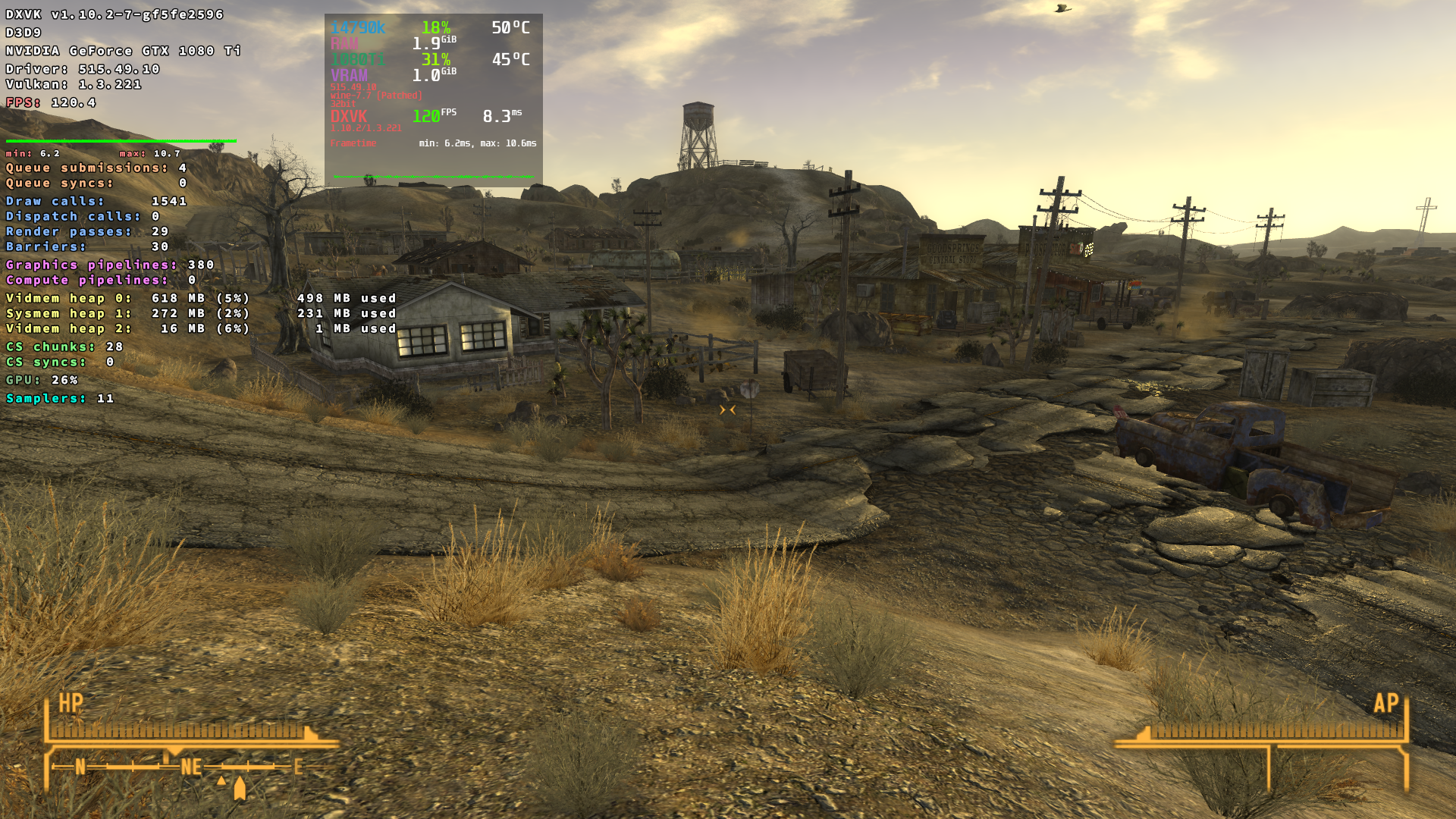
It seems on nvidia the game at least does not crash at the start with 1.10.2.
Fallout New Vegas (GOG-version [LARGE ADDRESS AWARE flag already pre-set in GOG-version])
FalloutNV_d3d9.log
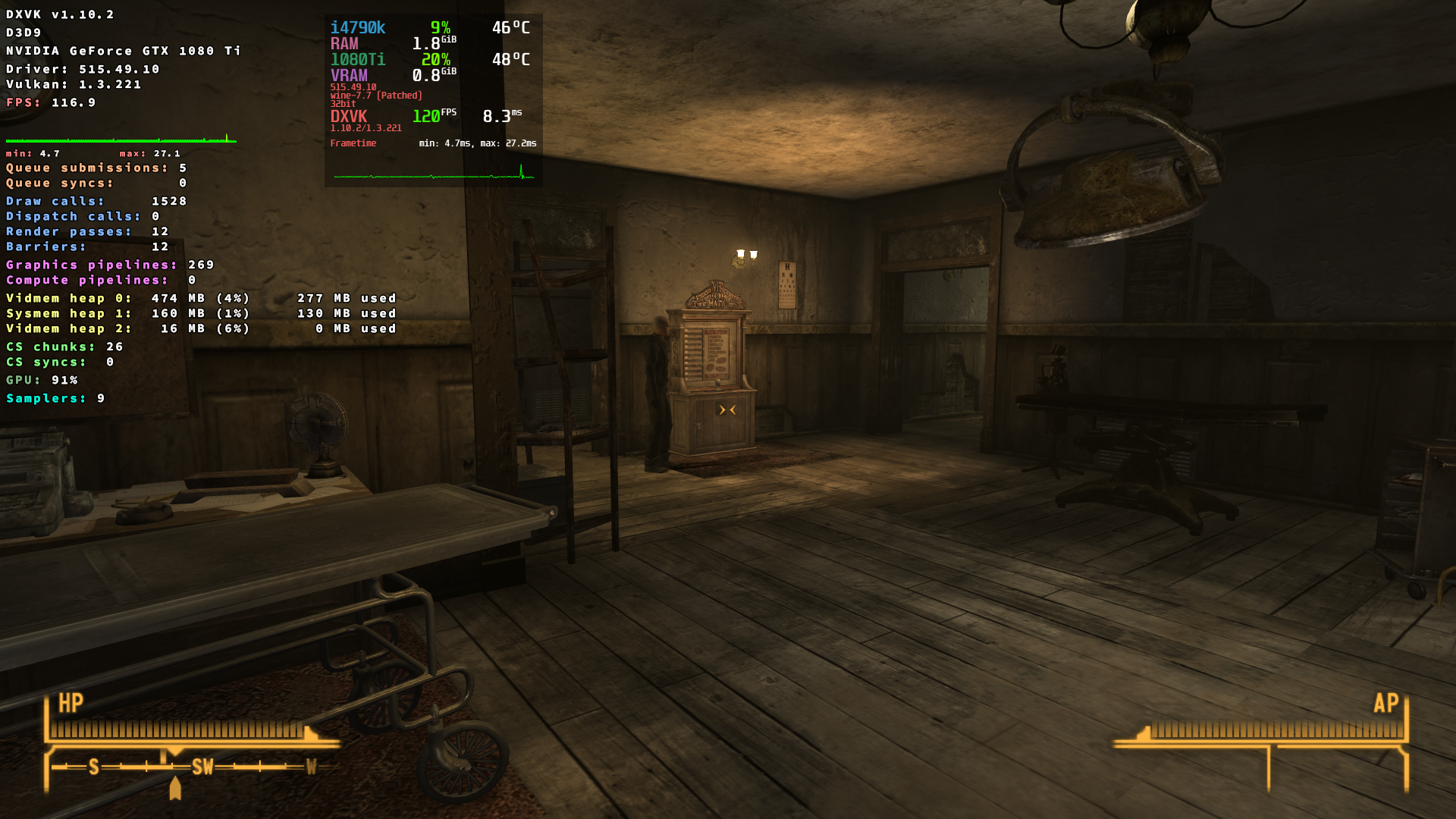
screenshot
Working on that now: installing a new instance that will be vanilla apart from NVSE, NVTF, and all the standard performance plugins.
The 4gb patch was used by the way, and I manually patched the more troublesome mods manually through xEdit.
My bad on the "not working". My save was inside a player home, and as soon as the file loaded every surface that had a shadow cast on it (the lights were initially off) didn't have their textures and were instead alternating blue and red as seen at different angles. When an object was fully eliminated most if not all of it looked fine. Then, when I went outside the building, instant CTD.
The first time I tried using 1.10.2 the same graphical glitches occurred as I stood outside Vault 111 (Tale of Two Wastelands). Didn't go outside and reverted to 1.10.1 which continued to work without a hitch.
I'll update shortly.
Ok, just finished trying it on a new install with only the mods on this site's utilities' page and 1.10.2 without async and got the same result, except I was able to walk outside Doc Mitchell's.
Here are some screenshots:
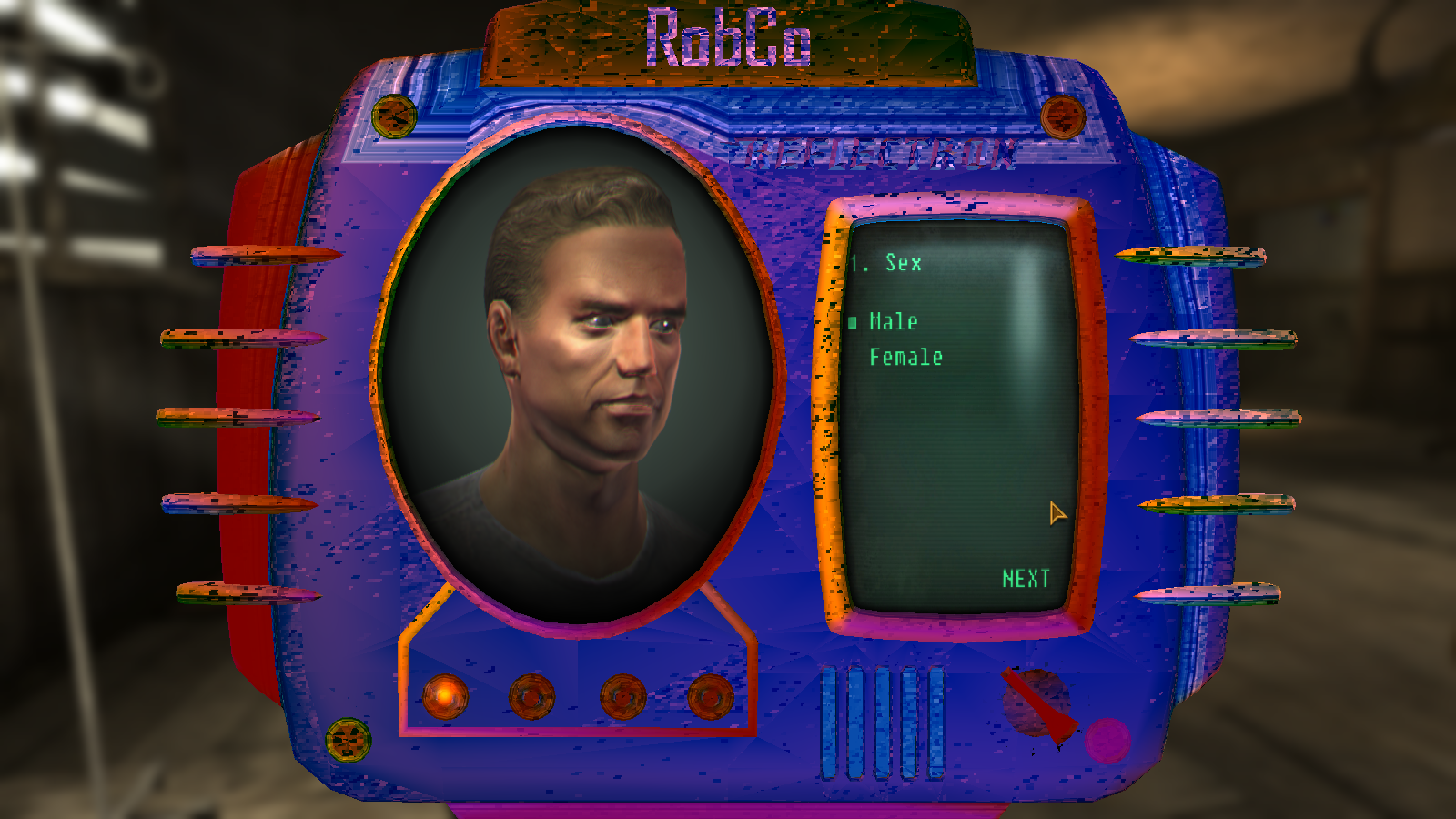
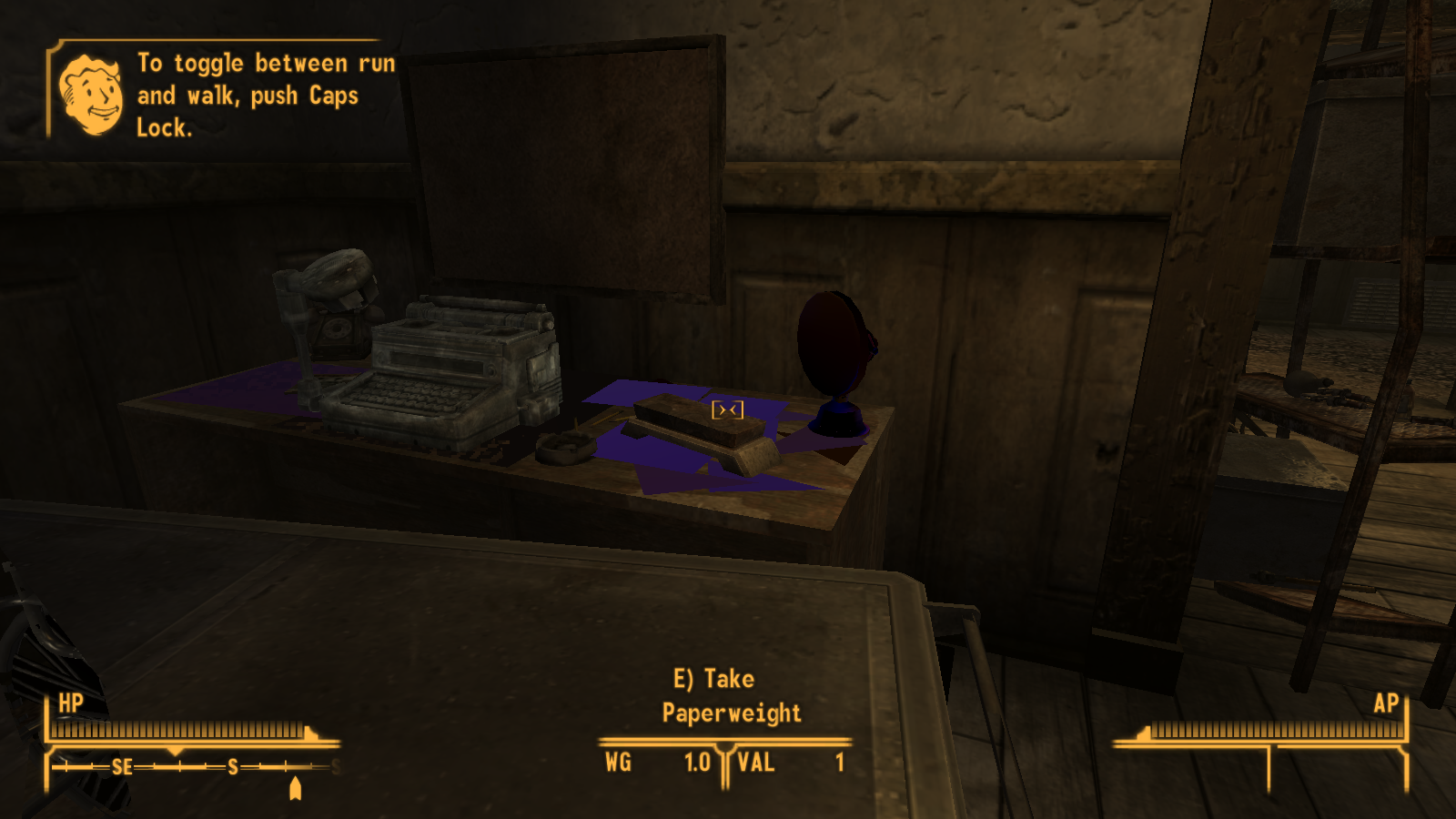
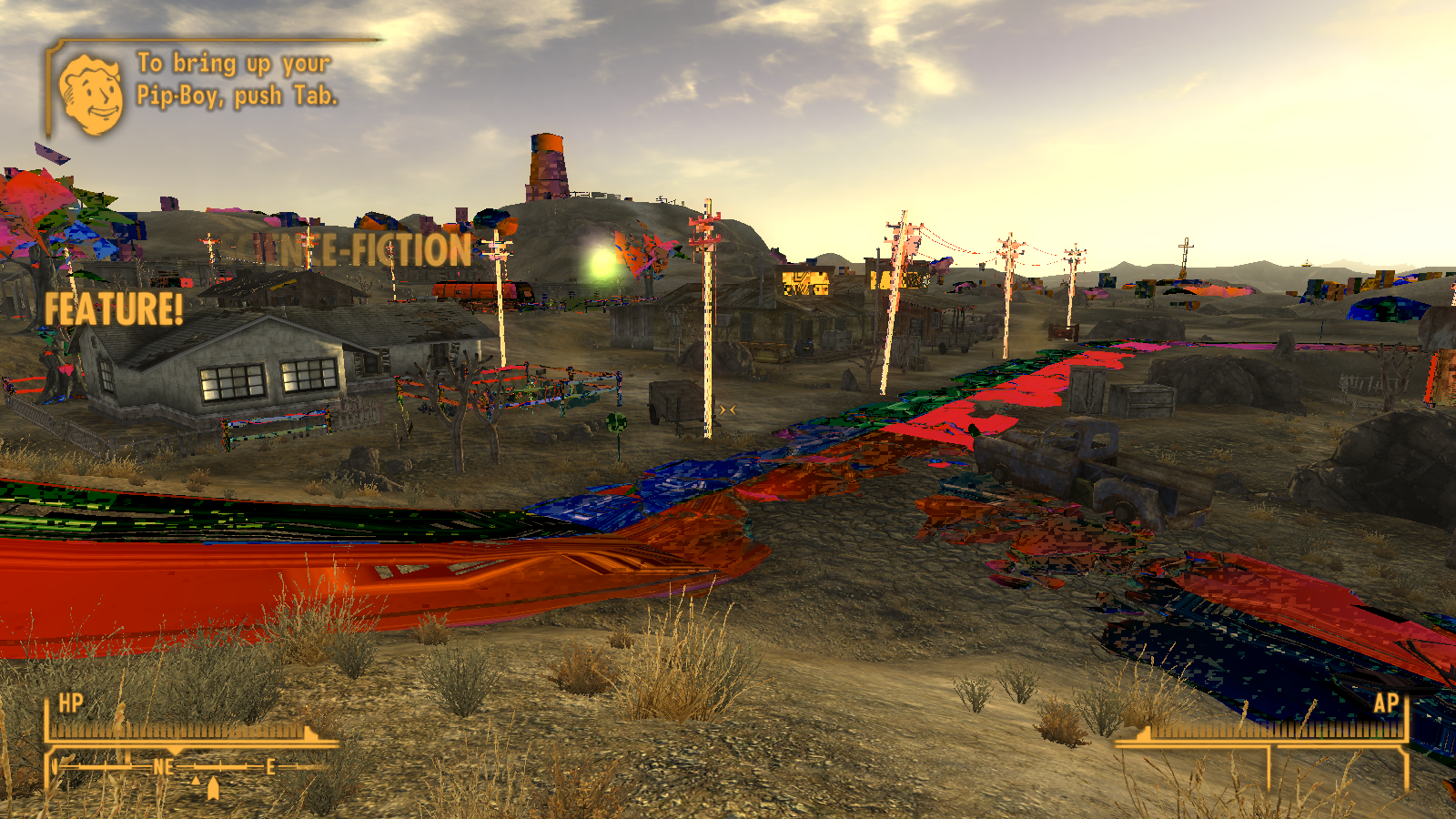
on a new install with only the mods
sorry, I don't understand why mods are mentioned here at all.
could clearly describe if there is a rendering issue for the game without any mods but with dxvk.
if everything works properly, then the problem is related to one of the mods, but not with the game itself.
Fair enough. Just ran the game again through the GOG launcher (comes pre-patched as 4GB RAM aware), on a clean install except for d3d9.dll, and ran into exactly the same issue as my previous comment. Here are the 2 logs which were generated:
oh, then I probably just can't reproduce it on nvidia (I tried all 4 settings presets)
screenshot
Probably an issue with my Intel chip/driver (7th gen i5; integrated graphics) then, though it's supposed to be compatible with Vulkan 1.3 and continues to work fine with 1.10.1.
Oh well, thanks for looking into it.
Try the build that was linked by Iglu further up, if you haven't already and i missed it. There has been at least one bug fix since 1.10.2 was released that affect a bunch of stuff.
https://github.com/doitsujin/dxvk/actions/runs/2741467764
Edit: actually the one i was thinking of doesn't affect dx9 so shouldn't be relevant. Nvm
We don't support Intel's Windows driver since it's know to be, well, not very good.
I had really similar artifacts on some games (notably Getting Over It with Bennett Foddy) with Intel's Windows driver. Definitely issue with Intel's bad Windows Vulkan driver, sorry.
DLLs
d3d9.dllx1 2022-07
I've been using dxvk to play New Vegas since 1.10.1 came out without any issues, specifically with the async patch that's out there. However, I've tried multiple times to use 1.10.2 and no dice. I can't find any information, and I understand the cause could be either: 1) my computer is a couple years old with integrated graphics or 2) I'm using Windows. However, if this is the case I would still really appreciate clarification on what could be causing the issue.
Sorry if posting this here is improper because I am not running Wine, by the way. Not sure where else to ask this.
Software information
Fallout New Vegas, latest update. Moderately modded (105 plugins total).
System information
Apitrace file(s)
Log files
Only have d3d9; 99% certain that's all I need