Mafia III [GOG] freezes at splash screen
This game is known to require Stream Output, which just isn't implemented yet. Based on your logs it's obvious that the game tries and fails to create a geometry shader with stream output - that doesn't mean that it causes the crash, but it doesn't make sense to dig into that further before that issue is fixed, especially since I cannot reproduce it. See #135
But with normal Wine the game runs beyond the splash screen and I was hoping that with DXVK it may be with normal graphics, Sorry for the inconvenience.
Wine implements Stream Output, DXVK doesn't.
Ok we'll wait for Stream Output implementation then. Thank you :)
Mafia III works great if you compile DXVK with fake output support

That's GREAT news!!! Would you like to give me precompiled libraries with fake output support? Please I will be very gratefull. I waited so much and now I'm so excited :)
Now I tried it with dxvk.conf but it doesn't work. The game still freezes at the splash screen. Please, give me two x64 libraries of yours. Thank you in advance.
Thank you very much! I replaced the libraries with those you gave me but the game still freezes at startup. I tried it with new, clean prefix to no avail. Did you installed some other stuff? I'm trying the GOG version. Is your version different? Should I do somethin additional? I haven't problems with many other games. I just suceeded with CoD Ghosts, Advanced Warfare and Infinite Warfare but I can't manage to run Mafia III...
Thank you once again :)
I am using the Steam version, but the GOG version is also known to work. What I've done (according to the Lutris script) is that I renamed mafia3.exe to launcher.exe (and renamed launcher.exe to mafia3.exe accordingly). The launcher requires DotNet 4, and isn't supported by Wine (it crashes even if you install DotNet/wine-mono)
Oh and also the most important part, you should set the game to Windowed mode (fullscreen is known to freeze at startup). For that open $WINEPREFIX/drive_c/users/$USER/Local Settings/Application Data/2K Games/Mafia III/Saves/videoconfig.cfg and paste -6 0 1920 1080 0 0 0 0 inside (if the Saves folder doesn't exist, create it). Better chmod 444 the file, so the game can't override it.
i7-4770k / GTX 1080. Running via Steam Play (replaced bundled DXVK with my own DXVK). 4k, low settings, 29 FPS average.
The only issue is that faces are dark due to the absence of stream out support:

Yes, the game runs now! The fulscreen part was the culprit. Thank you very much again. Finally I'll play it!
Hello again :)
I actually found a way to run the game in full screen and I want to share it with you. I hope it will be benefical for somebody.
If you run on lower resolution than defined in the videoconfig.cfg, the game will run in fullscreen without problems. For example, if your resolution is 1280x800 and you set in videoconfig.cfg the following:
0 0 1280 1024 1 0 0 1
or even
0 0 1980 800 1 0 0 1
the game will run fine in fullscreen at 1280x800 resolution.
I hope this will be useful.
@vanyasem,
You can set the fps to 60 from game options. I'm with 3770 and GTX1080Ti and the game runs with stable 55-60 FPS :)
My framerate is set to unlimited. I run the game in 4k, that's why it's slow :P @mozo78
Ah, I see :)
@vanyasem Can your dxvk builds be used on other distros?
@brenthuisman you're welcome to try. I only run Arch
Yes, the builds can be used on other distributions. I tried them on Arch and Mint 19 and they work without problems.
I just completed the game:
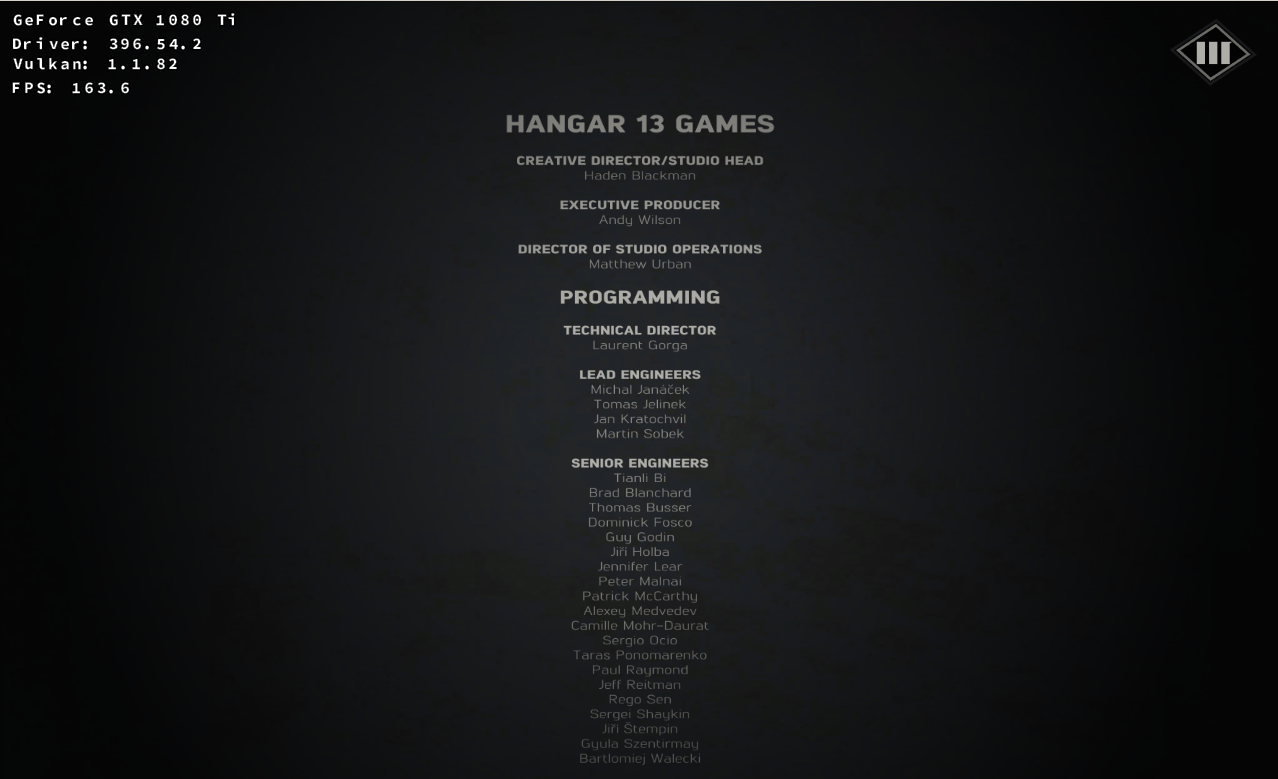
It was tough task though. The game has random crashes and I had to replay some missions several times. In some areas the game suffers from HEAVY frame drop around 1-2 FPS until you go out of these areas. Often if you return to that area, the game crashes. Anyway I'm a super-hyper stubborn person and completed it. Thank you VERY much doitsujin, vanyasem for letting me finally complete it!!!
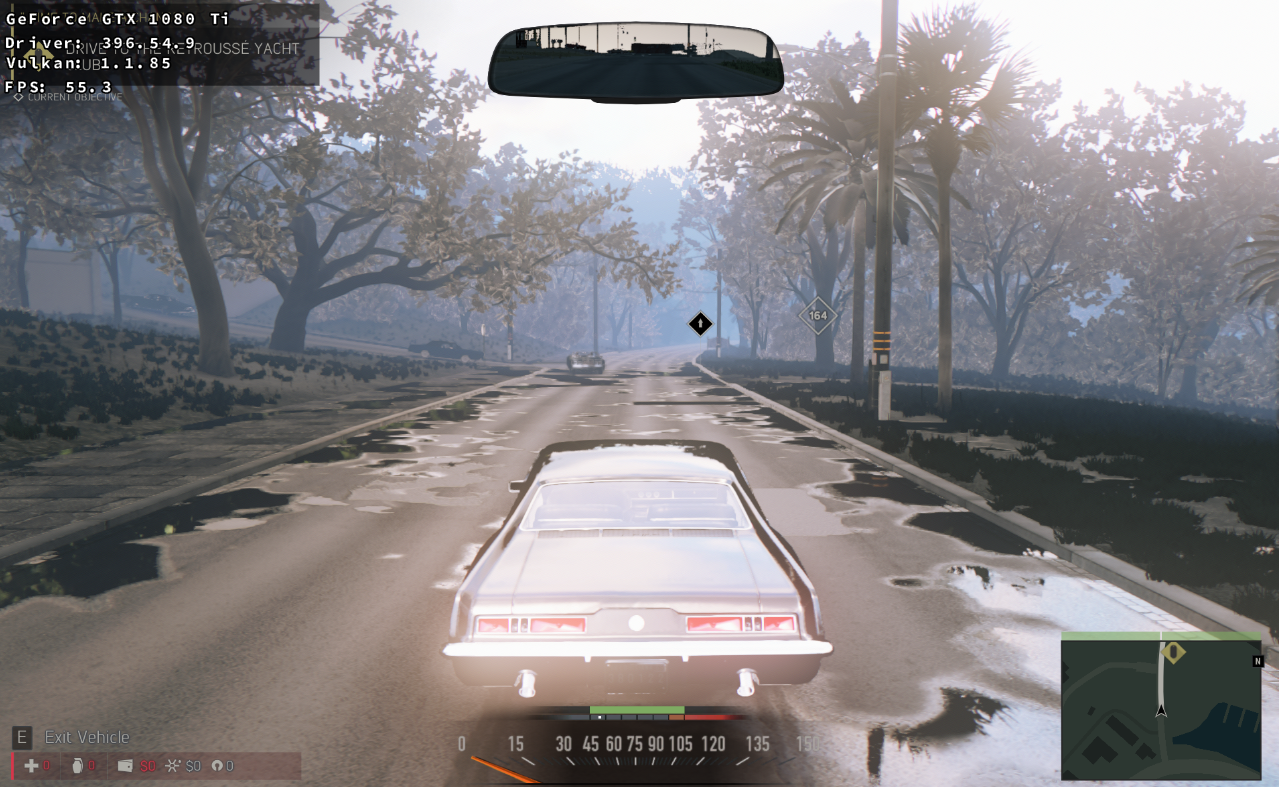
Hello again. Even with Stream Output Support the game has some issues. I found two. The first one is negative like colors in some areas:
And the second is the heavy FPS drop in some areas. It is below 1 FPS and it's very hard to avoid such areas. I can't test with vanilla Wine because the game just freezes. The first such area is when Lincon have to call his boss after the boat escape from the bank. Once the call has ended and the game suffers from severe framedrop. If you are patient enough, you'll walk away frome the phone area and the game than runs normal again. There are many such areas further in the game.
Can anyone confirm this on AMD?
Also, what exactly is the issue in your screenshot? It's not obvious since I don't know what it's supposed to look like.
The colors are greysh and negative like. The must be colorful not almost black and white. Here you can see the same location from this quest:
https://youtu.be/Ps2b8vbHJa0?t=258
I don't see the "almost black and white" part in your screenshot. Maybe the bloom is too bright, but that might as well be because it's a different time of day? Don't know, I don't have the game.
If you want me to debug it, please record an apitrace, screenshots alone aren't sufficient info.
The severe framedrop is the biggest issue. Don't bother with the negative effect :) Let someone say if it occurs on AMD too.
There is no "negative effect", but if the lighting is a DXVK bug, i very much do care since it will affect other games, so I need a way to reproduce it. More so than about frame drops because those probably cannot be fixed anyway.
Unfortunately I have alredy completed the game and today I just tried it with Stream Output to see how it behaves. After that I deleted the Wine prefix and the saves are gone. I don't want to play the begining for a third time to reach this quest again. And this problem isn't a game braker but the problem with the severe frame drop does. One has to be with VERY stong nerves to play FPS game with 0.5 FPS especially when the AI shoot at him.
There is no "negative effect", but if the lighting is a DXVK bug, i very much do care since it will affect other games, so I need a way to reproduce it. More so than about frame drops because those probably cannot be fixed anyway.
Sorry to reply so many years later, but that light glitch is a game bug that affects all platforms, on consoles it is so bad the whole screen can turn white.
Is not an issue with DXVK at all.
Launch options
WINEPREFIXx1 2018-08
Hello and thank you for your GREAT work :)
Mafia III [GOG] freezes at splash screen with DXVK. I tried it with 0.41 and 0.42. The game starts normally with Wine and Wine-staging but is with messed graphics which is very dark. With DXVK it freezes at splash screen. With apitrace the game again freezes at splash screen.
Software information
Mafia III [GOG]
Arch Linux 86_64
System information
Apitrace file(s)
https://pastebin.com/WQiJUtRJ
Log files
https://pastebin.com/Pv1UMUJA
https://pastebin.com/Af1V1zPC
Wine log:
https://pastebin.com/HXBx0p7X