Nvidia driver 526.47 is a Windows driver but you say that you are using Wine 7.20.
So which one is it? Windows or Wine?
If you are using Wine, please attach the Wine terminal output. There's nothing indicating any problem in the DXVK logs.
Windows
Nothing we can do then. DXVK is hit or miss on Windows and we cannot fix that.
Could be a driver or overlay issue as i am not reproducing this on windows with my R9 380
Try to turn off all overlays such as Geforce Experience and EA overlay. If you have MSI afterburner and Riva statistics server then try to uninstall them as they can interfere with dxvk. Even if you dont have them open
Could be a driver or overlay issue as i am not reproducing this on windows with my R9 380 Try to turn off all overlays such as Geforce Experience and EA overlay. If you have MSI afterburner and Riva statistics server then try to uninstall them as they can interfere with dxvk. Even if you dont have them open
BRO THX SO MUCH, THATS WORK, I JUST TURN OFF THE NVIDIA OVERLAY AOISHDOASHD THXXXX
Nothing extracted yet.
I put the DXVK files in the .exe library, but when i run the game, it stay like this
Software information
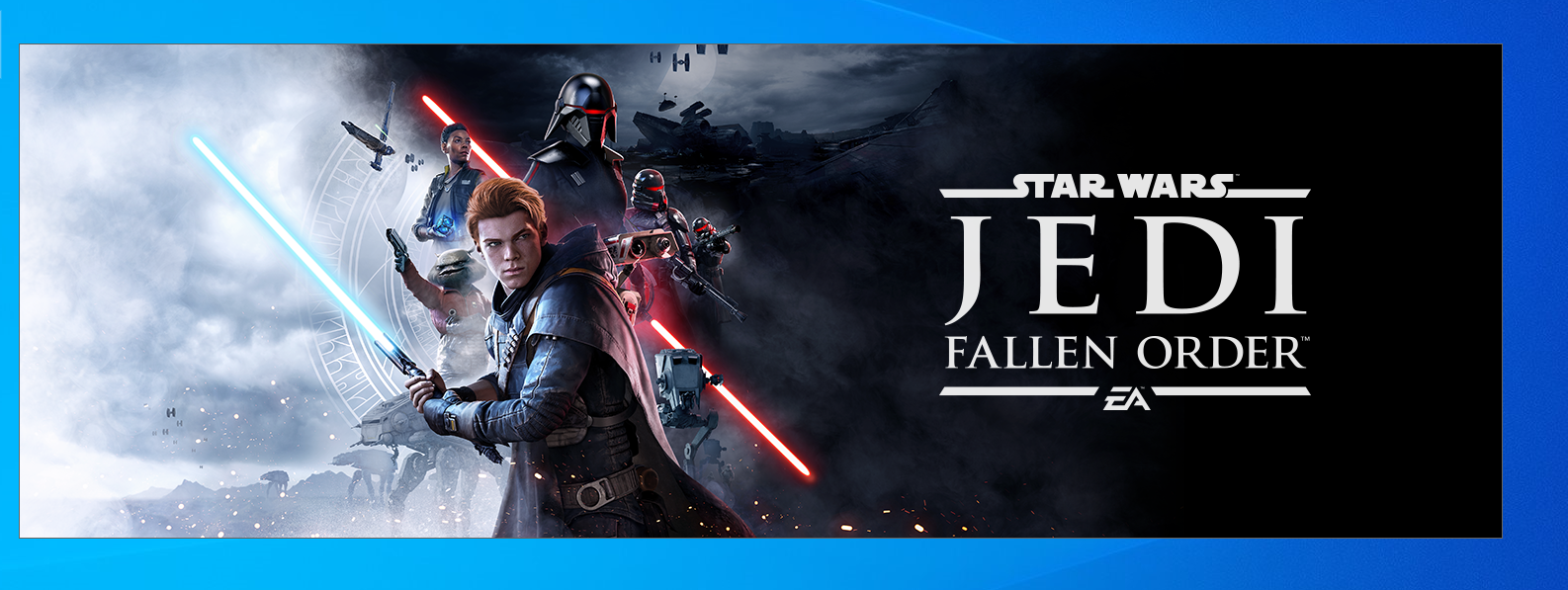
Star Wars Jedi Fallen order, All in epic, v-sync On, 60Hz
System information
Log files
d3d9.log:
starwarsjedifallenorder_d3d9.log
d3d11.log: starwarsjedifallenorder_d3d11.log
dxgi.log: starwarsjedifallenorder_dxgi.log