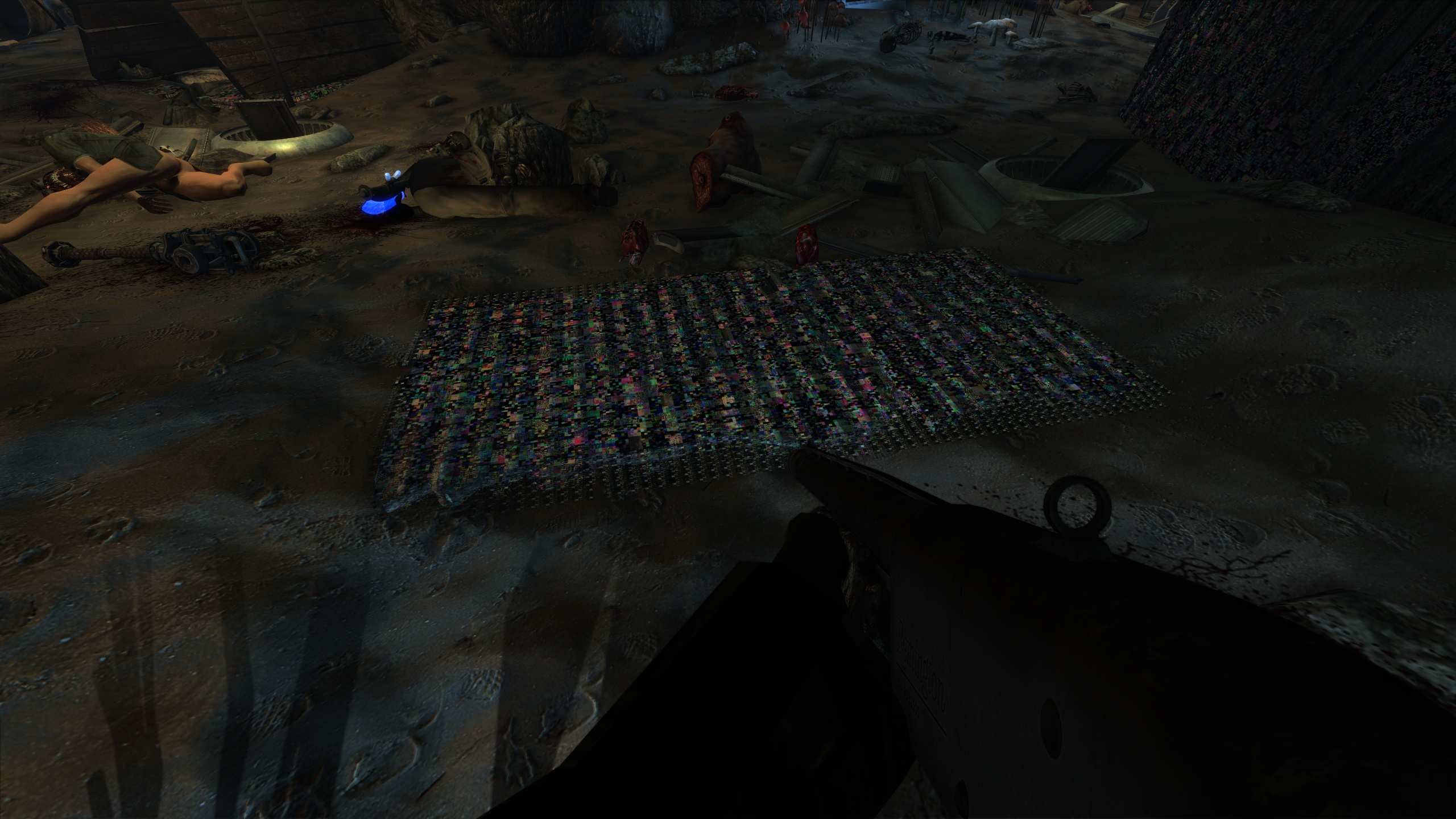
Texture glitches and terrain explosion on Fallout New Vegas
this is over 5gb. i can upload if necessary
Yes please
i couldn't get the terrain explosion bug to happen and texture glitches are different with the api trace and appear immediately on game launch. like for example dollar sky : ))
api trace: https://sendgb.com/f4AuFDKxqoB
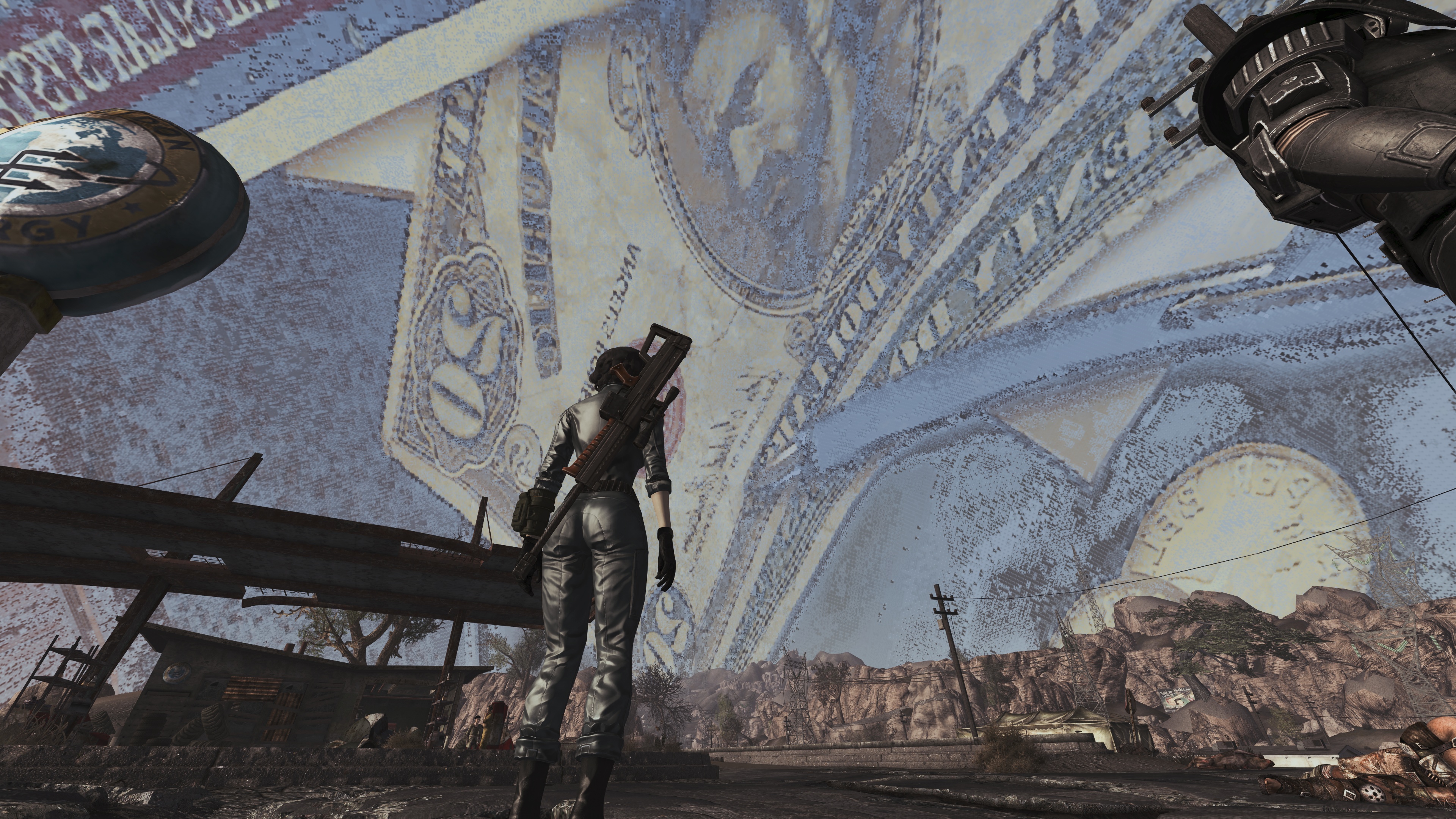
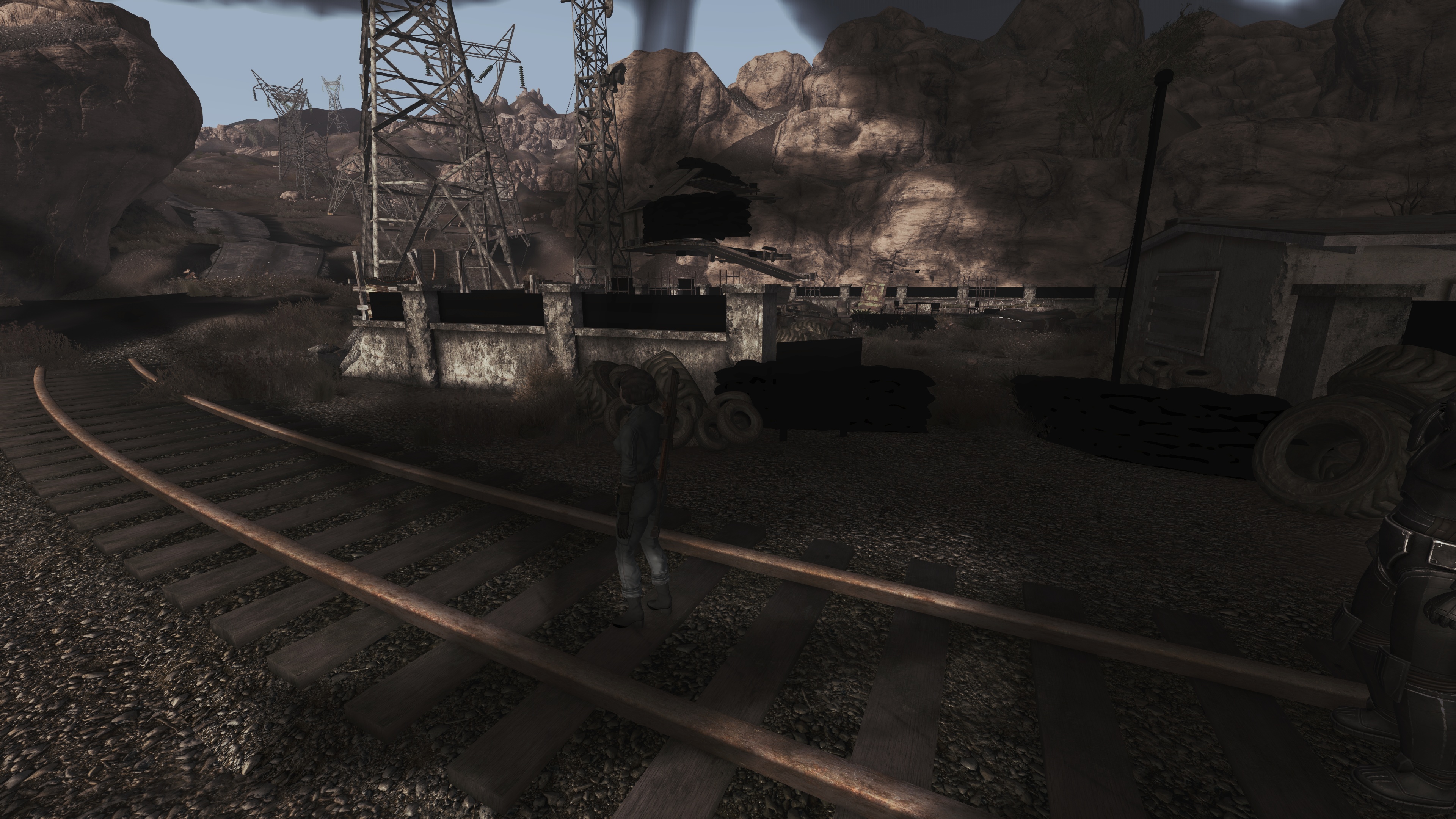
If that happened with apitrace and you're on Windows, it's probably not a DXVK issue.
When you use apitrace on Windows, DXVK isn't used.
I can reproduce the weird fullscreen shadow but no dollar background. It also happen when replaying the apitrace on Windows with the Nvidia D3D9 driver. This indicates that this isn't actually a DXVK bug.
This is almost certainly an issue with your system. Make sure to:
- Revert any potentially unstable OC on your GPU.
- Uninstall any overlays like RivaTuner (MSI Afterburner) because those are often buggy.
- Reset your Nvidia driver settings to default.
@GaylordStarfucker could you try setting the Nvidia control panel and or Geforce Experience to default values. To make sure nothing is interfering
The issue in the first post happens only with dxvk. I am not the only person to experience this issue with dxvk on. I have asked others to contribute to this post. I tried disabling the experience overlay completely and the issue from the first post still happens. Also, successfully reproduced with default nvidia control panel settings. not using any overlays and no overclocking.
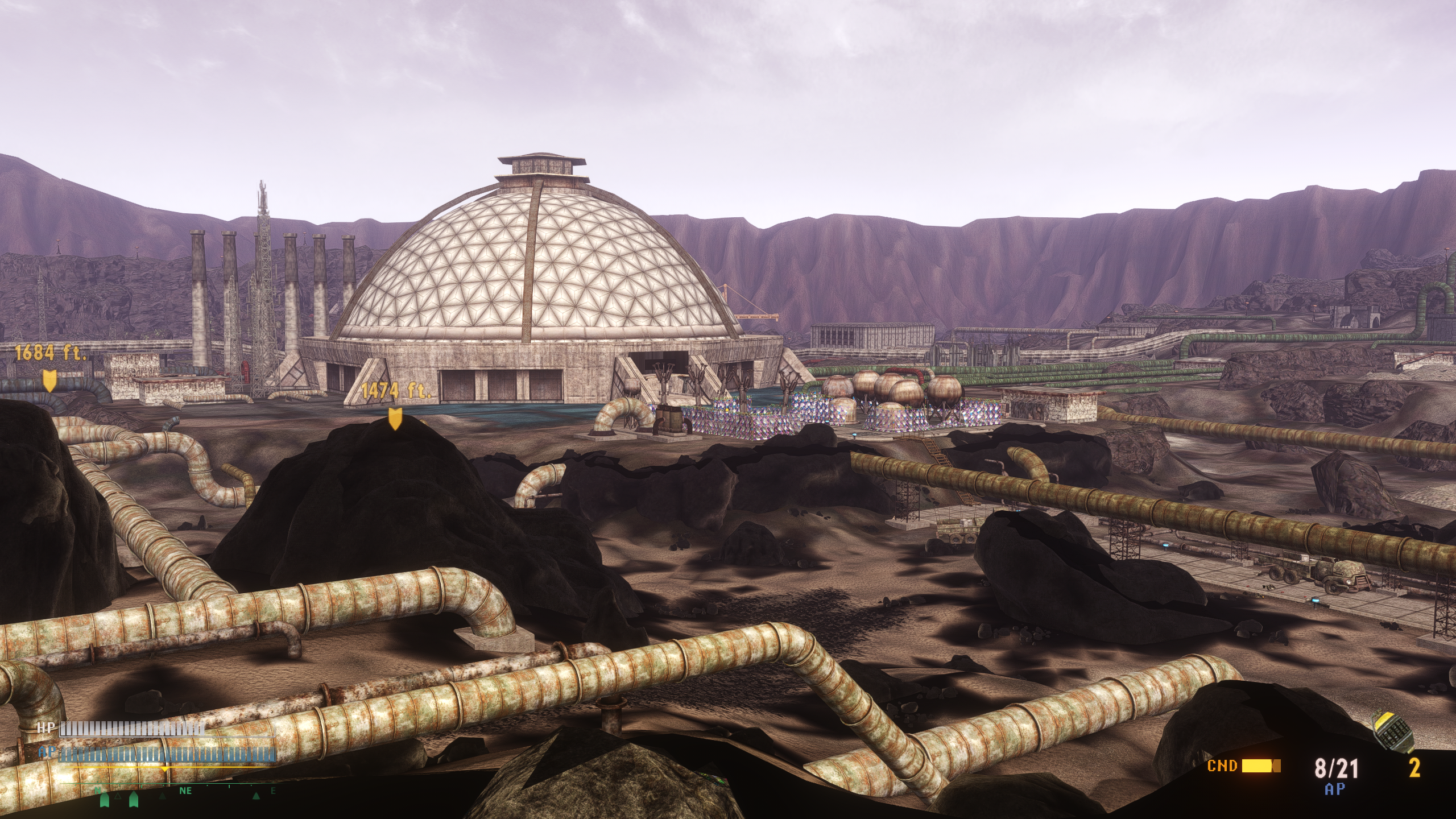
Fallout NV works perfectly fine for me on a RTX 3090 with DXVK.
Using any mods?
Hi, I'm one of the other users experiencing this issue. It happens to me after several hours of playing the game, gets worse over time, at one point I bluescreened despite clean Nvidia drivers, showing an error to dxgmms2.sys .
Using RTX 3080, moderately modded game, Windows 10. This happened to me on DXVK v1.10.3 as well.
Can post the mods and settings used?
The apitrace posted earlier uses an insane amount of vram (10GB) so it must be some heavy stuff.
Here is my modlist: https://pastebin.com/wxSuJf5V
As for settings, it's pretty much all default. I'm running New Vegas Reloaded 4.0 alongside this as well. It definitely appears to be a memory-related issue.
EDIT: In addition I am not OC'ing anything except for RAM (safe limits, up to 3200mhz), I do not use GeForce Experience, am using cleanly installed Nvidia drivers (526.61), not using any overlays at all, and I also have no proper depth buffer access so no intense ReShade shaders are being used.
Where do you download New Vegas Reloaded. It looks like it has been pulled from Nexus mod?
Download it off their Discord. It's still a WIP beta.
@StarComrade Please make an apitrace of that and it doesn't even matter whether the issue shows up while you're making the apitrace.
Apitrace here: https://sendgb.com/BQSsIDHJwR4
Ran my game for about 5-ish minutes, the issue for me mainly appeared after about 4 hours or less of playtime initially, hope this helps.
New Apitrace here, with environment variable set: https://sendgb.com/npLwkEb0gAF
Thanks but unfortunately, that one runs just fine too.

This is probably a driver bug.
For documentation purposes, there were several things suggested. Using one of these in dxvk.conf:
dxvk.enableGraphicsPipelineLibrary = False
d3d9.customVendorId = 1002
d3d9.allowDirectBufferMapping = False
For me only d3d9.allowDirectBufferMapping = False seemed to almost completely alleviate the issue.
Let's hope in future driver release this will be fixed.
@GaylordStarfucker Hi again. Have you tried with recent DXVK and driver versions to see if it is still an issue?
@GaylordStarfucker Friendly ping
I'm closing this because I could never reproduce any of this. I strongly suspect this is caused one of the following:
- driver bug
- unstable OC
- dying hardware
Nothing extracted yet.
Please see screenshots.
Software information
Fallout New Vegas
d3d9.floatEmulation = Strict
d3d9.evictManagedOnUnlock = True
System information
Apitrace file(s)
Log files
FalloutNV_d3d9.log