[d3d11] Unity Enemies Demo crashes with DXVK
Probably unrelated fun fact: all of the *.bat files the demo comes with, have -force-d3d12 as launch parameter, but I can't get it to launch in d3d12 mode. Tried VKD3D_CONFIG=dxr11, VKD3D_FEATURE_LEVEL=12_2, etc...
Still, the demo launches and renders something in d3d11 mode with wined3d, so DXVK should probably at least get this far... I'll give it a try on Windows tomorrow.
Yeah, the demo is using D3D12 for the most part but for some reason it's passing D3D12 shaders into D3D11.
This PR does solve the crash, but it renders completely black and still refuses the do anything with d3d12 for me, no vkd3d-proton logs are generated at all.
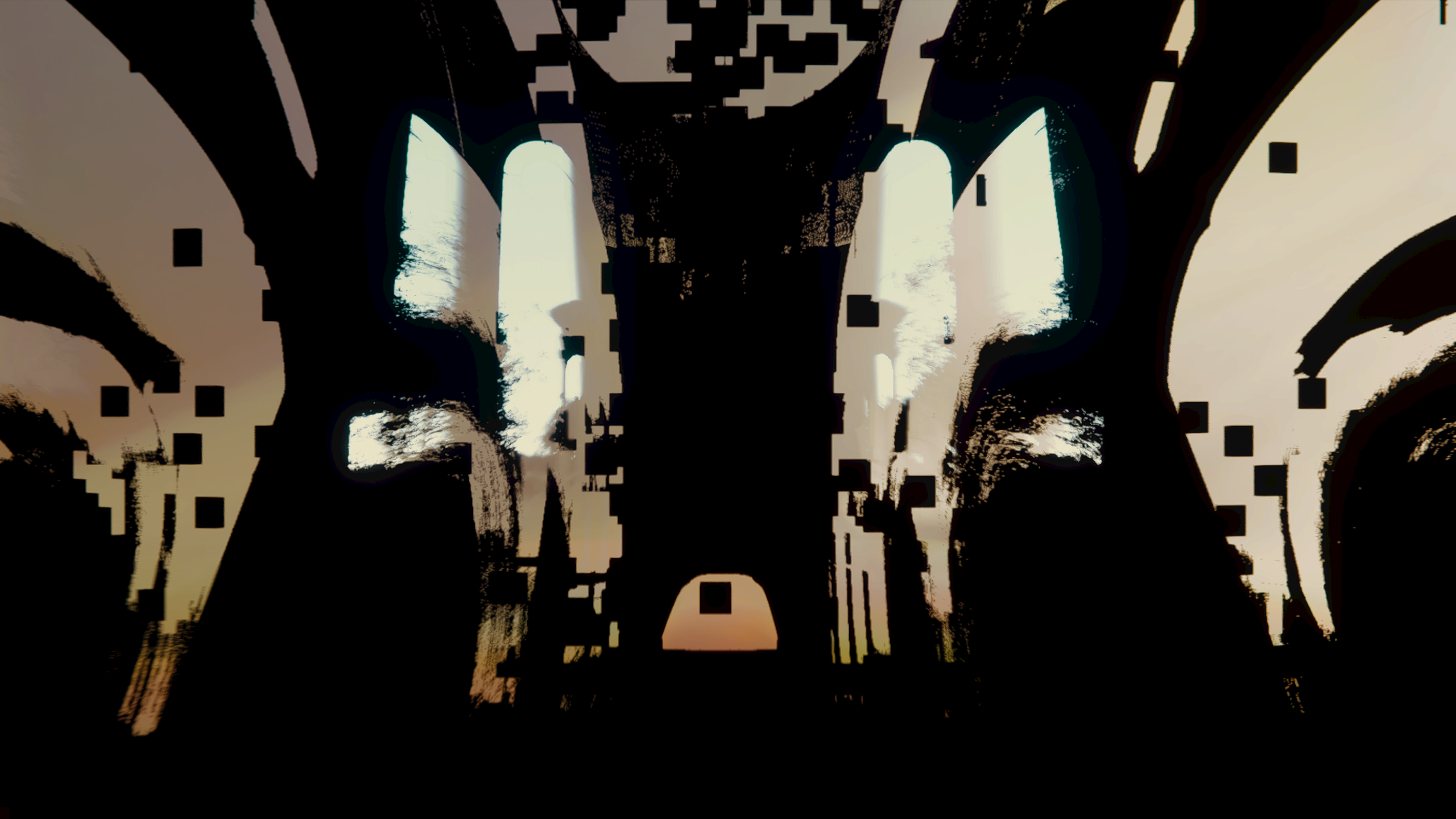
FWIW, with wined3d it renders something like this:
Well, given that vkd3d-proton doesn't even get loaded, i'm not sure if there is anything that can be done about that from the dxvk or vkd3d-proton side..
Is the demo even supposed to work with D3D11 (rather than D3D12)?
The *.bat files very much make it look like it's meant to run on d3d12.. but it doesn't want to do it on wine/proton/ for some reason.
When I just try the exe, it also tries to use shared resources, so there might even be some D3D11 <-> D3D12 interop happening.
Actually, it does seem to initialize d3d12 and vkd3d-proton, it just seems to destroy the d3d12 device again and continue to render with d3d11: vkd3d.txt
Well, the original crash is fixed and it's probably not meant to work with d3d11, so I'll close this and maybe move it over to vkd3d-proton.
FYI @doitsujin, with https://github.com/doitsujin/dxvk/tree/shader-fix it actually renders mostly correctly and isn't a blackscreen like with the earlier crash fix.
Some broken rendering is left:
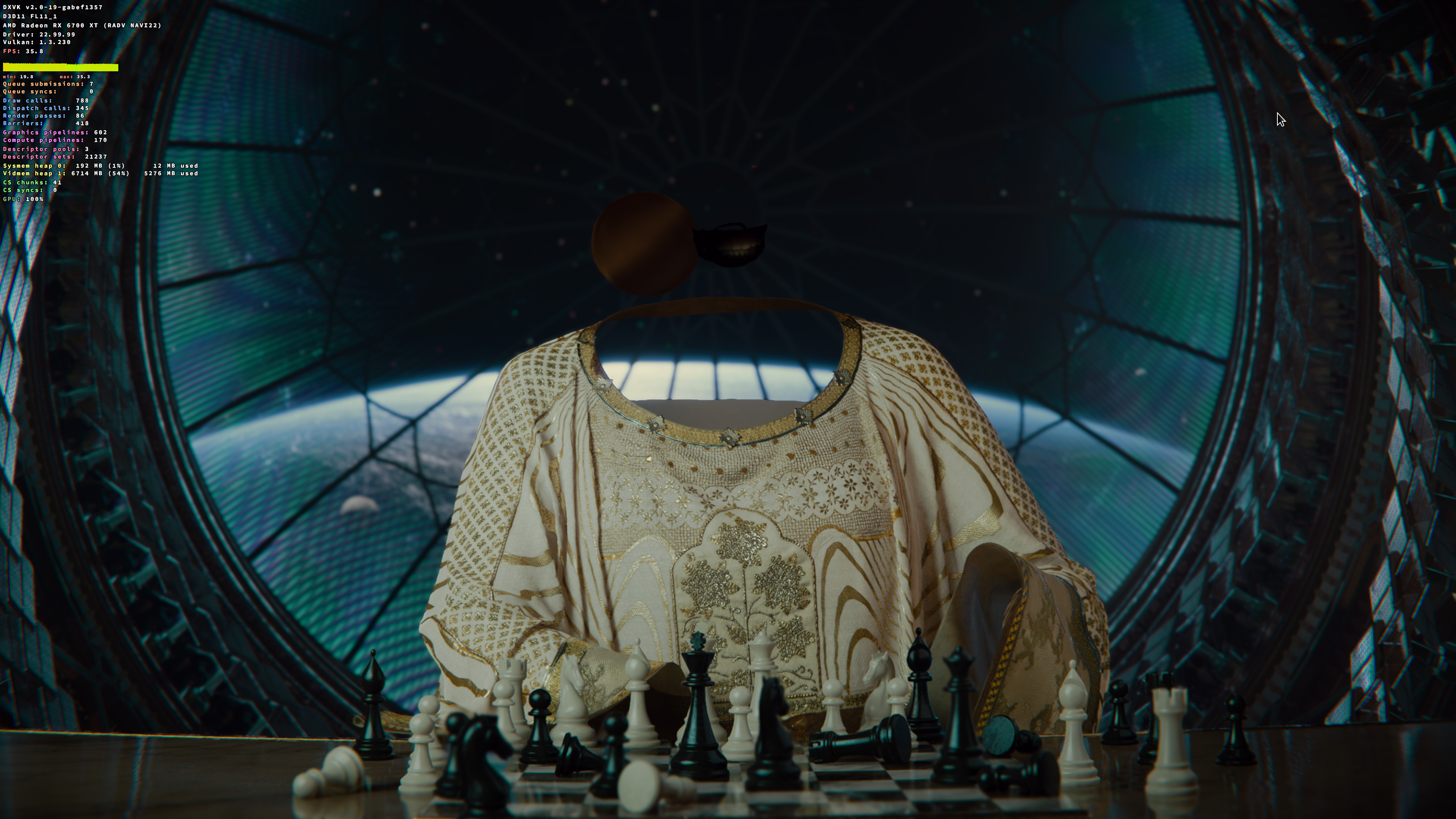
But I'll put that down as the game running on d3d11 when it should run on d3d12 until i can prove otherwise 😅
Proton versions
proton experimentalx1 2022-11
Launch options
VKD3D_CONFIG=dxr11,x1 2022-11VKD3D_FEATURE_LEVEL=12_2,x1 2022-11
The Unity Enemies Demo crashes with DXVK, it starts up fine with wined3d, albeit with broken rendering.
I think it might be crashing while compiling this shader: shader.zip
Getting this backtrace with gdb:
Software information
https://unity.com/demos/enemies
System information
Apitrace file(s)
Doesn't seem to work on linux, I might try on Windows later.
Log files
d3d11.log: Enemies_d3d11.log
dxgi.log: Enemies_dxgi.log