Trials of mana crashes when calling flammie (changing to the flying open world)
Please make an apitrace.
Ok, besides being an extremely slow process (the game played like at 2fps) it didn't crash where the dxvk 2.0 would a 100% of the times. The game loaded the open world just fine, I used the win64 11.1 apitrace files.
In any case, here is the apitrace maybe it helps in finding a problem anyway.
https://drive.google.com/file/d/1RxJDsYqJ87hxRziusN-bWCOQBhaI3YYV/view?usp=sharing
it didn't crash where the dxvk 2.0 would a 100% of the times. The game loaded the open world just fine, I used the win64 11.1 apitrace files.
That is fine and normal as apitrace doesn't go through dxvk on Windows by default.
Sadly it doesn't crash for me when replayed toget with dxvk on Linux (R9 380).
I will try to test it ingame
got it, if you want to reproduce the error it is like this, right now I'm in the second story (after completing the game once and a witch appears)
1- appear in any dungeon/town
2- select the item to call flammie
3- screen changes to loading screen with yellow bar
4- yellow bar won't complete and the music keeps going as usual
4a- sometime when alt-tabbing you can see a dialog box saying the game crashed, but not always.
I tried on my laptop where you can clearly hear the fans slowing when the game crashes and my desktop.
I have not been able to make it crash on my Linux setup with a AMD R9 380 and the mesa drivers. Sadly my GPU is not supported by AMD anymore so i can't try dxvk 2.0 with their drivers on either Windows or Linux.
Screenshot
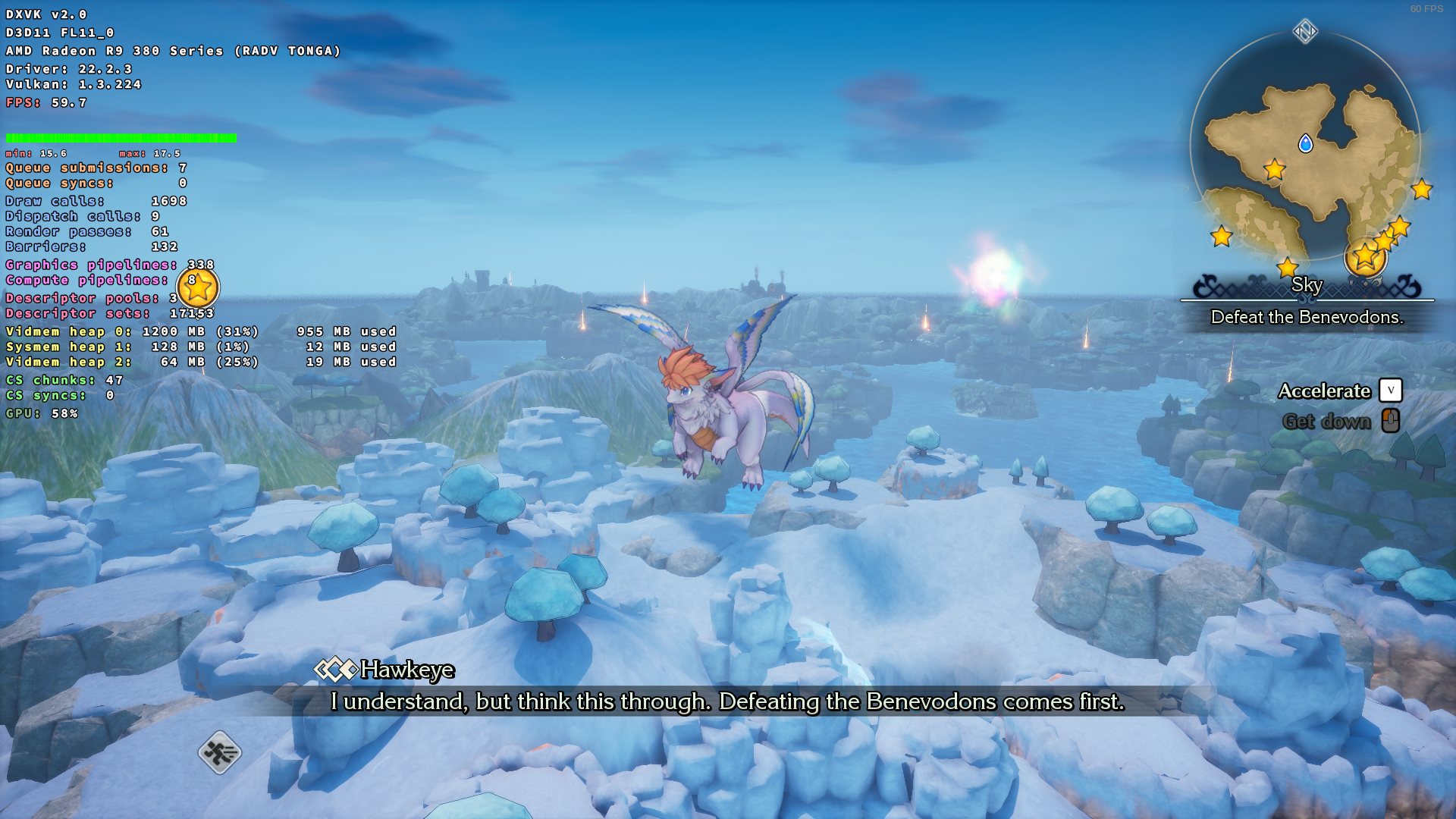
But I'm also going to give it a shot on my Steam Deck (also with mesa drivers)
weird error, let's hope something can be found using the apitrace.
Didn't experience a crash on the Deck either. Could be a driver issue maybe.
Can you post dxvk logs from a time it crashed? They should appear in the games base folder or next to the exe.
that's weird also, there are no logs, I'm using 22.10.3, right now I'm out, I will try again later
well, I updated to drivers 22.11.2 and the error persists, here are the logs:
https://drive.google.com/file/d/1WiBPsAiBoB6BAo6E8-3BbE7H0Lsl0wsy/view?usp=share_link
could it be that we need gpl support on windows for dxvk 2.0 to work correctly on some games?
could it be that we need gpl support on windows for dxvk 2.0 to work correctly on some games?
No, RADV doesn't support it either at the moment.
oks, well I will just keep using 1.10.3 for the moment
You could try to make a bug report to AMD and see if anything comes out of it.
Hello. Could you give it a try again with latest master?
You can grab it from here https://github.com/doitsujin/dxvk/actions/runs/3736849094
sure! just downloaded the build gonna finish something and try it, I'll report back later.
OK! I just tried the latest master you suggested and everything worked as expected, no lockups with music on the background or anything, tried moving to different villages and calling flammie multiple times and everytime the loading screen passed with no issues or crashes just the usual stuttering as shaders are being cached and still the no gpl support in the log, besides from that I'm keeping this versions xD.
I think we can mark this as solved with the latest master.
Awesome good to hear. Doitsujin just worked around a amd driver issue. Read here if interested https://github.com/doitsujin/dxvk/issues/3138#issuecomment-1358748842
oh.. thanks for the info, I saw the issue when it opened but didn't know it was solved, great work Doitsujin, is bothersome when your work is fine and bugs like this keep appearing.
Upstream links
- doitsujin/dxvk/issues/3138x1 2022-12
Hi, everytime I call flammie the game crashes in the loading screen.
I'm not using a dxvk.conf file:
Also, I'm using dxvk 2.0 if I use 1.10.3 it plays fine, so the error is with the latest version only.
my specs
Win 10 21H2
Ryzen 7 5800x 3D
RX 6800