[DX11] Final Fantasy 15 Windows crashes
Hello. I will try to reproduce the issue on Linux.
and I could provide my save games.
Yes that would be useful thank you :slightly_smiling_face:
Thanks!
I added a chapter 6 save file and one of the first chapter.
gameplay.zip
Doesn't seem like they show up ingame. Even if i save a game and then rename one of them to slot0
PCGW has some more info https://www.pcgamingwiki.com/wiki/Final_Fantasy_XV#Save_game_data_location
apparently the slot numbers have to match.
Ye i tried renaming one of them into slot0. Dunno if the other folder files are needed or i messed something up.
But i downloaded from someone online who completed the game and replaced everything instead. Can load into the individual chapters now so gonna test a bit
So I'm not having issues so far loading into this area in chapter 6 with these graphical settings.
This is on Linux with the mesa drivers
Screenshots
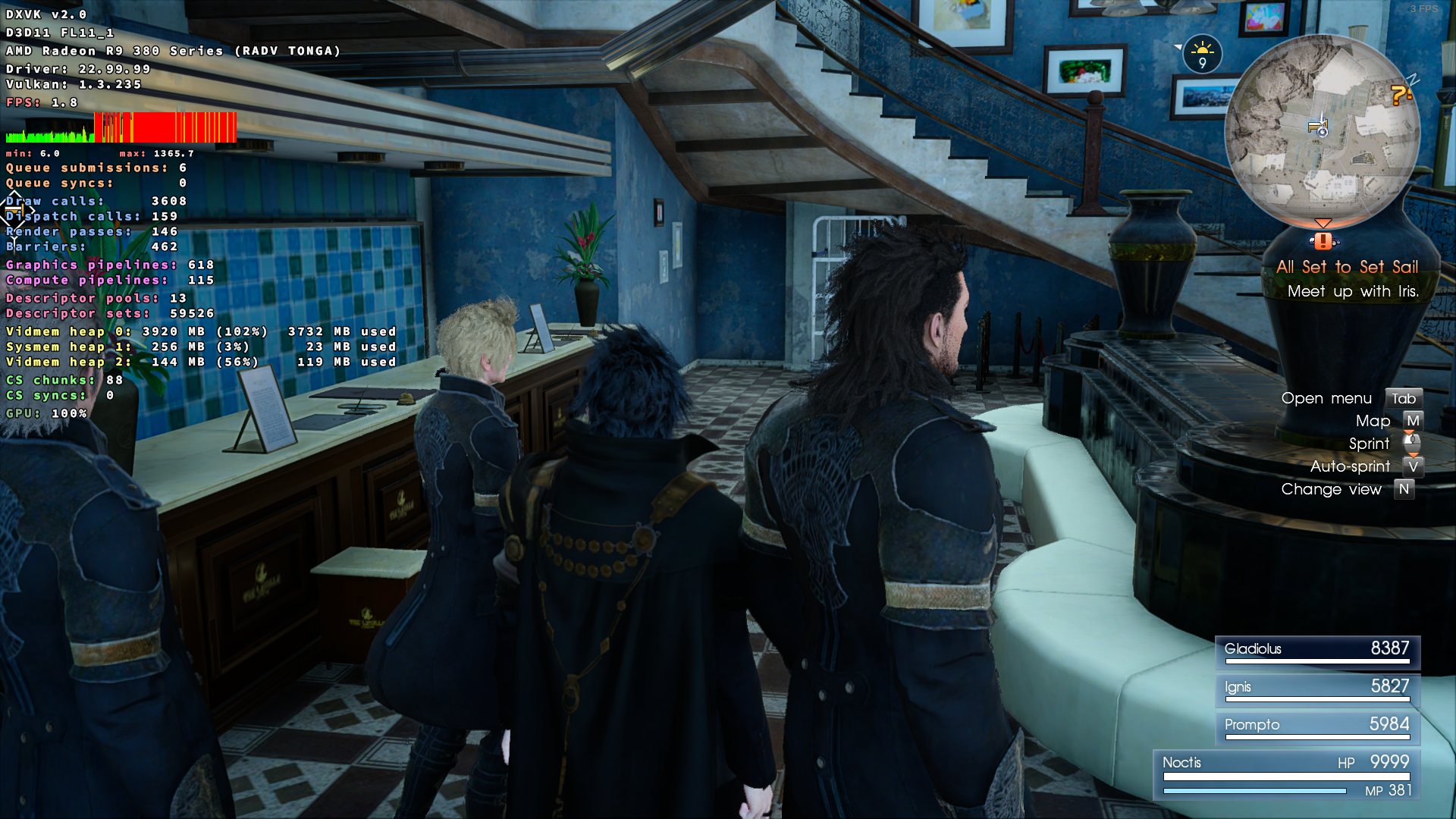
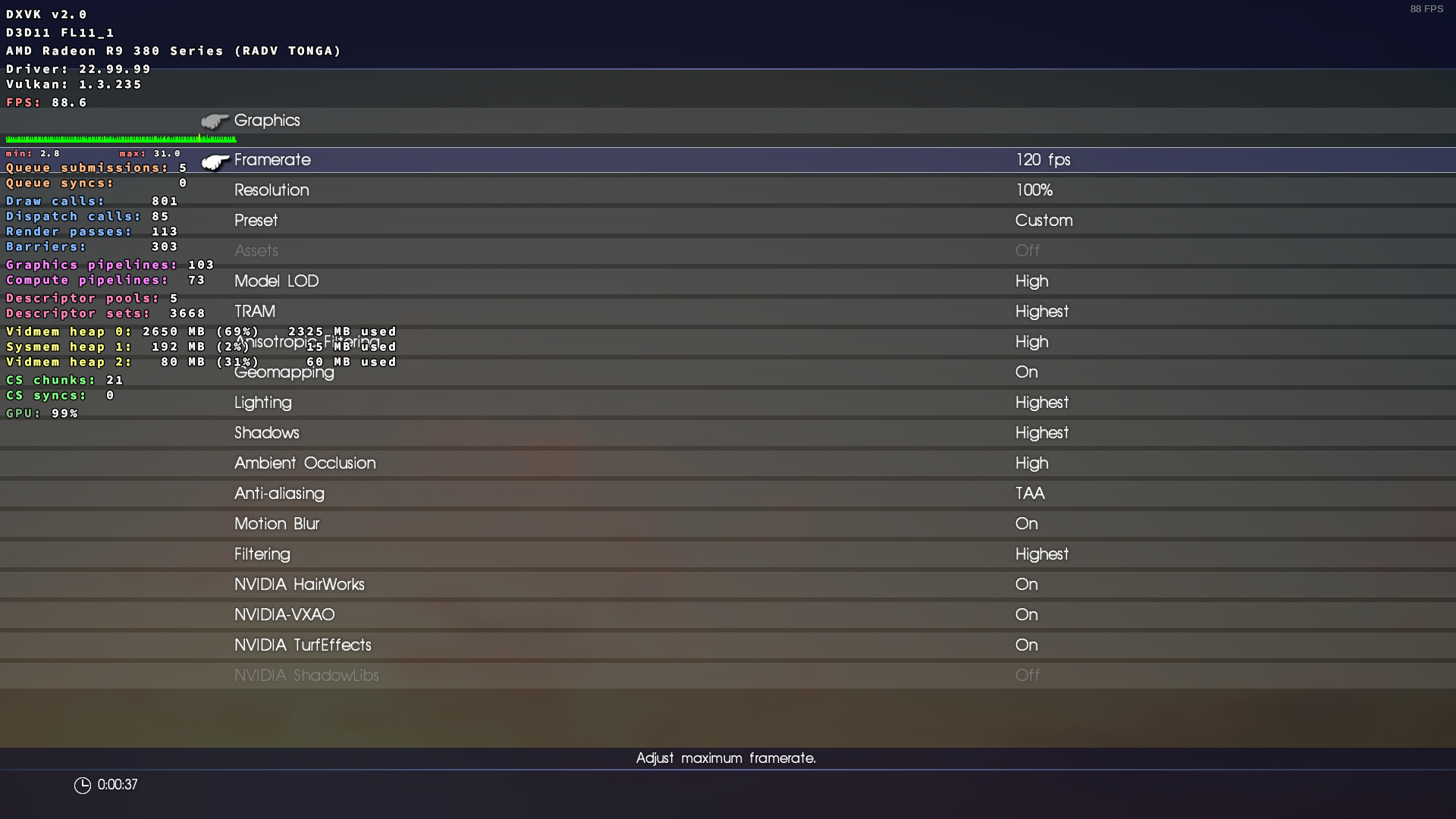
I see that you have assets and shadow libs on off. I'll try that tomorrow too then, if its only part of the game that have trouble I don't mind disabling things. Do you have any trouble at the lighthouse at Cape Caem? (since that is where I stopped playing a year ago and most of my saves are).
Ye they were greyed out, not sure why if you can turn them on. Maybe specs or some Linux thing, will try to experiment a bit.
Do you have any trouble at the lighthouse at Cape Caem
I will try to go there
Some graphics settings in this game require VK_EXT_conservative_rasterization, so they will be available only on Vega and newer for AMD.
19 Dec 2022, 10:35 by @.***:
Ye they were greyed out, not sure why if you can turn them on. Maybe specs or some Linux thing.
Do you have any trouble at the lighthouse at Cape Caem
I will try to go there
—
Reply to this email directly, > view it on GitHub https://github.com/doitsujin/dxvk/issues/3138#issuecomment-1357359702> , or > unsubscribe https://github.com/notifications/unsubscribe-auth/A3G6J6K3HV2GY7XWSJ3ZU33WOAT6BANCNFSM6AAAAAATCTCUGE> .
You are receiving this because you commented.> Message ID: > <doitsujin/dxvk/issues/3138/1357359702> @> github> .> com>
I tried all my chapter 6 save games and it seems I can load the game near the camping spot at Cape Ceam (from which you can see the lighthouse). As soon as I run to the bridge it crashes at about the same spot each time (at the corner from which you can see the bridge and the river towards it); this time I tested with low settings and with the highest settings available so it does not seem to be a certain graphics setting as far that I can see. I'll add my saves again, this time all of it (I did not know that save games of FF15 where that finicky)
It is a bit bigger than 25 MB so I put it on my stackstorage; note the directory also includes the GraphicsConfig.ini which might not have a suitable resolution:
https://nighteyes.stack.storage/s/q36wBZ6gEm9sHv8o
Does DXVK 1.10.3 work for you? 2.0 is kind of known to cause all sorts of problems for AMD's Windows driver for unknown reasons. Note that VXAO is going to run like crap on 1.10.3 though (needs dxvk.ignoreGraphicsBarriers = True config option)
FWIW I can't reproduce any issue on my end either on RADV, 6900XT.
That seems to fix (I misread and even 1.0.3 fixes it) the problem indeed I got no more crashes (tested several saves). I did lose the Shadow Libs option though (perhaps VK_EXT_conservative_rasterization not being implemented in that version yet?).
VXAO always runs like a turd; ill try that option because I get indeed about the same fps as my old 5700 XT which was 45-70FPS depending on the scene. I always gave myself the choice between VXAO or render scale at 150% they gave about the same fps.
I'll try the 1.10.3 later!
Edit:
Also 1.10.3 runs well, with dxvk.ignoreGraphicsBarriers on VXAO only costs about 8-12FPS going from 62 to 52. Honestly, that option is probably the first option to turn off if the game runs badly.
I would still like to help debug the issue so that it could be solved in the future. The game runs fine now for me with the older version; but I would feel bad leaving it at that.
not sure if this will help, but I did a trace on Linux (with Nvidia).
Thanks! I added a chapter 6 save file and one of the first chapter. gameplay.zip
that save to Chapter 6 was used
Software information
Final Fantasy 15
720p, Highest preset
System information
- GPU: Nvidia GTX 1080Ti
- Driver: proprietary 525.60.11
- Wine version: 7.15 (Staging + some TkG patches)
- DXVK version: v2.0-36-https://github.com/doitsujin/dxvk/commit/18b0ef697cb4a13cee046d323daa775865c571eb
Apitrace file(s)
Thanks for the trace, I wasn't able to get one earlier.
Anyway, the commit above should fix the crash. As expected, this is a driver bug, and one that we've actually run into before - the AMD driver just crashes if we pass it a VkDependencyInfo structure with several thousand image layout transitions. This is rare, but something that definitely happens during loading screens.
I really don't like working around silly driver bugs like this, but since this is the 2nd or 3rd time we run into this, it's probably worth doing anyway. That said, AMD really needs to fix this, we're not doing anything wrong and no other driver has problems with this.
Nice!
I subscribed to the watch list and will test when the next release is out.
If you don't mind using non stable builds then you can also grab it from here https://github.com/doitsujin/dxvk/actions/runs/3736849094
I tried it and it runs fine! Thanks a bunch.
Upstream links
- doitsujin/dxvk/issues/3138x1 2022-12
DLLs
d3d11.dllx1 2022-12dxgi.dllx1 2022-12dxgitrace.dllx1 2022-12
When trying to load a save game from Final Fantasy 15 chapter 6, the game crashes in the last parts of the loading screen. Just to make sure I started a new game which seems to run just fine without any glitches. Running the game without DXVK (loading either chapter 6 or starting a new game) is also fine.
Reason I want to use DXVK is because AMD is too lazy to fix a known bug in the game where the Turfworks effects are invisible unless walked upon (weirdly enough even though they are invisible they cast shadows), DXVK renders the game correctly.
I made sure to exit any overlays like F.flux.
Software information
Final Fantasy 15
3440x1440
Presets tried:
Highest and custom with maxed out settings.
No HDR
If needed I could test some more presets and I could provide my save games.
System information
Apitrace file(s)
I tried starting the game with Apitrace but it just resulted in a black screen for a few minutes. I copied the correct dlls to the game folder according to the apitrace github page namely:
d3d11.dll, dxgi.dll and dxgitrace.dll
If I did something wrong I'll be happy to try it again.
Log files
ffxv_s_d3d11.log
ffxv_s_dxgi.log