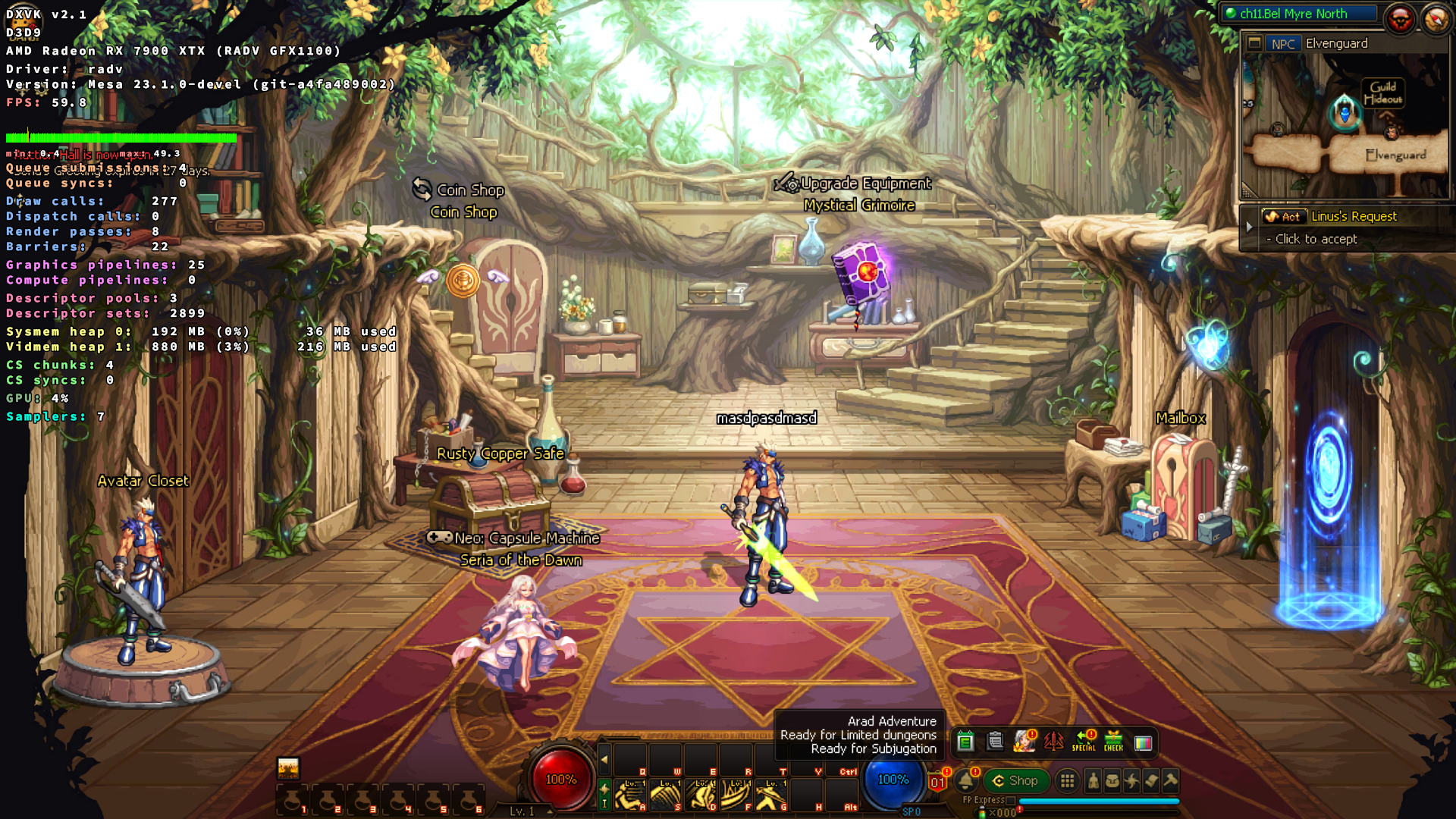
[D3D9] Dungeon & Fighter UI rendering black screen color square problem.
@K0bin @nforestcat @Blisto91
Hello.
If possible see if you can make a apitrace without dxvk and attach it here. Will potentially make it easier for the devs to look at the issue.
https://github.com/doitsujin/dxvk/wiki/Using-Apitrace
I have been unable to reproduce the issue on Linux amd with both the trace and ingame.
Might be a Intel Windows driver issue.
You could also try latest master https://github.com/doitsujin/dxvk/actions/runs/4252981697
dnf_d3d9-dxvk2.1.log
dnf_dxgi-dxvk2.1.log
The cause of the dxvk1.10.2-1.10.3 color blurred screen, and the cause of the dxvk2.0-2.1 program crash and exit actually appeared on the intel gpu, because I tested dxvk1.10.2~dxvk2.1 on the nvidia gpu computer and everything is normal.
@Blisto91
The above problems only appear in Intel Windows driver issue, nvidia gpu and amd gpu are all normal.
@Blisto91
Make sure your GPU driver is up to date. The one you're using seems a bit old at this point.
Nothing extracted yet.
Hello, I'm running the Dungeon & Fighter game. I ran a problem
Using the image is DirectX 9, The latest version of dxvk 2.0 and 2.1 crashes and exits the game directly and cannot run, but I use dxvk1.10.1 and everything is normal. When I switch back to dxvk1.10.2 or 1.10.3, the black screen, blurred screen, models, etc. cannot be normal.
I am directly in the windows 10 system to replace d3d9. DLL to run the game
Software information
Dungeon & Fighter x64 bit client, High texture, high quality, shadow, windowing (800x600), vertical synchronous open.
System information
Log files
dnf_d3d9.log