Gta 4 not launching with new dxvk versions
Post dxvk logs.
Likely means outdated driver or old GPU that doesn't get new features anymore in the drivers.
Post dxvk logs. Likely means outdated driver or old GPU that doesn't get new features anymore in the drivers.
is it this one dxgi.log?
Post dxvk logs. Likely means outdated driver or old GPU that doesn't get new features anymore in the drivers.
here is also d3d9.log
idk if its my driver tho, since the new dxvk versions work fine in mafia 2.
Log just ends early.
What is your GPU and driver version
Log just ends early.
What is your GPU and driver version
Gtx 1060 3gb, driver version 535.98 (latest)
The strange thing is, the new versions did work in gta 4 before but suddenly stopped working which idk why
I would either try to downgrade to the driver version before or delete cache.
If you have a .cache file next to exe try to remove that and also look up how to clear Nvidia driver cache. Just a shot in the dark.
I would either try to downgrade to the driver version before or delete cache.
If you have a .cache file next to exe try to remove that and also look up how to clear Nvidia driver cache. Just a shot in the dark.
Thanks, will try clearing the nvidia driver cache.
I would either try to downgrade to the driver version before or delete cache.
If you have a .cache file next to exe try to remove that and also look up how to clear Nvidia driver cache. Just a shot in the dark.
Did not work unfortunately, guess im gonna have to use the older dxvk versions.
Sorry not sure what the issue could be, there was quite alot of changes for dxvk 2.0 and the game in general works with dxvk, moreso with 2.2.
Since you say it used to work i'm doubting it's dxvk itself.
If you haven't already i'd suggest taking a skim through the Windows section in the wiki https://github.com/doitsujin/dxvk/wiki/Windows
Sorry not sure what the issue could be, there was quite alot of changes for dxvk 2.0 and the game in general works with dxvk, moreso with 2.2.
Since you say it used to work i'm doubting it's dxvk itself.If you haven't already i'd suggest taking a skim through the Windows section in the wiki https://github.com/doitsujin/dxvk/wiki/Windows
Thanks for the help anyway :)
Works for me. No idea why it doesn't work for you but it's almost certainly something out of our control anyway.
Works for me. No idea why it doesn't work for you but it's almost certainly something out of our control anyway.
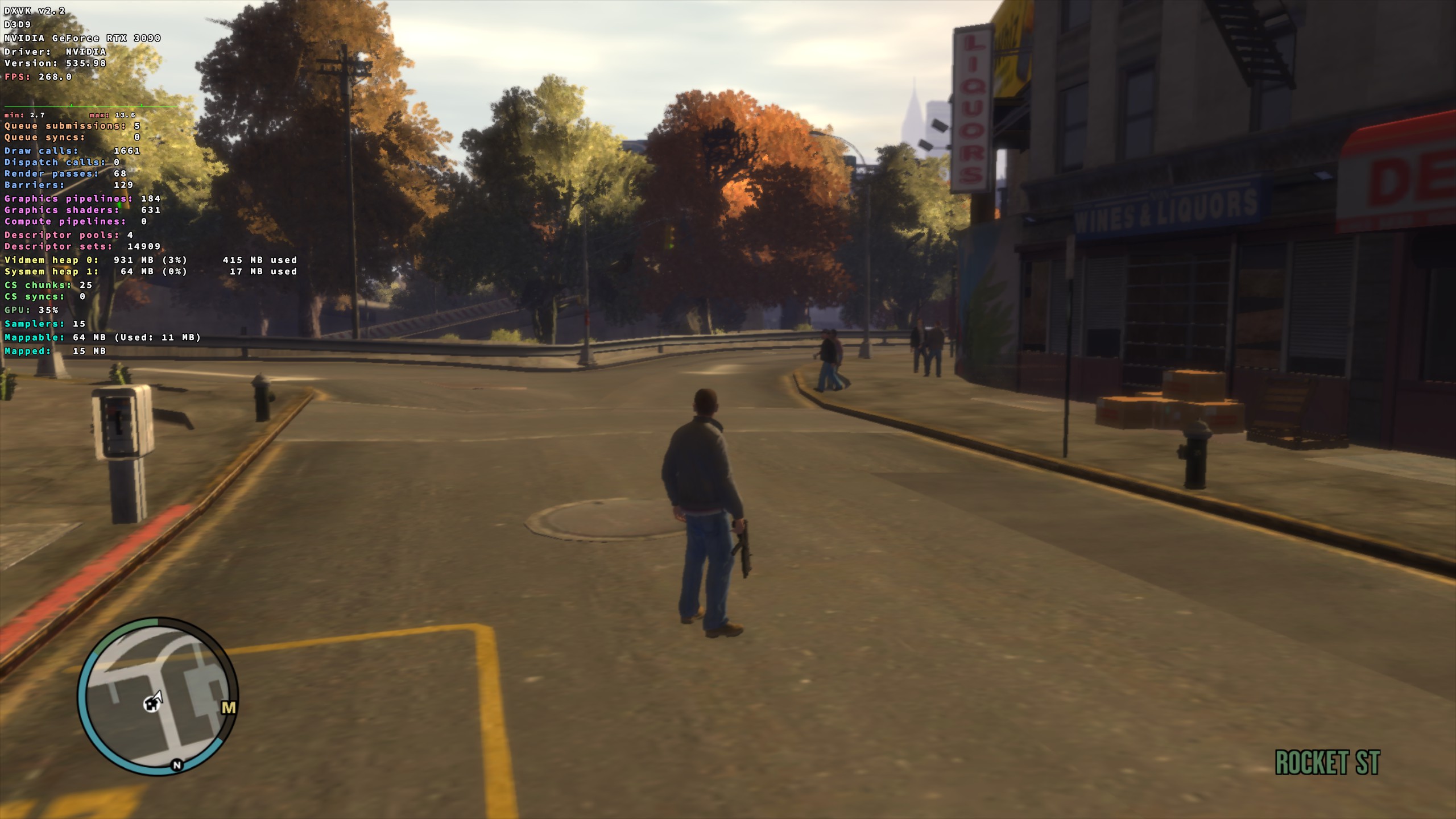
damn yeah i honestly dont know why it doesnt work for me, its super strange.
delete dxvk's dxgi.dll, it may cause problems in newer versions. dxvk works without it.
DLLs
dxgi.dllx1 2024-01
Hey, so I tried to use dxvk 2.0, 2.1, 2.2 but none of them works with gta 4 when i launch the game nothing happens. I can see the game running in task manager but the game window just doesnt pop up on my screen, only dxvk 1.10.3 and older works for me but I would really like to use the new versions with the game. If anyone could help me it would mean alot thanks.