Wildstar black rendering
How did you record that trace? DXVK, WineD3D or Windows?
Because replaying it works fine for me:
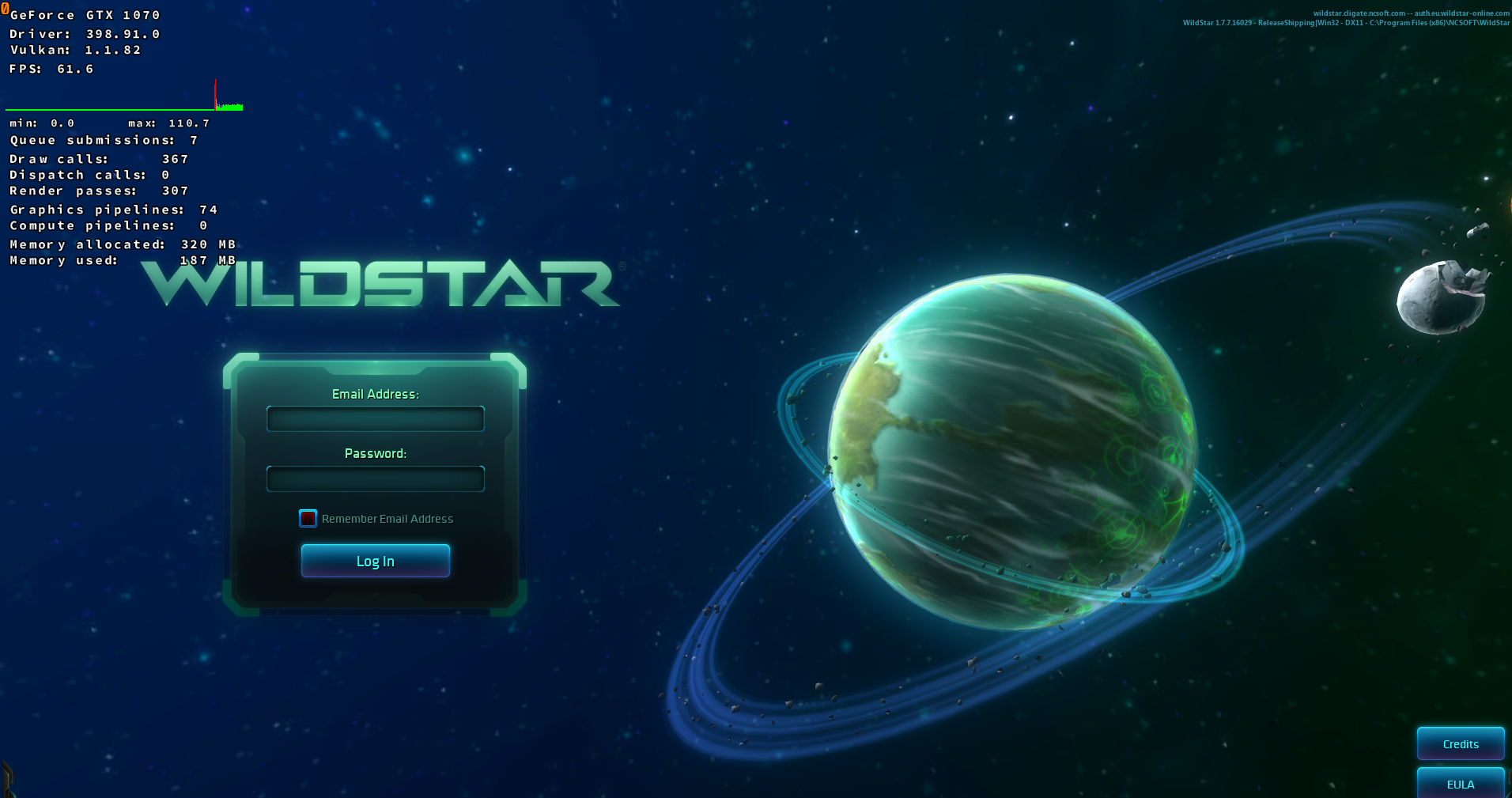
@K0bin i followed the instructions in issue template. Created using wine without dxvk.
You have a bit newer drivers (398.91 vs 396.51) and newer vulkan (1.1.82 vs 1.1.70), could that be the reason it works for you? There aren't 398.91 drivers for Manjaro yet so i can't test with you drivers.
I'm on Windows and NVIDIA uses different version numbers there for sone reason. 398.91 should equate to 396.54.
Can you try it again using 396.54? You can install that using the .run file on NVIDIAs website
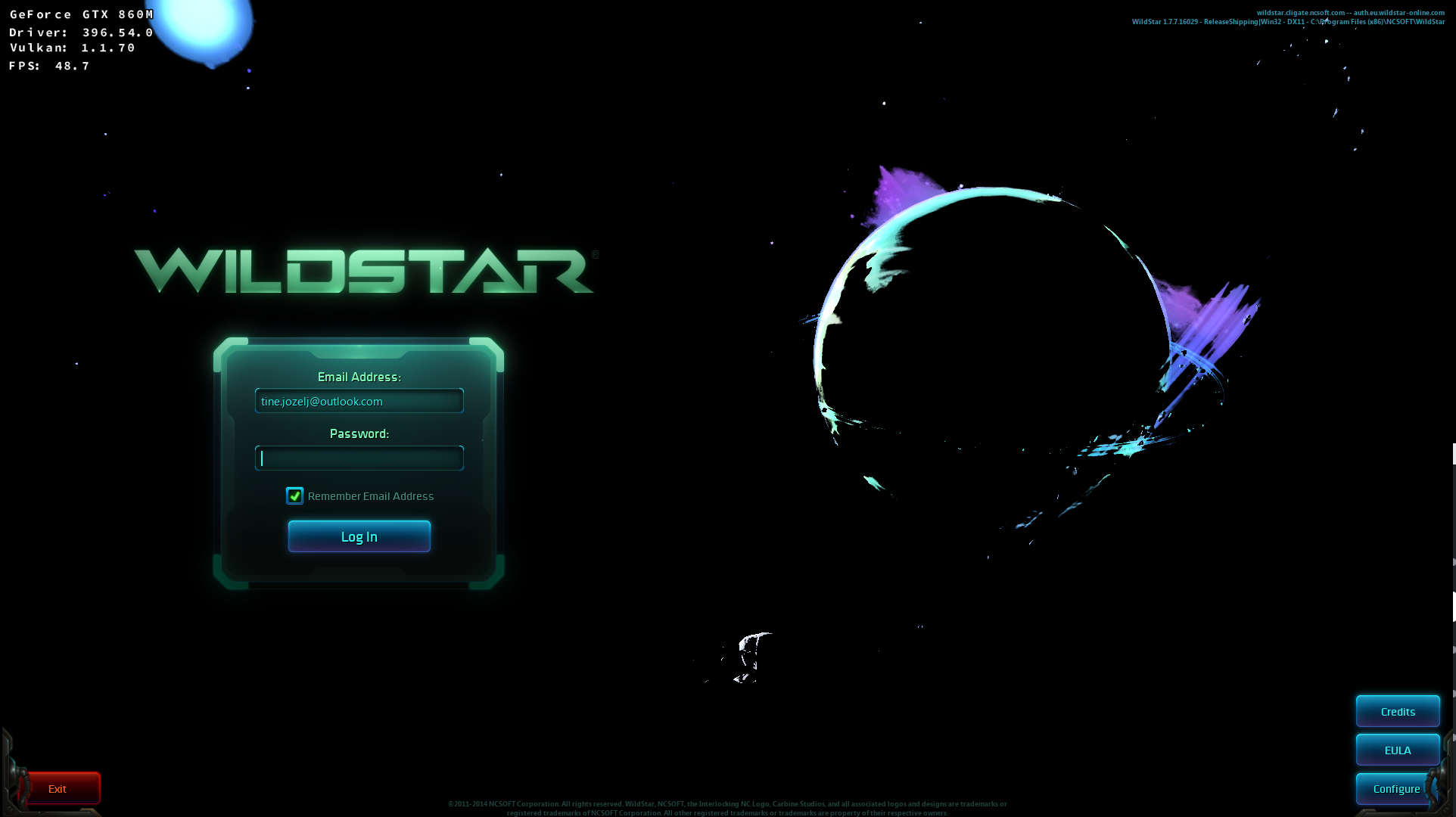
Nothing changes
It could be Maxwell gen1 specific problem
Got incorrect rendering with Windows 10, 860M and 398.82
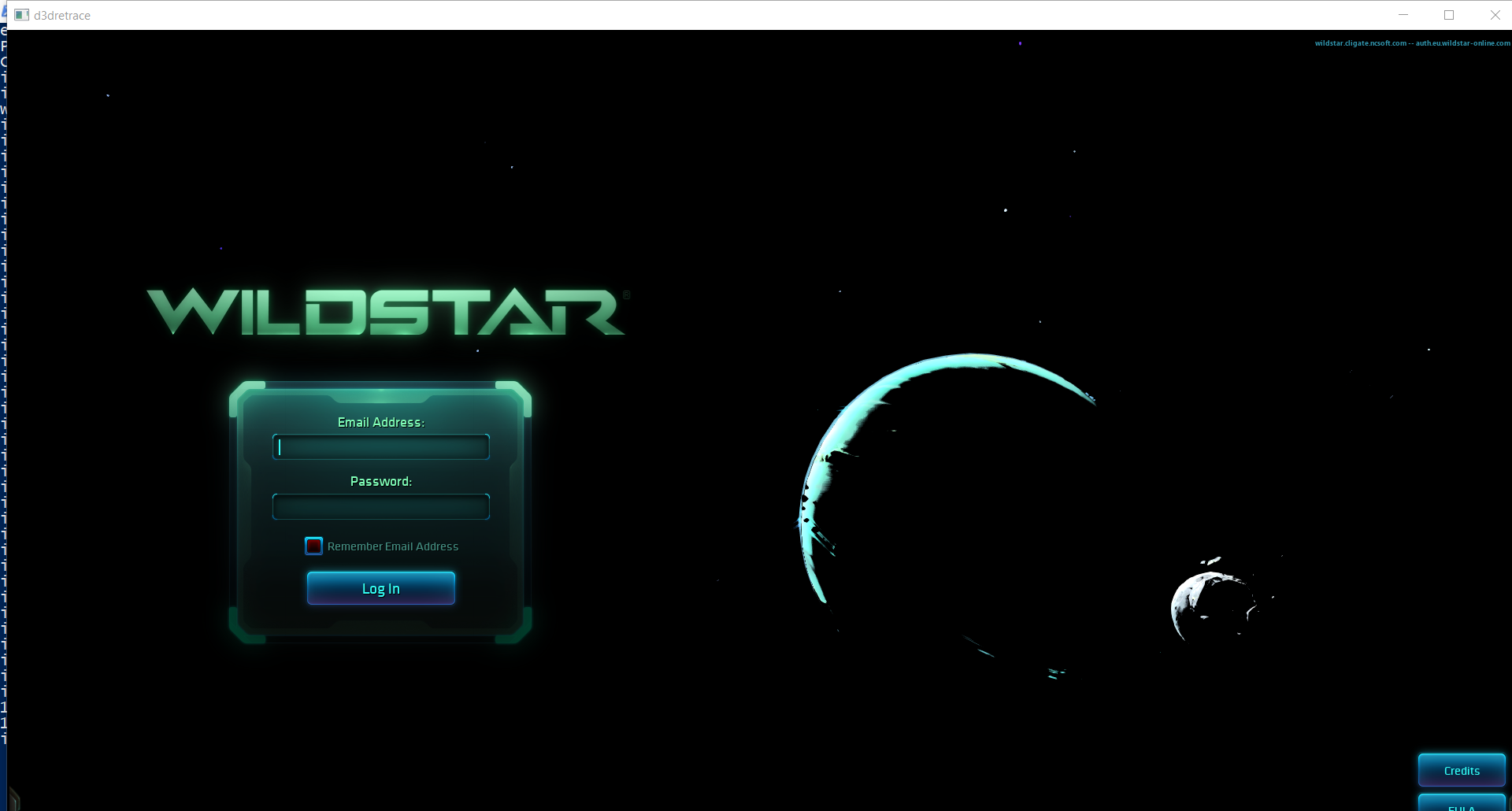
@K0bin can you please attach your log as well? I think this is an issue with DXVK picking the wrong surface format for presentation again so that some SRGB conversion is missing, similar to the one that was already causing issues on AMD. Maxwell 1 only supports two formats.
Hm, so it picks the same swap image format on your end. Not sure what's going on then, but the visual error does very much look like missing linear<>srgb conversion somewhere.
This game is now dead, can be close.
@MartinPL there is progress being done on creating a server emulator for it [1]. So it isn't totally dead.
Nothing extracted yet.
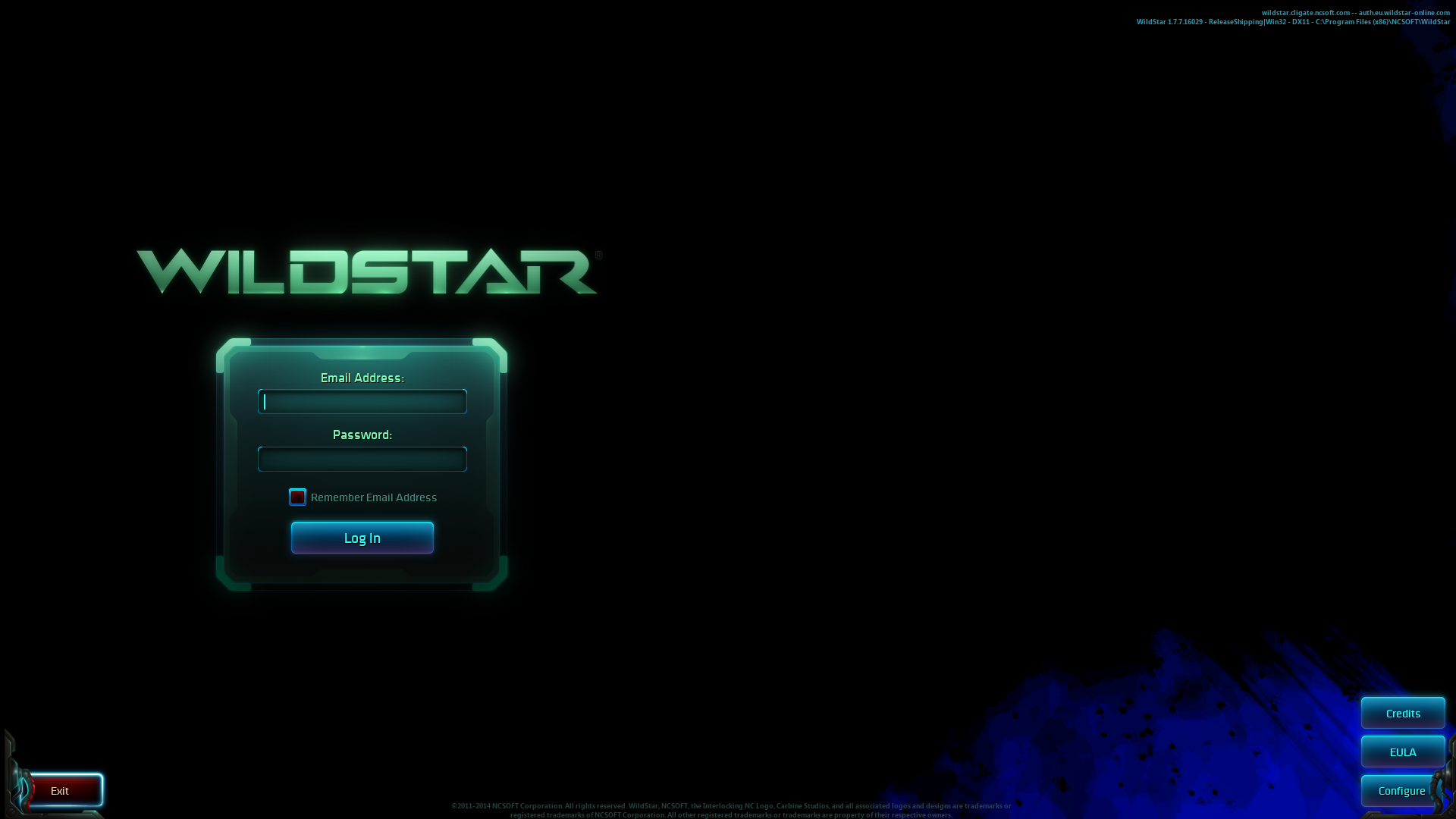
Graphics are rendered wrong. But the preformance is great :smile:

After seeing this, i also noticed that it's broken similarly but not quite the same with pure wine.
Software information
Tried running game Wildstar. It works without any special settings, only thing that has to be done is to set wine to
Windows XP.System information
Apitrace file(s)
WildStar32.trace.txt
Log files
WildStar32_d3d11.log
WildStar32_dxgi.log