doom 2016 uses vulkan directly.
Ahmed [email protected] 于 2018年9月9日周日 16:13写道:
I couldn't run Doom 2016 with Mesa 18.1.7 or Mesa 18.1.8, so I tried Mesa
18.2.0-1 that fixes and the game started but it look so weird, and I can
hear the menu sounds but I can't see the menu.
The game looks like this in the intro :[image: screenshot_20180909_094716]
https://user-images.githubusercontent.com/29783425/45262490-ff94f600-b417-11e8-8a82-640adb21ecdb.png
And looks like that when loading:[image: screenshot_20180909_095155]
https://user-images.githubusercontent.com/29783425/45262502-2f43fe00-b418-11e8-83fc-40d16393262a.png
And looks like that in the menu:[image: screenshot_20180909_095307]
https://user-images.githubusercontent.com/29783425/45262506-3c60ed00-b418-11e8-94ce-9a692726e57e.png
Software informationDoom 2016.
System information
- GPU: AMD HD 8750M
- Driver: 18.2.0-1
- Wine version: 3.15 staging
- DXVK version: 0.71
Apitrace file(s)
- I don't know how to record opengl game.
Log files
The game doesn't use DXVK.
I am sorry to post my issue here but I just hope that may be someone here
might help me.—
You are receiving this because you are subscribed to this thread.
Reply to this email directly, view it on GitHub
https://github.com/doitsujin/dxvk/issues/628, or mute the thread
https://github.com/notifications/unsubscribe-auth/AS8mhZVbez2jcJbYSBIkNu-zRhvazHvXks5uZM3EgaJpZM4WgMTB
.
The game doesn't use DXVK.
And since it doesn't, this is not the right place to report your issue. I'd recommend filing a Mesa bug since this is likely related to your GPU, the game works fine on my RX 480 with both OpenGL and Vulkan.
I will report my bug in Mesa, sorry for any inconvenient.
Using Wine-stable instead of Wine-staging fixed rendering issues with OpenGL in Doom. I hope this could help someone else with the same problem, and I'm sorry for posting my issue here.
Wine-staging 3.16-1 still has the same problem, may be they will add it in the next release.
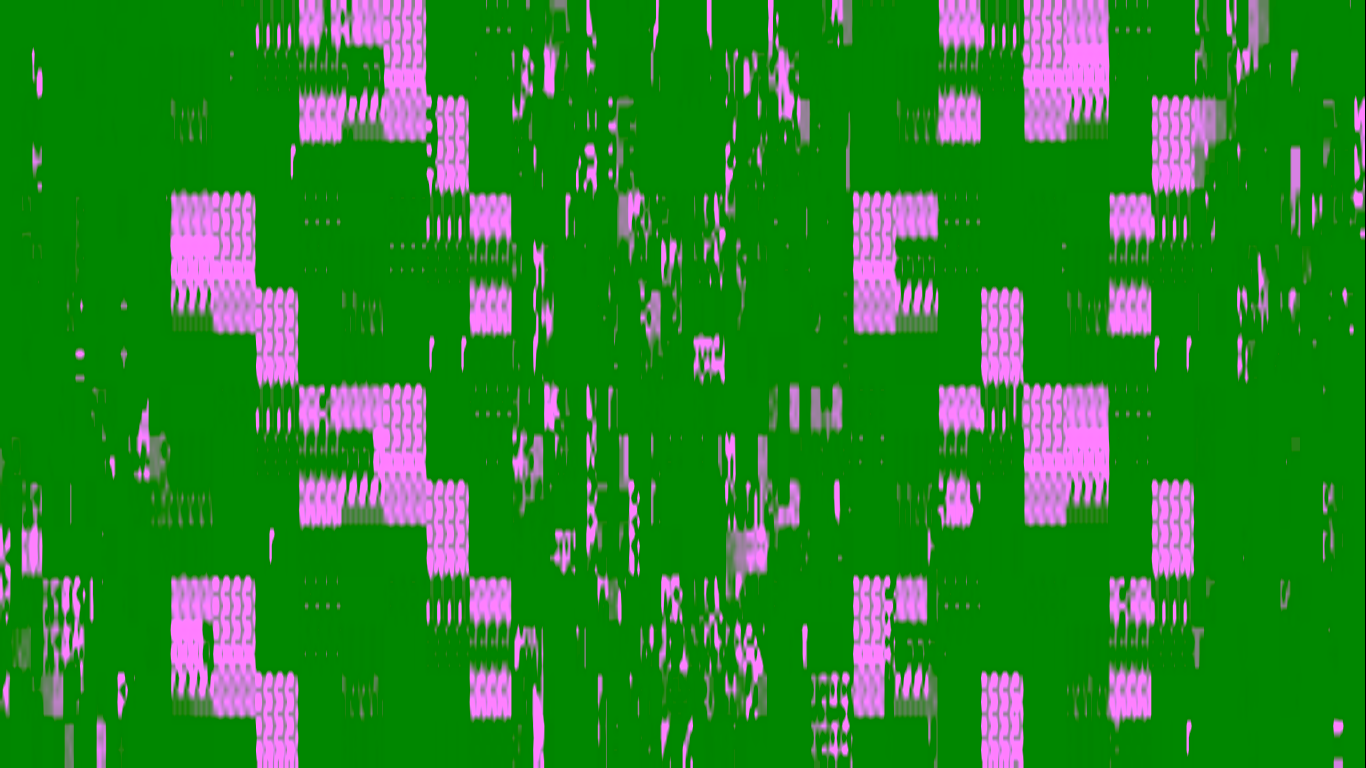
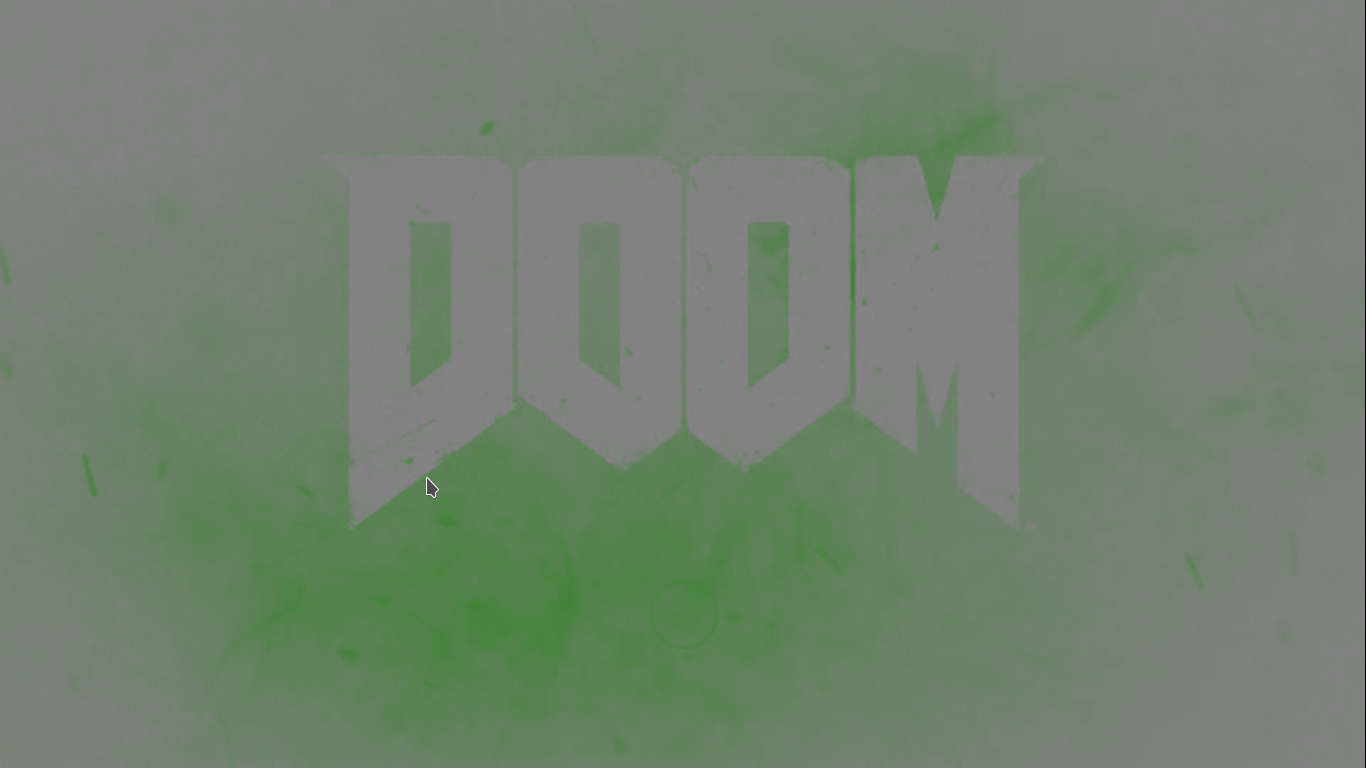

I couldn't run Doom 2016 with Mesa 18.1.7 or Mesa 18.1.8, so I tried Mesa 18.2.0-1 and the game started but it look so weird, and I can hear the menu sounds but I can't see the menu.
The game looks like this in the intro :
And looks like that when loading (it is green instead of red):
And looks like that in the menu (The red covers every thing and I can't see the menu) :
Software information
Doom 2016.
System information
Apitrace file(s)
Log files
The game doesn't use DXVK.
I am sorry to post my issue here but I just hope that may be someone here might help me.