ELEX: [Regression] Page fault exception
Can't reproduce, this works fine on my machine:
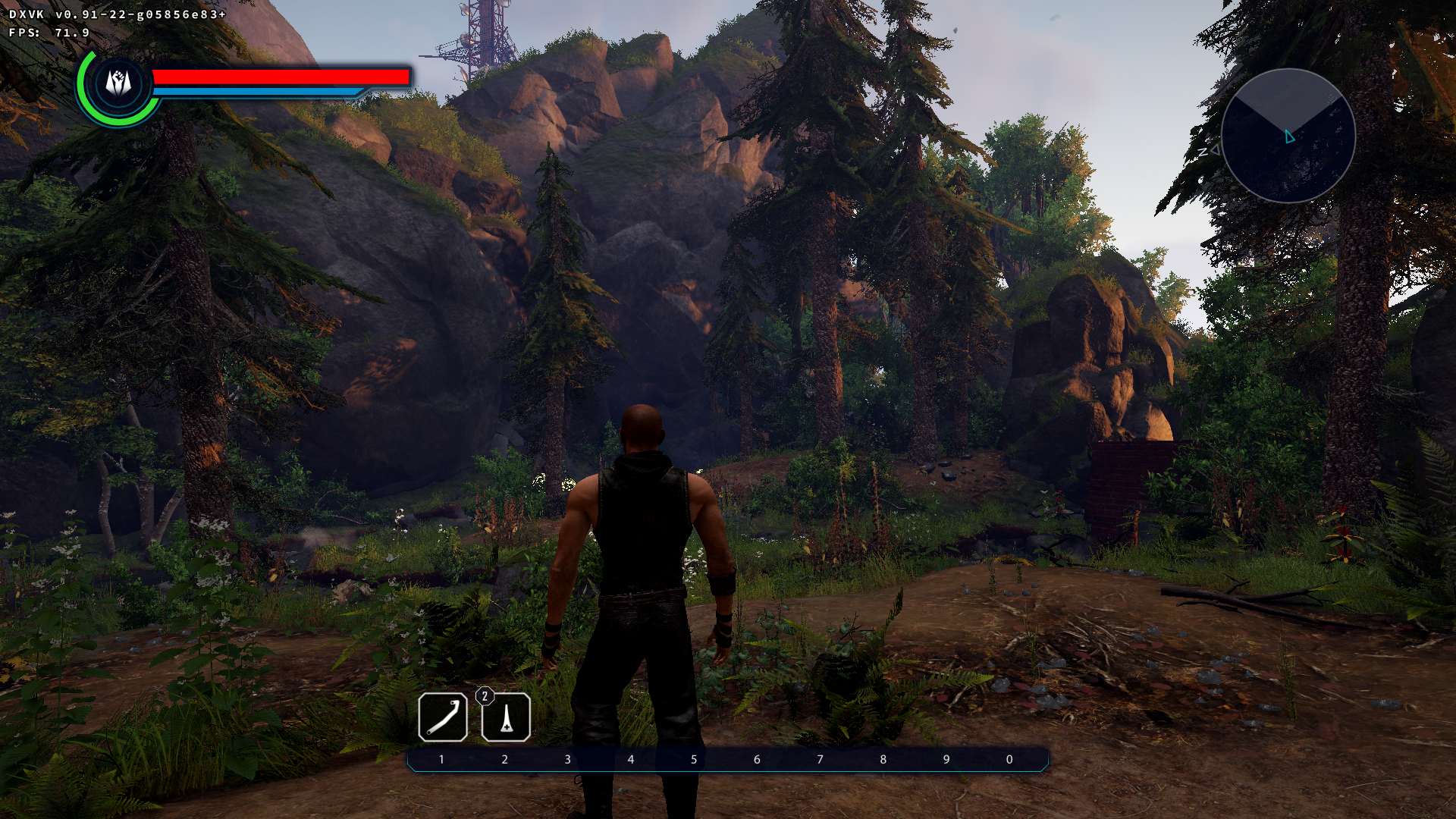
Is there anything special about your setup (Screen resolution, Game settings)?
Edit: I find it weird that your crash appears in the D3D11 DLL, whereas the commit you mentioned only touches the DXGI DLL.
Can you try running the game with plain wine (non-staging)? Staging has always caused issues with this game on my end.
You might be able to get debug symbols in your backtrace if you use the winelib build.
There's nothing really special about my setup. Two screens, both at 1920x1080.
The games graphics settings are all set to highest. I will try again with lower settings. Will try vanilla wine too.
I tested with highest settings as well.
Can you try removing one of your monitors? wine doesn't really support multi-monitor setups all that well and dxvk might also have some issues with it.
Well, I tried
- lowest graphics settings
- vanilla wine 3.19
- virtual wine desktop
- unplugging second monitor
- deleting pipeline cache
Nothing of that helped.
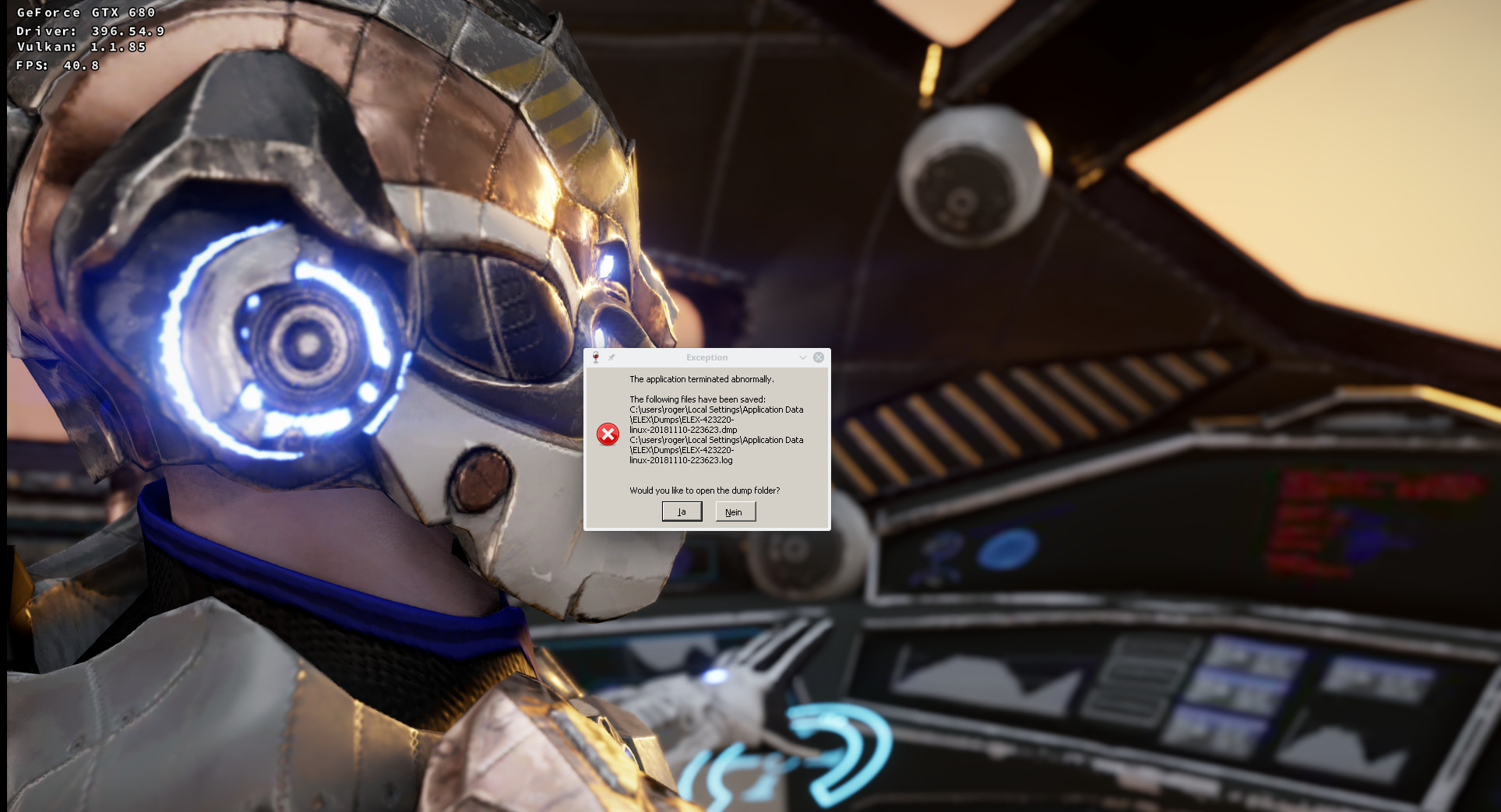
Only method that works, is the build without said commit. Which is really odd. As you said, that commit changed dxgi, but the crash happens in d3d11.
I will investigate a bit further and keep the thread updated.
A better backtrace:
First chance exception: page fault on read access to 0x00000010 in 64-bit code
Backtrace:
=>0 0x000000006a35f136 _ZN4dxvk11DxvkCsChunk4pushIZNS_21D3D11ImmediateContext9MapBufferEPNS_11D3D11BufferE9D3D11_MAPjP24D3D11_MAPPED_SUBRESOURCEEUlPNS_11DxvkContextEE_EEbRT_+0x1c(this=0x15df800, command=0x6a413b60) [../src/d3d11/../dxvk/dxvk_cs.h:121] in d3d11 (0x00000000015df840)

  1 0x000000006a35eaef _ZN4dxvk18D3D11DeviceContext6EmitCsIZNS_21D3D11ImmediateContext9MapBufferEPNS_11D3D11BufferE9D3D11_MAPjP24D3D11_MAPPED_SUBRESOURCEEUlPNS_11DxvkContextEE_EEvOT_+0x34(this=0x15df860, command=0x6a413ac0) [../src/d3d11/d3d11_context.h:808] in d3d11 (0x00000000015df8a0)

  2 0x000000006a35d846 _ZN4dxvk21D3D11ImmediateContext9MapBufferEPNS_11D3D11BufferE9D3D11_MAPjP24D3D11_MAPPED_SUBRESOURCE+0x159(this=0x202020, pResource=(nil), MapType=0, MapFlags=0, pMappedResource=(nil)) [../src/d3d11/d3d11_context_imm.cpp:351] in d3d11 (0x00000000015df8f0)

  3 0x000000006a35d2a1 _ZN4dxvk21D3D11ImmediateContext3MapEP14ID3D11Resourcej9D3D11_MAPjP24D3D11_MAPPED_SUBRESOURCE+0x7c(this=0x4, pResource=0x100000000, Subresource=0x15df9f0, MapType=1083112947, MapFlags=0x202020, pMappedResource=0x100000000) [../src/d3d11/d3d11_context_imm.cpp:170] in d3d11 (0x00000000015df990)

  4 0x00000001408d5e7d in elex (+0x8d5e7c) (0x00000000015dfaa0)
  5 0x00000001402801f0 in elex (+0x2801ef) (0x0000000000000007)
  6 0x0000000140093b15 in elex (+0x93b14) (0x0000000140f2e328)
  7 0x000000014001fd23 in elex (+0x1fd22) (0x0000000140f2e328)
  8 0x000000014002b615 in elex (+0x2b614) (0x00000000015dffd0)
  9 0x000000014002b639 in elex (+0x2b638) (0x00000000015dffd0)

  10 0x000000007bcbbac2 call_thread_func+0x101(entry=0x14002b630, arg=0x140f2e328) [/usr/src/debug/wine-staging-3.19-887.4.x86_64/dlls/ntdll/signal_x86_64.c:4378] in ntdll (0x00000000015dffd0)
As expected, that's not in the slightest bit related to that DXGI commit. It also crashes in a function that is executed thousands of times per frame and just moves memory from one place to another, one would think that it is bug-free.
Can you test the 0.91 release binaries hosted on github? I wonder if this is something specific to your builds.
Same problems on my system with RX 580 and latest mesa/llvm. DXVK from release page.
I tried all binary releases back to v0.40. With v0.31 the game won't start anymore.
The crash happened with all of them. I can now, at least, confirm that the bisected commit isn't the cause.
The crash doesn't happen at some fix point. It just happens sometime within like 30 seconds after the intro video. On very rare occasions it doesn't happen at all.
That makes me think, it's some race condition caused by multithreading.
Well anyway, I can't reproduce the problem, so there's really not much I can do about it.
Ok, I'm closing the issue for now. I'll come back here when I found out more.
fwiw i just tried to start the game with wine 3.20 and I don't even get into the menu (same issue that I'm having with all staging builds). I still have an old wine 3.14 build around which runs the game fine, not sure what's going on there.
Just tried vanilla wine 3.14 too. Still crashing :/ Haven't tried 3.20 yet
Btw, wined3d works.
wined3d immediately segfaults for me.
This game still has problems I believe, on my system it freezes and slows my PC down making it hard to kill the process.
415.22 nvidia beta drivers, not sure if anyone else is having issues still. Could be related to messing with graphics settings menu?¿
EDIT: Yeah seems possibly related with playing with graphics settings while in game, such as FSAA/Shading etc... Doesn't happen right away, is rather random.
Nothing extracted yet.
v0.90 introduced a regression in the game ELEX.
When starting a new game, an intro video is first played. After the video is done, the game switches to ingame graphics. Now, within a few seconds, the games crashes with an unhandled page fault exception in d3d11.
First chance exception: page fault on read access to 0x00000010 in 64-bit code (0x000000006a35d256).
Backtrace:
=>0 0x000000006a35d256 in d3d11 (+0x1d256) (0x00000000015df8e0)
1 0x000000006a35e0ff in d3d11 (+0x1e0fe) (0x0000000000000004)
2 0x00000001408d5e7d in elex (+0x8d5e7c) (0x00000000015dfaa0)
3 0x00000001402801f0 in elex (+0x2801ef) (0x000000000000000e)
4 0x0000000140093b15 in elex (+0x93b14) (0x0000000140f2e328)
5 0x000000014001fd23 in elex (+0x1fd22) (0x0000000140f2e328)
6 0x000000014002b615 in elex (+0x2b614) (0x00000000015dffd0)
7 0x000000014002b639 in elex (+0x2b638) (0x00000000015dffd0)
8 0x000000007bcbbac2 in ntdll (+0x7bac1) (0x00000000015dffd0)
I tried to create an apitrace, but unfortunately wined3d + apitrace makes the game stuck in a loading screen.
Therefore I went ahead to bisect the commit that introduced the regression. It turned out that 87f1cd238516bc76d9525a1f75314a27d6e53e68 is the one to blame. Building master with that commit reverted makes the crash go away.### Software information
ELEX (GOG Version)
### System information
### Log files
d3d11.log:
info: D3D11CoreCreateDevice: Probing D3D_FEATURE_LEVEL_11_0
info: D3D11CoreCreateDevice: Using feature level D3D_FEATURE_LEVEL_11_0
dxgi.log:
info: Game: ELEX.exe
info: DXVK: v0.91-23-g0cfa5b1+
warn: OpenVR: Failed to locate module
info: Enabled instance extensions:
info: VK_KHR_get_physical_device_properties2
info: VK_KHR_surface
info: VK_KHR_win32_surface
info: GeForce GTX 680:
info: Driver: 396.54.9
info: Vulkan: 1.1.85
info: Memory Heap[0]:
info: Size: 4096 MiB
info: Flags: 0x1
info: Memory Type[7]: Property Flags = 0x1
info: Memory Type[8]: Property Flags = 0x1
info: Memory Heap[1]:
info: Size: 11954 MiB
info: Flags: 0x0
info: Memory Type[0]: Property Flags = 0x0
info: Memory Type[1]: Property Flags = 0x0
info: Memory Type[2]: Property Flags = 0x0
info: Memory Type[3]: Property Flags = 0x0
info: Memory Type[4]: Property Flags = 0x0
info: Memory Type[5]: Property Flags = 0x0
info: Memory Type[6]: Property Flags = 0x0
info: Memory Type[9]: Property Flags = 0x6
info: Memory Type[10]: Property Flags = 0xe
info: Enabled device extensions:
info: VK_EXT_transform_feedback
info: VK_EXT_vertex_attribute_divisor
info: VK_KHR_dedicated_allocation
info: VK_KHR_descriptor_update_template
info: VK_KHR_get_memory_requirements2
info: VK_KHR_image_format_list
info: VK_KHR_maintenance1
info: VK_KHR_maintenance2
info: VK_KHR_sampler_mirror_clamp_to_edge
info: VK_KHR_shader_draw_parameters
info: VK_KHR_swapchain
info: DXVK: Read 1010 valid state cache entries
info: DXVK: Using 2 compiler threads
warn: DXGI: MakeWindowAssociation: Ignoring flags