Final Fantasy XV dxvk 0.92 artifact
Sorry for offtop but that a hud?
Sorry for offtop but that a hud?
yes
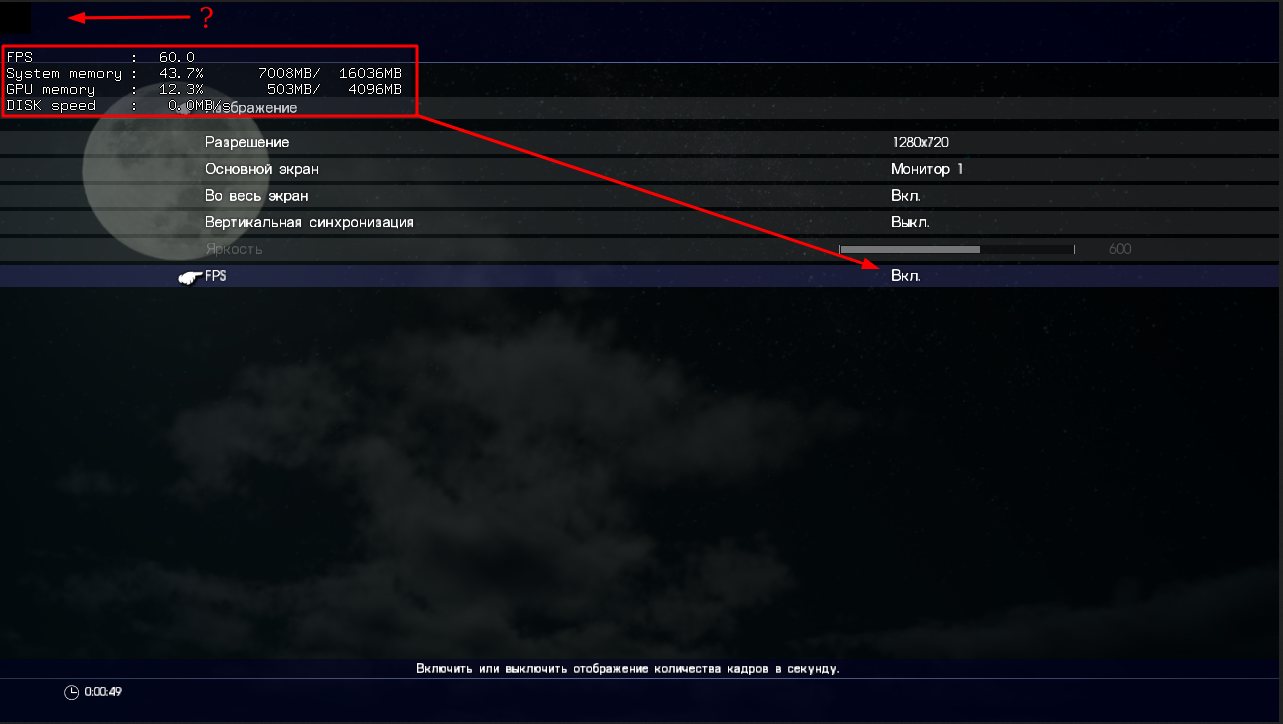

DXVK 0.91 is ok
Please bisect.
Also, are you 100% sure that this is not some random window management issue? I've seen this kind of thing before where a 32x32 object would be stuck in the top-left corner of the screen even on the desktop.
I fell back to version 0.91, and the problem disappeared
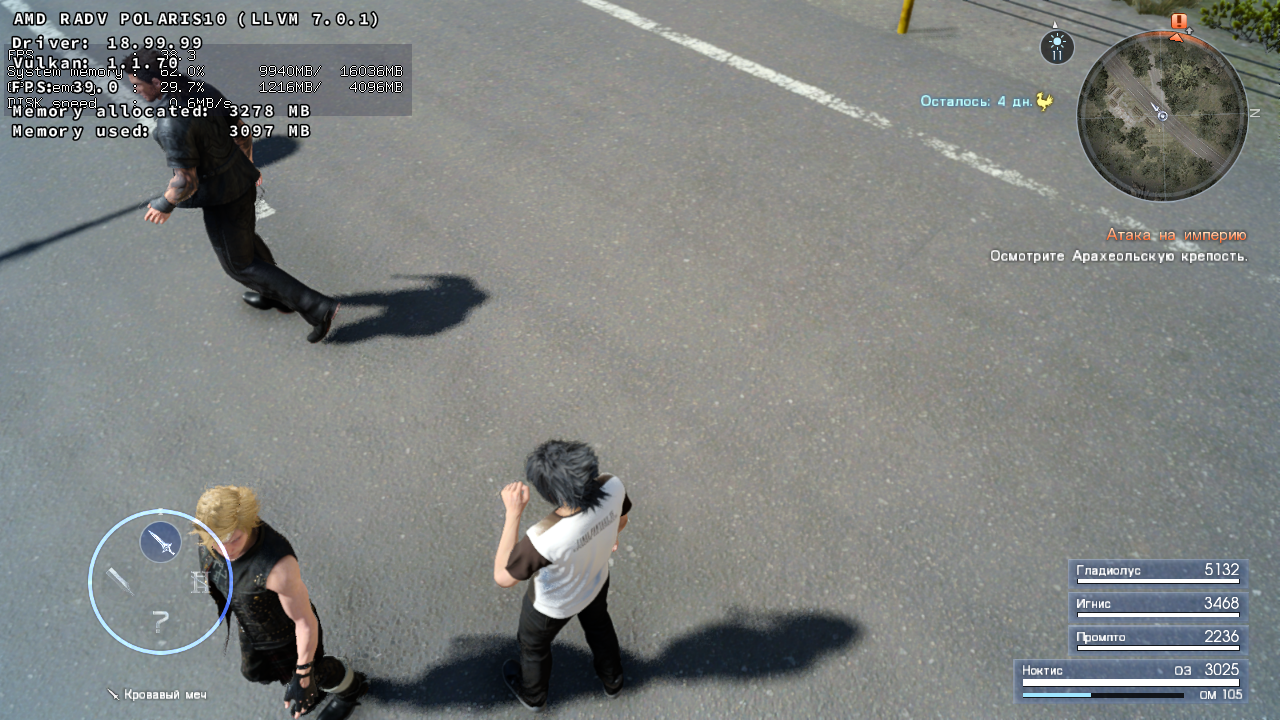
The problem is on version 0.92
Turns out I still have the game installed.
Is there a specific setting that triggers this issue, or a specific spot where it occurs? Because so far, everything is working fine for me:
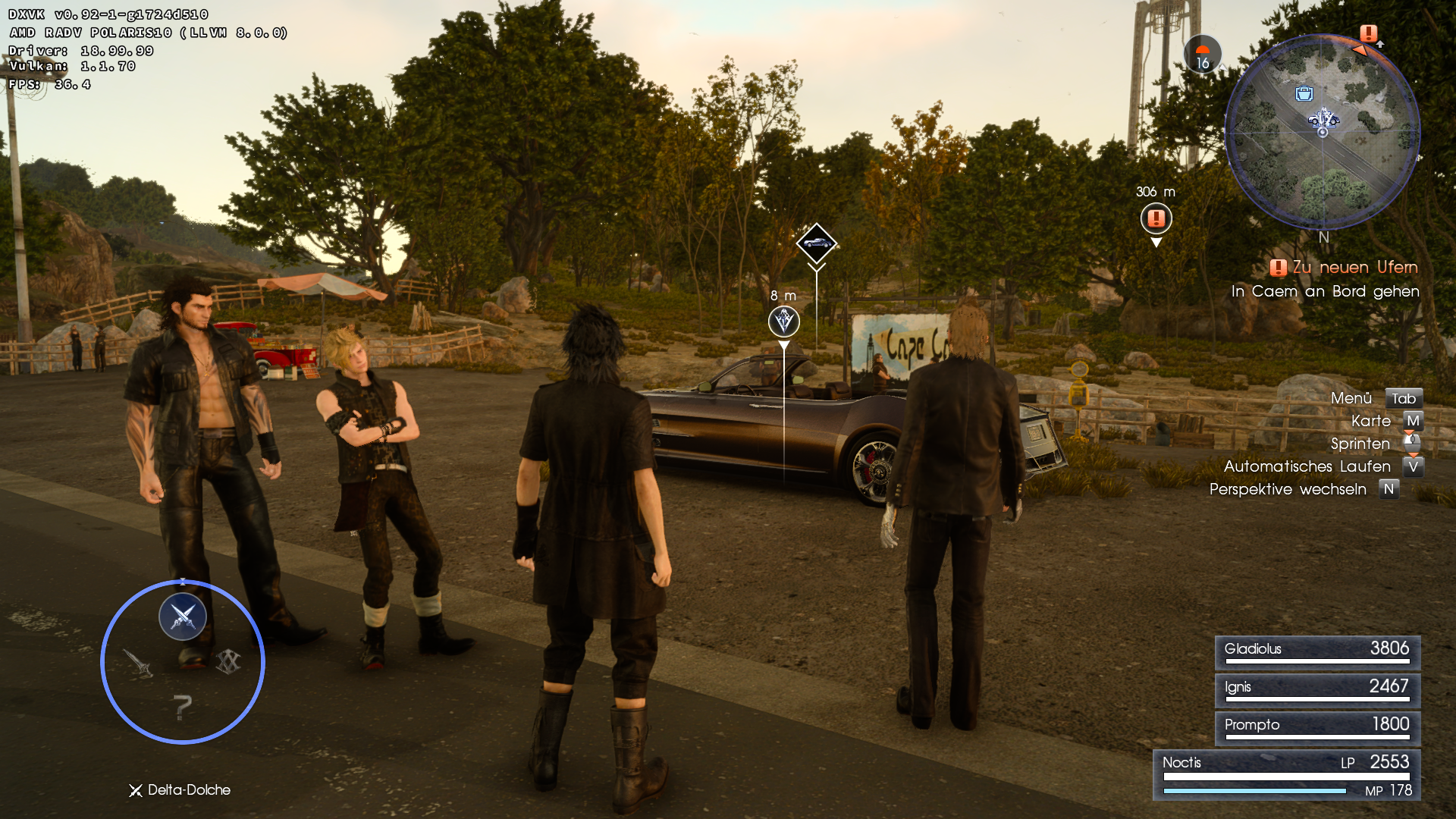
After I switched back to 0.92 and turned on the dxvk hud the game began to work normally
I don’t know how to explain it, maybe it’s somehow connected ffxv_s.dxvk-cache
magic)
Only the *.dll dxvk files were changed.
Now the game works great
The problem was in the program guake + zsh
Did the gamepad work for you? I'm using ps4 pad and camera keeps spinning other buttons working.
Nothing extracted yet.
A black square appeared in the upper left corner.
System information