DXVK freezes at startup game WorldOfTanks become in revision r1755
So 0.92 is fine?
Oh, also, please try an older driver. 415.13 is known to cause major issues.
Can't test because the Wargaming Game Center is broken on Wine.
I can help from windows. Do you need API trace of the game staring up or is it just the launcher that is having issues?
Got WGC to work and the game installed. How do I enable D3D11? It uses D3D9 for me. Installing the HD client does not work.
Finally got it to work.
@Kendak working fine here:
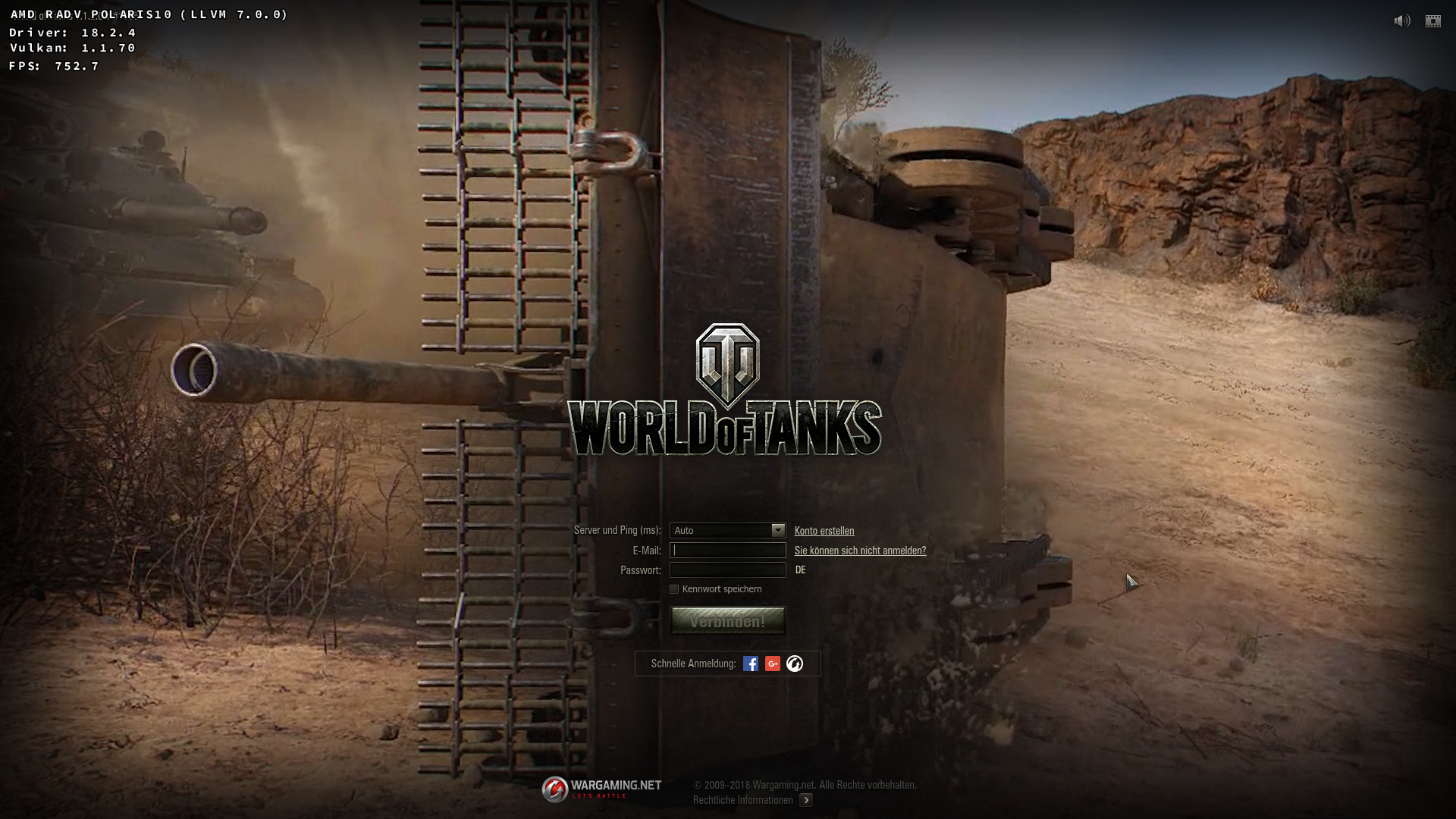
Oh, also, please try an older driver. 415.13 is known to cause major issues.
Yes, I try 390.x, but it still same error -> newest release dxvk will not work on same error.
Try 396 instead. The 390 drivers are ancient and broken.
I tested DXVK x64 from source that @Kendak provided and encountered same bug: no login screen, just black window. I have same hardware (GTX 1050 Ti), Nvidia driver 396.54.09, all settings on Ultra. With DXVK 0.92, game works normally.
Also, @Kendak your driver (415.13) does not support transform feedback which is needed if you wish to play with DX11 in this game.
DXGI log
D3D11 log
This doesn't make any sense, it should be impossible for that specific commit to cause such an issue.
Anyway, if 0.92 works, just keep using that I guess. I cannot reproduce the bug and won't be able to fix it.
@arzardk actually, can you test e4d3357e55811cb8a5257ea8bd7b68c25a5eb022? Not sure if that fixes anything, but DXVK could definitely be doing the wrong thing there.
Ok, i'll try it.
@doitsujin sorry but i can't compile master branch due to error related to missing dxgi1.4. DXVK 0.92 compiles fine.
Log from my terminal
@arzardk Current master requires MinGW 6.0.
Anyway, here's a build of latest master:
dxvk-master.tar.gz
Game works normally.
Here is DXGI log file
Can confirm that https://github.com/doitsujin/dxvk/commit/e4d3357e55811cb8a5257ea8bd7b68c25a5eb022 fixed the issue for me.
Alright, thanks for confirming.
Nothing extracted yet.
Hello doitsujin.
thanks for your excellent work on dxvk. But in revision: r1755 (which I downloaded from here:
https://haagch.frickel.club/files/dxvk/r1755.1724d51/32/bin/ )
is this error
debug: D3D11Device: No such vertex shader semantic: NORMAL0
debug: D3D11Device: No such vertex shader semantic: TANGENT0
debug: D3D11Device: No such vertex shader semantic: BINORMAL0
And game after this errors freezes during startup - I dont see login page/screen. Game is stucked.
If I use revision 1752 game will normal start.
Something is wrong in revision 1755 and later (1757 and 1760 doesn't work too)
Software information
World Of Tanks 32bit version
System information
Log files