Unigine Superposition - Extreme "Shaders Quality"
Can you give more details on the symptoms you're seeing (any cpu load? gpu load?)
How exactly do you reproduce this? Works fine for me using 1080p Extreme.
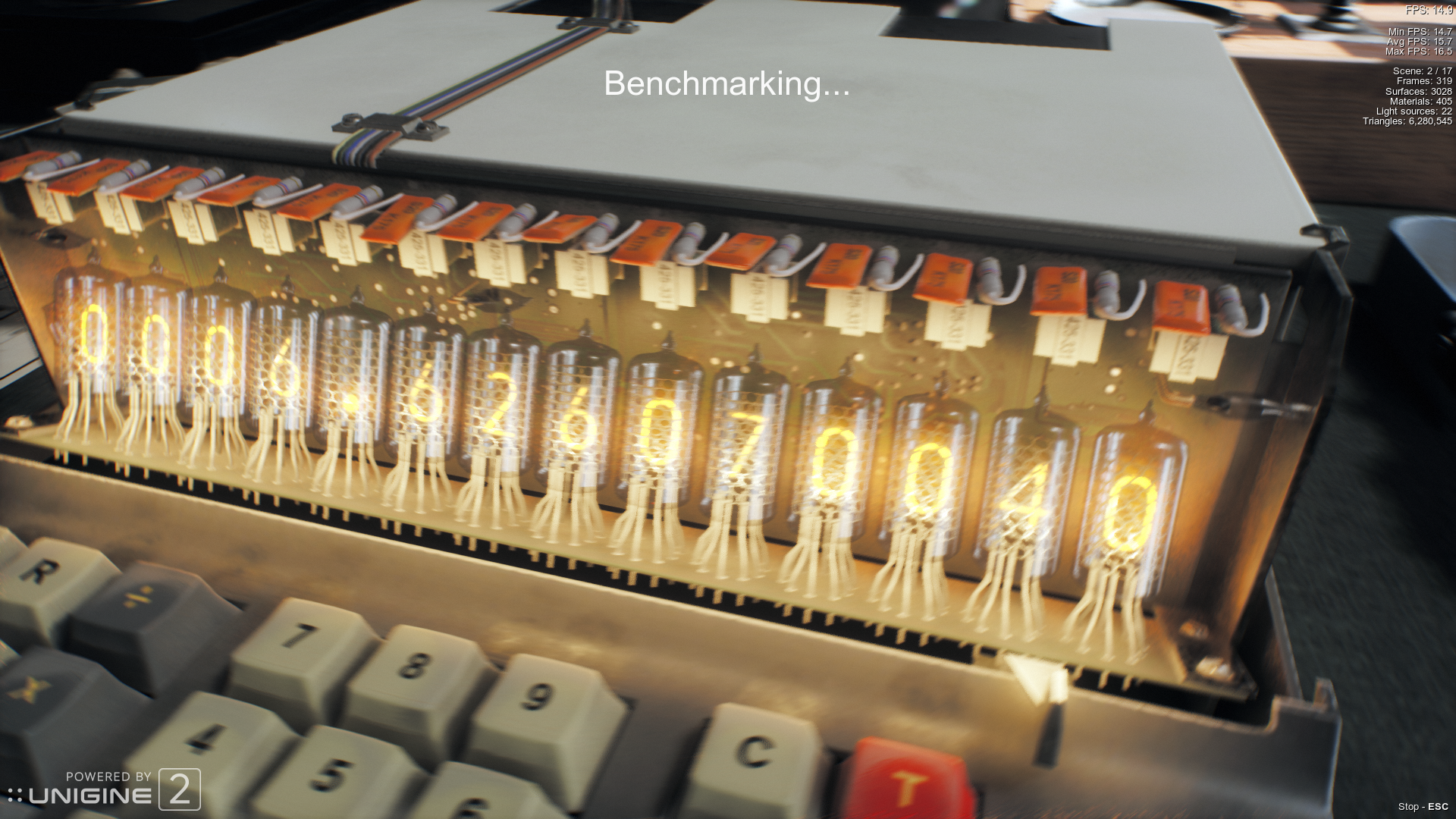
It never finishes the "LOADING" part (Where the LOADING text gets filled... and textures load).
I waited for 3-4 minutes, and actually caused a soft-lockup, and had to ssh in to my box to kill wine...
nvidia-smi
+-----------------------------------------------------------------------------+
| NVIDIA-SMI 415.18.02    Driver Version: 415.18.02    CUDA Version: 10.0     |
|-------------------------------+----------------------+----------------------+
| GPU  Name        Persistence-M| Bus-Id        Disp.A | Volatile Uncorr. ECC |
| Fan  Temp  Perf  Pwr:Usage/Cap|         Memory-Usage | GPU-Util  Compute M. |
|===============================+======================+======================|
|   0  GeForce GTX 970     On   | 00000000:01:00.0  On |                  N/A |
|  0%   50C    P0    68W / 200W |   3935MiB /  4039MiB |      0%      Default |
+-------------------------------+----------------------+----------------------+
+-----------------------------------------------------------------------------+
| Processes:                                                       GPU Memory |
|  GPU       PID   Type   Process name                             Usage      |
|=============================================================================|
|    0      1702      G   /usr/lib/xorg/Xorg                           188MiB |
|    0      1988      G   /usr/bin/gnome-shell                          98MiB |
|    0      3235      G   /usr/lib/firefox/firefox                     114MiB |
|    0      4837    C+G   launcher.exe                                  88MiB |
|    0      4907    C+G   ...osition Benchmark\bin\superposition.exe  3428MiB |
+-----------------------------------------------------------------------------+
I also have this issue with my GTX 1080 so I can confirm that it is an nvidia issue. The music does start playing but it is frozen on the loading screen. Do note that this program does use Stream output.
Can reproduce on my GTX 670 system. Doesn't really look like a DXVK bug though.
wined3d:
+-----------------------------------------------------------------------------+
| NVIDIA-SMI 415.18.02    Driver Version: 415.18.02    CUDA Version: 10.0     |
|-------------------------------+----------------------+----------------------+
| GPU  Name        Persistence-M| Bus-Id        Disp.A | Volatile Uncorr. ECC |
| Fan  Temp  Perf  Pwr:Usage/Cap|         Memory-Usage | GPU-Util  Compute M. |
|===============================+======================+======================|
|   0  GeForce GTX 970     On   | 00000000:01:00.0  On |                  N/A |
|  0%   60C    P0   138W / 200W |   3394MiB /  4039MiB |     95%      Default |
+-------------------------------+----------------------+----------------------+

+-----------------------------------------------------------------------------+
| Processes:                                                       GPU Memory |
|  GPU       PID   Type   Process name                             Usage      |
|=============================================================================|
|    0      1702      G   /usr/lib/xorg/Xorg                           186MiB |
|    0      1988      G   /usr/bin/gnome-shell                          74MiB |
|    0      3235      G   /usr/lib/firefox/firefox                     132MiB |
|    0      5443      G   launcher.exe                                  31MiB |
|    0      5525      G   ...osition Benchmark\bin\superposition.exe  2960MiB |
+-----------------------------------------------------------------------------+
Distorted graphics due to some bug thats not so easy to fix.. but nevertheless
WineD3D have a bug with convert all D3D client libraries to SRVs., and a hack from Mr. Kucia fixed the "Medium" preset, but still distorted in High and Extreme.
Does load tho.
How is that wined3d bug related to a GPU hang that only happens on Nvidia hardware with DXVK?
Not related.. Just mentioned it so you should not immediately throw a "Jeez.. but WineD3D is all garbled" :)
Jokes aside.. i THINK i remember it working back when we were diddling with nVidia to fix their shader compiler (when we had to dump shaders, and use spir-v to manually compile and stuff). So it is probably a high chance of a nVidia driver bug. 396.54.09 also crashes with this tho, so must be pre that, but cba to backtrack some weird patches to get older driver to compile with my 4.19 kernel atm :)
Can you test if dxvk 0.81 works on your end? That was before stream output got implemented. If it does, and if 0.90 is broken, it might be related to transform feedback.
Testing dxvk 0.81 also freezes at the loading screen for me.
Also the dxgi log spams
err: DxvkDevice: Command buffer submission failed: VK_ERROR_DEVICE_LOST
I tested old builds (was not able to compile them now, but used release package).
0.53 loads on "extreme", but hangs a few seconds in.
0.54 exhibits the same hang during load
I still think that this USED to work around "those times" and from testing it COULD seem like it.. The most changed thing would ofc then be the driver... So starting to lean towards something happening in the driver that causes this hang perhaps.
Not really much logging i think.. And not entirely sure if the NVRM errors from dmesg is during the hang, or just me killing something that hangs.. anyway, i had a few of theese:
NVRM: Xid (PCI:0000:01:00): 31, Ch 00000036, intr 10000000. MMU Fault: ENGINE GRAPHICS GPCCLIENT_PROP_0 faulted @ 0x1_0b0c6000. Fault is of type FAULT_PTE ACCESS_TYPE_WRITE
Anyone care to install nVidia 396.24.02 or something thereabouts type of driver and test? :)
I was able to reproduce this a while back when i tested it, but i am unable to now. That is after messing with drivers, wine and older dxvk versions too. Also didn't reproduce on windows.
@SveSop @acedogblast Are you able to verify that this is no longer an issue?
@Blisto91 Had completely forgotten about this one. Yeah, does not seem to be an issue anymore for me atleast. 515.49.05 driver now, and a RTX2070.
@acedogblast If it is fixed for you aswell, ill close this one.
Upstream links
- show_bug.cgi?id=46164x1 2018-11
Launching Unigine Superposition with the "Extreme" setting, does not complete loading and "hangs" during the "LOADING" part.
Software information
Unigine Superposition
Setting "1080p Extreme", or "Custom", and "Extreme" shaders quality will load the vram 3.6GB+, but setting shaders quality to "Extreme", and textures quality to "Medium" will use around 2'ish GB according to nvidia-smi.
System information
Log files
superposition_dxgi.log.gz
superposition_d3d11.log.gz