Queries cause games to lock up
As mentioned, I have no idea what might cause this and apitrace files do not help debugging this issue. Someone who actually owns the game will have to investigate.
I failed at git. The commit that actually breaks it is 5334ff57bff0521bf3ad5b22ccd7f8c405aea6c9.
Witness gets stuck busy waiting in radv_GetQueryPoolResults(), 3d17eb68b9423213b8b345c6bc14209a06c1bde5 doesn't help.
pool->type is VK_QUERY_TYPE_OCCLUSION, on the very first db_count iteration it loops forever with 'start' staying 0 (meanwhile 'end' has the required bit set).
I guess you can't reproduce because we are using mesa git.
There are multiple busy-wait loops in that routine (radv_GetQueryPoolResults) if the VK_QUERY_RESULT_WAIT_BIT is set.
It seems it's just enough to create new DxvkQuery to cause the problem, then DxvkQueryTracker will call ->getData() and that will trigger the infinite wait. No idea why DxvkQueryTracker has to do that, I guess only @doitsujin knows what he meant there.
Thanks for the info, will take a look at it later. Can you test if running the game with DXVK_DEBUG_LAYERS=1 set shows any additional info?
Unfortunately it doesn't.
@notaz
I guess you can't reproduce because we are using mesa git.
Might be true. Sadly, radv in mesa-git has been completely broken for me for a while, it unconditionally freezes my GPU regardless of the application I'm trying to run, so I can't test it at the moment. I've done some debugging though and it doesn't actually look like there's anything wrong with the way query data is retrieved, all queries should be in the correct state.
Mesa probably wants newer llvm then, llvm7 has had breaking changes like 7461bd5b8f77652195bdb771232cb762b9b8758f (mesa side). Or maybe mesa has broken stable llvm support if you're using that...
Adding a data point: I finally tried mesa 17.3.5 + llvm 5.0.1. With that Skyrim SE actually works with dxvk master!
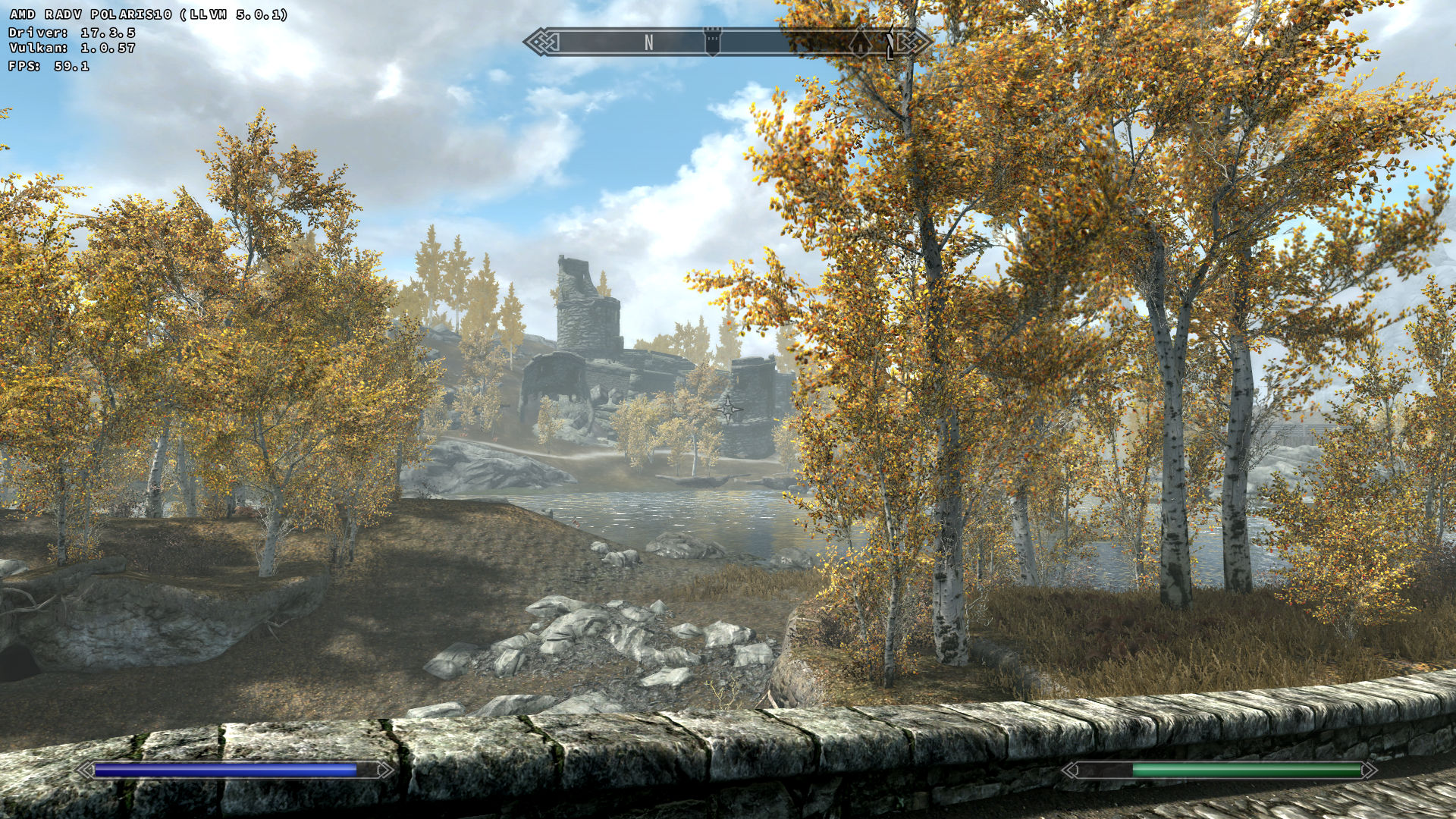
With radv master + llvm svn 7 + dxvk master Skyrim SE still freezes on a black screen with dxvk hud after loading a savegame.
@notaz well funnily enough, I now got it to work by using LLVM 5.0.1 instead of my 7.0 build, so I suspect something was broken with that. Strange.
Anyway, with mesa-git I can reproduce the issue, and after doing some more debugging I think it's a bug in radv, will try to reproduce it outside of dxvk and report it to them.
Because you added the "amd radv" tag: It is the same with my Nvidia setup (Loading -> Black screen with DXVK HUD and sound). But im not advanced enough to rule out its a problem at my end (but unigine superposition works so i think i got it right). Maybe someone else with an Nvidia card can confirm it.
Edit: Ok fixed this issue with "DXVK_SHADER_OPTIMIZE=1" but now i have an unrelated issue (flimmering textures). Looks like i need to dig deeper.
System information
- GPU: GTX 970
- Driver: 390.25
- Wine version: wine-vulkan head
- DXVK version: head (e5c0030f0678ead5635d5d5ce26aaf514f36b263)
Commit 97409c3380c8c7562548b184a8577cc04b33d1ae introduces a workaround which may fix the issue in some games. It will not always work however.
Commit bdfbd3e81ca9de65edf870ab3573f926b3c4743c adds yet another workaround that is not radv specific, and should fix all games that are affected. AMDVLK and AMD's Windows driver also tend to enter an infinite loop when retrieving query data, although for different reasons. Not sure about Nvidia.
Looks like the workarounds work, Skyrim SE works with radv master again!
There seems to be a bug in RADV-git, I was able to reproduce the issue outside of DXVK and reported it to their bug tracker: https://bugs.freedesktop.org/show_bug.cgi?id=105292
On the other hand, there is actually an issue with how certain query types are handled. Vulkan queries are required to either encapsulate an entire render pass instance, or to begin and end inside the same render pass instance. In practice, this is already the case most of the time because games tend to render geometry before using queries, but DXVK currently makes no such guarantee.
FWIW The Witness no longer hangs too. There are some warnings printed:
warn: DxvkQueryPool: Failed to get query data for 0:72 with: VK_NOT_READY
and the water rendering flickers, but with a radv fix here:
https://patchwork.freedesktop.org/patch/207476/
the warnings and flickering are gone, but still not rendering correctly (more details in #10 ).
The original query issue got fixed in mesa-git, see https://cgit.freedesktop.org/mesa/mesa/commit/?id=c956d0f4069cf39d8d3c57ebed8d905575e9ea34
Launch options
DXVK_SHADER_OPTIMIZE=1"x1 2018-02DXVK_DEBUG_LAYERS=1x1 2018-02
Just leaving this here in case anyone else can make more sense of it. I tried partially reversing the commit but no luck so far, must be something more subtle than what I tried.
Before e89c7e9276c3f79f11eab9f389308dca5d2a720e Skyrim SE works fine, but on that commit only the menu works, right after the loading screen it freezes on a black screen (with dxvk hud) and only plays sound.
Software information
Name of the game, settings used etc.
Skyrim Special Edition, Highest settings.
System information
Log files
Nothing different from the working state.